Krea 3 Is Coming to each::labs: Taste You Can Edit
Krea 3 keeps the taste of Krea 2 and adds real editing. Here's what Krea has confirmed, what it changes for your workflow, and how to get ready on each::labs before it lands.
Every image model has the same embarrassing second act. The first generation is gorgeous. Then the client asks for one small change: warmer light, a different jacket, the bottle a little to the left. You run the edit, and the thing that made the picture good in the first place quietly evaporates. The look drifts. The face drifts. The mood you spent ten generations finding is gone, and you're back to rolling dice.
That's the gap Krea says its next model is built to close. Krea 3 is Krea's new foundation model, revealed at a live preview event at the end of August, and the headline isn't "prettier pictures". It's editing. Krea 2 already gave us taste. Krea 3 is meant to let you keep that taste while you change things. And it's coming to each::labs very soon.
Here's what Krea has actually confirmed, what it means for the way you work, and how to get your pipeline ready before it lands.
What Krea 3 Actually Is (and What Krea Has Said)
Krea has been careful with details, so let's be equally careful. In its own announcement, Krea described the new model in one sentence that carries most of what we know: Krea 3 is "our new foundation model, with amazing editing capabilities that build on the aesthetic diversity and personalization we developed for Krea 2." You can read the original post from Krea yourself.
Unpack that sentence and you get three confirmed facts. First, it's a foundation model, built by Krea, not a fine-tune or a wrapper around someone else's weights. Second, editing is the new center of gravity. Third, it inherits the two things that defined Krea 2: aesthetic diversity (real variety instead of four near-identical outputs) and personalization (steering the model toward your look).
What Krea hasn't published yet: a model card, benchmark numbers, resolution limits, or a full list of edit operations. We won't fill those blanks with guesses. When Krea shares the specs, you'll find them on our Krea 3 page and in a follow-up guide here on the blog.
Why an Editing-First Foundation Model Matters
Most teams don't lose time on the first image. They lose it on the fifth revision. Generation is a solved-enough problem for a moodboard or a pitch deck, but production work is a loop: generate, review, adjust, approve. The adjust step is where today's workflows get clumsy.
The usual workaround is a two-model relay. One model makes the picture you love, a second model edits it, and you pray the second one respects the first one's style. Sometimes it does. Often it smooths the grain, flattens the color grade, or "corrects" the composition toward its own defaults. You end up with an edit that's technically right and aesthetically wrong.
A foundation model that generates and edits with the same sense of taste changes that math. If Krea 3 delivers on Krea's framing, the model that understood your look in the first pass is the same one making the change in the second. That's not a feature bump. It's a different way of working, where an image is a living draft instead of a finished artifact you're scared to touch.
We've seen this shift happen across the image category this year. Edit consistency became the thing people actually test, which is why we keep writing about it, from Ideogram 4.5's drift-free edits to GPT Image 2.5's edits that stick. Krea entering that race with its aesthetic DNA intact is the interesting part.

Krea 2 Set the Bar: Taste You Can Steer
To understand where Krea 3 is going, look at where Krea 2 already is, because it's live on each::labs today and it's the foundation Krea says the new model builds on. We called it an image model with actual taste when it launched, and that still holds.
Krea 2 does something most image models avoid: it explores. Give it an open prompt and it returns genuinely different directions rather than one safe idea rendered four times. On each::labs you get it in three sizes. Krea 2 Medium Turbo is for fast exploration, Krea 2 Medium is the everyday default, and Krea 2 Large is the one you render keepers on.
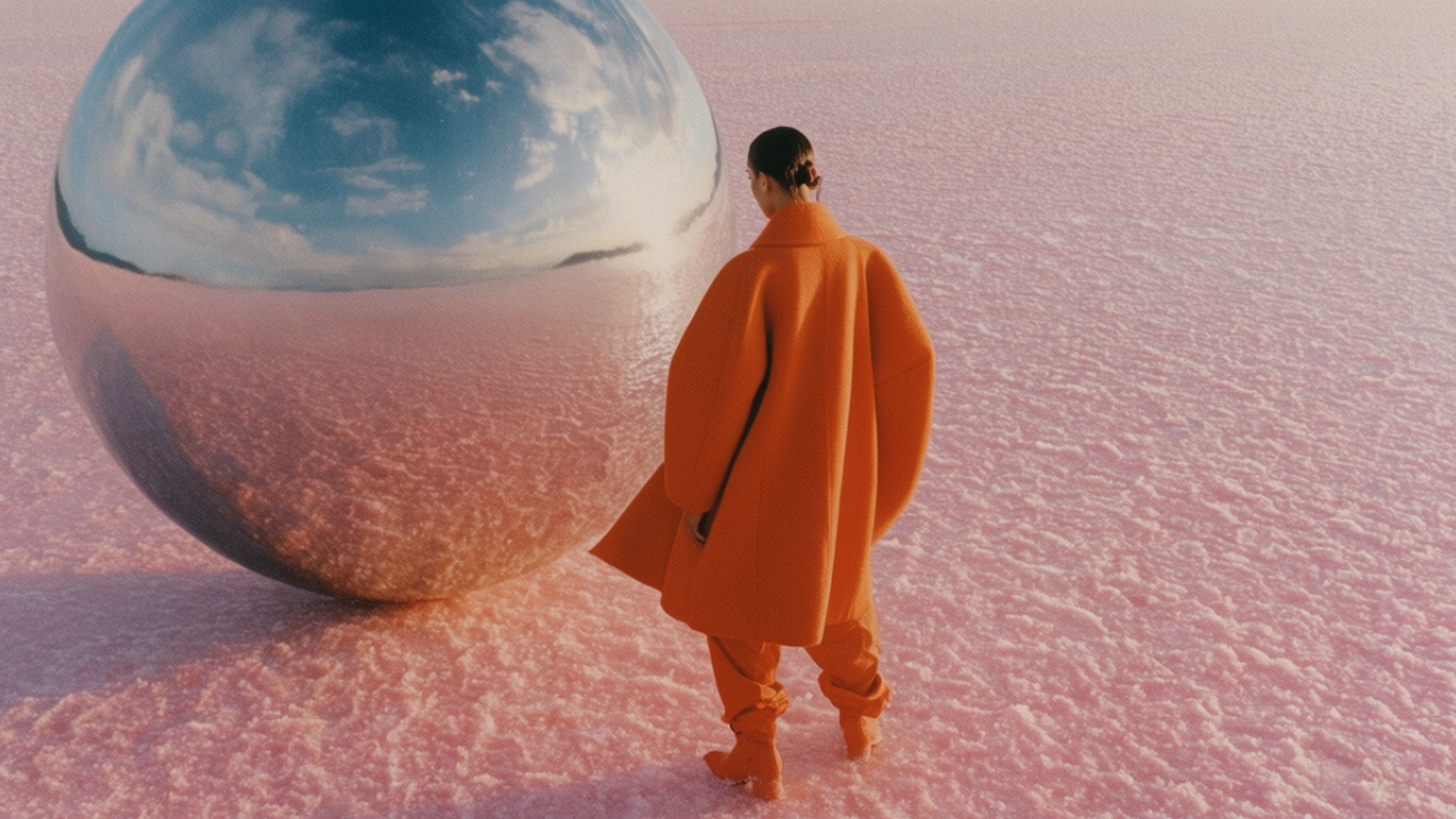
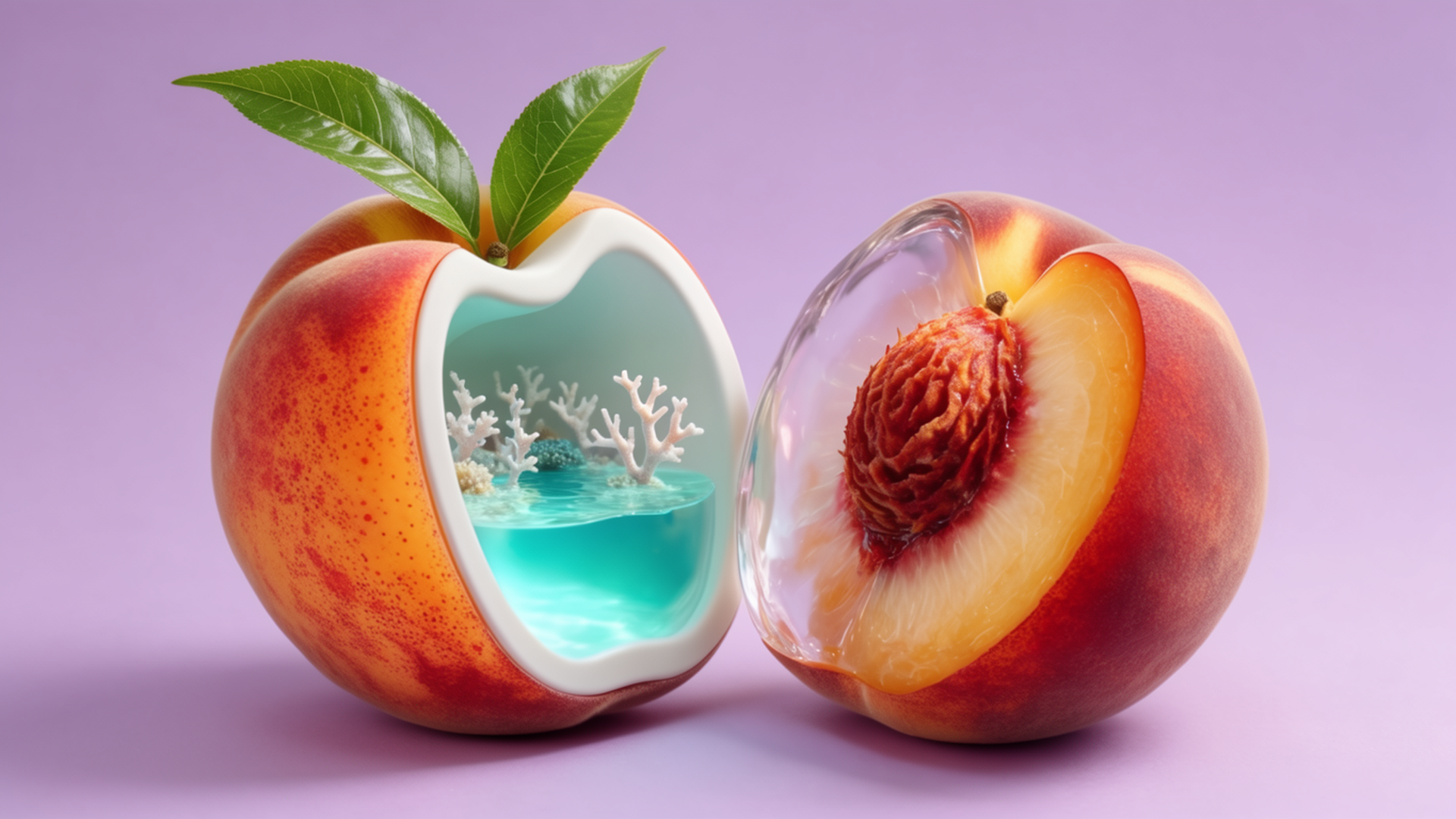
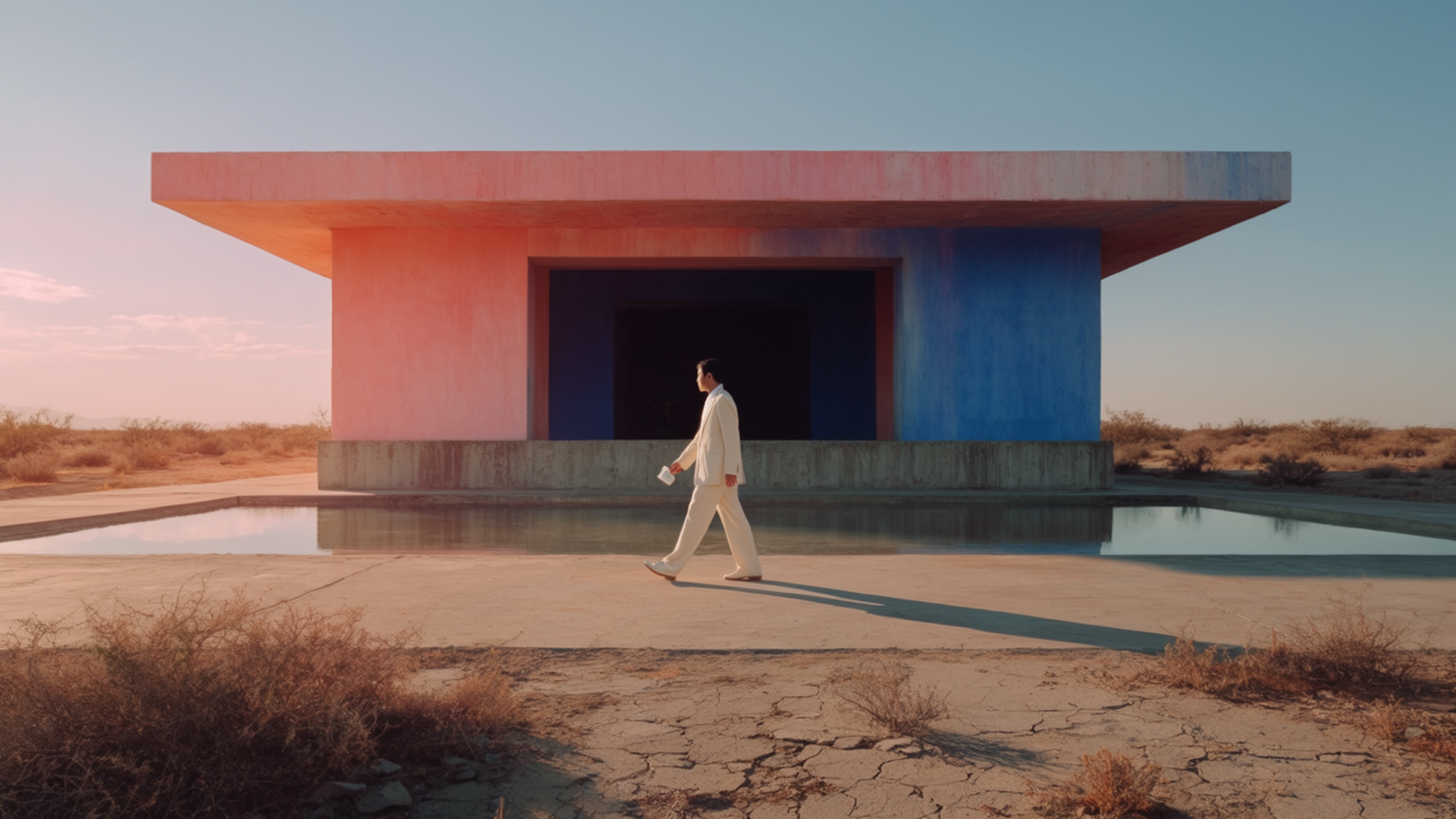
Every image in this post (except the cover) was made with Krea 2 Large on each::labs, with no retouching. Look at them as a preview of the aesthetic baseline Krea 3 starts from: soft analog color, surreal but art-directed scenes, a sense that someone with an eye made a decision.
The Controls That Make Krea 2 Personal
"Personalization" sounds like marketing until you look at the parameters. On each::labs, the Krea 2 request gives you a creativity setting with four levels (raw, low, medium, high) that controls how loosely the model reads your prompt. Low keeps it literal. High lets it wander into the interesting stuff.
Then there's image_style_references: up to 10 reference images, each with its own strength from -2 to 2. Positive values pull the output toward a reference. Negative values push it away, which is quietly one of the most useful controls in any image model. You can tell Krea 2 "this, but definitely not that", and it listens.
Add aspect ratios from square to a cinematic 2.35:1, plus a seed for reproducible runs, and you have a model you can art-direct rather than just prompt. Here's a request that shows the idea:
{
  "model": "krea-v2-large-text-to-image",
  "input": {
    "prompt": "a sculptural tangerine coat on a pastel salt flat, soft hazy light, film grain",
    "aspect_ratio": "16:9",
    "creativity": "high",
    "image_style_references": [
      { "image_url": "https://your-cdn.com/brand-look-01.jpg", "strength": 1.2 },
      { "image_url": "https://your-cdn.com/look-to-avoid.jpg", "strength": -0.8 }
    ]
  }
}
Krea's own words say Krea 3 builds on exactly this personalization layer. The reasonable read: the references and the creative range you set up today are the instincts the new model is designed to carry into editing.
What We Expect Krea 3 to Change in Your Workflow
Here we're reasoning from what Krea confirmed, not from leaked specs, so treat this as an informed forecast rather than a feature list.
Revisions should take less time and less attention. If generation and editing share one model, you stop exporting from one tool and re-importing into another, and you stop re-establishing the look after every change. Fewer handoffs, fewer places for the style to break.
Brand consistency should get easier to hold. Personalization plus editing means a campaign can start from one approved hero image and branch into variations (new product color, new background, new season) without each variation reinventing the aesthetic. That's the job a lot of teams currently stitch together across an image-to-image step and a lot of manual review.
And exploration stays in the loop. Krea 2's range was its signature. An editing model that kept that range would let you explore sideways from a finished image ("show me five moods for this exact scene") instead of only from a blank prompt. Whether Krea 3 works exactly that way is something we'll confirm the moment we can run it.
Get Ready on each::labs Before Krea 3 Lands
You don't need to wait for launch day to be ready. The fastest teams on day one will be the ones who already have their references, prompts and pipelines in place.
Start by building your reference library with Krea 2. Pick five to ten images that carry your brand's look, and a couple that represent what you never want. Run them through Krea 2 Large with positive and negative strengths until the outputs feel like yours. That library is directly reusable thinking, whatever the final Krea 3 request looks like.
Next, write down your real edit requests. Go through last month's revisions and list the changes clients actually asked for: relight, recolor, swap an object, change the season, extend the frame. Those become your first test set when the new model arrives, and you'll know within an hour whether it saves you work.
Then wire the call once. each::labs puts every model behind the same API, so the integration you build for Krea 2 today is the same shape you'll use tomorrow. Moving to the new model should be a model id change, not a rebuild. If you're chaining steps (generate, edit, upscale, animate), sketch it now in each::labs flows so the new model drops into an existing pipeline.
Prompts to Try on Krea 2 Today
These prompts are tuned for Krea 2's strengths and make a good baseline to rerun when the new model arrives, so you can compare like for like.
A designer's moodboard come alive: a sunlit pastel room where paper swatches and fabric samples float in midair around a mint green vintage armchair, warm window light, soft analog film tones.
Retro-futuristic still life: a ripe peach split open revealing a tiny glowing turquoise lagoon inside, seamless lilac backdrop, soft colored shadows, playful surreal advertising aesthetic.
A brutalist pavilion in coral and cobalt concrete beside a mirror-still desert pool at golden hour, a lone figure in a cream suit, long cinematic shadows, muted pastel palette.
Run each at creativity: high first to see the range, then drop to low once you've found the direction. Save the seeds of the ones you like. When you test editing later, these are the images you'll ask to change.
Krea 2 vs Krea 3: How to Think About the Two
Don't think of this as a replacement story. Krea 2 is a proven generator with a distinctive eye, and it's live right now across text-to-image on each::labs. Krea 3 is Krea's answer to the question every Krea 2 user eventually asks: "I love this image, now how do I change it without breaking it?"
Our working assumption until we can test: Krea 2 for wide, fast exploration and for teams that are happy with the outputs as generated; Krea 3 for production work where the image has to survive revisions. Once it's live we'll run both on the same prompts and tell you plainly where each one wins.
And if your work goes beyond stills, the rest of the catalog is one call away in each::labs models, so a Krea image can become a video or a product set without leaving the API.
Frequently Asked Questions
When is Krea 3 coming to each::labs?
Very soon. Krea previewed the model publicly in late August, and we're preparing to bring it to each::labs as soon as it's available. Follow our Krea 3 page, which is where the model will appear.
What's new in Krea 3 compared with Krea 2?
Editing is the big shift. Krea describes the new model as a foundation model with strong editing capabilities that build on Krea 2's aesthetic diversity and personalization. Detailed specs and benchmarks haven't been published yet, and we'll cover them as soon as they are.
Can I use Krea 2 on each::labs right now?
Yes. Krea 2 Medium, Medium Turbo and Large are all live, with creativity control, up to 10 style references with positive or negative strength, and aspect ratios up to 2.35:1. It's the best way to prepare your references and prompts for the new model.
Will my Krea 2 integration work with Krea 3?
The each::labs side stays the same: one API, one key, one request format across models, so switching is a model id change. The exact input fields for the new model will be documented on its model page at launch.