Turn ideas into production
Build, orchestrate and produce AI media with models, workflows and tools in one place.
From idea to output. See how each::labs takes you from what you want to create to a finished result.
- Reference · Style

- Reference · Casting

- Product photo

- Campaign shot

- 01
Start with what you want to make.Describe it in your own words or bring a reference.
- 02
Find the model or workflow.Pick a model, build a workflow or let each::sense find the path.
- 03
Generate and refine the output.Compare results, refine them and produce the final version.
One place to imagine, build and produce.
Get started for free- 01 · each::senseExplore each::sense
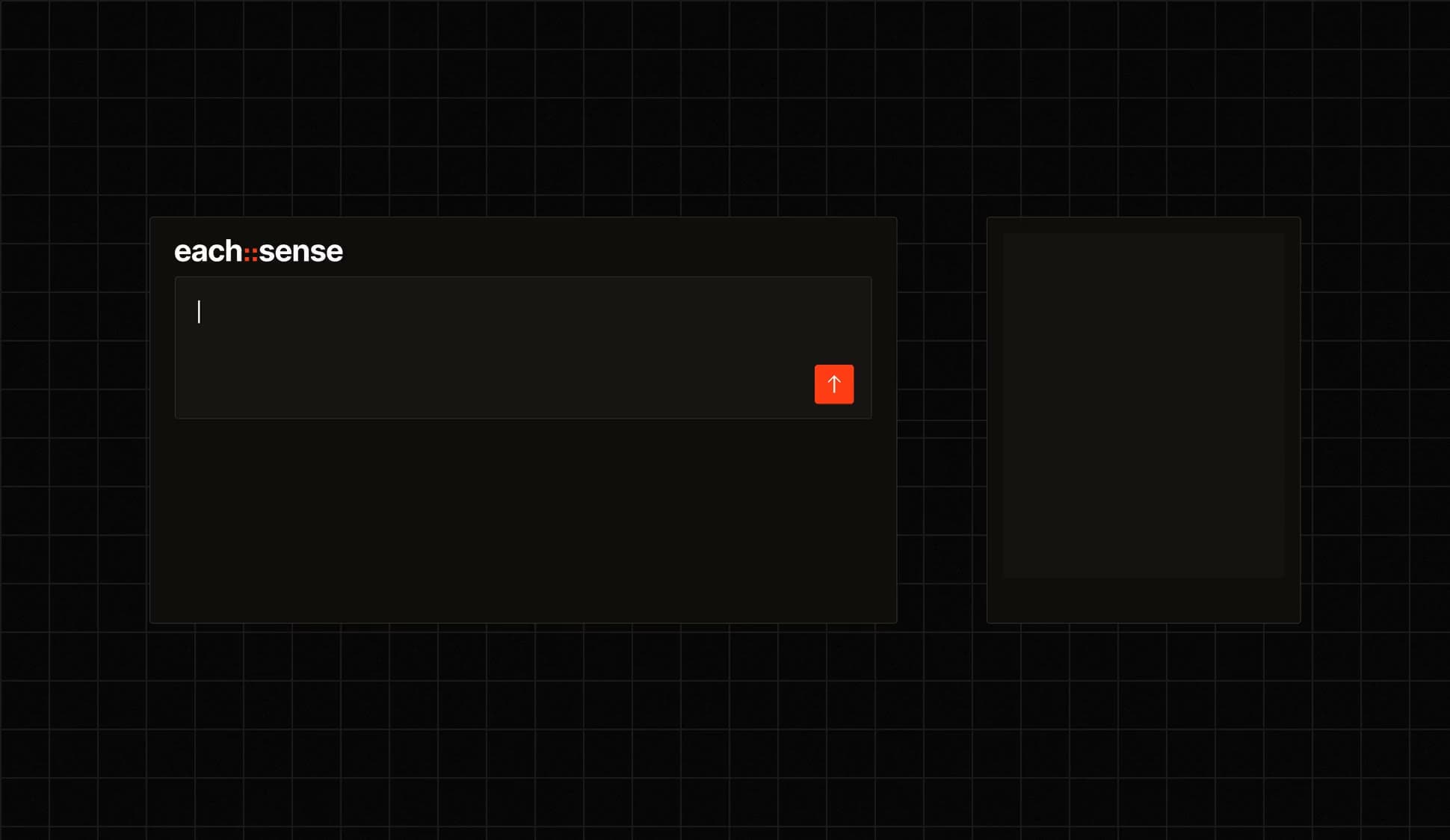
Start with what you want to make
You don’t need to know which model or workflow to use. Bring domain expertise into the process and turns your intent into the right production workflow.
- 02 · GenerateStart generating
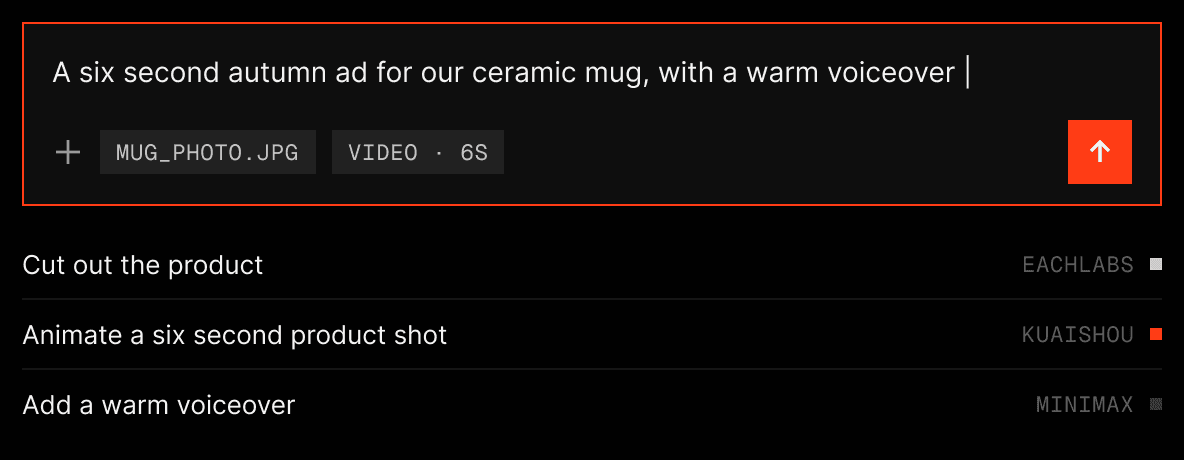
Make the first version
Generate images, video, audio and more from one place. Try different models, inputs and directions without switching between tools.
- 03 · WorkflowsExplore workflows
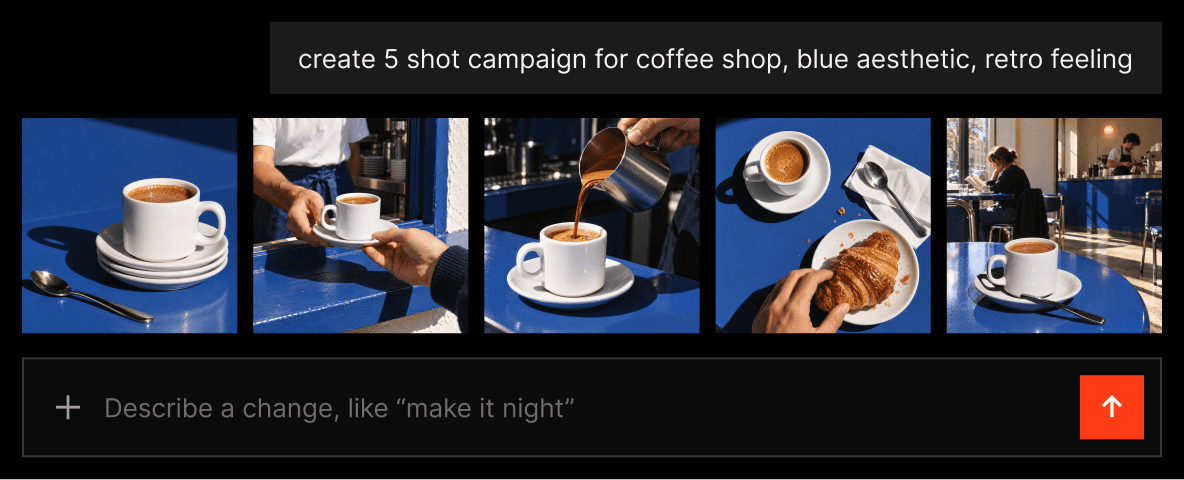
Turn a generation into a process
Connect models and steps into repeatable workflows. Build once, run again, and change the models or inputs as your production evolves.
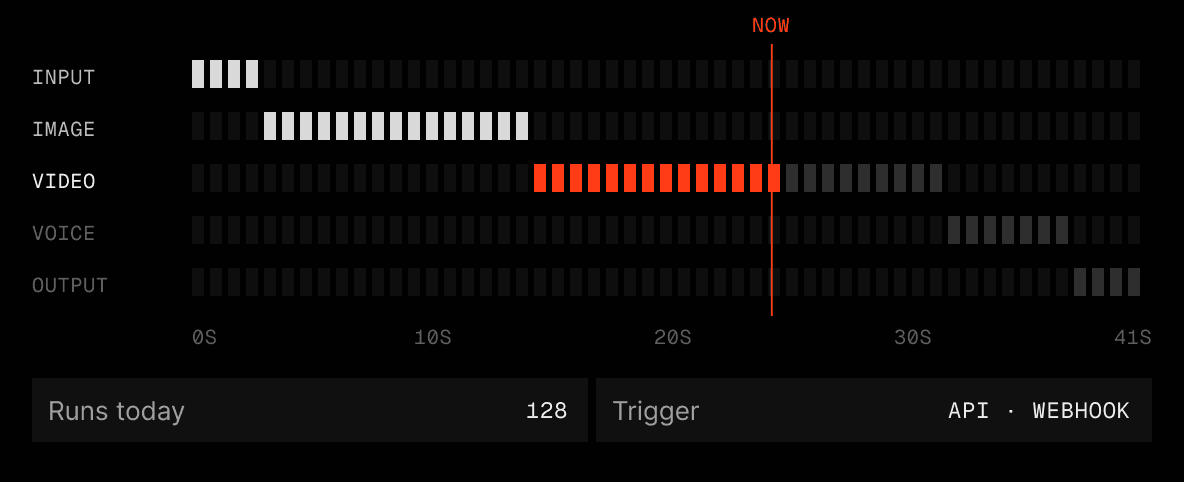



Build each::labs into your product. API and MCP for your apps and agents.
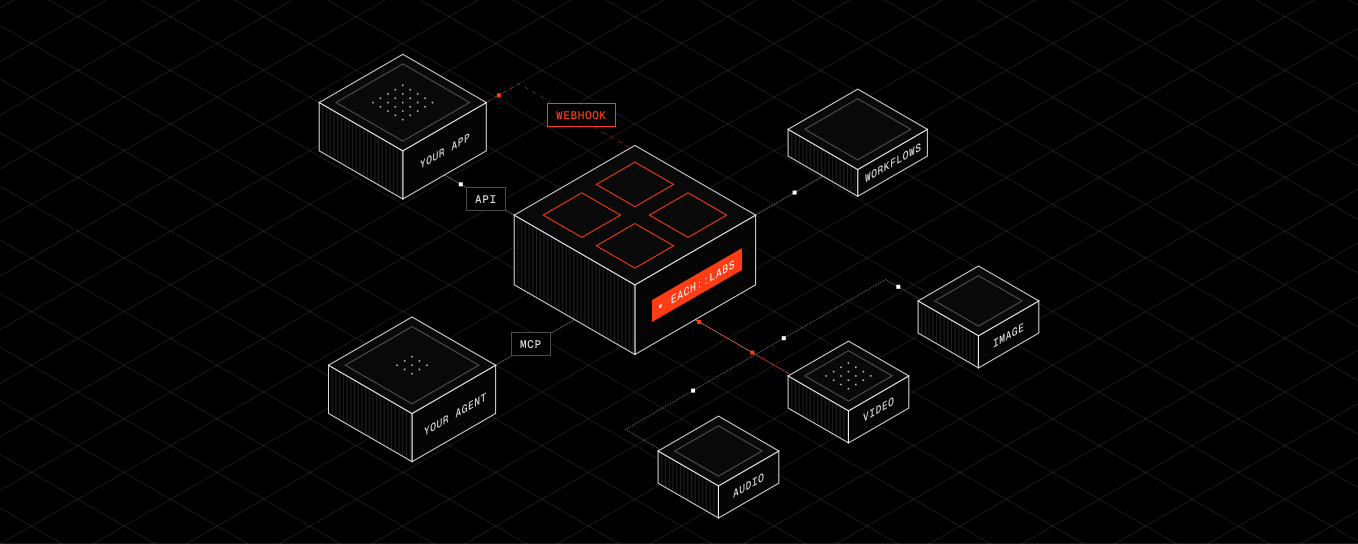
One API for every modelCall models and workflows from your code with one key and SDKs for TypeScript, Python, Go and Rust.
MCP for your agentsGive your agent the ability to create. Connect over MCP and let it run models and workflows.
Results by webhookLong renders finish in the background. The result is delivered to your app when it is ready.
Run it in production.
Find the right model for each step, and keep workflows running when a model fails.
- 05 · Model discoveryExplore models
Find the right model for the job.
Explore image, video, audio and language models in one place. Compare capabilities, price and speed before you run anything.
Image to video · Fastest first
20s
The fastest model for this task.Compare speed and price before you run.
Pruna AI~20s · $0.01 to $0.075 / s
Alibaba~1 min · $0.05 to $0.20 / s
- 06 · Routing & fallbackExplore routing
Keep your workflow moving.
Choose the right model for each step. Add fallback paths so a workflow keeps running when a model is unavailable.
Upscale step · Run 1
Run completed
The primary model was unavailable.The fallback took over and kept the run going.
Primary · Topaz Labs503 · Unavailable
Fallback · PixVerse200 · Completed
One system. Different ways to work.
 For creatorsStart creating
Start with what you want to make.
Describe the idea in your own words. each::sense picks the models and steps, so you can stay on the creative side.
 For buildersRead the docs
Work directly with every part.
Call models and workflows through the API or MCP. Pick the exact model, set the inputs and build it into your product.
 For production teamsTalk to an engineer
Run what works, at scale.
Turn proven results into repeatable workflows. See what is running, what it costs and when something needs attention.
From first generation to production

Models
Find and use the right models for every step.

Workflows
Connect multiple steps into one repeatable process.

Observability
Understand what is running and what it costs.

Storage
Keep outputs stored and ready to use.
Frequently asked questions
The short answers. For anything specific to your pipeline, ask the people who build the platform.
 Talk with an engineerFind your next pipeline opportunity.
The each::labs platform is one place to run every AI call your product makes. It puts 600+ models behind a single API, plus the products that make them production-ready: the Router (automatic model fallback), the Enhancer (fewer failed generations), Workflows (chaining several models into one pipeline), and each::sense (a natural-language agent that builds workflows for you).
The Router sends each request to the best available model and fails over automatically when one degrades. The Enhancer reshapes prompts to cut errors. Workflows chain multiple models into a single pipeline with retries and version control, so one call gives you a production-grade result instead of glue code.
Every call on each::labs emits a trace by default. You see latency, cost, and which model actually served the request, with no separate SDK to bolt on. You can also A/B test models against each other and attribute spend by any attribute you attach to a call.
Yes. The products are modular and opt-in, so you can adopt the Router, Workflows, or the Enhancer one at a time without touching the rest. And with each::sense you can skip most integration work: describe what you want in plain language, and the agent decides which models to use and assembles the workflow for you.
The each::labs platform supports any language via REST and gRPC, plus official SDKs for Node.js/TypeScript, Python, Go, and Rust. LLM endpoints are OpenAI-compatible, so existing OpenAI SDK code works with a base-URL change.
The each::labs platform serves millions of requests every month through edge routing, regional deployment, warm pools, dedicated capacity, and quality-aware failover. Hard spend caps and per-key rate limits keep behavior predictable under viral launches and load spikes.