AI media for music and music video. Turn a track into a visual world.
Develop scenes, visualizers, cover art and music video concepts around your music from one connected workflow.
Trusted by teams building with AI










Built around the music.
 The track
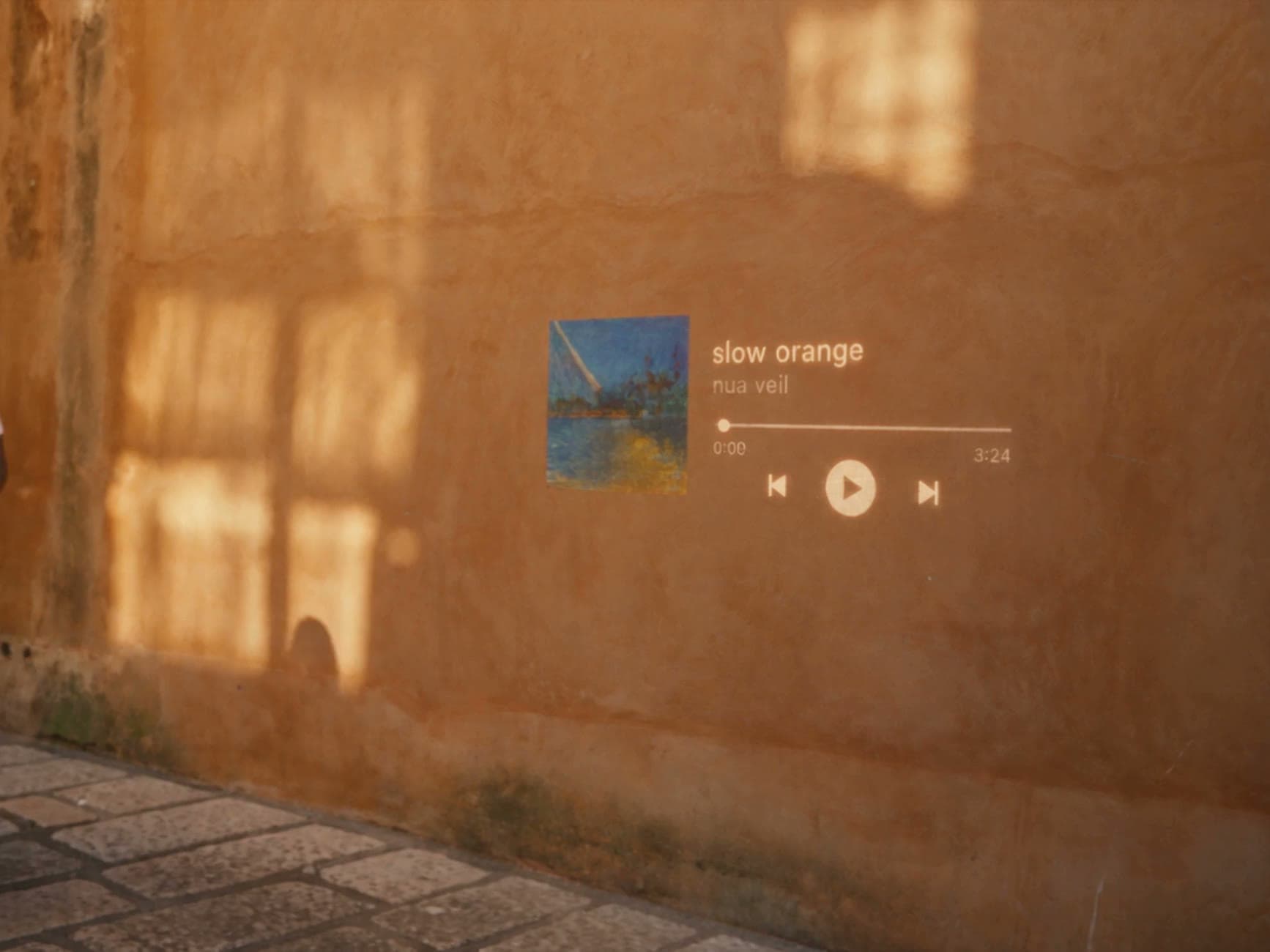
Start with the track.
Use the music as the starting point for visual development.
 Direction
Develop a complete visual direction.
Move from concepts to scenes, artwork and video.
 Releases
Create for every release.
Build visual assets for music videos, social, streaming and promotion.
What you can create. Input in, output out.

Music video scenes
Create visual scenes around a track.

Lip sync
Create synced performer footage where supported.

Cover art
Develop artwork for releases.

Visualizers
Create looping visuals for streaming and social.

Promotional content
Create short-form assets around a release.
How it works. From track to visual, for every release.
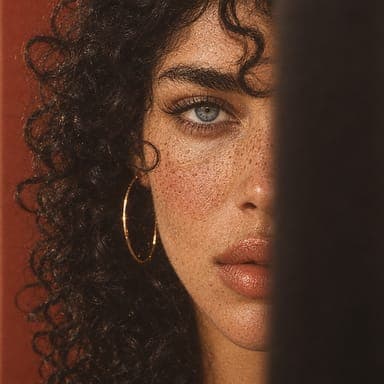
- Reference · Style
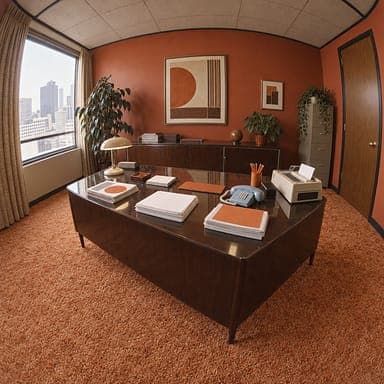
- Reference · Casting
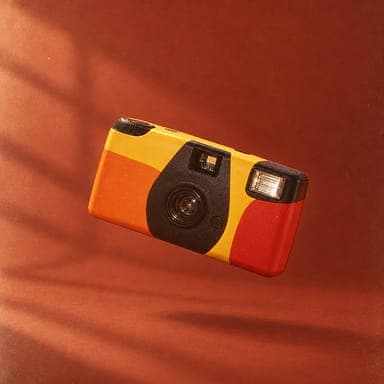
- Product photo
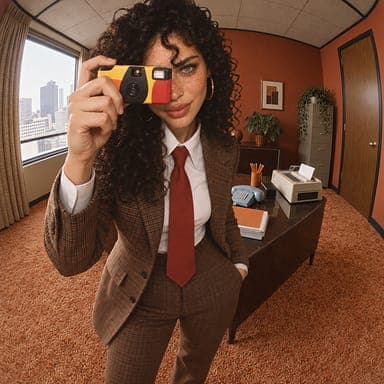
- Campaign shot
- 01
Imagine.Start with the track, lyrics, reference or visual direction.
- 02
Build.Develop the models and workflow needed for the visual.
- 03
Produce.Generate, refine and assemble the final assets.
Built for music workflows. Everything a release needs to go from track to finished visuals, in one platform.
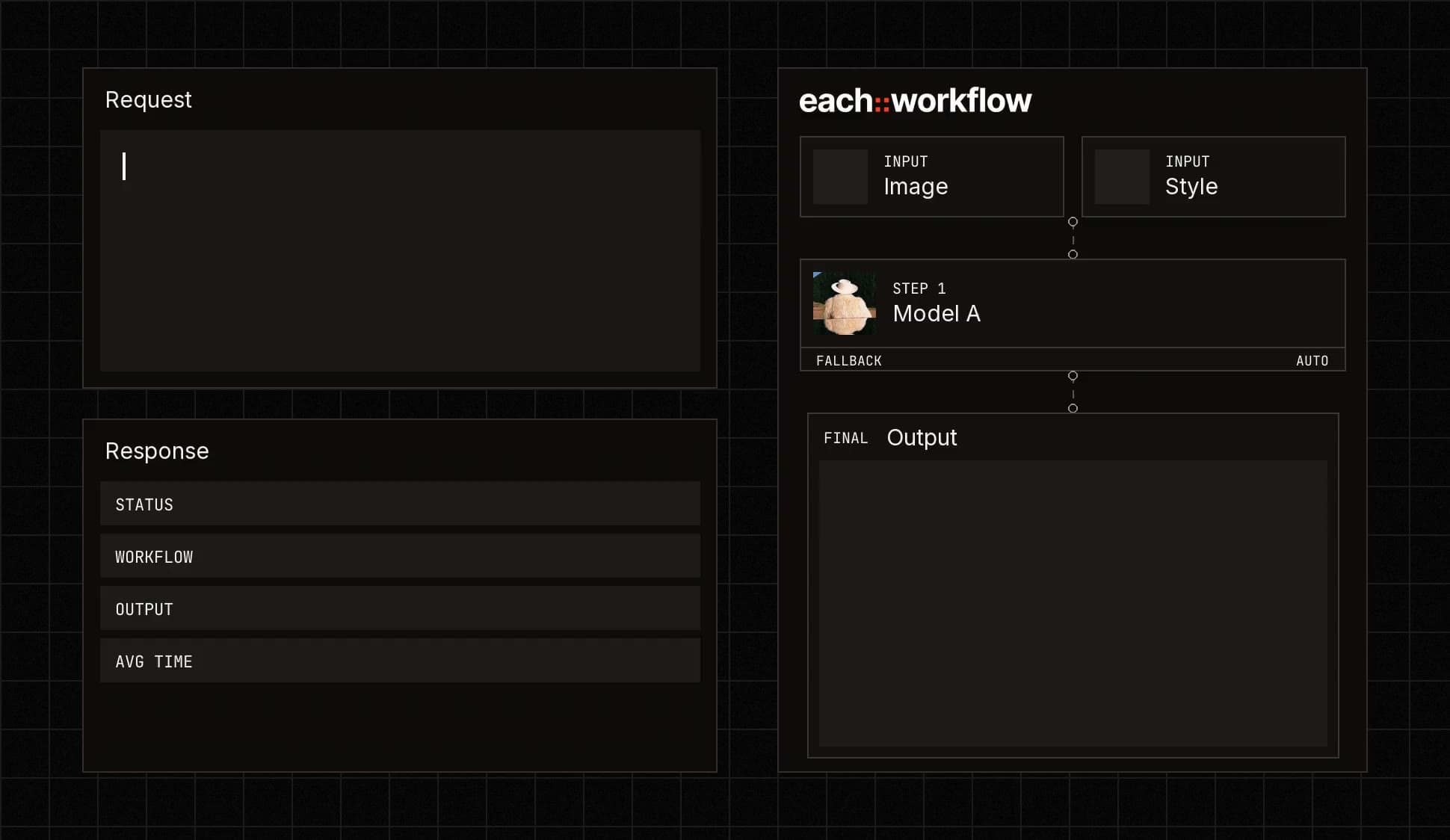

Connect generation to your existing tools.
Call any model or workflow from your code.

Combine music, image, video and processing steps.
Build the process once and reuse it for every release.

Edit, format and prepare visual content.
Deliver vertical and horizontal cuts from one source.

Describe the visual direction and let each::sense help build the workflow.
No need to pick every model yourself.
Who it’s for. Teams making visuals for every release.
Get started for free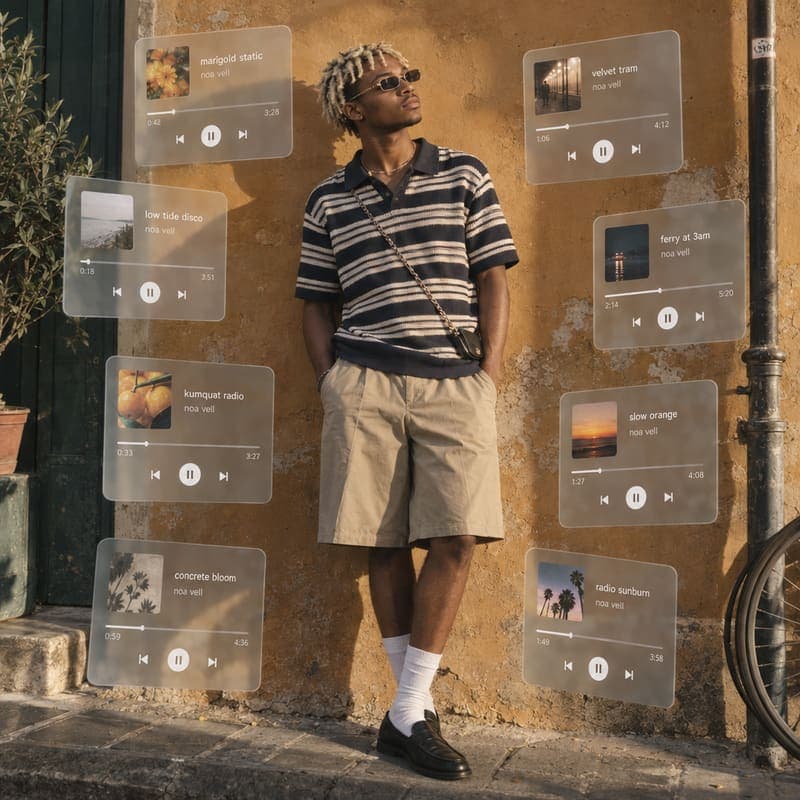 Artists & labels
Visuals for releases and campaigns.
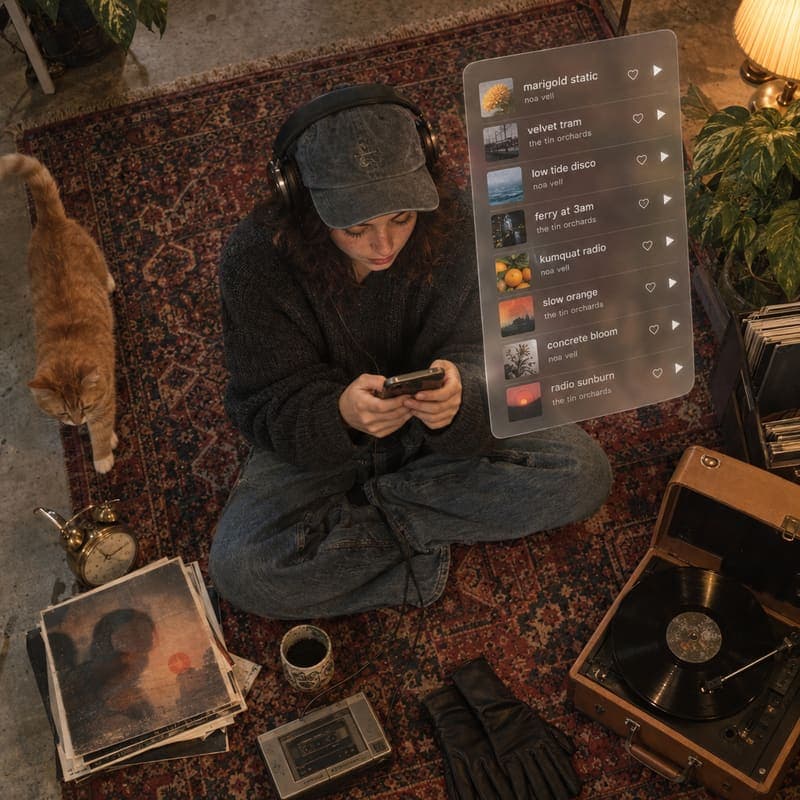 Music platforms
Creation tools for users making music and visuals.
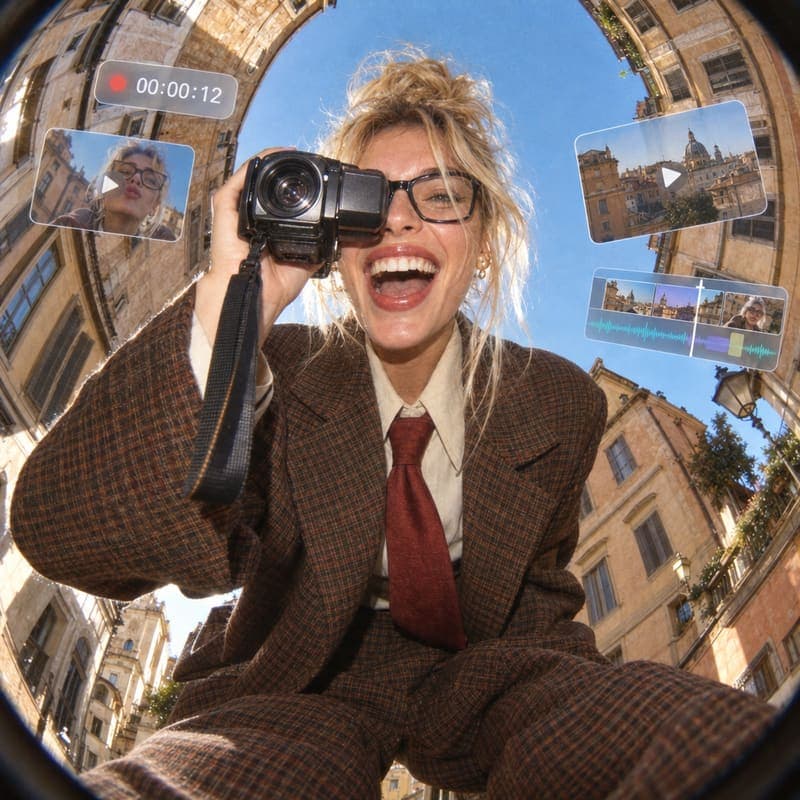 Video producers
Teams producing music videos and promotional content.
Built for production.
From your first workflow to production at scale, each::labs gives your team the infrastructure and support to run AI media reliably.
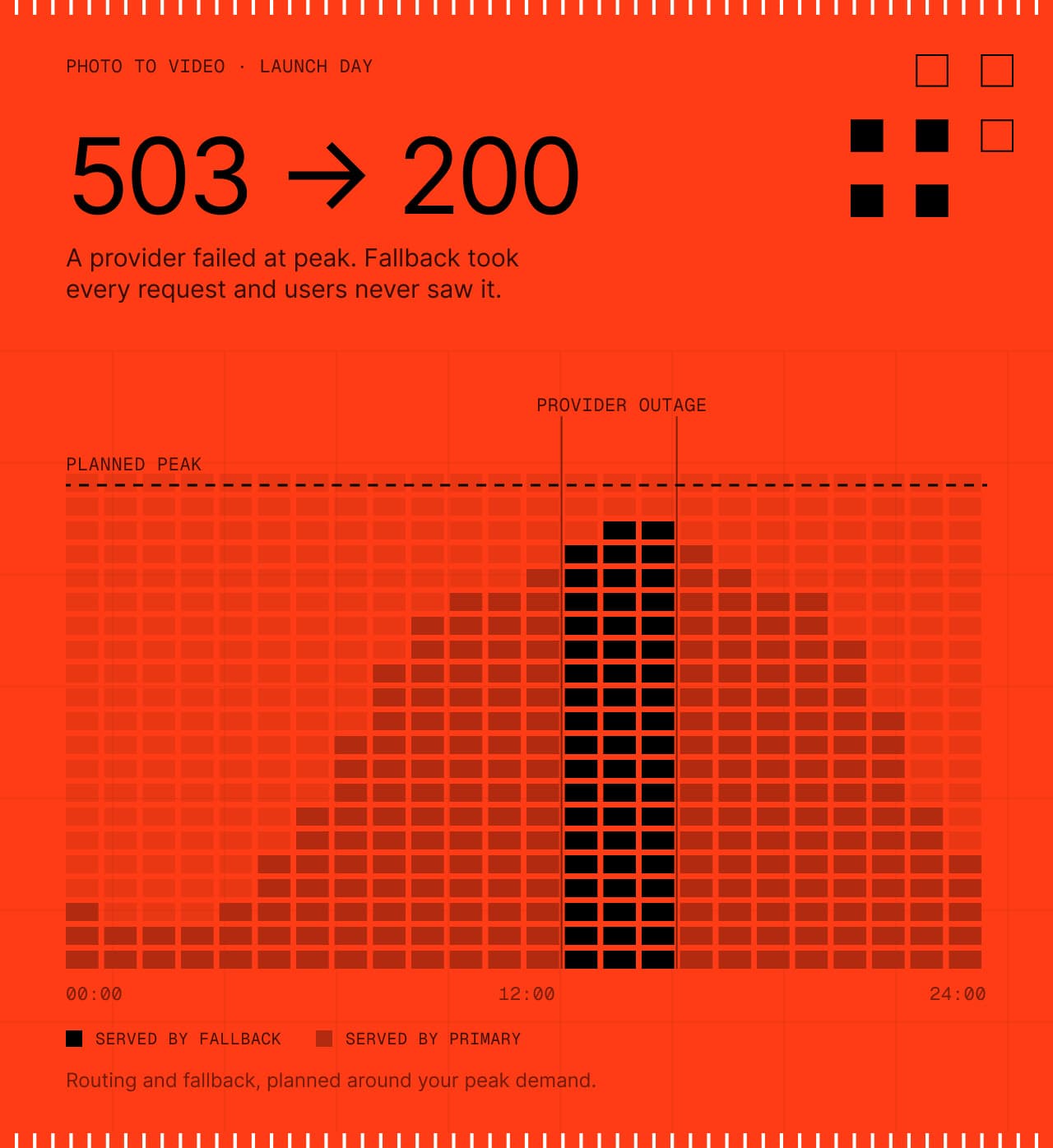
Production workflows with routing and fallback, planned around your peak demand.
Controls and documentation for your team’s review.
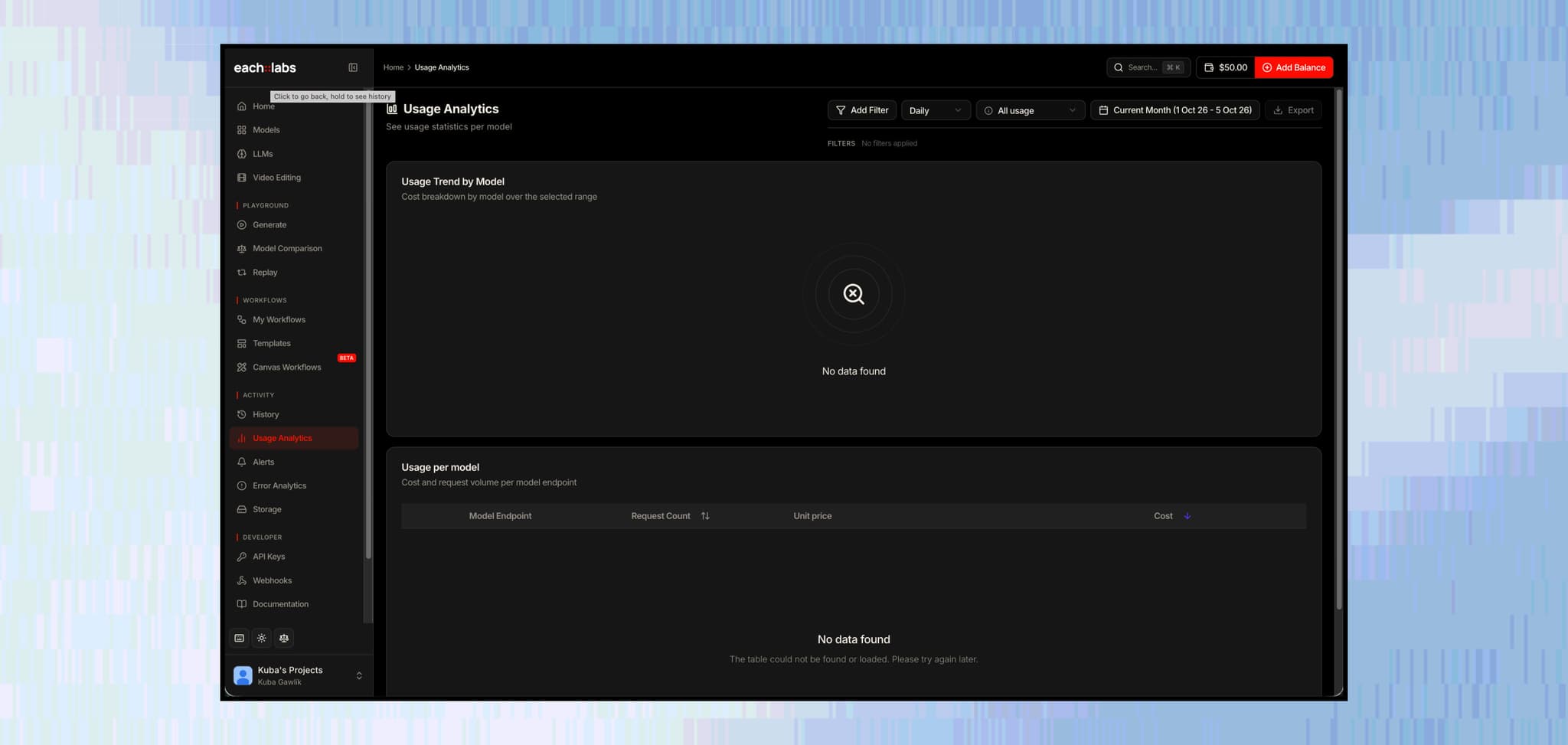
Track usage, errors and workflow performance.
Work directly with the each::labs team as your production needs grow.
Questions music teams ask
The short answers. For anything specific to your release, talk to the people who build the platform.
 Talk to an engineerPlan your release with our team.
Music, image and video models are available through one API, and new ones are added as they launch, so you can combine them in a single workflow.
Upload your track and build visuals around it, from synced performer footage to scenes and visualizers. Audio to video and lip sync models work from the music, and the Video API adds it to the final cut.
Yes. Generate in vertical aspect ratios, or reframe a horizontal cut to 9:16 with the Video API, so one source gives you vertical and horizontal versions for every platform.
Upload artist photos, mood boards and past artwork, then use them as references so every scene, cover and visualizer follows the same direction. Your inputs stay yours, and each::labs does not use them to train models.
Under our terms you own your outputs, subject to the license of the model that created them. Some models restrict commercial use or require attribution, so check the model page and our Terms of Service before a release.
Yes. Music generation models create songs, instrumentals and soundtracks from a prompt or lyrics, and you can use them in the same workflow as your scenes, cover art and visualizers.
See what’s possible.
 App Companies
Ship new AI effects as soon as they trend.
Explore App Companies Movie Studios & VFX
From creative direction to production-ready shots.
Explore Movie Studios & VFX E-commerce & Retail
Turn one product image into a complete catalog of content.
Explore E-commerce & Retail Agencies
One creative workflow. Many clients.
Explore Agencies Gaming
Build game worlds, characters and content faster.
Explore Gaming Ad Tech & Marketing
One product. Many creative directions.
Explore Ad Tech & Marketing Fashion
Create collection visuals from the products you already have.
Explore Fashion Social & Creator Platforms
Put creation tools inside your product.
Explore Social & Creator Platforms AI Agents & Developer Tools
Give your agent the ability to create.
Explore AI Agents & Developer Tools