AI media for fashion. Create collection visuals from the products you already have.
Develop on-model imagery, campaign concepts, lookbooks and video from product references.
Trusted by teams building with AI












Built for collections that keep changing.
 No reshoot
Create without rebuilding the shoot.
Turn product references into new visual directions.
 Product first
Keep the product at the center.
Use product references throughout production.
 Directions
Explore more creative directions.
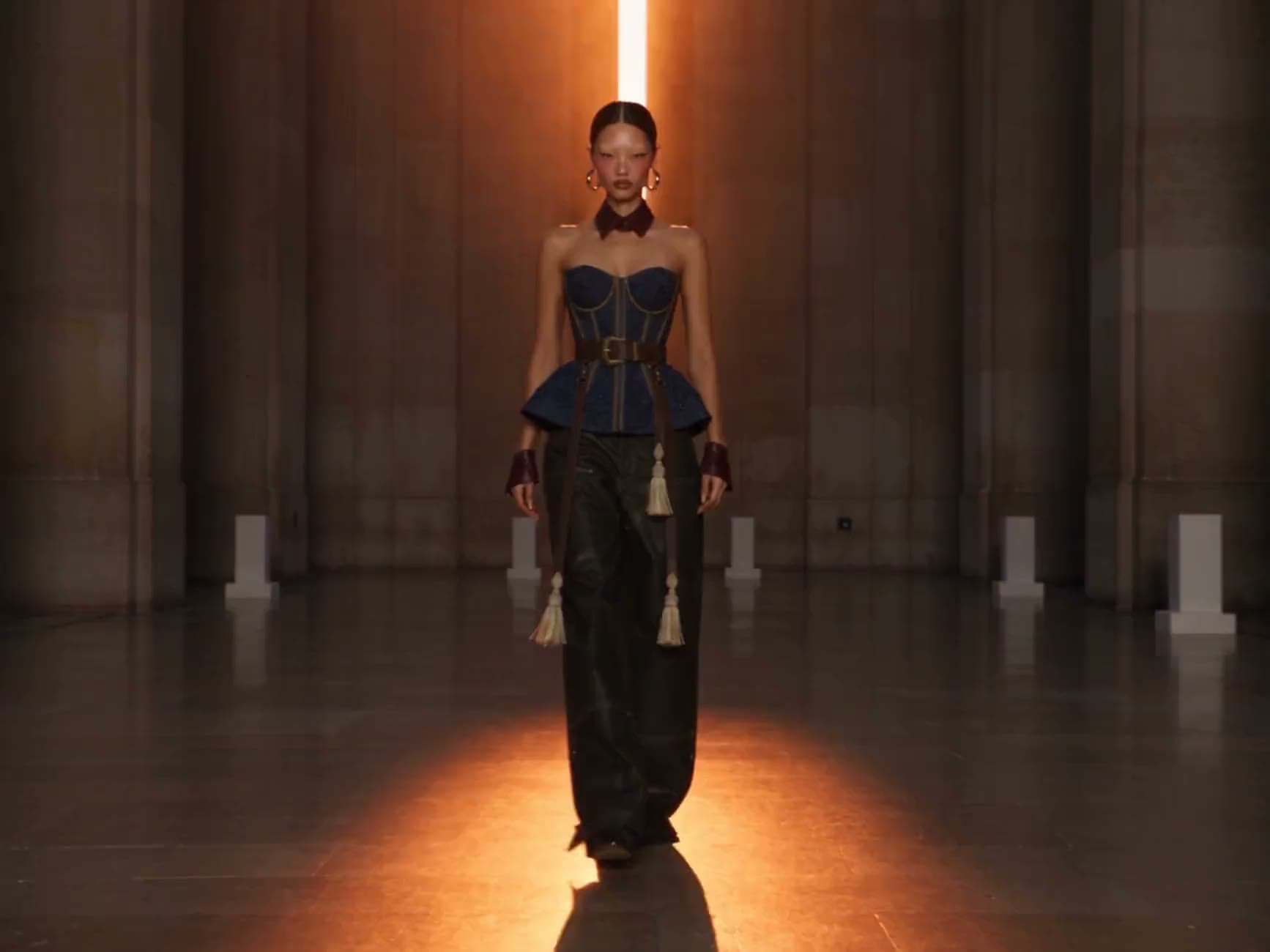
Move from one product into different models, settings, campaigns and formats.
What you can create. Input in, output out.

On-model imagery
Turn product images into styled looks.

Virtual try-on
Show garments on different models where supported.

Lookbooks
Build a collection in a consistent visual direction.

Campaign visuals
Explore different settings and creative concepts.

Video
Turn collection imagery into short-form fashion content.
How it works. From product to campaign, across the collection.
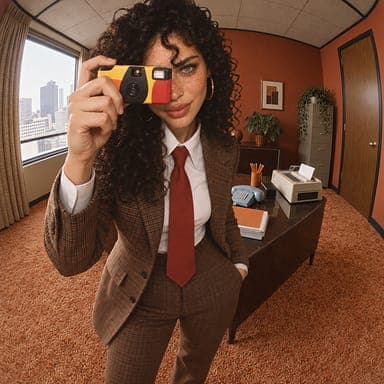
- Reference · Style
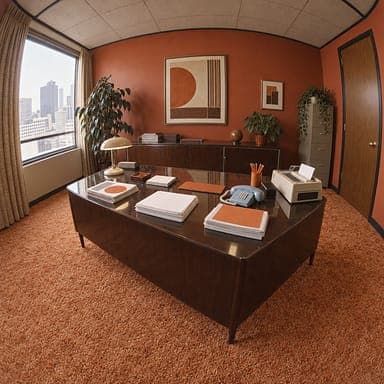
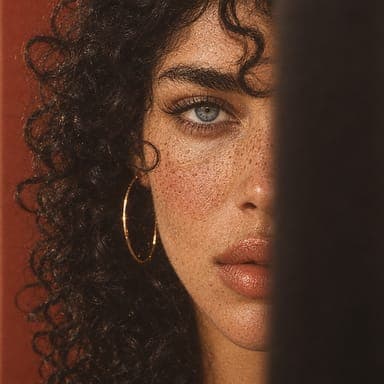
- Reference · Casting
- Product photo
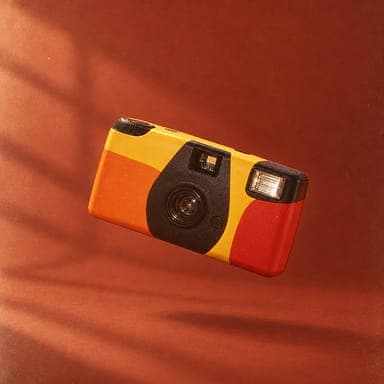
- Campaign shot
- 01
Input.Start with the garment or product reference.
- 02
Build.Define the model, setting, styling and creative direction.
- 03
Produce.Generate imagery and video across the collection.
Built for fashion workflows. Everything a collection needs to go from garment to campaign, in one platform.

Apply a consistent visual process across a collection.
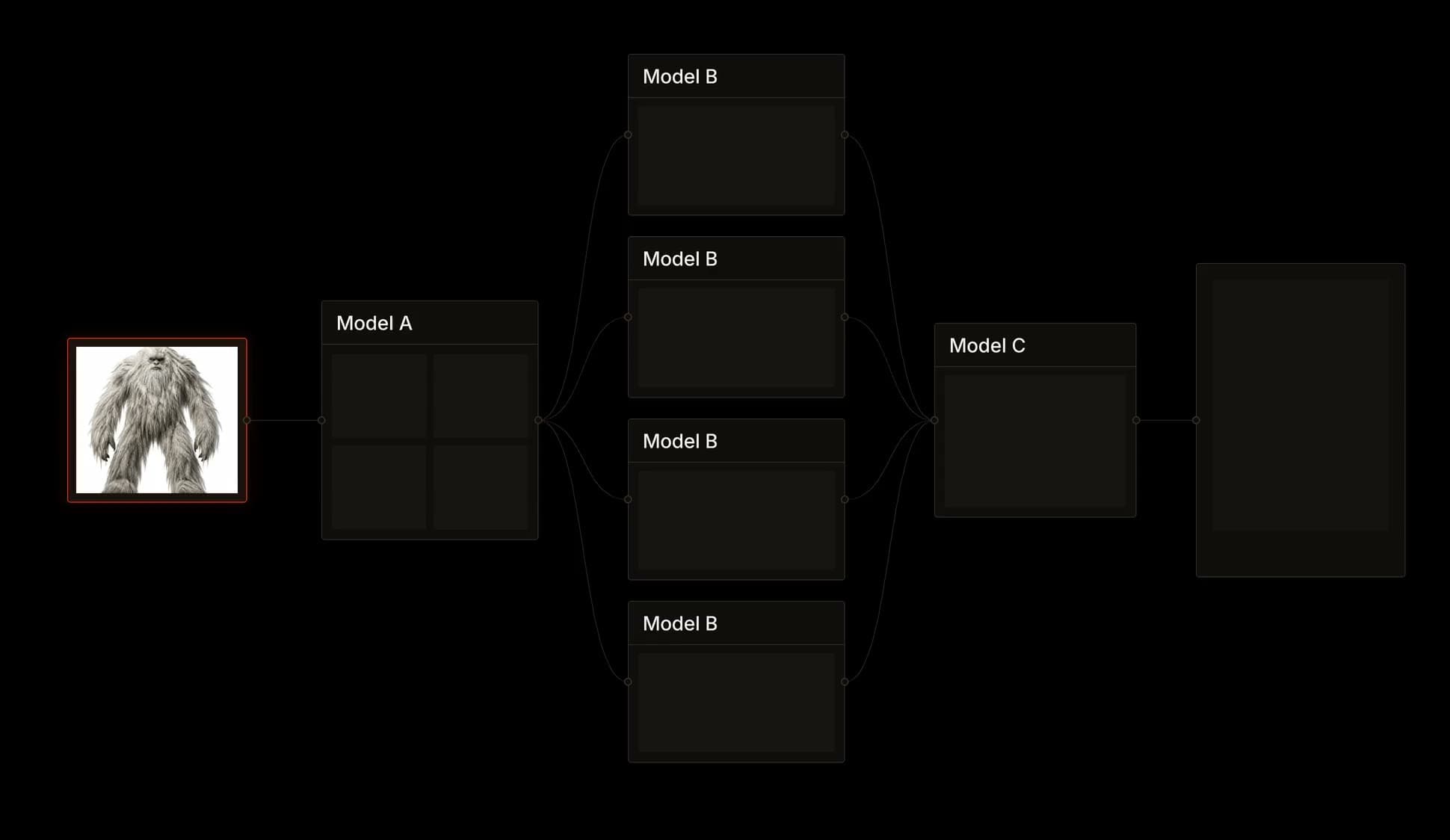
Build the look once and run it for every piece.

Describe the campaign direction and let each::sense help determine the production path.
No need to pick every model yourself.

Connect generation to your commerce or content systems.
Generate imagery where your products already live.

Turn collection visuals into moving content.
Create short-form video from the same looks.
Who it’s for. Teams with more looks than shoot days.
Get started for free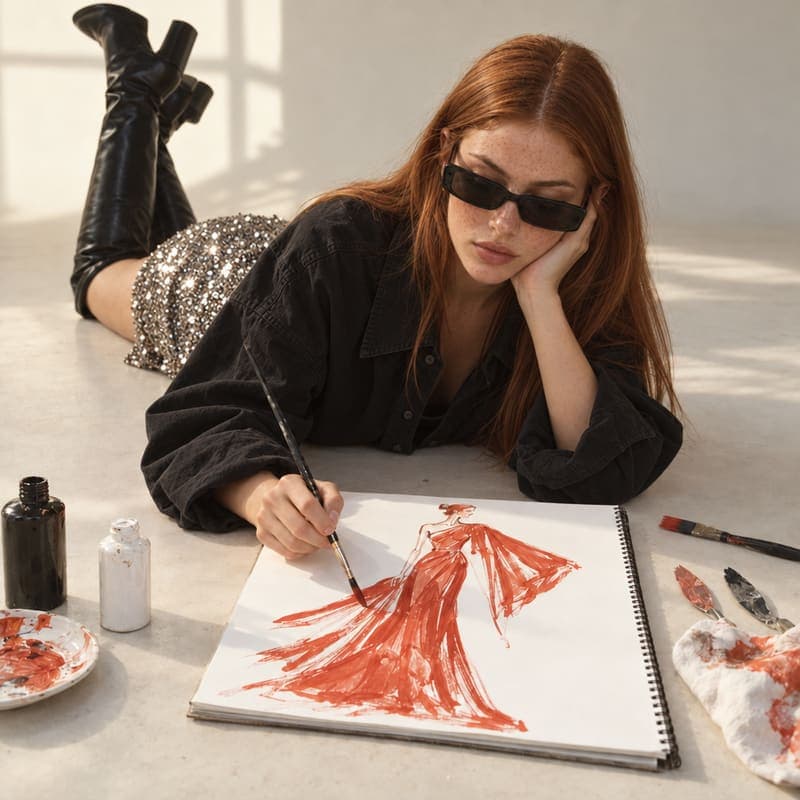 Fashion brands
Collections and campaign production.
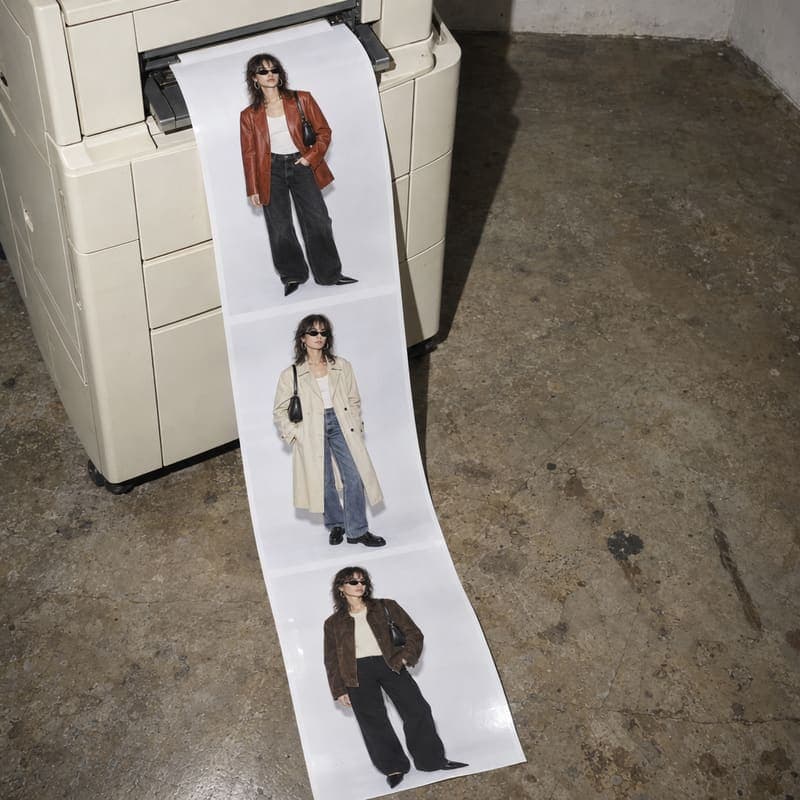 Online fashion retailers
Product imagery across large catalogs.
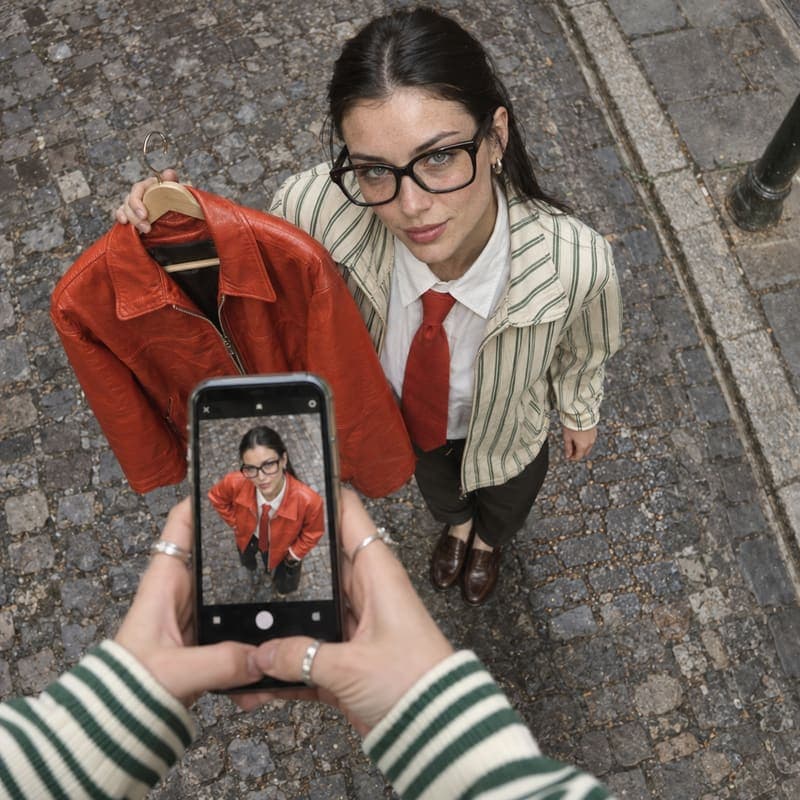 Try-on platforms
Products helping shoppers visualize garments.
Built for production.
From your first workflow to production at scale, each::labs gives your team the infrastructure and support to run AI media reliably.
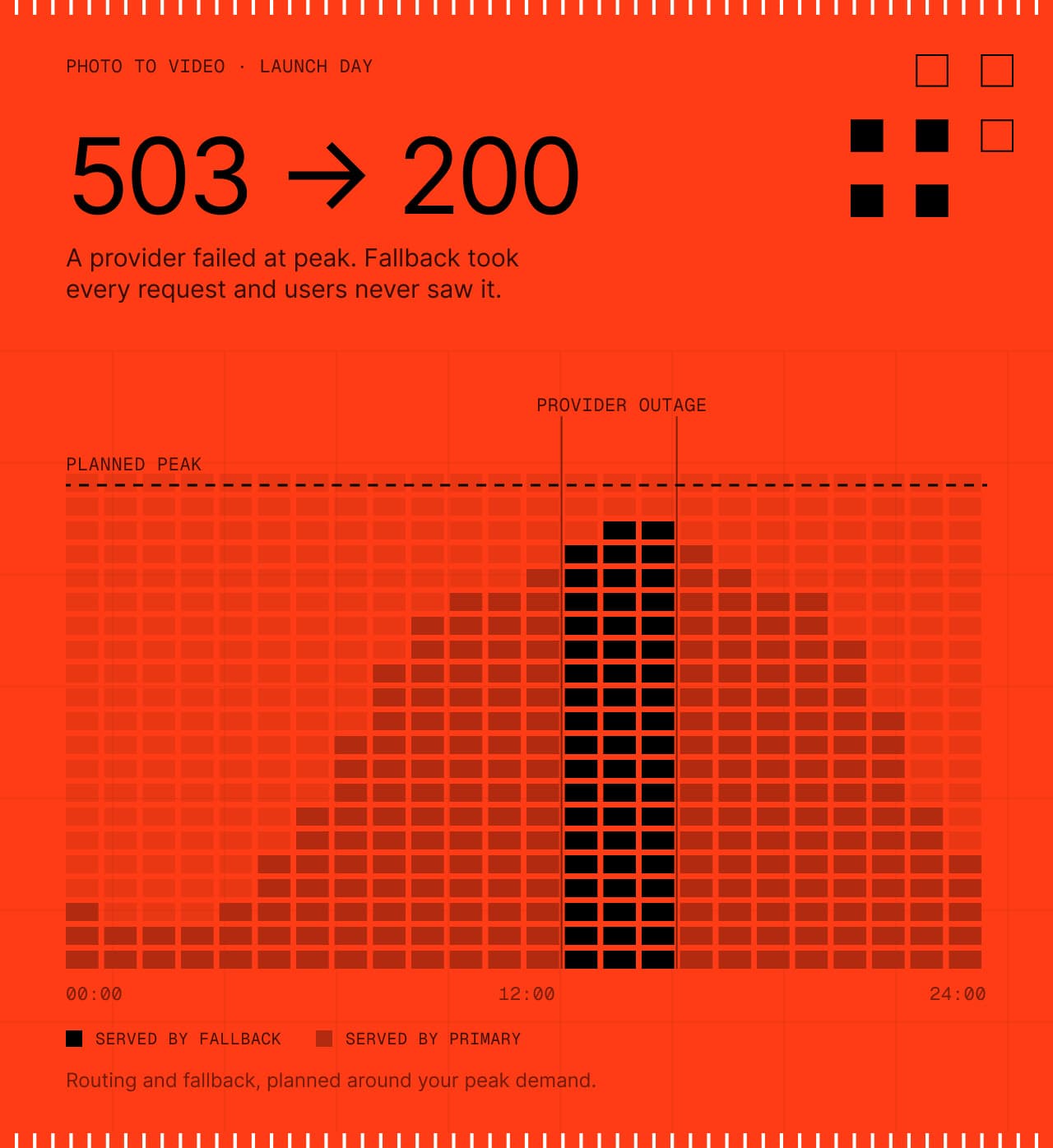
Production workflows with routing and fallback, planned around your peak demand.
Controls and documentation for your team’s review.
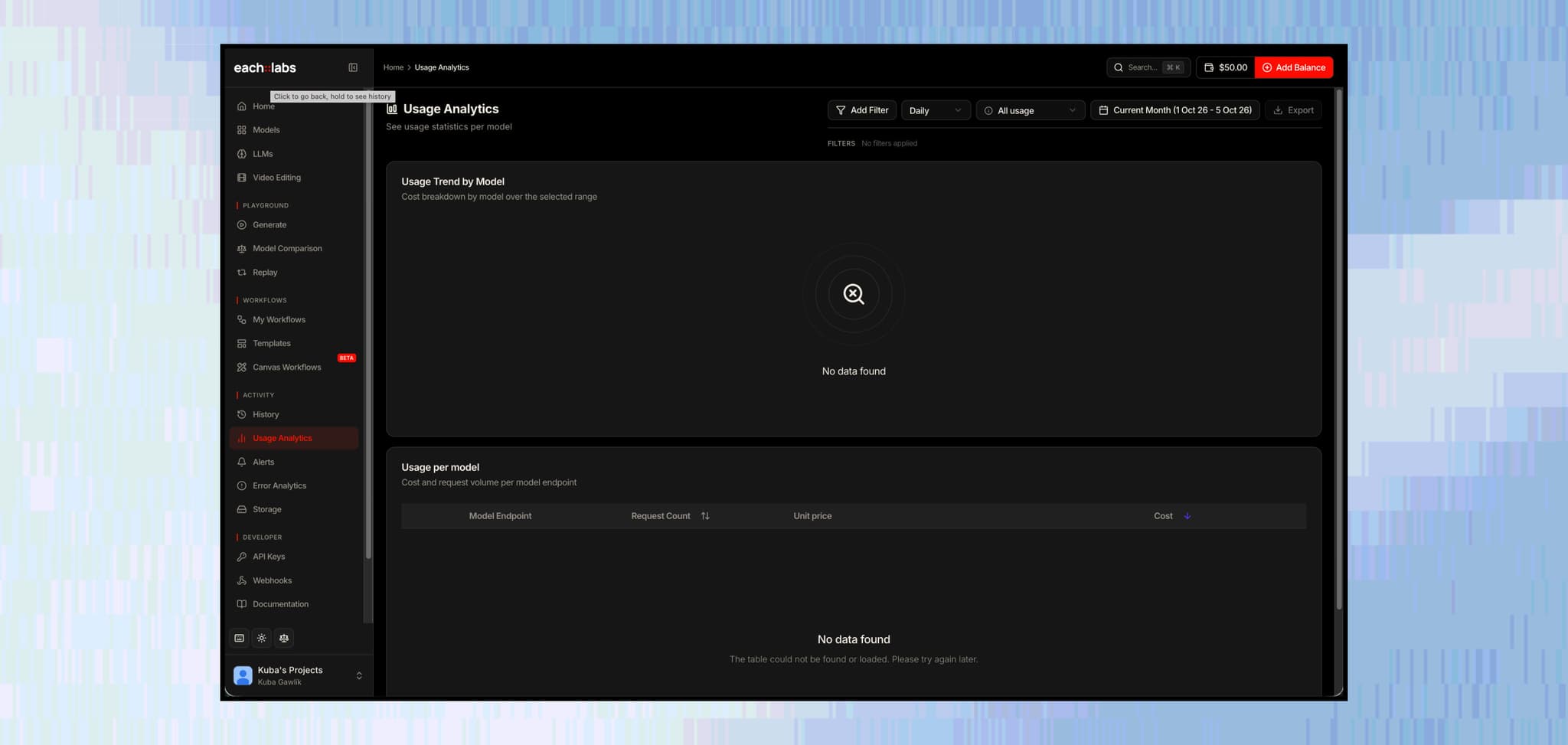
Track usage, errors and workflow performance.
Work directly with the each::labs team as your production needs grow.
Questions fashion teams ask
The short answers. For anything specific to your collection, talk to the people who build the platform.
 Talk to an engineerPlan your looks with our team.
Your product images stay the reference through every step of the workflow, so garments keep their cut, color and details across every look.
Upload your packshots, flat lays or mannequin shots and use them as the reference for every look. The garment comes from your photo, so you can create new visuals without a new shoot.
Run one garment through parallel branches in a workflow, each with its own colorway, model or setting, and get every version back from one call. Your original image stays the reference for cut and details.
Image to video models turn on-model images and lookbook shots into short-form video, and the Video API reframes each clip for every channel. The same look carries from the still into motion.
Build the look once as a workflow, with the same model, setting, lighting and prompts, then run it for every piece in the collection. Each garment gets the same visual direction from the first look to the last.
Virtual try-on models place a garment on a person's photo, and you can call them from your store or app through the API. Check each model's license, since some are limited to non-commercial use.
See what’s possible.
 App Companies
Ship new AI effects as soon as they trend.
Explore App Companies Movie Studios & VFX
From creative direction to production-ready shots.
Explore Movie Studios & VFX E-commerce & Retail
Turn one product image into a complete catalog of content.
Explore E-commerce & Retail Agencies
One creative workflow. Many clients.
Explore Agencies Gaming
Build game worlds, characters and content faster.
Explore Gaming Ad Tech & Marketing
One product. Many creative directions.
Explore Ad Tech & Marketing Music & Music Video
Turn a track into a visual world.
Explore Music & Music Video Social & Creator Platforms
Put creation tools inside your product.
Explore Social & Creator Platforms AI Agents & Developer Tools
Give your agent the ability to create.
Explore AI Agents & Developer Tools