Krea 2: An Image Model With Actual Taste
You know the moment. You write a prompt, hit generate, and get back four images that are basically the same picture wearing slightly different hats. Same composition, same safe lighting, same generic gloss. None of them is wrong, exactly. None of them is interesting either. So you tweak a word, run it again, and get four more cousins of the first batch. The model isn't exploring with you. It's hedging. Krea 2 was built by Krea to behave differently. It's an image model with a stated obsession,
You know the moment. You write a prompt, hit generate, and get back four images that are basically the same picture wearing slightly different hats. Same composition, same safe lighting, same generic gloss. None of them is wrong, exactly. None of them is interesting either. So you tweak a word, run it again, and get four more cousins of the first batch. The model isn't exploring with you. It's hedging.
Krea 2 was built by Krea to behave differently. It's an image model with a stated obsession, aesthetics, and it treats a prompt as a starting point to range across rather than a spec to play it safe against. The interesting part isn't that it makes pretty pictures. Plenty of models do. It's that it gives you genuinely different directions to choose from, and it gives you real control over the look instead of leaving taste to chance.
The Real Problem With "Four of the Same"
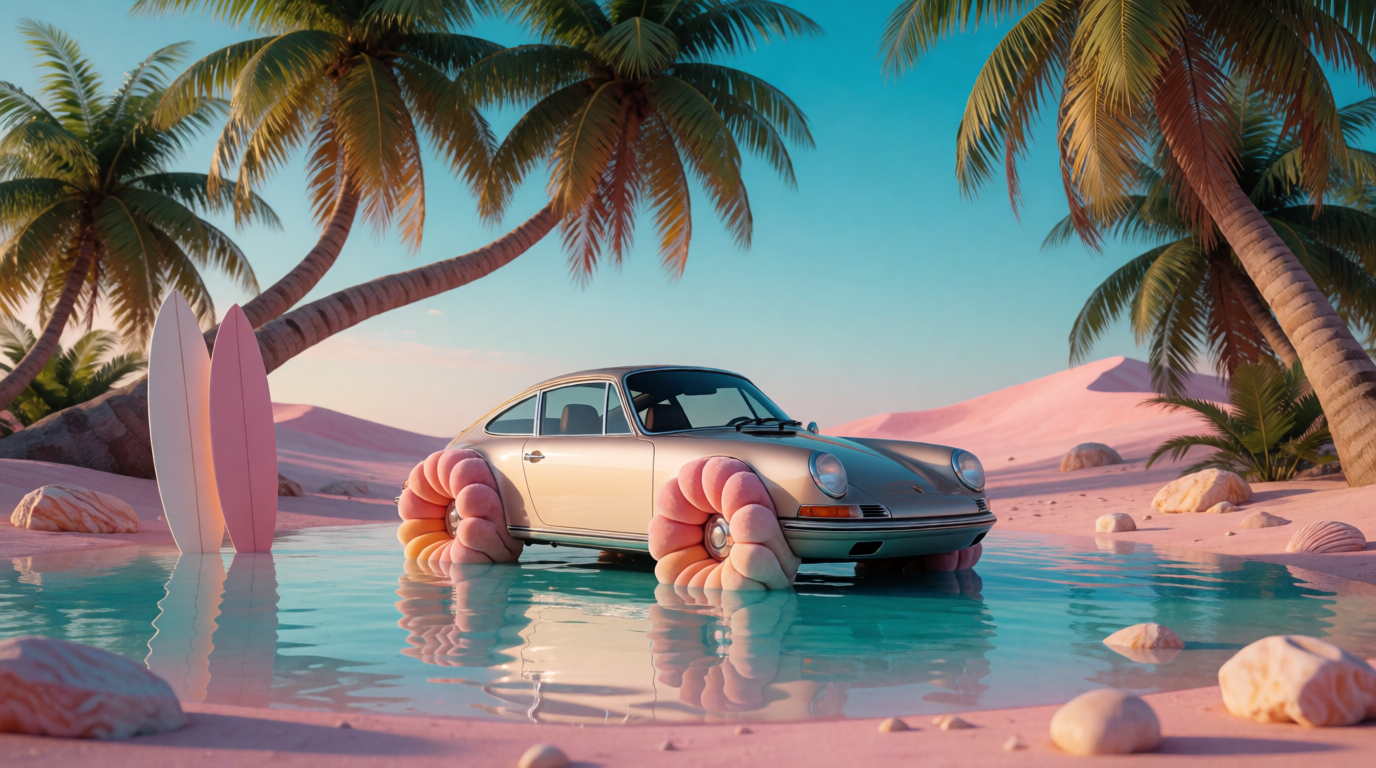
Here's the question worth asking before your next generation: are you actually choosing between options, or just picking the least-bad version of one guess?
Most image models quietly optimize for the second thing. Faced with an open prompt, they collapse toward the most statistically likely image and hand you minor variations of it. That feels reassuring and it's useless for real creative work, because the whole point of generating is to see possibilities you wouldn't have drawn yourself. When every result clusters around the same safe center, you're not exploring. You're confirming.
Krea 2 leans the other way on purpose. It thrives on ambiguity. Give it a loose prompt and it spreads out, returning a wide range of high-quality images rather than the same concept four times. That sounds like a small behavioral difference. In practice it changes what generating is for. You stop fishing for the one acceptable result and start choosing between directions that genuinely diverge.
What Krea 2 Actually Is
Krea 2 is a text-to-image model from Krea, built with a clear priority: understand aesthetics deeply enough to make images that look intentional, not assembled. It turns a written prompt into a still image, and it's tuned so the output has a point of view rather than a default house style smeared over everything.
On Eachlabs it comes as a small lineup so you can match the model to the job. There's a balanced everyday option, a speed-focused variant for rapid iteration, and a higher-capacity version for when you want the model's fullest fidelity. More on choosing between them below. What they share is the thing that makes Krea 2 worth reaching for: a strong sense of style and the controls to steer it.
How Krea 2 Works
The training is the boring part. The useful part is how you tell it what you want to look at, and Krea 2 gives you more than a text box.
The first control is style references. Instead of trying to spell out an aesthetic in words, which never quite works, you hand the model an image that carries the look you're after and let it generate in that direction. Color, mood, texture, the intangible stuff that's almost impossible to describe, comes through far better shown than told. You're pointing at a feeling, not writing a paragraph about it.
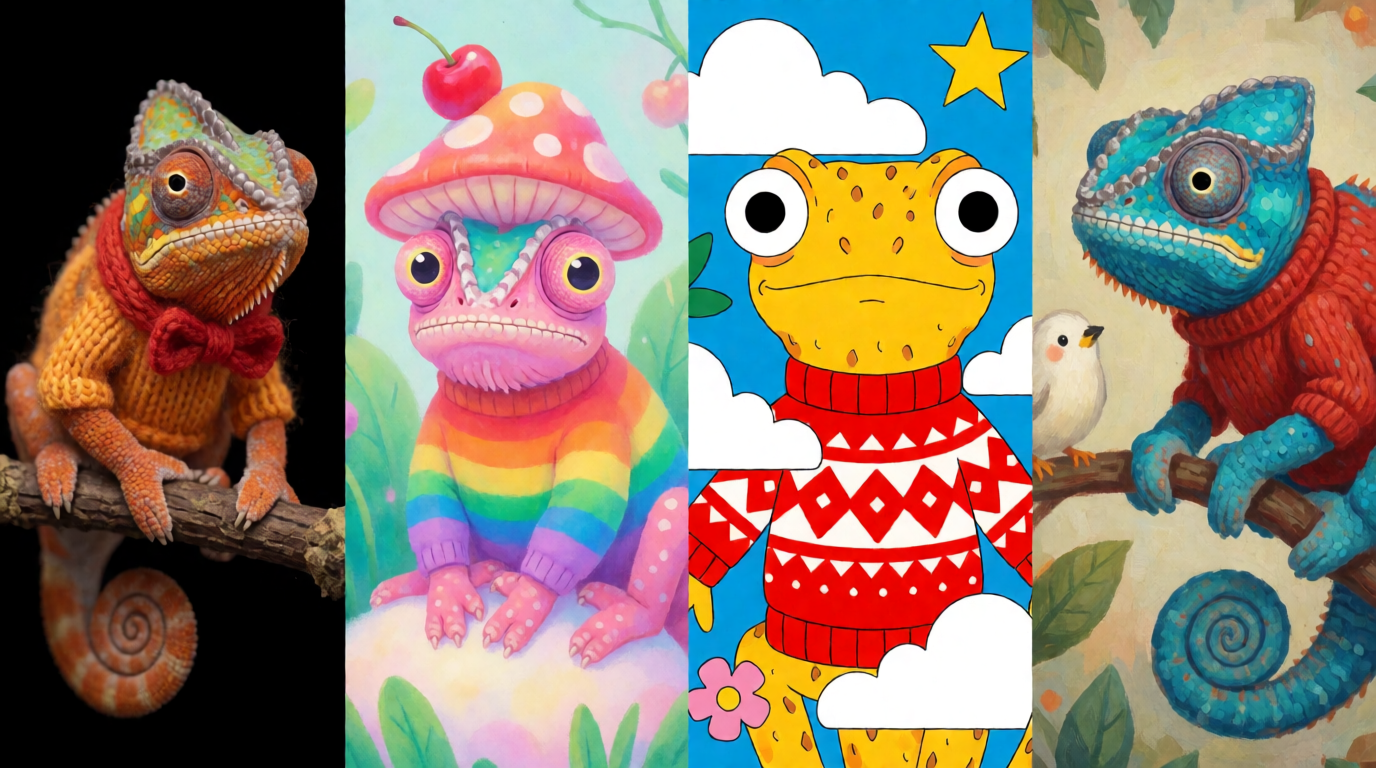
The second is variety as a feature, not a bug. Because the model ranges instead of converging, a single prompt becomes a small spread of real options. That's the part you'll feel most on day one. You ask for "a chameleon wearing a sweater" and you get distinct interpretations worth comparing, not one idea rendered four times with the noise turned up.
Curate a Look, Don't Describe It
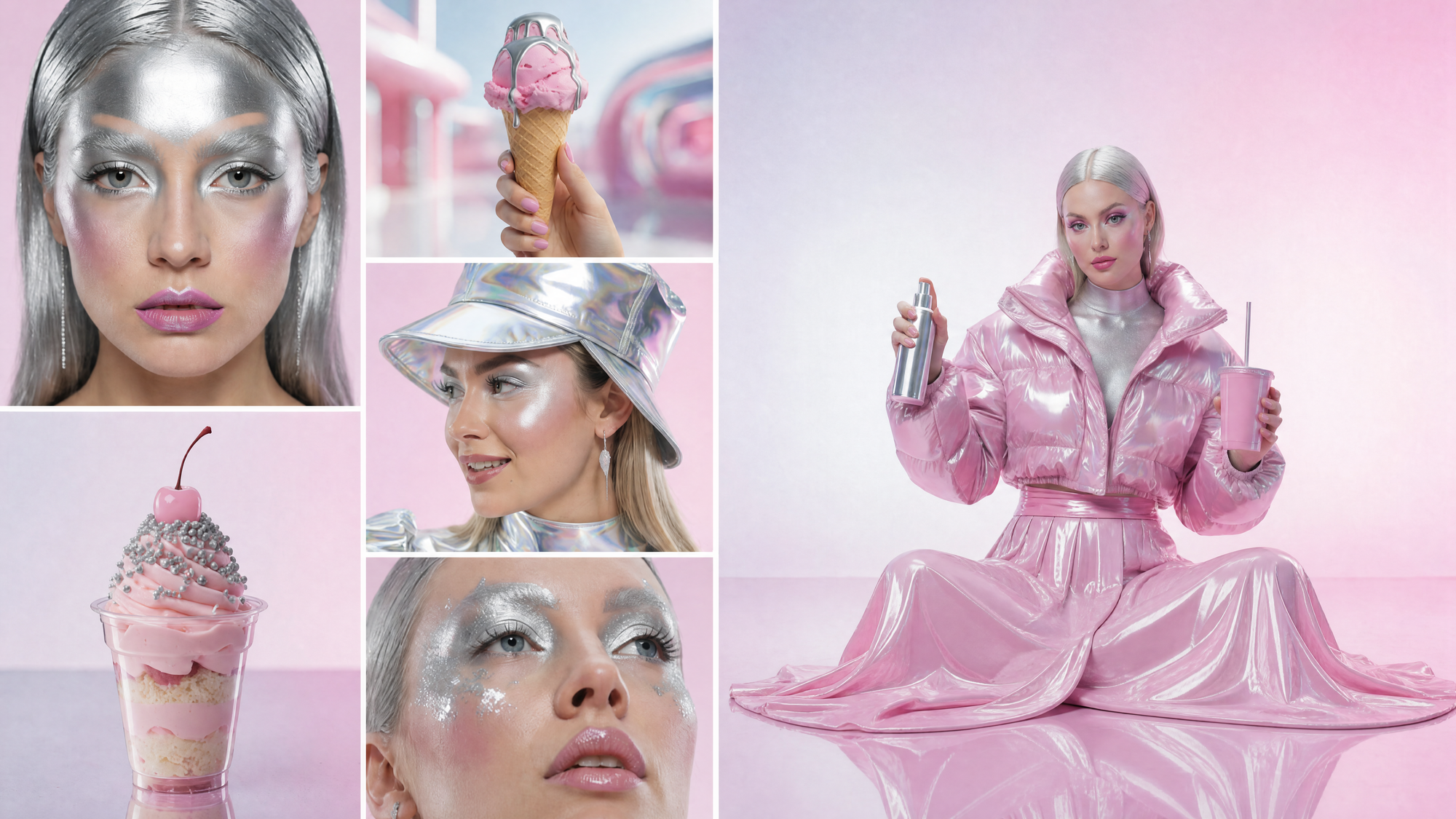
For anything beyond a single reference, Krea 2 has moodboards, and this is where styling gets serious. Some aesthetics can't be captured by one image because they're a blend of motifs, themes, and influences. A moodboard lets you assemble a collection of images and generate against the whole set, so the model pulls from a curated visual world instead of a lone example.
This is the difference between asking for "cyberpunk" and showing the model exactly which cyberpunk you mean: the grit, the palette, the typography energy, the specific kind of neon. Curate the board once and every generation inherits that taste. For a brand or a project that has to look consistent across dozens of images, that's not a nicety. It's the whole game.
Speed That Keeps You in Flow
Taste doesn't matter if the tool breaks your rhythm. Krea 2 returns images in around fifteen seconds or less, fast enough that generating stays part of thinking instead of becoming a coffee break. That speed compounds with the variety. When each run is quick and each run gives you real options, you iterate the way you actually want to: try, react, adjust, try again, all inside the same creative session before the idea cools off.
Where People Actually Use Krea 2
The model earns its place anywhere look is the deliverable. Brand and marketing designers use it to explore campaign directions and generate on-style assets without a shoot. Ecommerce teams produce product and lifestyle imagery that matches a house aesthetic. Architecture and interior folks visualize spaces and moods early, before anything is modeled in detail. Game and concept artists range across character and environment ideas fast, which is exactly the kind of open-ended work Krea 2's variety rewards.
It's just as useful solo. A single creator with a strong eye and no budget for a studio can set a moodboard, lock a look, and turn out a consistent body of images. The common thread isn't the role. It's that all of them care how the result looks, and Krea 2 is built to take that seriously.
Medium, Turbo, or Large: Picking Your Krea 2
The lineup is a speed-to-fidelity choice, and the honest answer is that you'll use more than one. The balanced Medium is the sensible default for most work, a strong mix of quality and responsiveness. Medium Turbo trades a little ceiling for speed, which is what you want when you're exploring hard and want the spread of options to land almost instantly. And the higher-capacity Large is the one to reach for when a final image needs the model's fullest detail and you're past the exploration phase.
A natural workflow uses all three. Explore wide on Turbo, settle on a direction with Medium, then render the keeper on Large. Picking one variant for everything works, but it's leaving the easy wins on the table.
Using Krea 2 on Eachlabs
On Eachlabs the flow is the same one you'd use for any image model, which is the point. You choose the Krea 2 variant that fits the task, write your prompt, attach a style reference or a moodboard if you're steering the look, and generate. Results come back quickly enough to keep iterating in place.
The quiet advantage is that all three variants sit behind the same single interface as every other model in the catalog. Moving from Turbo to Large, or comparing Krea 2 against another approach on the same prompt, is a model-id change, not a new integration. You write the call once and keep your options open.
Getting Better Results Out of Krea 2
Show the look, don't spell it out. The fastest way to a specific aesthetic is a style reference or a moodboard, not a longer prompt. Words are good at subject and bad at vibe. Let the images carry the vibe.
Keep prompts loose when you're exploring. Krea 2 rewards ambiguity with range, so an open prompt early on gets you more genuinely different starting points. Tighten the wording only once you know which direction you're chasing.
Build a moodboard before a big batch. If a set of images has to feel like it belongs together, curate the board first and let every generation inherit that taste. It's the difference between a coherent collection and a pile of one-offs.
Match the variant to the phase. Iterate on the fast one, finalize on the high-capacity one. Treating the lineup as a workflow beats forcing a single model to do every job.
The Honest Limitations
I don't want this to read like a brochure with the rough edges sanded off, so here's the straight version.
The same variety that makes Krea 2 great for exploration can work against you when you need control. If your goal is one exact composition reproduced precisely, a model that loves to range will sometimes give you more divergence than you wanted, and you'll lean harder on references and tighter prompts to rein it in. Exploration and exact repetition are different jobs, and Krea 2 is tilted toward the first.
Style references and moodboards guide the model, they don't clone an input. You're transferring a feel, not copying a picture, so expect the spirit of a reference rather than a pixel-faithful match. It's also an image model, full stop, so there's no motion here; for video you'd reach for a different tool.
And like every image model, it isn't infallible at the fiddly bits. Fine text, exact hand poses, and precise counts of small objects can still come out wrong, and an aesthetic-forward model will sometimes beautify in a direction you didn't ask for. The fix is the same as the strength: it's fast, so you generate again and steer.
Wrapping Up
Most image models make you fight for a look and then hand you four versions of the same compromise. Krea 2 starts from the opposite assumption, that you want taste and you want options, and it builds both into how it generates. Style references and moodboards give you control over the aesthetic. The model's range gives you real choices. The speed keeps all of it inside a single creative session.
If your work lives or dies on how things look, Krea 2 is worth a real try. You can run it on Eachlabs right now: pick a variant, attach a reference or a moodboard, and watch how quickly a prompt turns into options worth choosing between.
Frequently Asked Questions
What makes Krea 2 different from other image models?
Two things, mostly. It's built around aesthetics rather than treating style as an afterthought, and it ranges instead of converging, so a single prompt returns genuinely different high-quality images rather than near-duplicates. Style references and moodboards then let you steer that taste on purpose instead of hoping for it.
How do style references and moodboards work in Krea 2?
A style reference is a single image you hand the model to carry a look, color, mood, and texture that words struggle to describe. A moodboard is a curated collection of images for more complex, blended aesthetics, so the model generates against a whole visual world. Both let you show the look instead of describing it.
Which Krea 2 variant should I use?
It depends on the phase of the work. Use the faster variant while you're exploring and want options quickly, the balanced one for everyday generation, and the higher-capacity one when a final image needs the model's fullest detail. A lot of people explore on the fast variant and finalize on the larger one, all on Eachlabs.