AI media for agents and developer tools. Give your agent the ability to create.
Connect your agent to image, video and audio capabilities through API and MCP.

Trusted by teams building with AI












Built for agents that do real work.
 Media skills
Give agents media skills.
Connect image, video and audio generation as tools your agent can use.
 One layer
Connect models through one layer.
Access the capabilities your agent needs without building every integration separately.
 Production
Give your code a reliable production path.
Use workflows, webhooks and production controls to manage generated media.
What you can build. Input in, output out.

Agent media
Agents that create and edit images, video and audio.

MCP integrations
Give agents media capabilities through MCP.

LLM + media workflows
Connect language models and media models in one workflow.

Developer tools
Add media generation to AI-native products.

Automated pipelines
Let agents trigger multi-step production workflows.
How it works. From instruction to output, inside your agent.
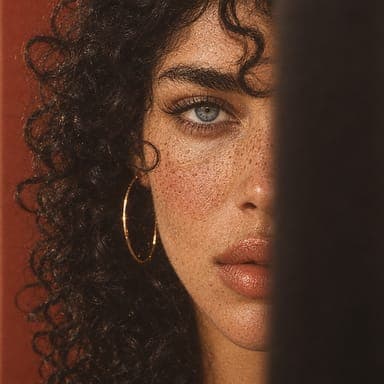
- Reference · Style

- Reference · Casting
- Product photo
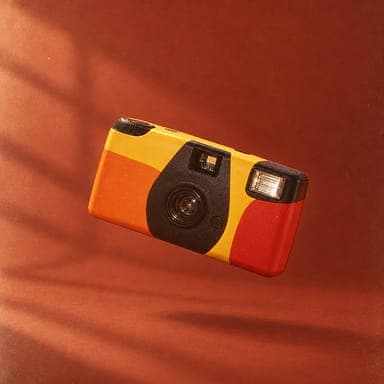
- Campaign shot

- 01
Understand.Your agent interprets what needs to be created.
- 02
Orchestrate.each::labs connects the models and workflow needed.
- 03
Produce.The workflow generates the media and returns the result to your product.
Built for agent workflows. Everything your agent needs to go from instruction to finished media, in one platform.
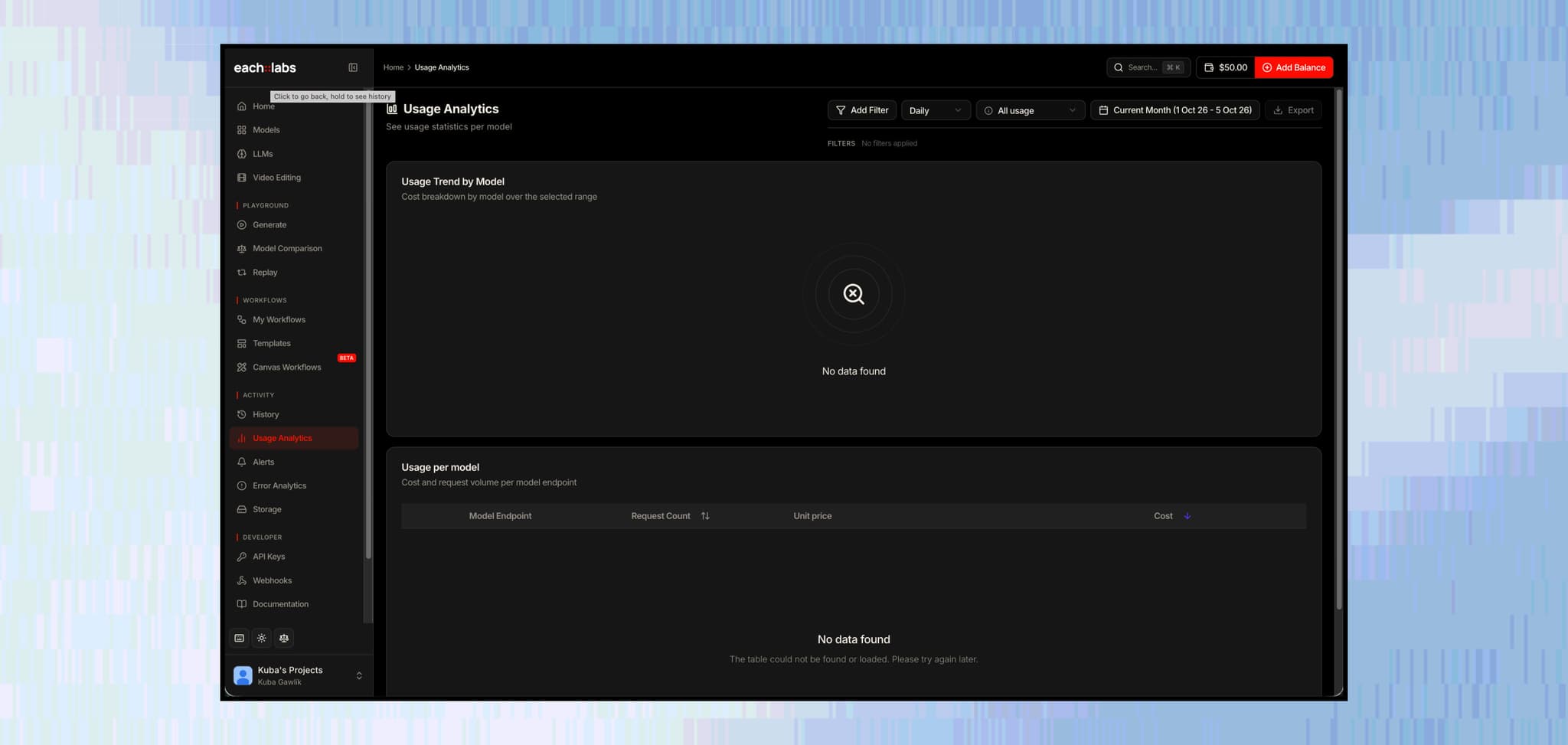
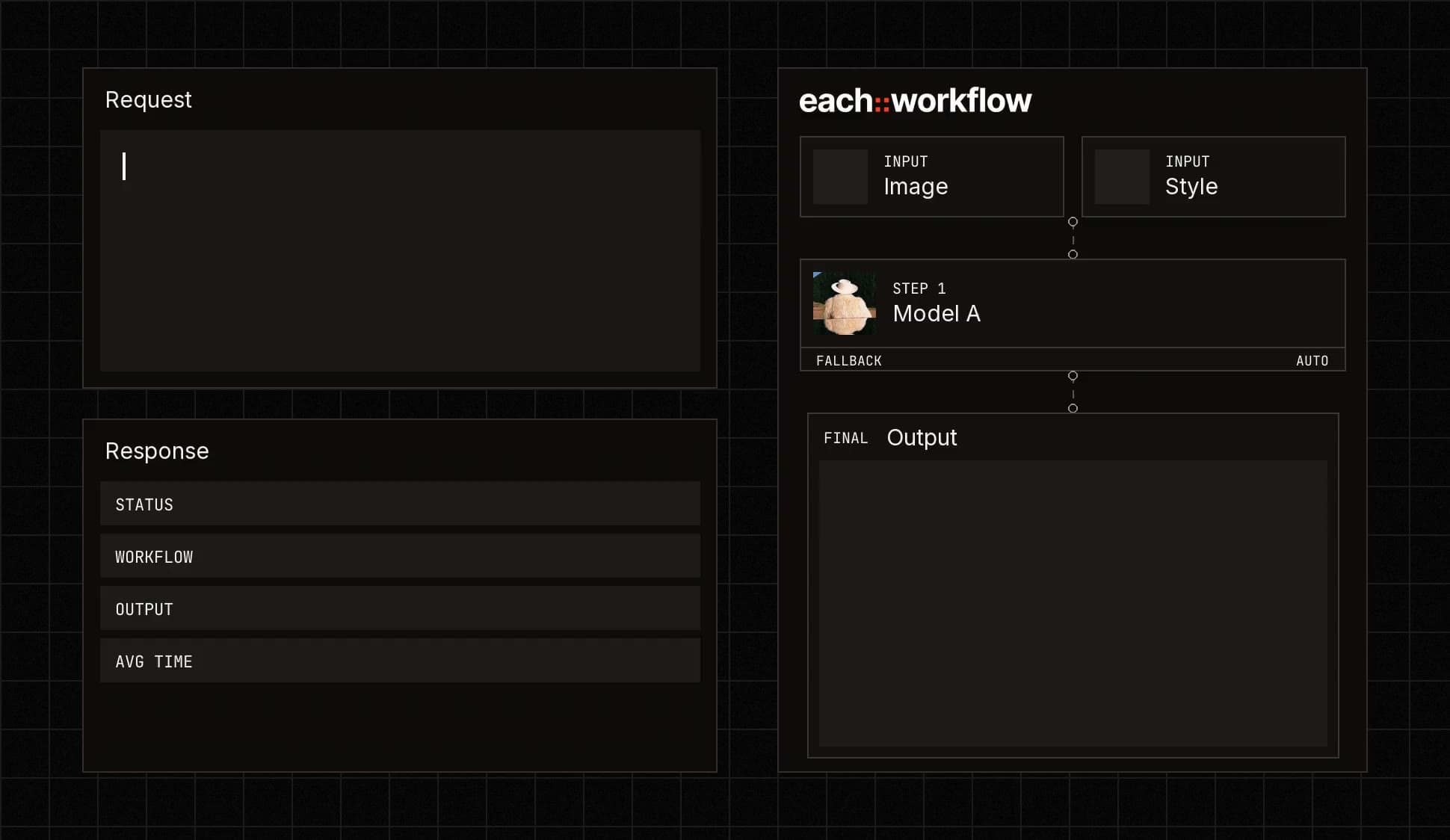

Connect media capabilities to your product.
Call any model or workflow from your code with one API.

Make each::labs available as a tool inside supported development environments.
Your agent gets media skills without custom glue code.

Expose multi-step production processes as a single tool.
One call runs the whole pipeline.

Receive results and production events programmatically.
Get notified the moment media is ready.
Who it’s for. Teams building software that creates.
Get started for free Agent builders
Agents that need to create or manipulate media.
 Developer tools
Products adding image, video or audio capabilities.
 AI-native startups
Teams building products across multiple models.
Built for production.
From your first workflow to production at scale, each::labs gives your team the infrastructure and support to run AI media reliably.
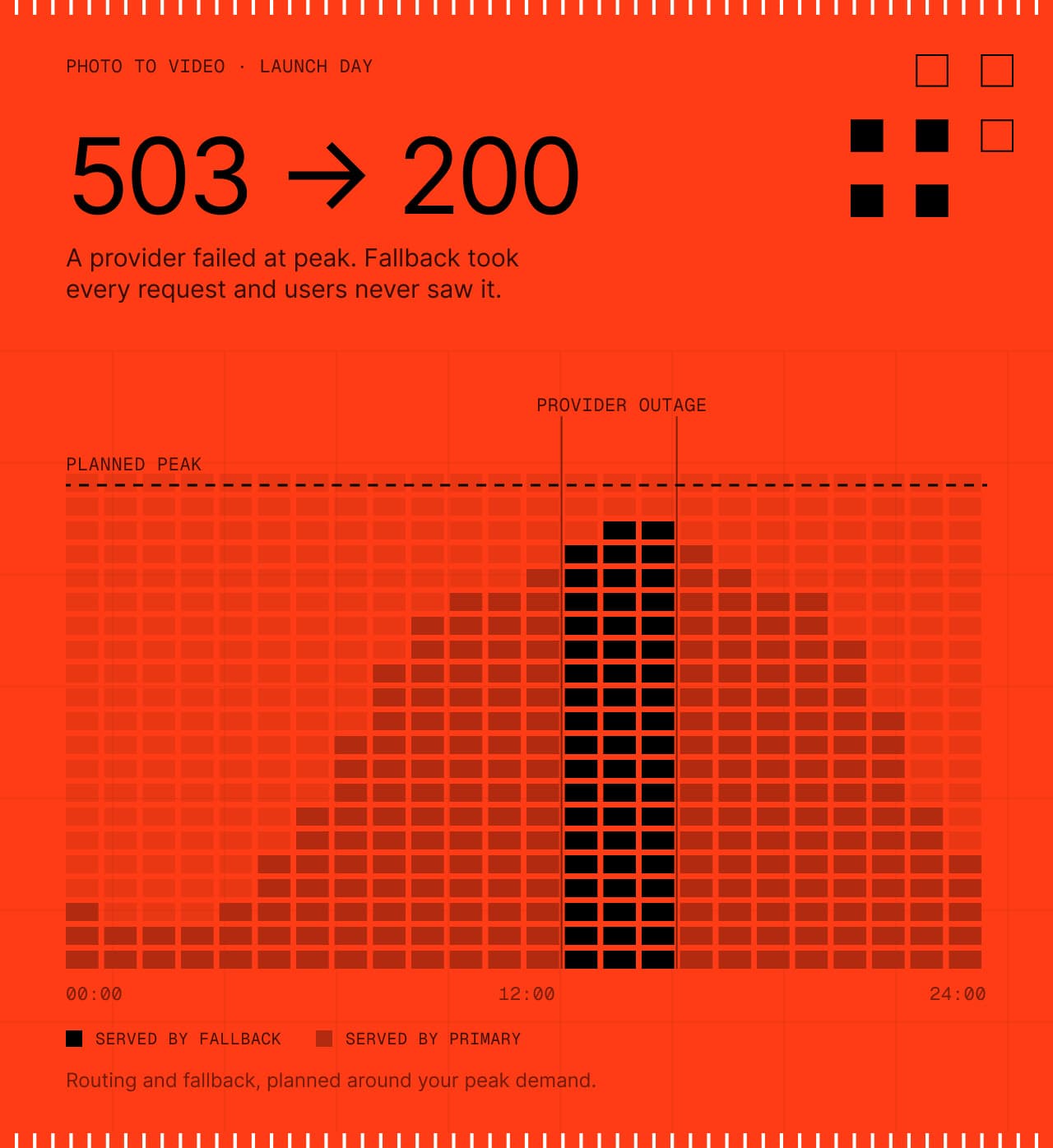
Production workflows with routing and fallback, planned around your peak demand.
Controls and documentation for your team’s review.
Track usage, errors and workflow performance.
Work directly with the each::labs team as your production needs grow.
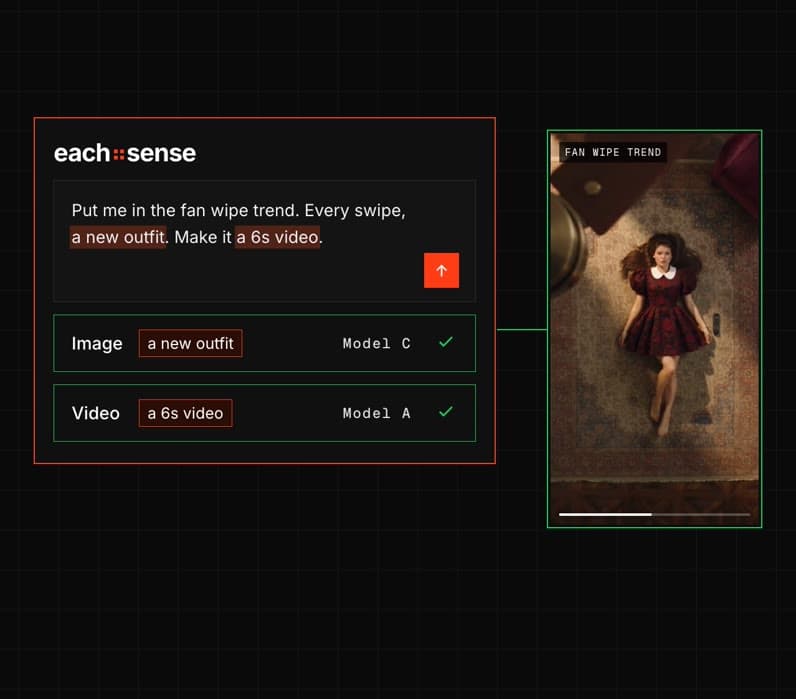
More like a technical partner.
“each::labs lifted the entire deployment burden from us. But what really keeps us is the partnership. A model can always be solved another way; a real partner cannot.”

Furkan SandalCTO at PixelByte
Questions developers ask
The short answers. For anything specific to your agent, talk to the people who build the platform.
 Talk to an engineerPlan your build with our team.
Call the API directly, or add each::labs as an MCP server so your agent can use image, video and audio models as tools.
Add the hosted each::labs MCP server to your MCP client and sign in with your each::labs account, with no API key to paste. Your agent can then search and run models, trigger your workflows and edit video as tools.
Yes. Add an LLM step through the LLM Router to write prompts, read images or choose a path, then pass its output to image, video or audio steps in the same workflow.
Add a webhook URL when you trigger a workflow or prediction, and each::labs posts the result to your endpoint when it is ready. Add a secret to sign deliveries, and failed deliveries retry automatically.
Image, video, audio, music, 3D and LLM models are available with one API key, and new ones are added as they launch. Your agent can search the catalog through MCP, or you can list models over the API.
Fallback chains, workflow versioning, signed webhooks, content moderation, spending alerts and usage tracking per API key. Error Analytics shows which models fail and why, so you can act on issues quickly.
See what’s possible.
 App Companies
Ship new AI effects as soon as they trend.
Explore App Companies Movie Studios & VFX
From creative direction to production-ready shots.
Explore Movie Studios & VFX E-commerce & Retail
Turn one product image into a complete catalog of content.
Explore E-commerce & Retail Agencies
One creative workflow. Many clients.
Explore Agencies Gaming
Build game worlds, characters and content faster.
Explore Gaming Ad Tech & Marketing
One product. Many creative directions.
Explore Ad Tech & Marketing Music & Music Video
Turn a track into a visual world.
Explore Music & Music Video Fashion
Create collection visuals from the products you already have.
Explore Fashion Social & Creator Platforms
Put creation tools inside your product.
Explore Social & Creator Platforms