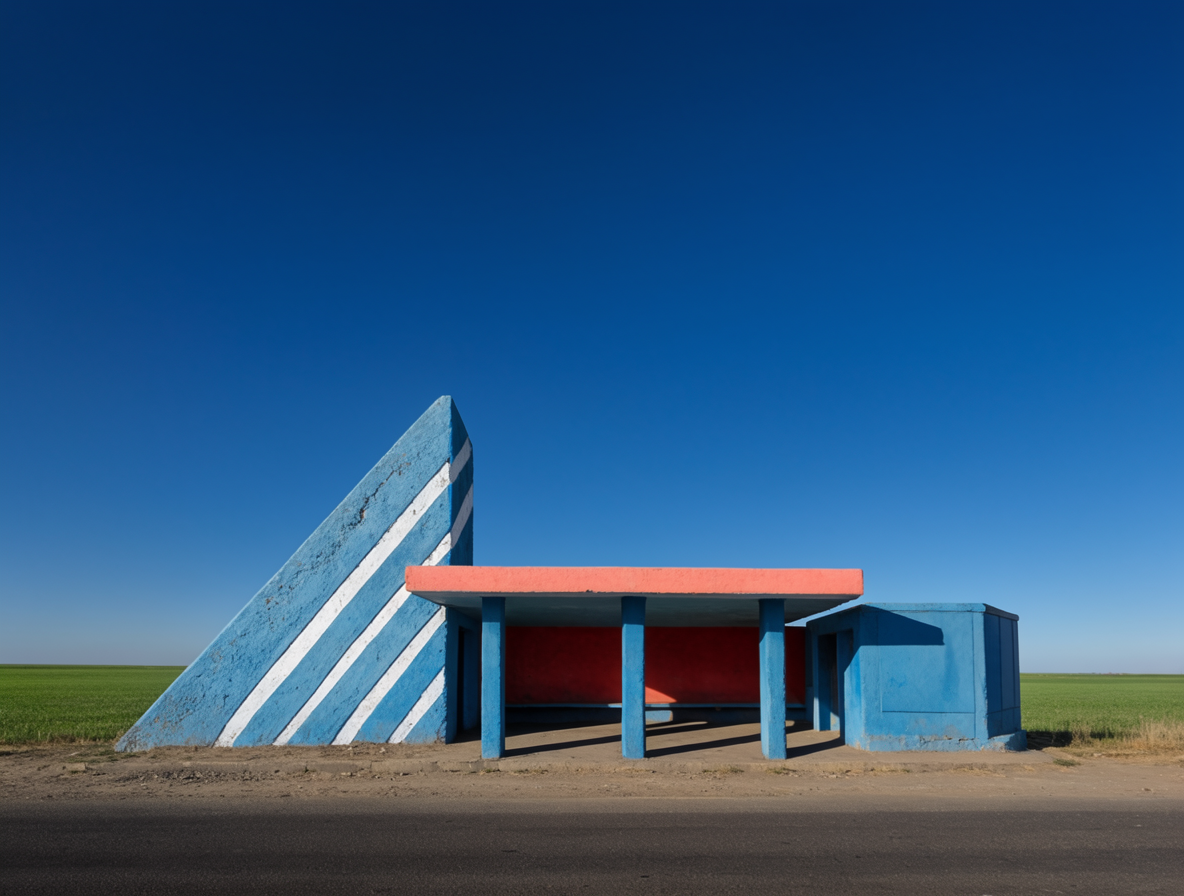
Krea 2 | Large | Text to Image
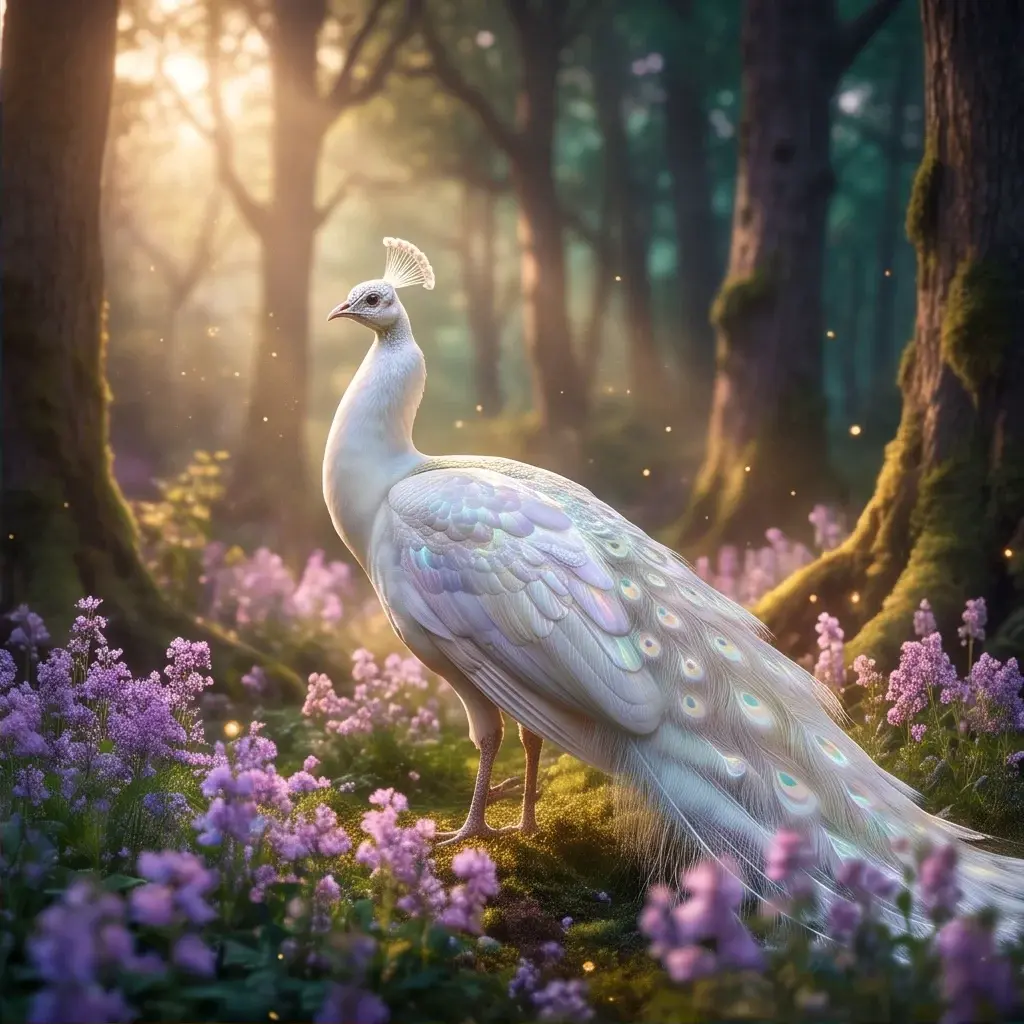
Krea 2 Large generates photorealistic and richly textured images from text prompts, ideal for high-detail visuals, editorial shots, and brand imagery.
- Runtime (p50)
- 35s
- Estimated price
- $0.06–$0.065 per image, depending on used image style references
Overview
Krea 2 | Large | Text to Image Overview
Krea 2 | Large | Text to Image is a high-capacity diffusion-based model from Krea’s krea v2 family that generates photorealistic, richly textured images directly from natural language prompts. It is designed for creators and teams who need high-detail visuals, editorial-style shots, and brand-consistent imagery without manual photo shoots. The primary differentiator of Krea 2 | Large | Text to Image is its strong bias toward realistic lighting, nuanced materials, and fine surface detail, which makes it especially suitable for product renders, portraits, and cinematic scenes. Integrated via the Krea 2 | Large | Text to Image API on each::labs, it fits smoothly into automated production pipelines and creative tools where reliable, high-fidelity image generation is critical.
Capabilities
Capabilities
- Generates photorealistic images with convincing lighting, shadows, and perspective from natural language prompts.
- Produces richly textured surfaces for materials like fabric, metal, glass, and skin, supporting detailed product and portrait work.
- Supports multiple aspect ratios suitable for social feeds, ads, hero banners, and print layouts.
- Handles editorial and commercial photography styles, including fashion, lifestyle, and product-centered compositions.
- Creates brand-style imagery when guided with consistent prompts about color palettes, moods, and environments.
- Works well for cinematic scenes, such as moody interiors or dramatic outdoor shots with complex lighting.
- Integrates through the Krea 2 | Large | Text to Image API on each::labs, enabling programmatic generation at scale.
- Can be iteratively prompted to refine a concept, exploring variations on composition, angle, and styling.
Use cases
Use Cases for Krea 2 | Large | Text to Image
Marketing teams can use Krea 2 | Large | Text to Image to create campaign visuals and ad concepts that highlight realistic products and scenes. For example: “Photorealistic image of a stainless steel water bottle on a rugged rock surface at sunrise, golden hour lighting.” Designers can generate editorial-style imagery for lookbooks or landing pages, leveraging the model’s strong fashion and lifestyle rendering: “Street-style photo of a person wearing pastel sneakers in an urban alley, soft overcast light.” Content creators and bloggers can illustrate articles with cinematic environment shots, such as “Cozy reading nook by a window on a rainy day, detailed textures, photorealistic.” Developers can integrate the Krea 2 | Large | Text to Image API into creative apps to auto-generate on-brand hero images based on user-entered themes and keywords.
Tips & tricks
Tips and Tricks
Krea 2 | Large | Text to Image responds best to prompts that explicitly describe camera style, lighting, and material details. Include cues such as “soft studio lighting,” “shallow depth of field,” or “cinematic wide shot” to guide the model toward specific photographic looks. Use concise style tags (for example, “editorial photography,” “commercial product shot,” “street fashion photo”) rather than long, overloaded keyword lists. When available, pair a main prompt with a negative prompt to exclude unwanted artifacts like extra limbs, text overlays, or distorted logos. Start with moderate complexity and iterate by refining a few words at a time. Example prompts: “Editorial fashion photo of a model in a tailored beige coat, soft studio lighting, 85mm lens, neutral backdrop”; “High-detail product shot of a matte black wireless headset on a reflective glass surface, dramatic side lighting”; “Cinematic nighttime city street, rain-soaked pavement, neon reflections, photorealistic.”
Technical spec
Technical Specifications
- Model family: Krea krea v2, large text-to-image variant focused on high-detail outputs.
- Input: Text prompt (optionally with negative prompt support, depending on API configuration).
- Output: Still images in common web formats (typically PNG or JPG, as exposed through the each::labs pipeline).
- Resolution: Optimized for standard web and design resolutions; supports multiple aspect ratios via width/height settings when enabled by the API.
- Aspect ratios: Landscape, square, and portrait formats suitable for social, web, and print layouts.
- Processing time: Typically a few seconds per image at default steps and resolution in a hosted environment; exact latency depends on load and configuration.
- Architecture: Modern diffusion-style generative image model, trained for photorealism and fine texture detail.
Things to be aware of
Things to Be Aware Of
Like most diffusion-based models, Krea 2 | Large | Text to Image can struggle with very fine typography, complex multi-object arrangements, or exact logo reproduction, especially when prompts are vague. Outputs may vary between generations, so you should store successful prompts for reuse to maintain consistency across assets. Extremely stylized or non-photorealistic requests may not match the model’s strengths, leading to flatter or less coherent images. Higher resolutions and more sampling steps will generally improve quality but also increase latency and compute usage. When using the Krea 2 | Large | Text to Image API in automated workflows, implement guardrails for prompt validation and rate limiting.
Key considerations
Key Considerations
Krea 2 | Large | Text to Image is best used when you need realistic, high-detail images and are comfortable providing clear, descriptive prompts. It is well suited to brand, product, and editorial content, but may be less ideal for highly abstract or non-photographic art styles. Expect higher compute cost than lightweight models due to the large architecture and quality targets. For production workflows, you should define consistent prompt templates and aspect ratios so that outputs remain uniform across campaigns. When integrating the Krea 2 | Large | Text to Image API via each::labs, ensure your application handles generation latency and possible retries gracefully.
Limitations
Limitations
Krea 2 | Large | Text to Image is focused on still-image generation and does not natively produce video or audio outputs. It may have difficulty rendering legible text within scenes, intricate UI layouts, or images requiring pixel-perfect branding guidelines. Exact real-world likenesses, highly regulated content, or sensitive subject matter may be limited or filtered by upstream policies. As with other Krea text-to-image systems, results depend heavily on prompt clarity, and the model cannot “understand” context outside of what is described in the prompt or provided via the Krea 2 | Large | Text to Image API parameters.
Related models
4 models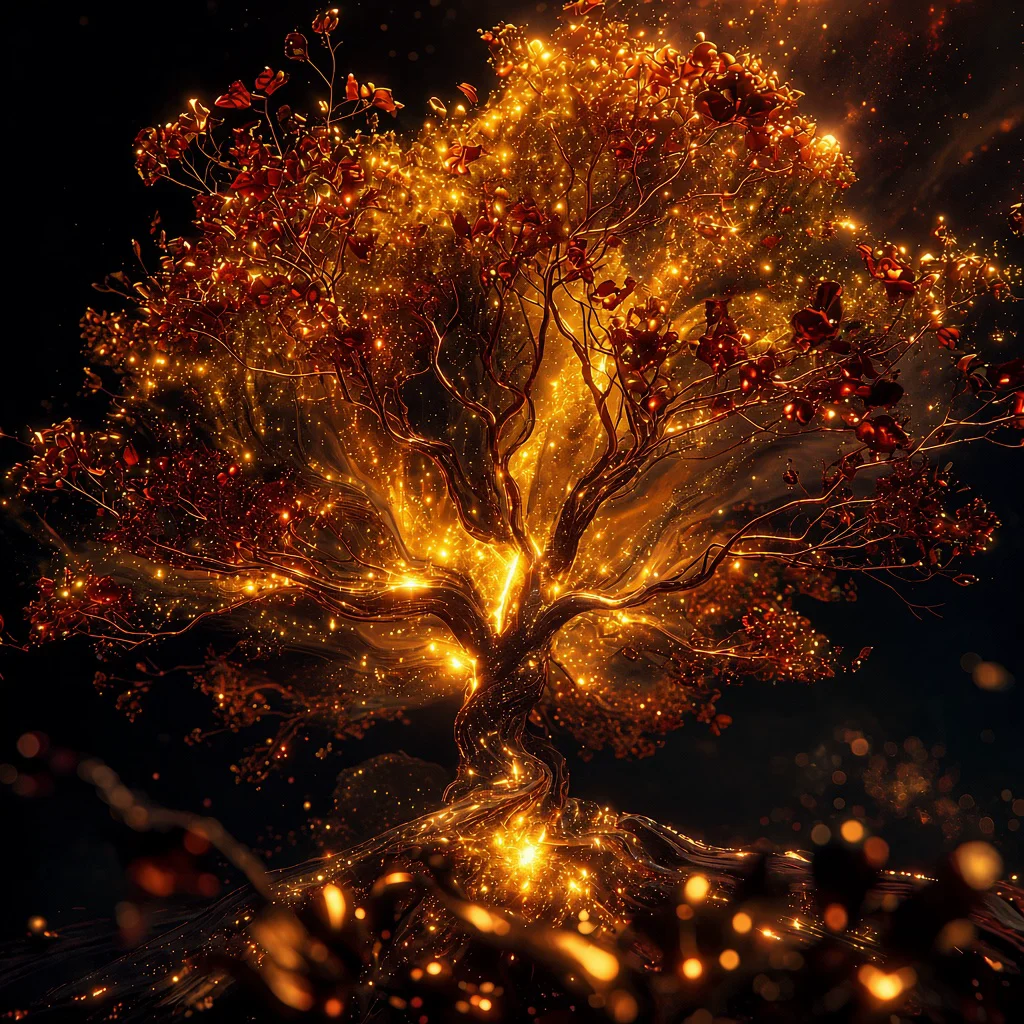
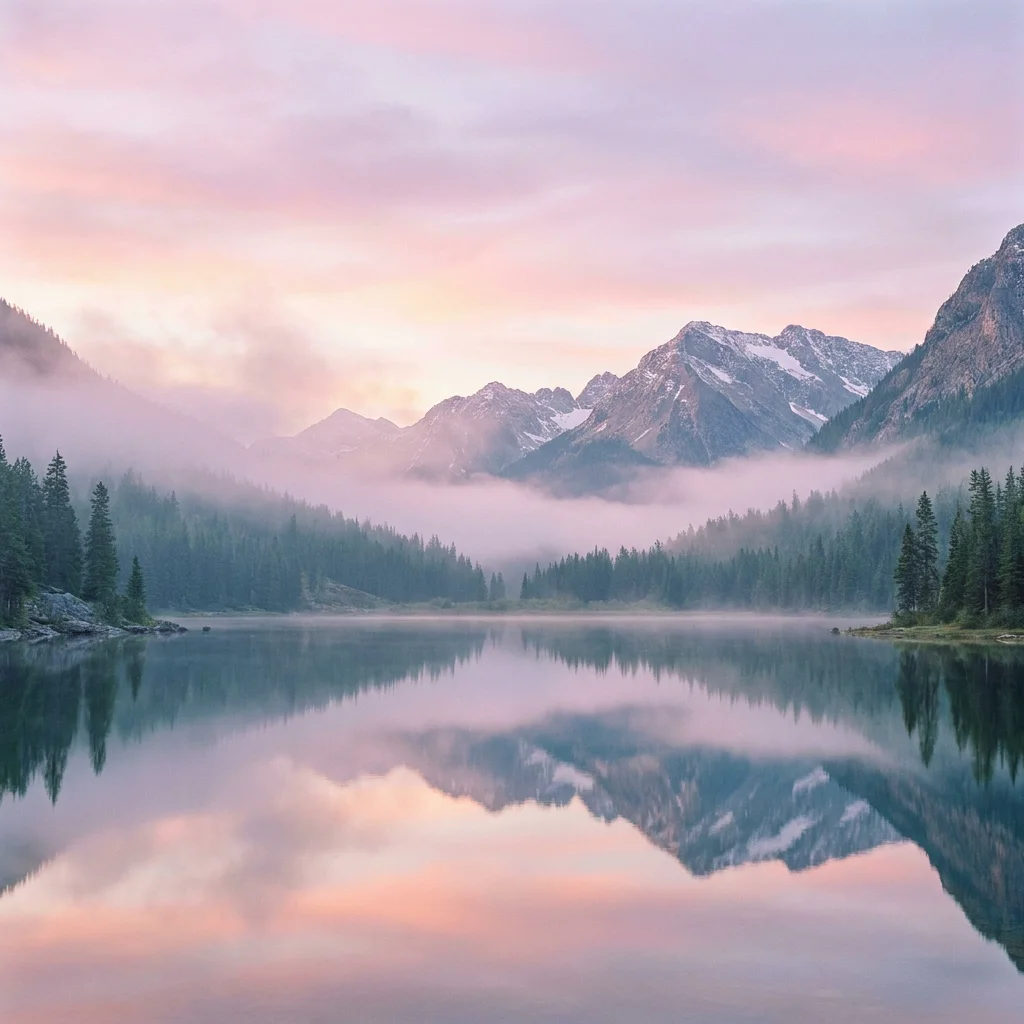
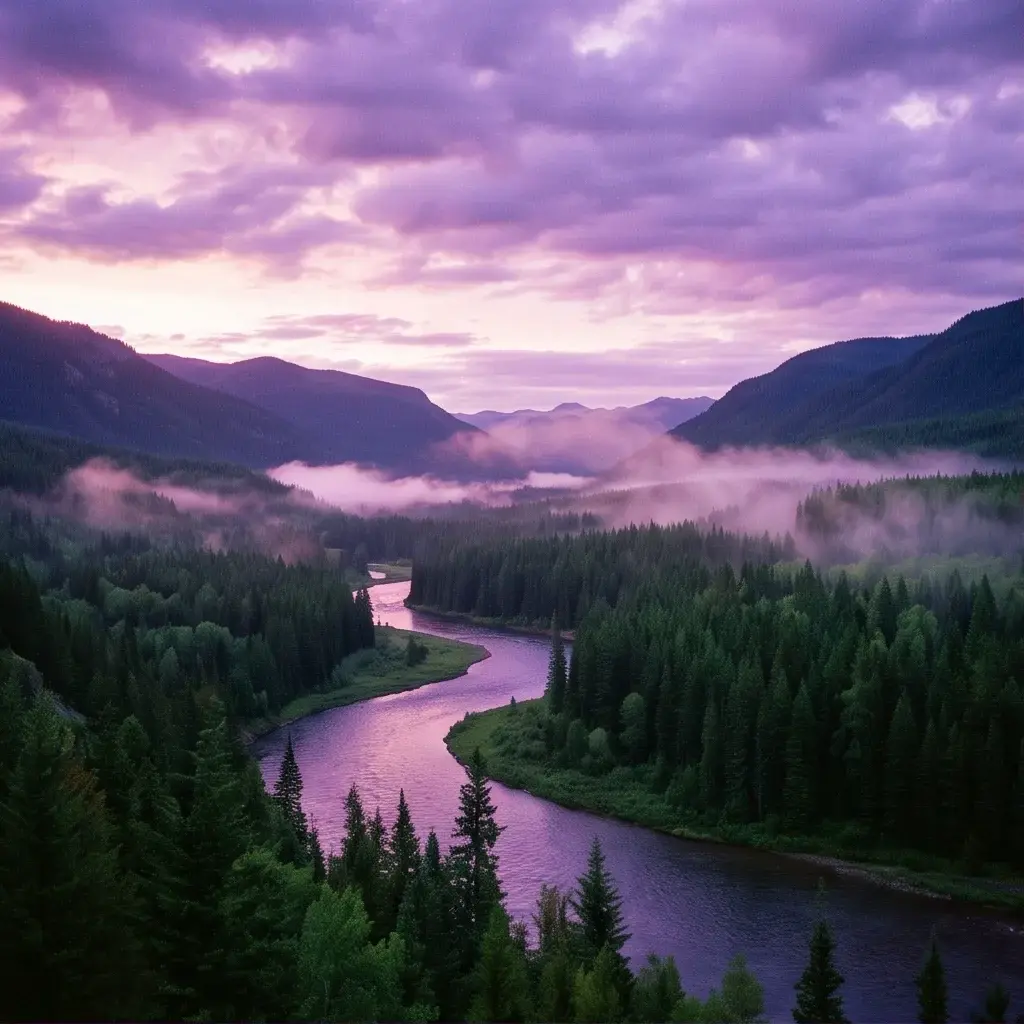
About Krea 2 | Large | Text to Image
What is Krea 2 Large text-to-image?
Krea 2 Large is Krea's larger foundation image model, designed for photorealism, raw aesthetic detail, and high visual fidelity. It produces images from text with strong handling of texture, motion blur, grain, and other cinematic qualities that the smaller Krea 2 Medium variant can't match.