The model makes the clip. Video API makes it ready to ship.
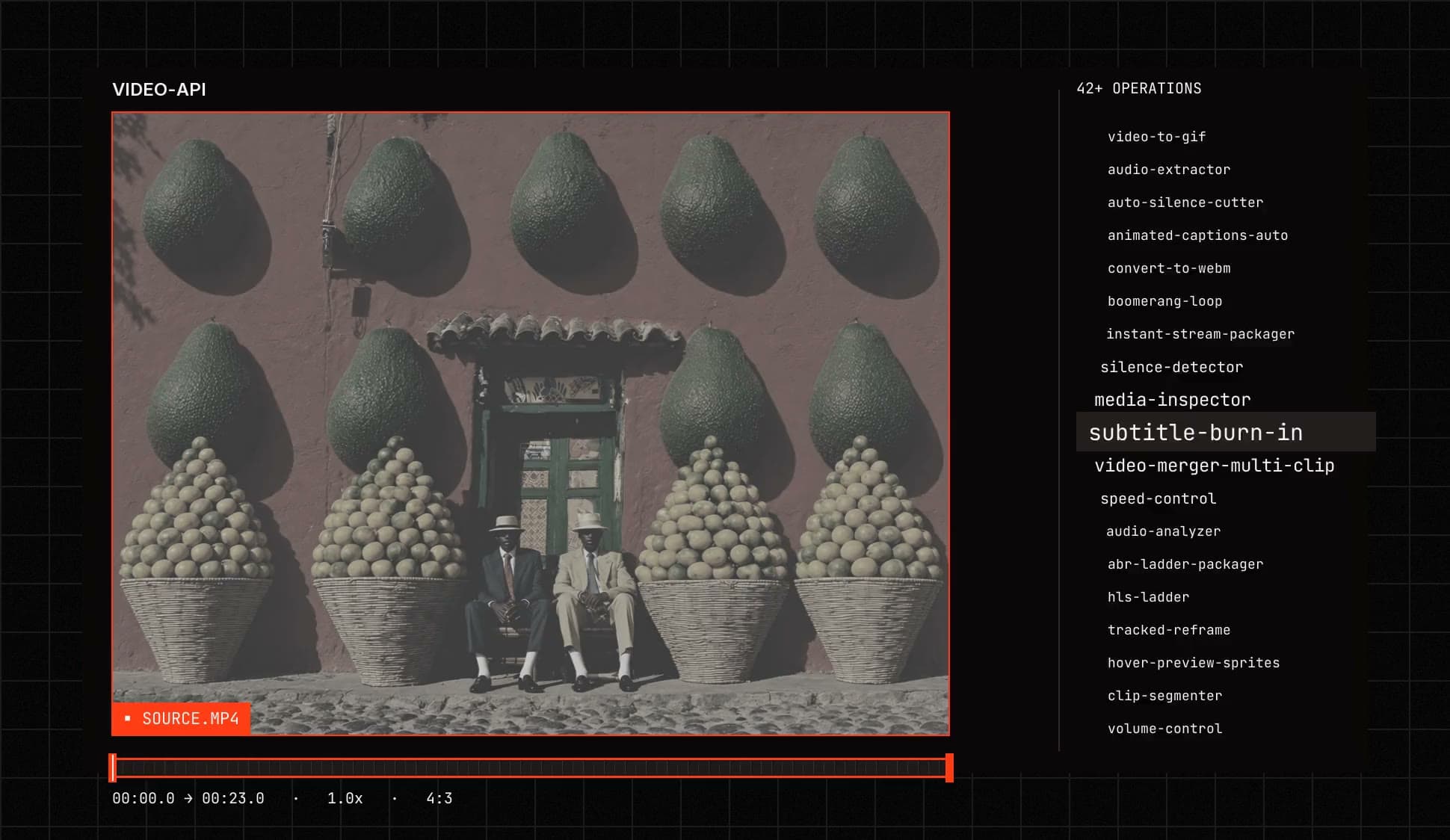
Generation gives you a file. Shipping needs a trimmed, captioned, correctly framed, correctly packaged file. Video API is the processing layer that runs after the model: 39 operations behind the same API call you already make.
What it does
Every operation, grouped by the job it does. Each one is a model you can call directly.
- 01
Trim and cutTrim, split, find scene cuts, merge, fade, reverse and loop.
- trim-by-start-end
- clip-segmenter
- scene-cut-finder
- video-merger
- fade-in-out
- reverse-video
- boomerang-loop
- 02
CaptionsBurn in subtitles or add animated captions.
- subtitle-burn-in
- animated-captions-auto
- 03
AudioAnalyze, set volume, normalize, master, mix voice over music, replace and extract.
- audio-analyzer
- volume-control
- loudness-normalizer
- audio-mastering
- voice-over-music
- audio-replacer
- audio-extractor
- 04
SilenceFind silent parts, split on them or cut them out.
- silence-detector
- silence-splitter
- auto-silence-cutter
- 05
FramingCrop, resize, rotate, pad and reframe.
- video-cropper
- video-resizer
- video-rotator
- letterbox-pad
- tracked-reframe
- 06
ColorGrade with a LUT or adjust the color.
- lut-color-grading
- color-adjust
- 07
Frames and overlaysPull stills and sprites, add stickers and watermarks.
- poster-frame
- frame-screenshot
- hover-preview-sprites
- timed-stickers
- video-overlay
- watermark-overlay
- 08
Convert and packageConvert formats, build streaming ladders and inspect media.
- convert-to-mp4
- convert-to-webm
- video-to-gif
- hls-ladder
- abr-ladder-packager
- instant-stream-packager
- media-inspector
Browse every operation
Open in ExploreShip the clip, not the raw render Start with one call and add the rest as you need them.
curl -X POST https://api.eachlabs.ai/v1/prediction \
  -H "Content-Type: application/json" \
  -H "Authorization: Bearer $EACHLABS_API_KEY" \
  -d '{
  "model": "trim-by-start-end",
  "input": {
    "Video": "https://example.com/clip.mp4",
    "What_To_Do": "Trim the video between the requested start and end seconds.",
    "Start_Second": 0,
    "End_Second": 5
  }
}'
One API keyVideo processing models use the same each::labs API key and SDK as every other model.
Chain with generationA generated clip can be trimmed, captioned and watermarked in one each::labs workflow.
Pay per callBilled per inference at the same pay-as-you-go rates as the rest of the catalog.
Frequently asked questions
The short answers. For anything specific to your pipeline, ask the people who build the platform.
 Talk with an engineerFind your next pipeline opportunity.
The Video API is the processing layer that runs after generation: 39 models that trim, caption, reframe, colour-grade, normalise audio and package video for delivery, all callable through the same API key and SDK as the rest of the catalog.
No. Video processing models use the same each::labs API key and SDK as every other model, with no per-provider credentials and no separate integration.
Yes. A generated clip can be trimmed, captioned and watermarked in one pipeline: the processing models compose with generative models, and with each other, inside an each::labs workflow.
Video processing models are billed per inference at the same pay-as-you-go rates as the rest of the catalog, with no bandwidth fees and no per-seat charges.