AI media for gaming. Build game worlds, characters and content faster.
Create and iterate on visual and audio assets without rebuilding the production process for every asset.
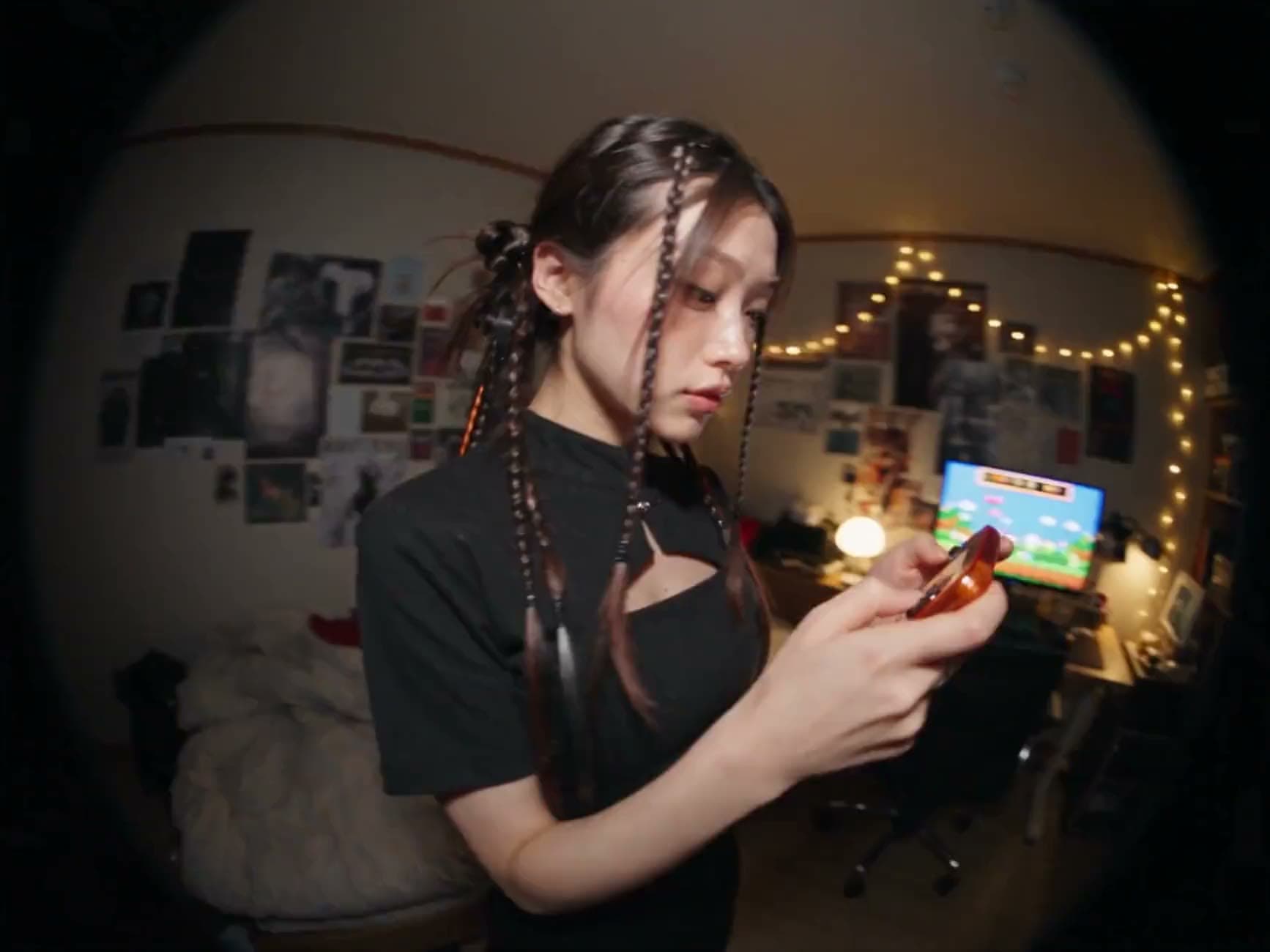
Trusted by teams building with AI












Built for games that keep evolving.
 Exploration
Explore ideas faster.
Move from a creative brief to characters, environments and concepts quickly.
 Consistency
Keep your visual language consistent.
Build repeatable workflows around your game's art direction.
 Formats
Produce across formats.
Create imagery, video, 3D and voice through connected workflows.
What you can create. Input in, output out.

Characters
Heroes, enemies and NPCs.

Environments
Worlds, levels and backgrounds.

3D assets
Create 3D assets from visual references.

Trailers
Create launch and update videos.

Voice
Generate voice content for characters and experiences.
How it works. From concept to asset, in your game's style.
- Reference · Style

- Reference · Casting
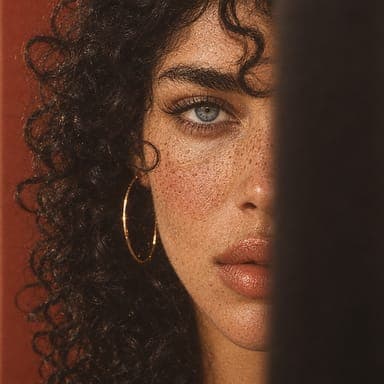
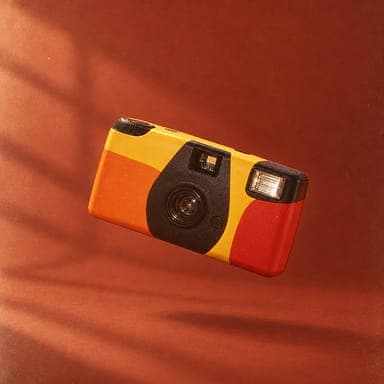
- Product photo
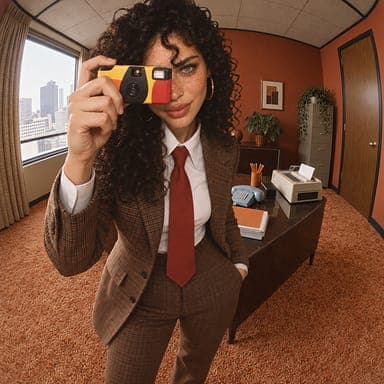
- Campaign shot
- 01
Imagine.Start with the character, world or experience.
- 02
Build.Develop the workflow and visual direction.
- 03
Produce.Generate, review and iterate across assets.
Built for game workflows. Everything your art pipeline needs to go from concept to shipped asset, in one platform.
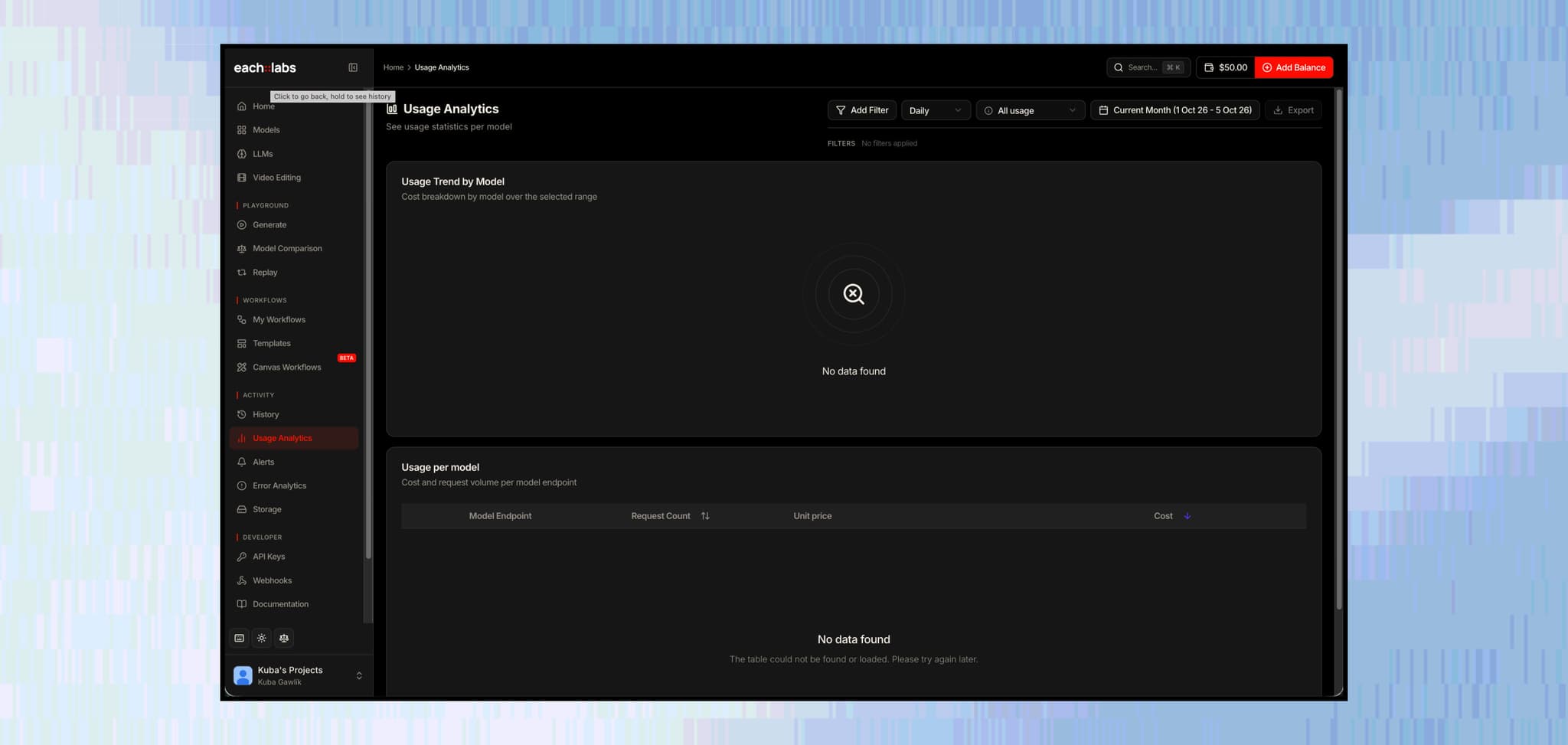
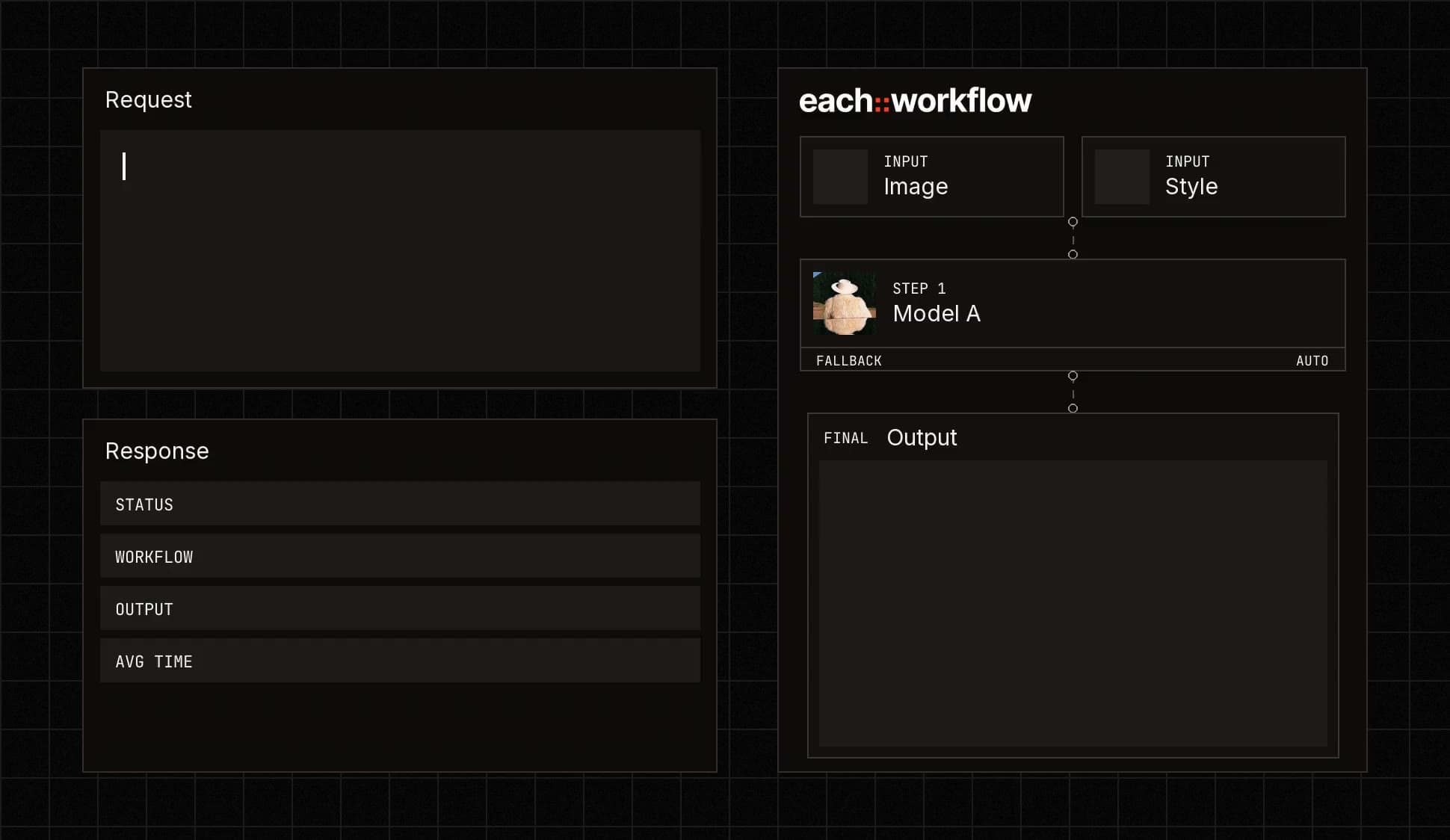

Connect generation directly to your tools and product.
Call any model or workflow from your code.

Create repeatable asset-generation processes.
Build the process once and reuse it for every asset.

Create trailers and gameplay-adjacent content.
Turn game art into launch and update videos.

Choose and manage the models used across different asset types.
Use the right model for each asset, from one place.
Who it’s for. Teams building worlds for players.
Get started for free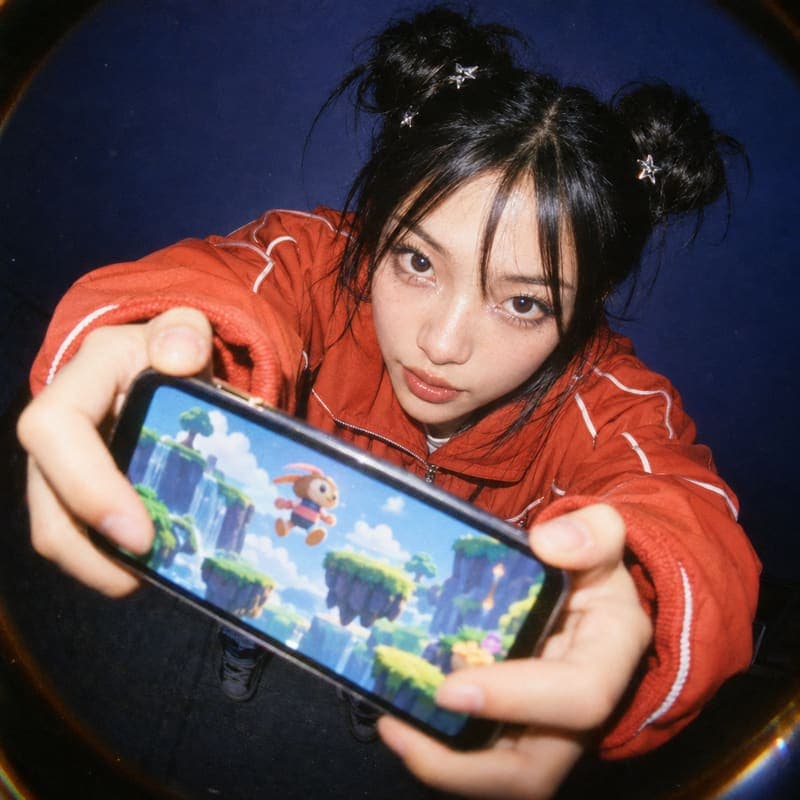 Mobile game studios
Teams producing frequent content updates.
 Indie developers
Small teams producing large creative worlds.
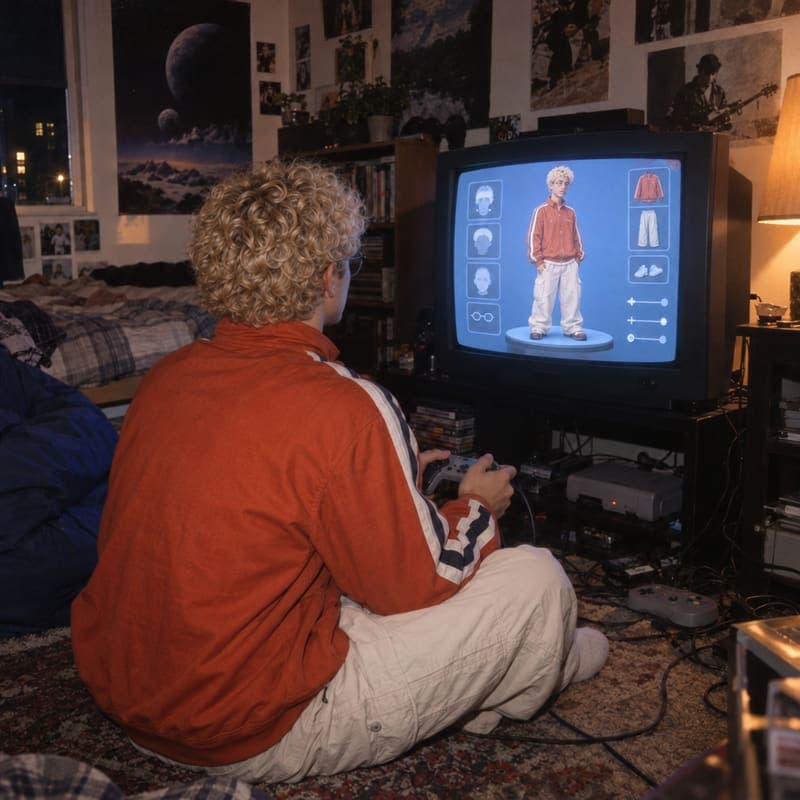 Games with player creation
Products where players generate or customize content.
Built for production.
From your first workflow to production at scale, each::labs gives your team the infrastructure and support to run AI media reliably.
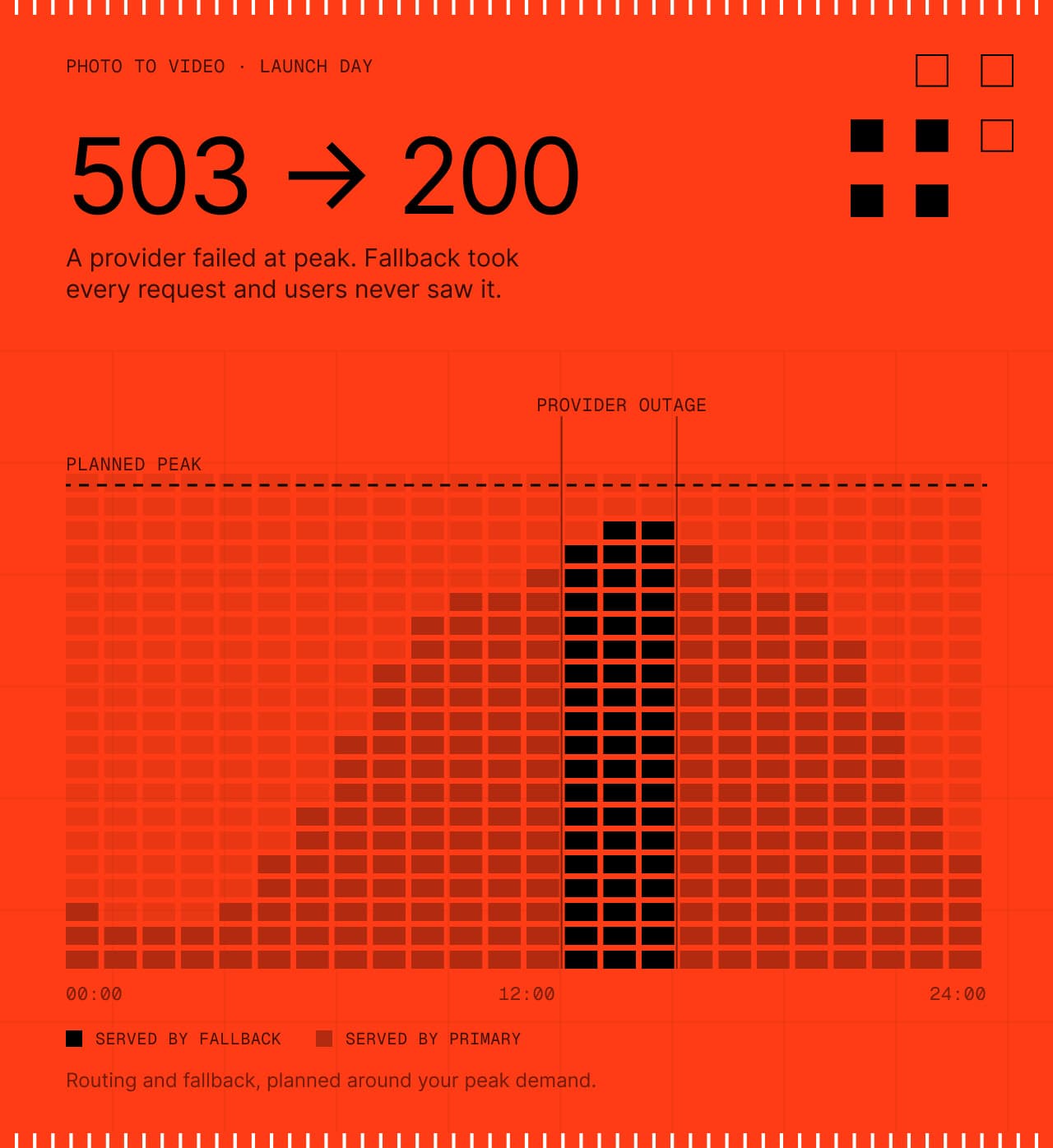
Production workflows with routing and fallback, planned around your peak demand.
Controls and documentation for your team’s review.
Track usage, errors and workflow performance.
Work directly with the each::labs team as your production needs grow.
Questions game teams ask
The short answers. For anything specific to your game, talk to the people who build the platform.
 Talk to an engineerPlan your assets with our team.
Build workflows around your game's art direction and reference images, then reuse them for every asset so new characters and environments match your style.
Image to 3D models turn a concept image or character render into a 3D asset, with the option of a textured mesh. You can add that step to the same workflows you use for characters and environments.
Upload concept art, style guides and existing game assets, then use them as references in every step. Your inputs stay yours, and each::labs does not use your content to train models.
It depends on the model. Under our terms you own your outputs, subject to any limits the model's provider sets, such as non-commercial use, so check the model page and our Terms of Service before you ship.
Save the models, prompts and references that match your art direction as a workflow, then run it for every new character, environment or item. Bulk triggers run it on several inputs at once.
Yes. Call a workflow from your game's backend through the API so players can create or customize content, and add a moderation step that checks prompts and images before they appear in game.
See what’s possible.
 App Companies
Ship new AI effects as soon as they trend.
Explore App Companies Movie Studios & VFX
From creative direction to production-ready shots.
Explore Movie Studios & VFX E-commerce & Retail
Turn one product image into a complete catalog of content.
Explore E-commerce & Retail Agencies
One creative workflow. Many clients.
Explore Agencies Ad Tech & Marketing
One product. Many creative directions.
Explore Ad Tech & Marketing Music & Music Video
Turn a track into a visual world.
Explore Music & Music Video Fashion
Create collection visuals from the products you already have.
Explore Fashion Social & Creator Platforms
Put creation tools inside your product.
Explore Social & Creator Platforms AI Agents & Developer Tools
Give your agent the ability to create.
Explore AI Agents & Developer Tools