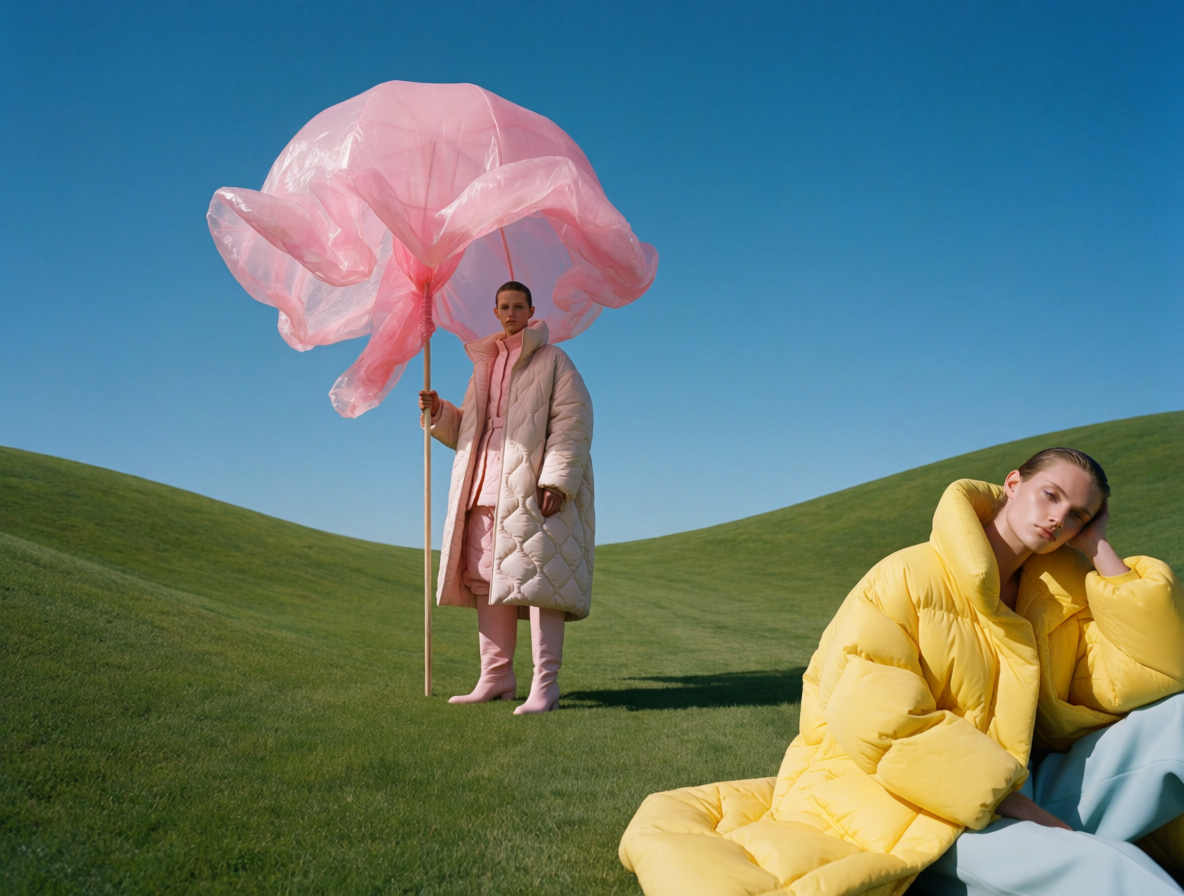
Krea 2 | Medium | Text to Image
Krea 2 Medium generates aesthetic, stylized images from text prompts, with strong results for illustration, anime, and painterly art on each::labs.
- Runtime (p50)
- 25s
- Estimated price
- $0.03–$0.035 per image, depending on used image style references
Overview
Krea 2 | Medium | Text to Image Overview
Krea 2 | Medium | Text to Image is a text-to-image generation model from Krea’s krea v2 family, focused on producing aesthetic, stylized artwork from natural language prompts. It is optimized for illustration, anime-inspired visuals, and painterly art styles, making it a strong choice for creators who prioritize style and mood over strict photorealism. On each::labs, Krea 2 | Medium | Text to Image helps users turn short or detailed prompts into fully rendered images with consistent artistic direction. The model aims to balance quality and speed, providing reliable outputs suitable for concept art, social visuals, and creative experimentation without the heavy setup overhead of custom pipelines.
Capabilities
Capabilities
- Generates stylized illustrations and concept art from plain language prompts, with a focus on anime and painterly aesthetics.
- Produces coherent compositions for characters, environments, and objects suitable for creative pre-production and moodboards.
- Supports multiple aspect ratios, enabling outputs tailored for feeds, banners, thumbnails, or vertical mobile content.
- Handles detailed style guidance in prompts, allowing users to specify art movements, mediums, color schemes, and lighting setups.
- Works well for expressive, exaggerated, or fantastical scenes where artistic interpretation is preferred over realism.
- Integrates into each::labs workflows so developers can call the Krea 2 | Medium | Text to Image API programmatically for automated content generation.
- Enables rapid iteration, letting designers quickly explore many stylistic variations by adjusting only a few keywords.
- Can complement other models in a pipeline, such as using its outputs as base art for further editing or upscaling.
Use cases
Use Cases for Krea 2 | Medium | Text to Image
Krea 2 | Medium | Text to Image is ideal for artists and illustrators who need fast concept art and character designs. A creator can generate multiple anime-style character variations with prompts like, "Anime character turnaround, young inventor, steampunk goggles, painterly shading, neutral background." Marketers can leverage its stylized look to produce campaign visuals or social posts that stand out, for example, "Stylized illustration of a rocket launch, brand colors blue and orange, flat illustration mixed with painterly textures." Designers can quickly build storyboards or key frames for motion work using prompts such as, "Storyboard frame, lone hero on a cliff at sunset, dramatic silhouette, cinematic composition, digital painting." Developers can integrate the Krea 2 | Medium | Text to Image API into content tools, enabling users to automatically generate cover art, thumbnails, or decorative imagery from text fields.
Tips & tricks
Tips and Tricks
To get the most from Krea 2 | Medium | Text to Image, treat prompts as concise art direction. Include subject, style, medium, and lighting, and optionally specify “anime,” “illustration,” or “painterly” to lean into the model’s strengths. Use negative prompting (when available in the Krea 2 | Medium | Text to Image API on each::labs) to remove artifacts like text, watermarks, or extra limbs. Iteratively refine prompts instead of making many changes at once so you can see exactly what influences the output. Describing camera angle, color palette, or composition (for example, “wide shot,” “dramatic lighting,” “pastel colors”) can further improve results. For consistent series, repeat key style phrases across prompts.
Example prompts:
- "Anime-style illustration of a cyberpunk city at night, neon lights, detailed painterly shading, dramatic lighting"
- "Fantasy character concept art, warrior mage in ornate armor, painterly brushstrokes, muted color palette, soft rim light"
- "Children’s book illustration of a fox in a forest, storybook style, warm colors, whimsical, textured watercolor look"
Technical spec
Technical Specifications
- Model family: Krea krea v2 text-to-image generation, medium capacity variant.
- Task: Text-to-image generation from natural language prompts.
- Inputs: Text prompt; optional negative prompt and generation parameters (as exposed by each::labs).
- Outputs: Raster image (standard web image formats such as PNG or JPEG, as provided by each::labs).
- Resolution: Supports common creative resolutions (e.g., square and widescreen) with aspect-ratio control managed via each::labs parameters; exact pixel limits may vary by deployment.
- Aspect ratios: Typical presets (1:1, 16:9, 9:16, 3:2, etc.), depending on the configuration exposed in the Krea 2 | Medium | Text to Image API on each::labs.
- Processing time: Designed for interactive use; generation generally completes within seconds under normal load, subject to queue and parameter choices.
- Architecture: Diffusion-style text-to-image model from Krea’s v2 generation stack (exact internal architecture is provider-specific and may not be publicly documented).
Things to be aware of
Things to Be Aware Of
Because Krea 2 | Medium | Text to Image emphasizes stylization, it may not always produce perfectly realistic anatomy, faces, or complex small text. Highly technical product visuals or exact brand assets may require post-editing or additional design work. Overly short prompts can lead to generic images, while extremely long prompts may introduce unintended details or clutter. Some content types may be restricted by provider or platform policies, so users should review each::labs guidelines before deploying in production. When integrating the Krea 2 | Medium | Text to Image API, developers should account for variability between generations and design interfaces that encourage iterative refinement rather than single-shot perfection.
Key considerations
Key Considerations
Krea 2 | Medium | Text to Image is best suited for stylized illustration, concept art, anime, and painterly compositions, rather than strict photorealistic photography. Users should come prepared with reasonably descriptive prompts, including style tags, medium, and mood, to steer the model toward the desired aesthetic. The medium-tier capacity is intended to balance cost and performance, making it suitable for iterative creative workflows and rapid experimentation on each::labs. For workflows that require extremely high-resolution outputs or fine-grained photo accuracy, users may want to evaluate complementary models in addition to Krea 2 | Medium | Text to Image while still leveraging it for ideation, storyboards, and stylized final art.
Limitations
Limitations
Krea 2 | Medium | Text to Image is not designed as a photorealistic rendering engine and can struggle with precise likeness, fine typography, or exact replication of complex logos. Maximum resolution and aspect-ratio ranges are bounded by the configuration exposed on each::labs, and very large outputs may require external upscaling. The model does not accept image or video inputs in this configuration, so it cannot perform direct image editing or text-to-video generation. As with many generative systems, outputs can vary between runs, and achieving pixel-perfect control may require manual curation or subsequent editing in traditional design tools.
Related models
4 models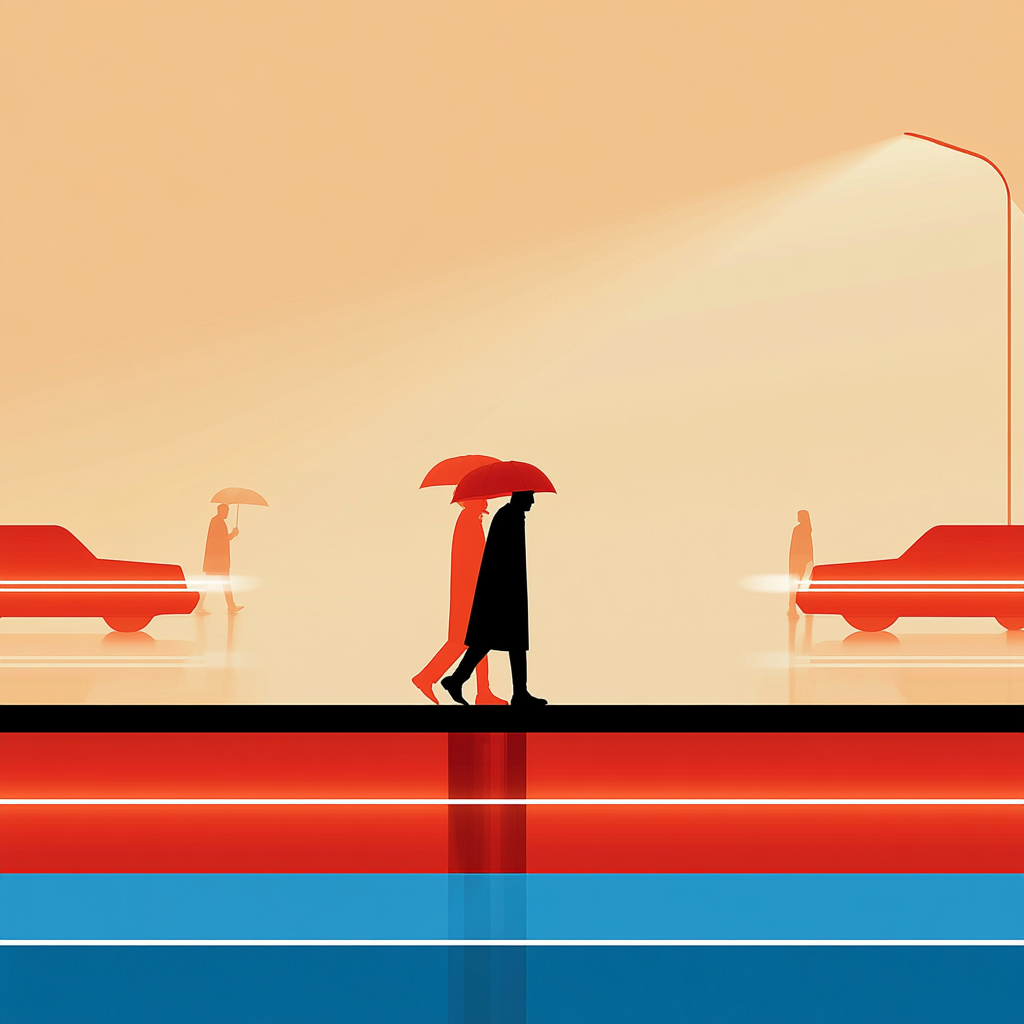
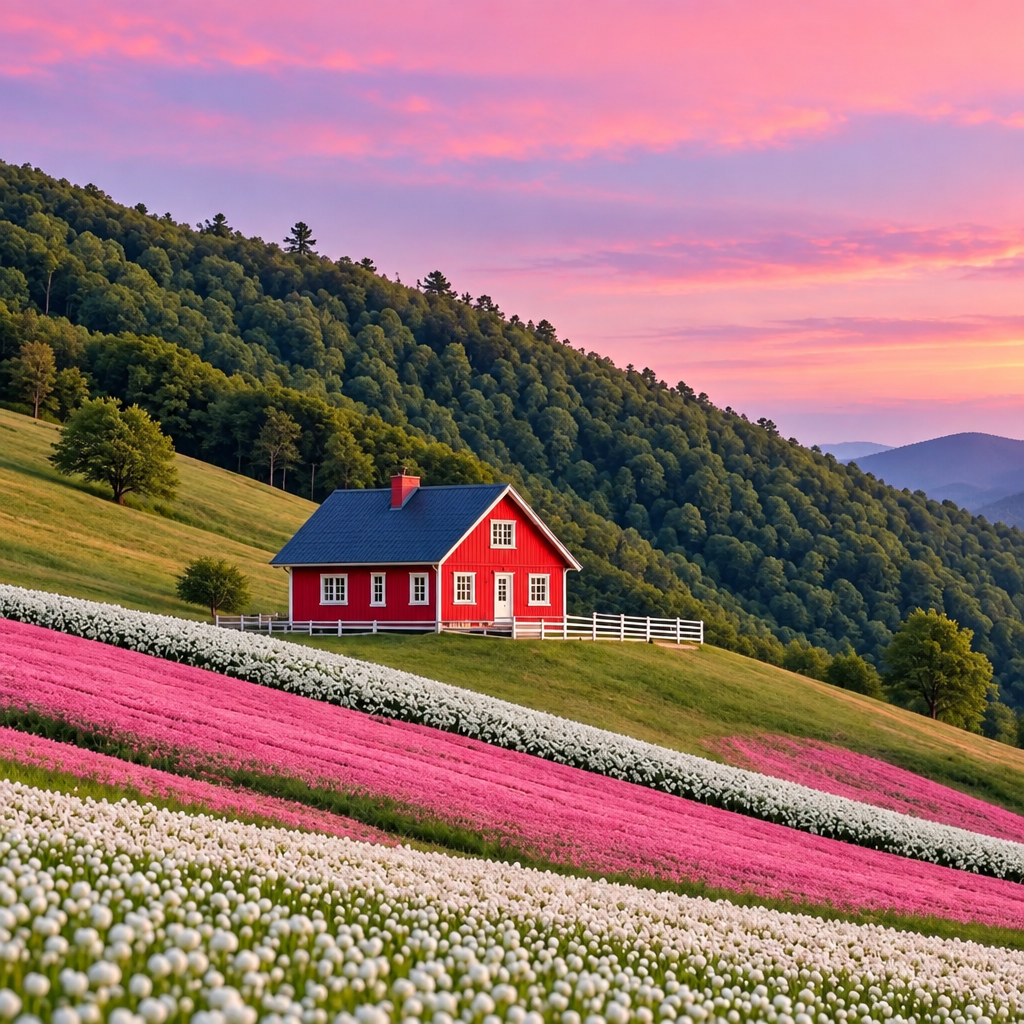
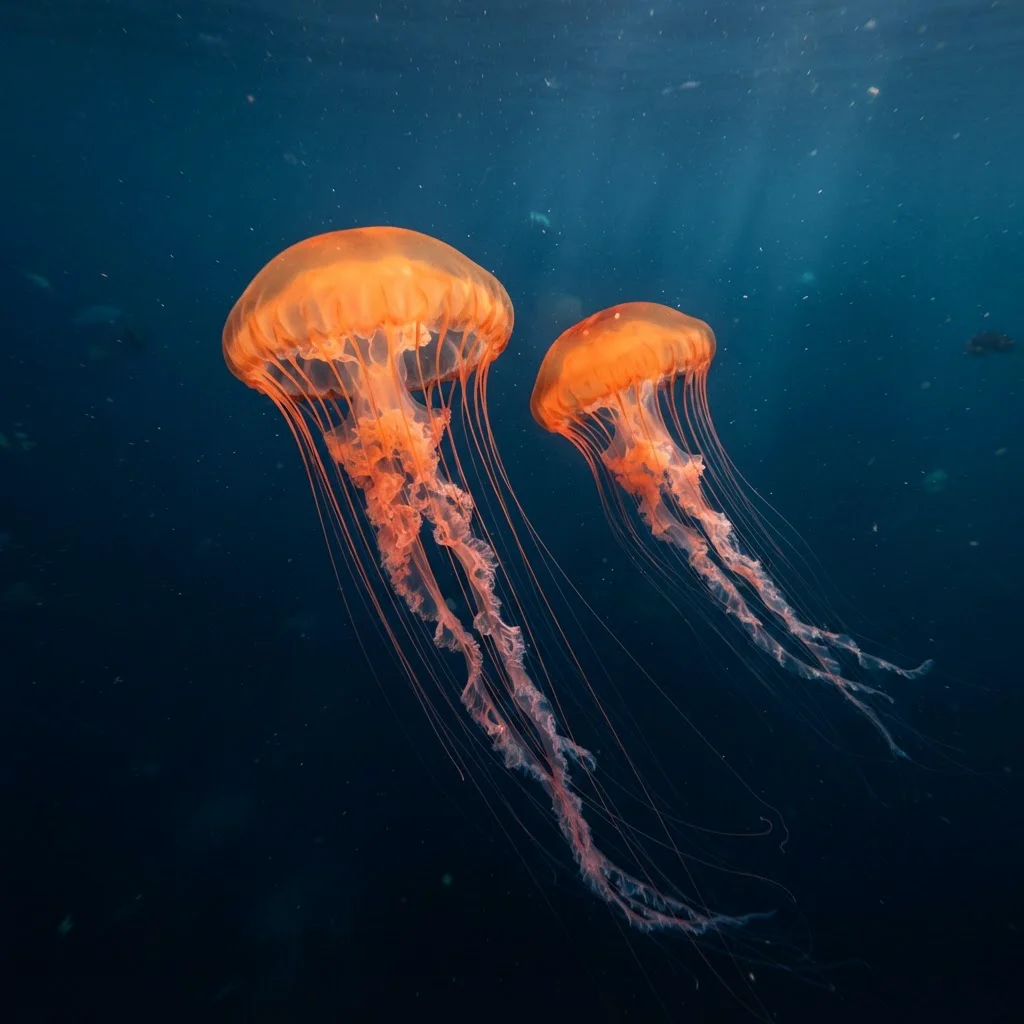
About Krea 2 | Medium | Text to Image
What is Krea 2 Medium text-to-image?
Krea 2 Medium is Krea's foundation image model tuned for aesthetic coherence, style consistency, and composition. It turns written prompts into stable, repeatable images, with particular strength in illustration, anime, painting, and other expressive artistic styles — ideal for creators wanting predictable, art-driven outputs.