Ideogram 4.5: Image Edits That Don't Drift
Most edit models quietly redraw your whole image on every pass. Ideogram 4.5 copies untouched pixels exactly, keeps your size, and edits lettering in place, so revision five still looks like revision one.
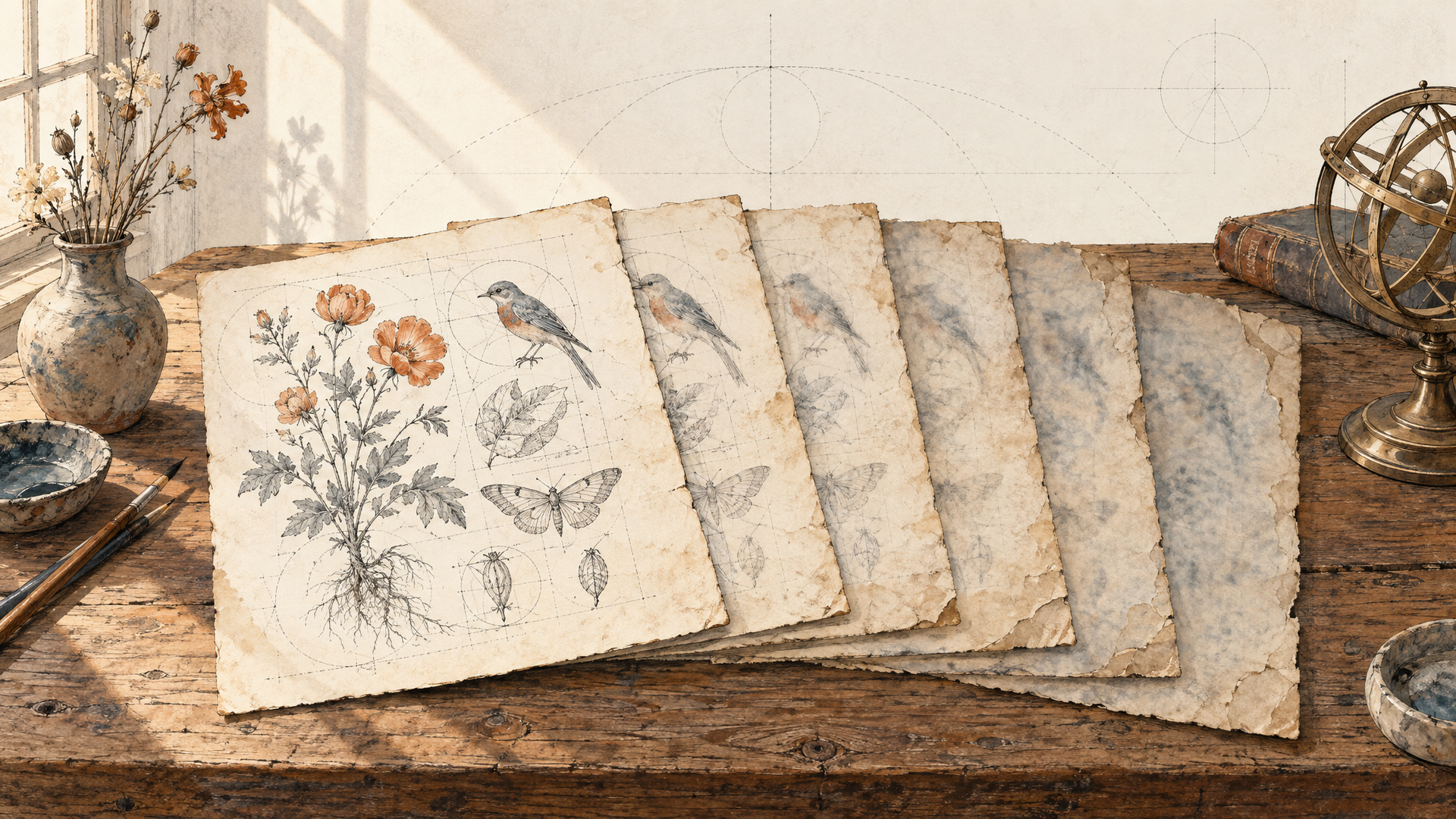
The first edit is always fine. You ask for a new background, the model delivers, and it looks good. Then the client wants the headline warmer. Then the bottle a little to the left. Then the tagline in German. By the fifth revision something is off and nobody can point at it: the skin has gone waxy, the whites have drifted toward cream, the fine grain on the label has melted into mush, and the logo sits two pixels from where it used to be. Each pass looked acceptable on its own. Together they wrecked the picture.
That's edit drift, and it's the quiet reason multi-step image editing still feels like a gamble. Every round trip through a generative model is a fresh redraw of the whole frame, and every redraw adds a little noise you never asked for.
Ideogram 4.5 is built around stopping exactly that. Ideogram calls it "the most precise edit model," and the pitch is blunt: with each edit, leading models add artifacts, pixel shifts and color changes, and Ideogram 4.5 is designed to eliminate that buildup so that multi-turn editing actually works. It's live on each::labs now, as a text-to-image model and as a dedicated edit model.
The Real Problem Is Revision Five, Not Revision One
Here's the uncomfortable truth about most image editing models: they don't edit. They regenerate. You hand over a picture and an instruction, and the model produces a brand new image that resembles the old one plus your change. On a single pass that difference is invisible. Chain five passes together and it compounds, the way a photocopy of a photocopy slowly loses its edges.
For a one-off social post, who cares. With an approval chain, it hurts. A product shot that legal already signed off. A packshot whose brand color is specified to the hex. A poster where the type was kerned by hand. In those jobs the part you didn't touch matters more than the part you did, and a model that quietly repaints everything is a model you can't trust with revision two, let alone revision five.
So the right question for an edit model isn't "how good is the change?" It's "how much of my image survives the change?"
What Ideogram 4.5 Actually Is
Ideogram 4.5 is the newest image model from Ideogram, released at the turn of September and October 2026, with launch coverage pointing to native 2K output. On each::labs it comes as two models that share one brain but do different jobs.
Ideogram 4.5 text to image generates from a prompt. You pick an image size (square HD by default, plus square, portrait and landscape presets in 4:3 and 16:9, or a custom size), a quality level, how many images you want and an optional seed for repeatable results.
Ideogram 4.5 Edit is the one this post is really about. It takes a source image, a prompt, up to four reference images and an optional mask, and it returns an edited version of your image rather than a reinterpretation of it. Ideogram has also said open weights are coming soon, which matters if you're planning to build a product on top of it.
Unchanged Pixels Stay Unchanged
The core promise is in Ideogram's own API documentation, and it's worth quoting because it's unusually specific: the output "always matches this image's width and height, and pixels the edit did not meaningfully change are copied exactly from it."
Copied exactly. Not "closely approximated." Not "preserved in spirit." If your edit is to swap the coffee cup on the desk, the desk, the window, the light and the person in the chair come back as the same pixels you sent in. That one sentence is what makes chained edits viable, because there's nothing to accumulate. Revision five carries the same untouched background as revision one, since the background was never redrawn in the first place.
The size rule matters just as much. Output matching input dimensions sounds like housekeeping until you've built a pipeline where every edit returns at a slightly different resolution and your layout templates break. With Ideogram 4.5 Edit, the default image size setting on each::labs is auto, which preserves the source geometry. Only unmasked edits accept a named preset or a custom size (at least 256 pixels per side, in multiples of 32), so if you want to reframe while editing, you can, and if you don't, you get your exact frame back.
References That Guide Without Getting Touched
Ideogram 4.5 Edit accepts up to four reference images alongside the image you're editing. The documentation is clear about the division of labor: references "are never edited themselves; only image is." They're there to show the model what you mean (a product, a texture, a jacket, a lettering style) while the edit lands on your source and nowhere else.
That separation sounds obvious, but it solves a genuinely annoying failure. When a model treats every input as material to blend, you ask for "this sofa in this room" and get a room that has absorbed half the sofa's photo, lighting and all. Here the roles are explicit. The source is the canvas. The references are the swatches.
Replace the armchair by the window with the green velvet sofa from the reference image. Keep the floor, the rug, the window light and the plant exactly as they are.
Three or four clean, well-lit references beat four cluttered ones. Give each reference a single job, and say in the prompt which job that is.
Paint the Edit When Words Aren't Enough
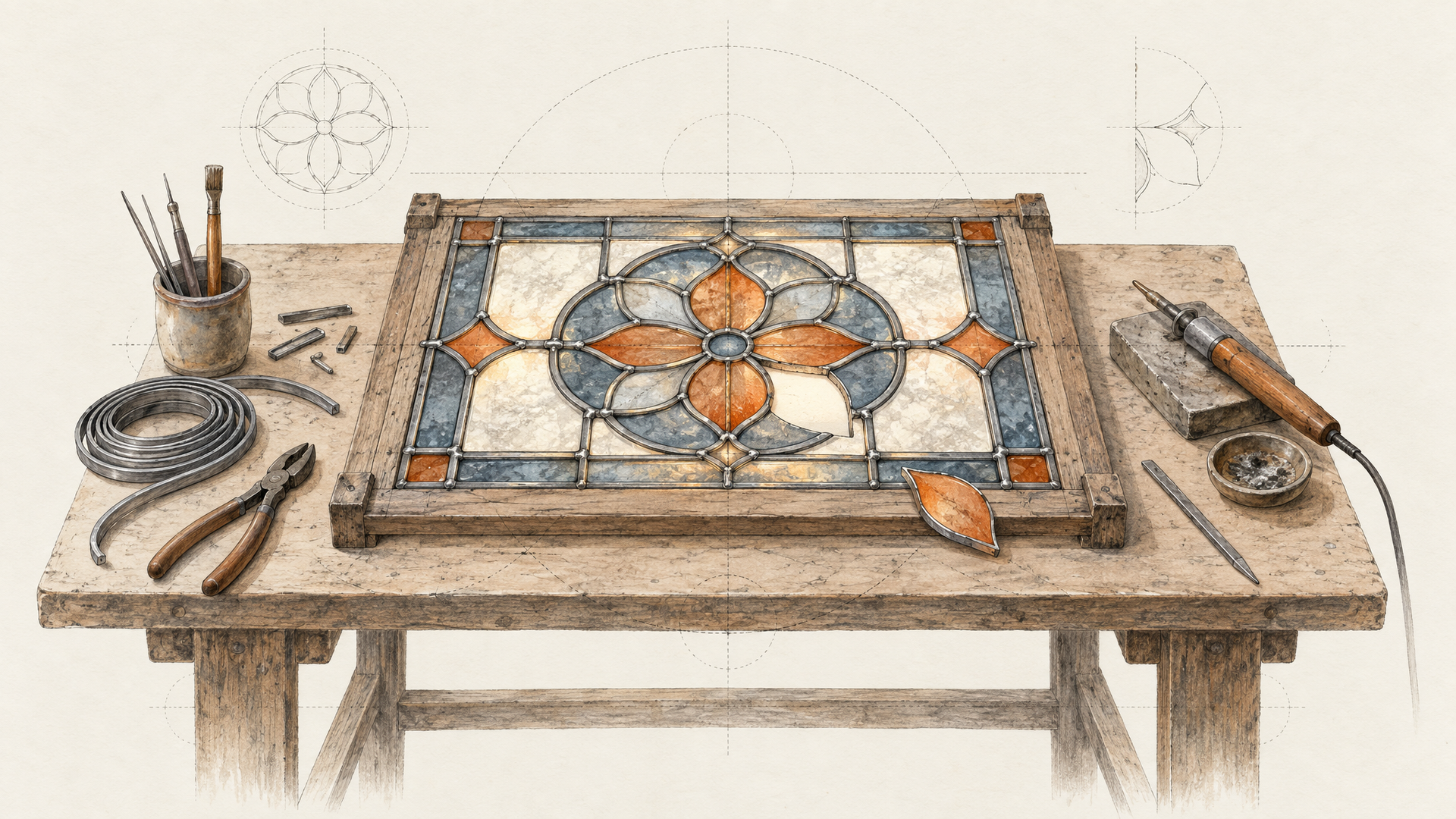
Sometimes "the bottle on the left" is ambiguous, or the area you want changed doesn't have a clean name. For that, Ideogram 4.5 Edit takes an optional mask. Black marks the area to edit and white marks the area to keep, values in between get rounded to whichever is nearer, and the mask has to match the source dimensions and contain both black and white. A masked request can carry up to three references instead of four, and it always returns at the source size. One habit to build early: other editing models use the opposite convention, so check which color means "edit" before you reuse a mask from another tool.
Write the Prompt in Plain English or in JSON
Ideogram 4.5 takes prompts in natural language or as a structured JSON prompt, up to 10,000 characters. According to Ideogram's docs, natural language is automatically converted into a structured prompt behind the scenes, while valid structured JSON is used as is.
That second path is the interesting one for developers. If you're generating edits programmatically, say a hundred product variants or a localization pass across a catalog, a structured prompt you control is far more predictable than prose your code assembles by string concatenation. You keep the instruction as data, version it, diff it and reuse it, and the model reads exactly what you wrote rather than its own interpretation of it. For one-off creative edits, plain English is faster and works well. For pipelines, structure wins.
Whichever form you choose, be precise about what stays. The model already copies unchanged pixels, but telling it which elements you consider untouchable removes any doubt about what counts as "meaningfully changed."
Change the headline on the poster from "Summer Sale" to "Sommerschlussverkauf".
Keep the same hand-drawn brush lettering, the same orange color and the same
position. Do not change the photo, the logo or the small print.
Ideogram Never Forgot How to Set Type
Ideogram built its name on text rendering, at a time when most image models treated letters as decorative squiggles. Version 4.5 carries that heritage into editing, and it's where the precision story gets genuinely practical.
Launch coverage shows the model editing stylized lettering in place and translating copy while keeping the surrounding layout intact. Think about what that replaces. A poster with a custom brush headline needs a German version: normally that's a designer rebuilding the type by hand, or a generic model that redraws the whole poster and loses the texture. With Ideogram 4.5 Edit, you ask for the new words in the same style and the rest of the poster stays put, because the rest of the poster was never touched.
The same applies to a typo on a finished packshot, a promo badge that needs new wording, a sign in a street scene, or a book cover going to a new market. If your work involves logos and brand assets, this is the capability to test first.
Pick a Quality Tier for the Phase You're In
Both models expose a quality setting. The text-to-image model offers low, medium (the default) and high. The edit model adds a very low tier below those. Ideogram's docs describe very low as the fastest option and high as the one that takes longer.
Use that like a dial, not a fixed choice. Explore on very low or low when you're testing which instruction gets the change you want, then rerun the winning prompt on high for the version that goes out. Setting a seed while you iterate keeps comparisons fair, since you're changing the prompt and not rolling new dice each time. The edit model returns up to eight images in one request, which makes comparing phrasings quick.
Ideogram 4.5, V4 and V3 Turbo on each::labs
Ideogram 4.5 doesn't replace the rest of the family on each::labs, and you'll likely keep reaching for more than one.
Ideogram V4 Text to Image is still a capable generator for typography-heavy images, and any prompts you've tuned on it are a fine starting point for 4.5. The real jump from V4 to 4.5 is on the editing side: 4.5 is the model built for multi-turn precision.
Ideogram V3 Turbo handles generation plus classic image-and-mask inpainting, where black is inpainted and white preserved. It's a solid choice for quick, single-pass fills. When the job is a chain of edits on one approved image, 4.5 Edit is the better fit, since it adds reference images, structured prompts and the exact-copy guarantee.
There's also Ideogram Character for placing a consistent character into an existing picture, which pairs naturally with 4.5 Edit when a mascot has to show up across a campaign. You can browse everything else in image-to-image models.
How to Run Ideogram 4.5 on each::labs
Both models run through the same prediction endpoint as every other model on each::labs. An edit request looks like this:
curl -X POST \
  -H "X-API-Key: $EACHLABS_API_KEY" \
  -H "Content-Type: application/json" \
  --data '{
    "model": "ideogram-v4-5-edit",
    "version": "0.0.1",
    "input": {
      "image_url": "https://example.com/poster.png",
      "prompt": "Translate the headline into Spanish in the same brush lettering. Keep everything else unchanged.",
      "quality": "medium",
      "image_size": "auto"
    }
  }' \
  https://api.eachlabs.ai/v1/prediction/
Add reference_image_urls for up to four references, or mask_url to paint the edit region. Swap the model to ideogram-v4-5-text-to-image and pass a prompt with an image_size to generate from scratch. The response is a prediction you poll or receive by webhook, so build for that from the start.
The pattern that gets the most out of this model is a chain: generate on text to image, then feed the output into Edit for each revision, keeping the last approved image as the source every time. Because unchanged pixels come back exact, you can safely build that loop into an each::labs flow or an app. If you're designing one, our notes on the backend behind an AI photo editor cover the multi-step plumbing.
Revision one was never the hard part. Revision five is, and Ideogram 4.5 is built to make it look like revision one.
Frequently Asked Questions
What is edit drift, and how does Ideogram 4.5 prevent it?
Drift is the slow damage that piles up when a model redraws the whole frame on every edit: color shifts, softened detail, small artifacts and pixels that wander. Ideogram 4.5 Edit avoids it by copying pixels the edit didn't meaningfully change straight from your source and returning the result at the source's exact width and height, so there's nothing to accumulate across rounds.
How many reference images can Ideogram 4.5 Edit use?
Four, alongside the image you're editing, or three when you also send a mask. References only guide the change. They're never edited themselves, so a product photo you pass as a reference won't bleed its lighting or background into your source.
Can Ideogram 4.5 translate text inside an image?
Yes, and it's one of the strongest reasons to try it. Ideogram has always been known for rendering type, and 4.5 can edit stylized lettering in place or translate copy while the surrounding layout stays as it was. Quote the exact new wording in your prompt and say that the style and position should stay the same.
Should I use Ideogram 4.5 or Ideogram V3 Turbo for inpainting?
Think in terms of how many passes the image will take. For a single quick fill, V3 Turbo with a mask does the job. For an approved image that will go through several revisions, or an edit that needs reference images or a structured prompt, Ideogram 4.5 Edit is the safer pick.