Ideogram Vector 1.0: Editable SVGs Straight From a Prompt
Ideogram Vector 1.0 is Ideogram's first model that outputs SVG instead of pixels. Here's what's confirmed, what's still open, and how to get your vector workflow ready on each::labs.
By Eftal Yurtseven · Nov 2, 2026 · 7 min read
Every designer has done the ritual. The image model hands you a logo concept you actually like, and then the real work starts: drop it into a tracer, watch it turn a clean letterform into four hundred wobbly nodes, and spend the afternoon redrawing it by hand anyway. A pretty PNG is not a deliverable. A brand needs a file it can recolor, resize and print on a truck.
That's the gap Ideogram Vector 1.0 goes after. Ideogram launched it on October 22, 2026 as its first model that outputs vector graphics instead of pixels: you write a prompt, optionally attach reference images, and get back an SVG. Ideogram has spent years being the image model that can actually spell, so a vector model from this team is a bigger deal for working designers than another bump in photorealism. Here's what's confirmed, what's still unknown, and how to get your vector workflow ready on each::labs before it arrives.
What Ideogram Vector 1.0 Actually Is
Ideogram Vector 1.0 is a generative model whose native output is SVG. It isn't an image model with an auto-tracer bolted on the end, at least not by Ideogram's description. In its launch announcement on X (as reported by RuntimeWire and Digital Applied), Ideogram described each result as a single clean SVG with editable colors, shapes and gradients, and pitched the output on "smooth gradients and sharp typography."
The model runs in two modes. Text to vector takes a prompt plus optional image references and generates new artwork. Image to vector takes an existing JPEG, PNG or WEBP and converts it into an SVG without a prompt. Ideogram's developer reference for SVG generation describes the first endpoint as one that "generates SVG artwork from a prompt and optional image references," with fields for the prompt, references, aspect ratio, quality, number of images and a seed.
It's available today in the Ideogram app and through Ideogram's API. It is not on each::labs yet, and it's a hosted model: as of October 26 there was no announcement of open weights for Ideogram Vector 1.0.
Why Vectors Change the Job, Not Just the File
A raster image is a finished photograph of an idea. A vector is the idea itself, broken into shapes you can grab. That difference sounds technical until you count the hours it saves.
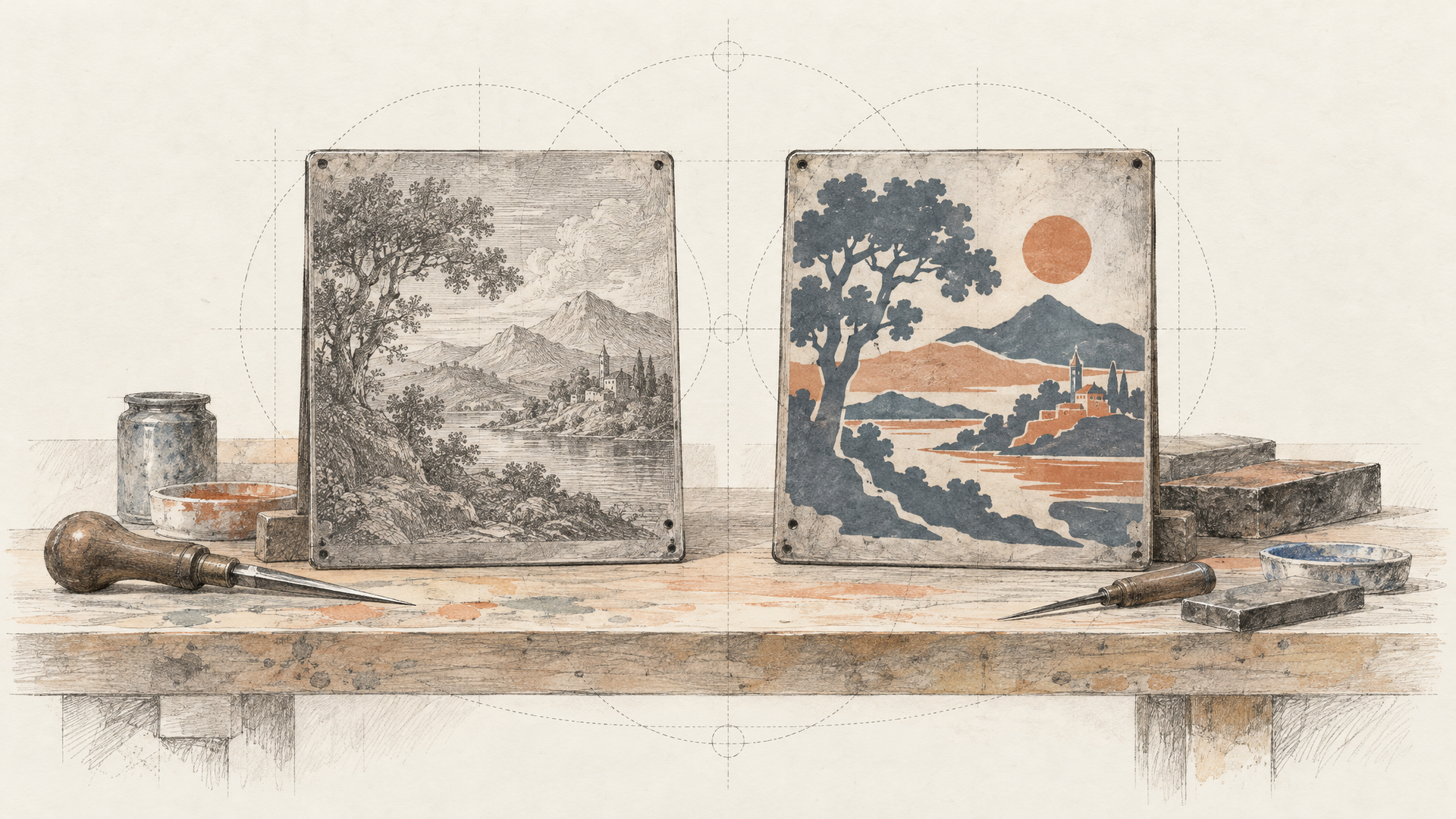
Recoloring a raster logo means regenerating it or masking it. Recoloring an SVG means changing a fill. Scaling a raster mascot from a favicon to a billboard means upscaling and hoping. Scaling an SVG means typing a bigger number. Ideogram framed the launch around exactly this kind of after-generation work: assets that have to be recolored, resized and adapted once they exist. That's where generative design has been weakest, because every model so far stopped at the pixel.
Here's the opinionated part: the vector itself is not the win. The win is that the generation step finally hands off cleanly to the tools designers already live in. Digital Applied, summarizing Ideogram's materials, notes the SVGs are meant to be used in Illustrator, Figma or code. If that holds up in practice, the model stops being a mood board machine and starts being a production step.
What Ideogram Has Confirmed So Far
Let's keep the confirmed list tight, because launch coverage tends to blur facts and guesses.
Confirmed by Ideogram's own API reference: SVG output, a text prompt, optional image references (uploaded files or existing Ideogram assets, with existing assets taking priority when both are sent), aspect ratio and quality settings, a number of images per request, a seed, and asynchronous delivery via polling or a signed webhook.
Reported from Ideogram's developer materials by Digital Applied: prompts can run up to 9,500 characters, a request returns 1 to 8 images, quality comes in low, medium and high (medium is the default), and the first reference image acts as the primary source while extra images serve as secondary references. For image to vector, the reported modes are simple (fewer shapes), detailed (keeps fine detail) and auto, with source files up to 50 MB.
Not documented yet: how layers are grouped, how many paths a typical file contains, how gradients are encoded, and whether lettering comes out as live text or as outlined shapes. Digital Applied reads the lettering as drawn shapes rather than editable text, but that's their inference, not Ideogram's statement. Treat it as an open question until you can open a file yourself.
Ideogram Vector 1.0 vs Ideogram 4.5: Two Different Jobs
If you already use Ideogram 4.5 on each::labs, the new model doesn't replace it. It sits next to it.
Ideogram 4.5 is the pixel workhorse: native 2K images, strong typography, and an edit model built for changes that don't drift, which we covered in Ideogram 4.5: Edits That Don't Drift. Poster mockups, packaging renders and social graphics where a flat file is the final output still belong there. Ideogram 4.5 Edit plus masks (walked through in our mask editing guide) is still the fastest path to fixing one region of a finished image.
Ideogram Vector 1.0 takes the assets that have to live a long life: logos, icons, labels, signage, stickers, flat illustrations that will be recolored for every campaign. The practical split is simple. If the file ends its life as a picture, stay with 4.5. If someone will open it in a design tool and keep working, that's a vector job.
Where an SVG Model Earns Its Keep
Brand teams get the obvious win. Generate a set of logo directions as vectors, pick one, and the chosen file is already the master, ready to recolor for dark mode, a co-brand or a seasonal variant without a redraw.
Product and app designers get icon sets. Prompt for a family of icons in one style, then tweak strokes and fills in Figma instead of tracing each one. Ecommerce and packaging teams get labels and stickers that scale from a thumbnail to a print run. Developers get something even more useful: SVG is code, so a generated illustration can be dropped into a web page, styled and animated without an image pipeline.
There's a print note worth knowing up front. SVG colors are RGB, so files headed for professional print may still need a conversion step to CMYK or spot colors, as Digital Applied points out. That's a normal prepress step, not a reason to skip vectors.
Get Ready on each::labs Today
You don't have to wait for Ideogram Vector 1.0 to build the workflow it plugs into. each::labs already runs vector generation from Recraft: Recraft v4.1 Text to Vector and Recraft v4.1 Pro Text to Vector both return vector artwork from a prompt. Set up your pipeline around them now: where SVGs land, how they're named, who opens them in Figma, how variants get recolored.
Pair that with the Ideogram models already live. Draft typography-heavy concepts with Ideogram 4.5, lock a mascot's look with Ideogram Character, then send the winning direction to a vector model for the master file. Chain those steps once as an each::labs AI Flow, and adding a new vector model later is one more node, not a new integration. Our best AI image generation models roundup covers which raster model fits which brief if you're picking the drafting step.
When Ideogram Vector 1.0 reaches each::labs, the swap is a model id change in the same API you already call.
How to Prompt for Vectors (Starting Now)
Vector prompts reward a different instinct than photo prompts. Lighting, lens and film stock mean little to a flat SVG. Shape, color count and line weight mean everything. Write like you're briefing an illustrator who works in flat color:
Flat vector logo for a coffee roaster called "Lowtide": a simple wave forming the letter L, two colors only, deep navy and warm sand, bold geometric sans serif wordmark below, generous negative space, no gradients.
Set of six line icons for a travel app: suitcase, passport, map pin, plane, hotel bed, camera. Consistent 2 px stroke, rounded caps, single color, no fills.
Two habits pay off. Say how many colors you want, because a small palette produces fewer shapes and cleaner files. And ask for the gradient explicitly when you want one, since Ideogram is pitching smooth gradients as a strength of the new model. Test these prompts today on the Recraft vector models and you'll have a tuned prompt library the day Ideogram Vector 1.0 shows up.
Frequently Asked Questions
When was Ideogram Vector 1.0 released?
Ideogram launched it on October 22, 2026, in its app and API. It's Ideogram's first model that outputs SVG instead of pixels.
Can Ideogram Vector 1.0 turn an existing image into an SVG?
Yes. Besides text to vector, Ideogram offers an image to vector endpoint that converts a JPEG, PNG or WEBP into an SVG without a prompt. Expect the best results from flat artwork like logos and illustrations rather than photographs, which break into a huge number of shapes.
Is Ideogram Vector 1.0 on each::labs?
Not yet. You can run Ideogram 4.5, Ideogram 4.5 Edit and Ideogram Character on each::labs today, plus vector generation with Recraft v4.1, and build your SVG workflow around them in the meantime.
Does Ideogram Vector 1.0 keep text editable?
Ideogram hasn't said. It promises sharp typography, but whether letters arrive as live text or outlined shapes isn't documented, so check a generated file before you build a template that depends on editable type.


