Qwen Image 2.1: Transparent Layers and Ten-Reference Edits
The picture is the easy part. The parts are the job. Qwen Image 2.1 generates on transparency, combines up to ten references and edits exactly where you circle. Here's which version to use.
Most image models hand you a finished picture. Designers rarely want one. They want the product without its background, the logo on its own layer, the label edited without touching the bottle, three references folded into one shot. The picture is the easy part. The parts are the job.
Qwen Image 2.1 is Alibaba's answer to that, and it's built around the parts. The Qwen team released it on September 20, 2026 as one model that both generates and edits, with native transparency, up to ten reference images per edit, and local edits you can mark with a circle or a painted note. Then on October 9 came a Pro version and an 8-step Turbo. All six endpoints are live on each::labs now. Here's what the family actually does, and which one to reach for.
What Qwen Image 2.1 Actually Is
Start with the size, because it's the surprise. According to the Qwen team's Qwen Image 2.1 release, the generation part of the model has 7 billion parameters in 32 single-stream transformer layers. The original Qwen Image was a 20 billion parameter model. The new one is a fraction of that, and it reads instructions and reference images through Qwen3-VL 8B, a vision language model, so it understands what you're pointing at as well as what you're saying.
It's also one model, not two. Text-to-image and editing share the same weights, which is why the same habits work in both. It outputs native 2K: 2048 by 2048 for a square, up to 2752 by 1536 for widescreen. And the Qwen team lists four headline improvements: a compact, efficient design, native transparency, more versatile editing, and better typography, portrait lighting and fine detail.
One thing changed that teams with legal review should know: 2.1 ships under the Qwen Research License Agreement, while earlier Qwen Image releases used Apache 2.0. Read it before you build a product on the open weights.
Generate the Cutout, Not the Background
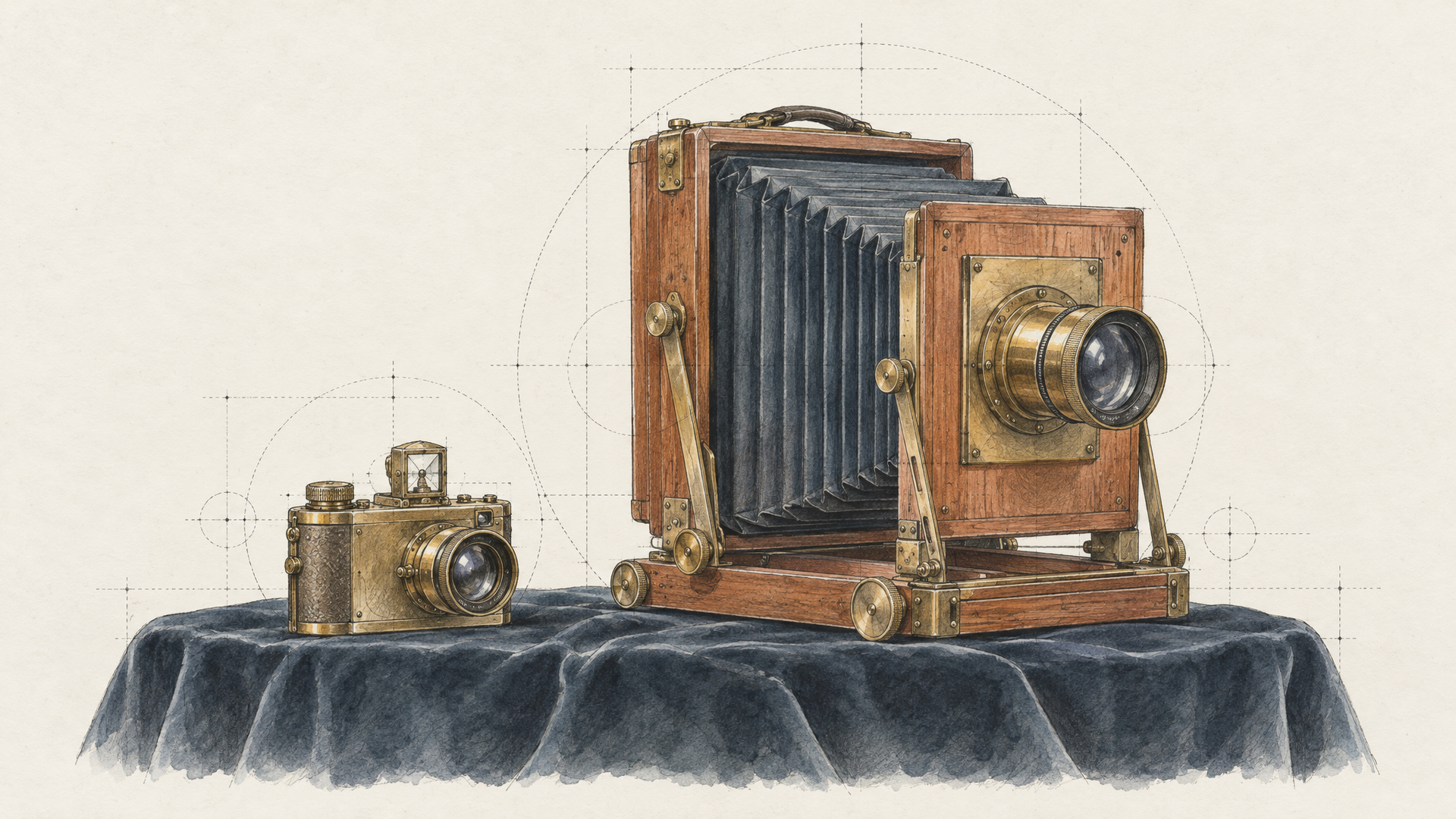
This is the feature that changes workflows. Qwen Image 2.1 uses a 64-channel RGBA autoencoder, which means transparency isn't something it fakes afterwards with a mask. It's part of how the image is made. The Qwen team lists three uses: generating transparent images straight from text, editing transparent layers, and extracting a subject from a photo.
In practice, that kills a step. You no longer generate a product on white and then run background removal and hope the edges survive. You ask for the object on transparency and get a clean asset ready to drop onto a page, a banner or a packaging mockup. On each::labs, set the output format to PNG or WebP on the Qwen Image 2.1 text-to-image page; both keep transparency, while JPEG fills it with white.
A single matte ceramic coffee cup in sage green with a thin gold rim, three-quarter view, soft studio lighting with a gentle contact shadow, isolated on a fully transparent background, product photography
Stickers, icons, UI illustrations, product cutouts, game items: anything that has to sit on top of something else is now a single generation.
Combine Up to Ten References in One Edit
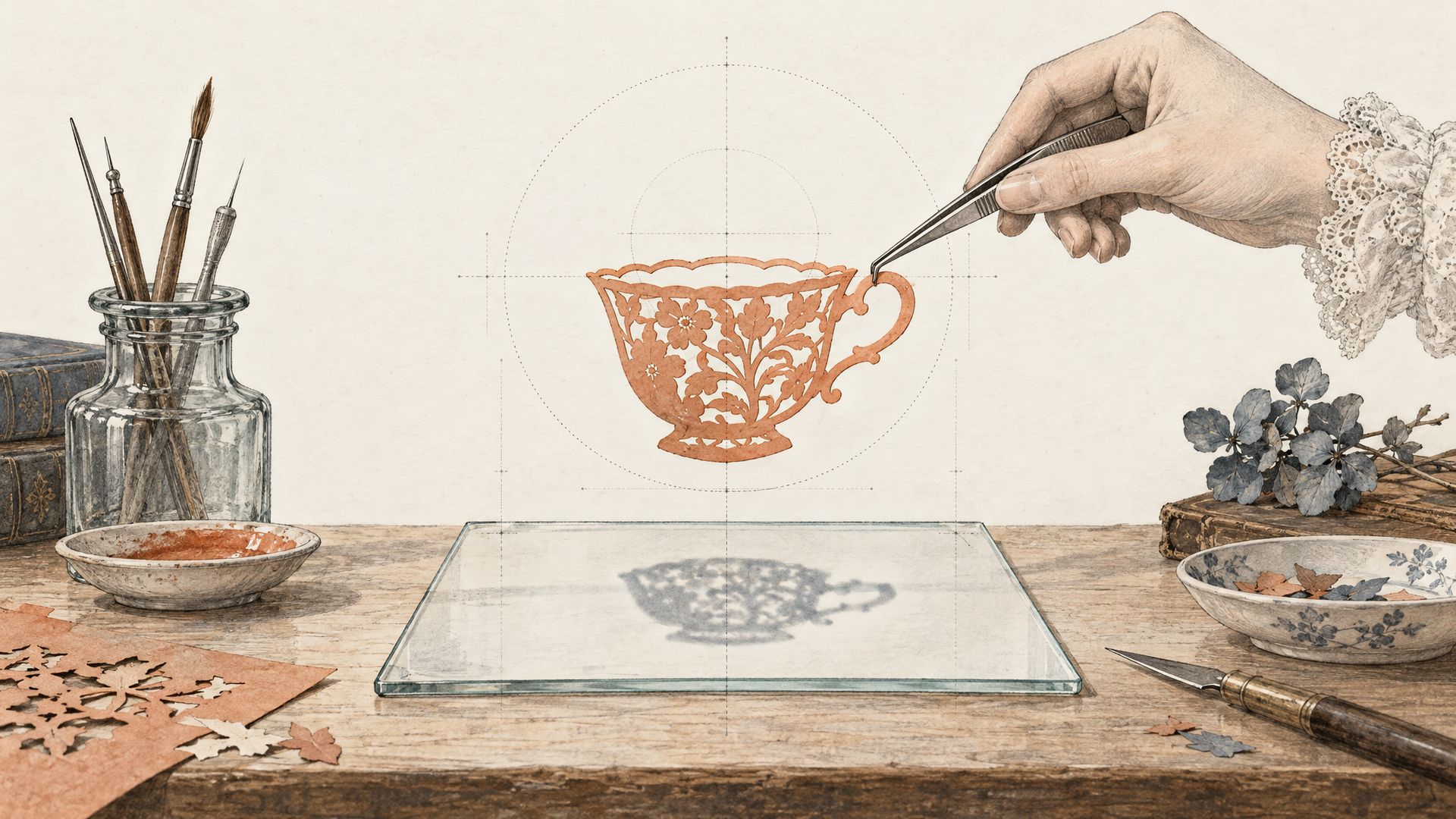
Composition used to mean writing a paragraph and praying. Qwen Image 2.1 lets you show instead. Its edit mode accepts up to ten reference images, and the Qwen team says it holds the identity of people and products across the edit. That's the important half of the sentence. Combining references is easy; keeping the product recognisably your product is what makes it usable.
Order matters, so be deliberate. The Qwen Image 2.1 Edit endpoint takes references as an ordered list, and the clearest prompts name each one by position:
Place the bottle from image 1 on the marble counter from image 2, lit like the window scene in image 3. Keep the bottle's label, shape and cap exactly as in image 1. Add a small sprig of rosemary from image 4 beside it.
Say what must stay the same, every time. A model that's good at combining will happily "improve" your label unless you tell it not to.
Circle It, Paint It, Mask It
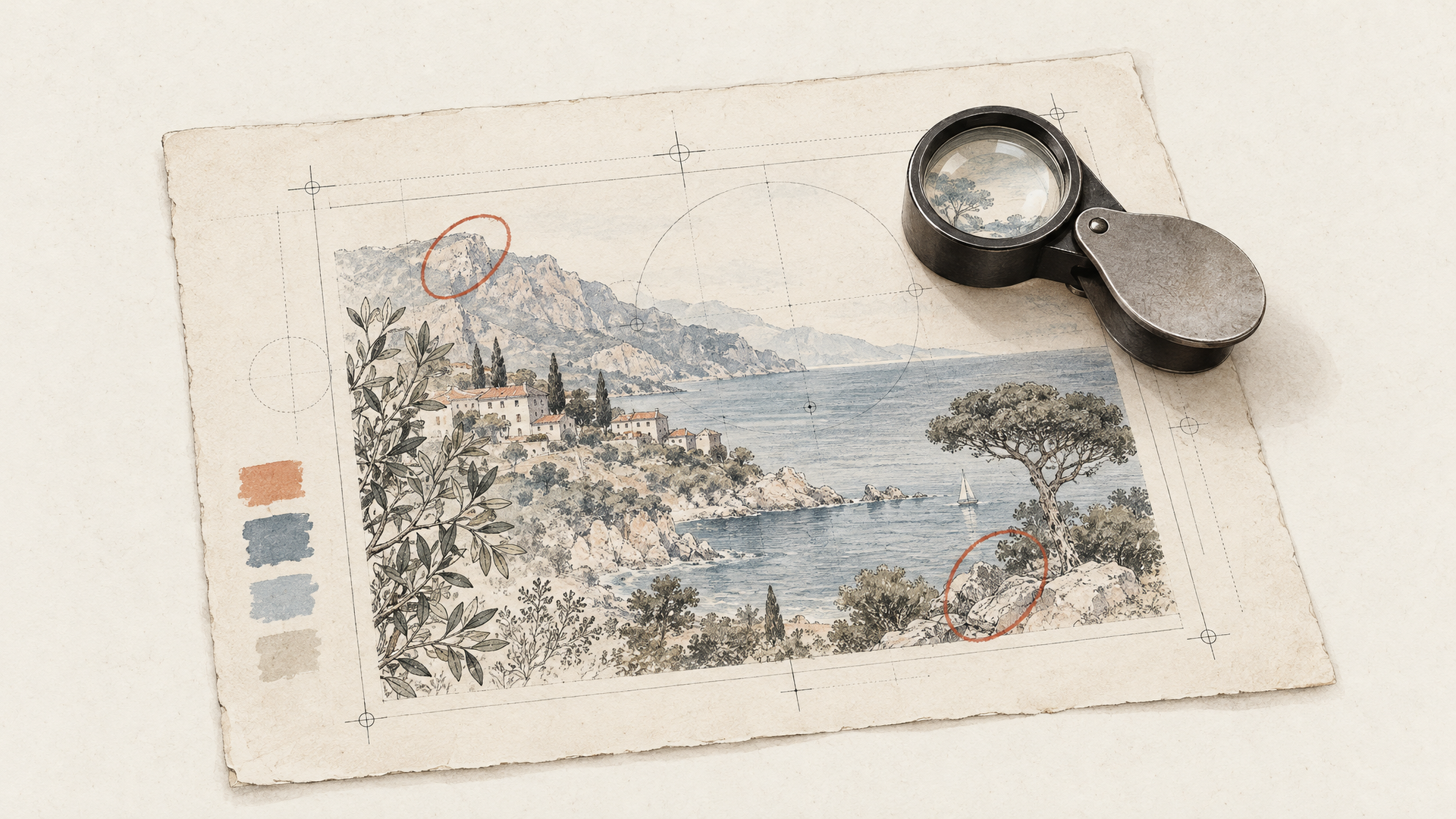
Local edits are where most image editors drift: you ask for one change and the whole picture shifts a little. Qwen Image 2.1 gives you three ways to point at the exact spot. You can mark the area with a circle, draw a painted annotation on the image, or supply a separate mask. The Qwen team's examples show several circled regions edited in one pass, each with its own instruction.
The circle is the one to try first, because it matches how people already give feedback. Draw a red ring around the shelf sign, send the image with "replace the text inside the red circle with SPRING EDIT, same font, same colour," and the rest of the frame stays put. It's the way an art director marks up a print, and now the model reads the markup. If you're weighing mask-first editors, our roundup of the best AI models for mask editing puts these approaches side by side.
Standard, Pro or Turbo: Pick by the Job
The family on each::labs has three tiers, each with a text-to-image and an edit endpoint, and they're not just quality levels. They're different tools.
The standard Qwen Image 2.1 runs the open model with direct control: image size presets, guidance scale, a negative prompt when guidance is above 1, up to four images in one request, and a choice of PNG, JPEG or WebP. It's the one to use when you want transparency and predictable output.
Qwen Image 2.1 Pro is the version Alibaba hosts on its Model Studio. On each::labs it adds prompt extension (an LLM rewrites a short prompt into a detailed one), an optional thinking mode for better reasoning on complex prompts at the expense of speed, prompts of up to around 4,500 tokens in Chinese or English, and up to six images from a single request. Use it for complex briefs and final renders.
Qwen Image 2.1 Turbo is the speed play: an accelerated checkpoint that runs in 8 denoising steps on the same 7 billion parameter architecture, for both generation and editing. The Turbo edit endpoint accepts up to ten references and custom sizes from 1:8 to 8:1. Explore on Turbo, finish on Pro. That split will cover most teams.
Let the Rewriter Do the Boring Part
Short prompts used to get short results. Qwen Image 2.1 ships with dedicated prompt rewriters, two fine-tuned vision language models that turn a brief request in any language into a detailed English prompt and suggest an aspect ratio. On the Pro and Turbo endpoints this is the prompt_extend switch, and it's on by default.
Leave it on when you're exploring. "Autumn candle ad" becomes a fully lit, composed brief without you writing it. Turn it off when you've already written exactly what you want, because a rewriter that adds detail can also add detail you didn't ask for. That's the trade, and knowing which mode you're in is most of the skill.
Where Qwen Image 2.1 Fits
The model is strongest wherever images are components rather than finished art. E-commerce teams generate transparent product cutouts and composite them into seasonal scenes without a reshoot. Brand designers mark up a draft with circles and fix three things in one pass. App and game teams produce icon and item sets on transparency at scale. Marketing teams combine a product, a location and a lighting reference into one on-brand hero image.
If your work leans more on polished, fully composed output, Alibaba's newer Qwen Image 3.0 is also on each::labs and worth comparing on the same brief. And our guide to the best AI image editing models in 2026 shows how the Qwen family stacks up against the other partner editors.
Run It on each::labs
All six Qwen Image 2.1 endpoints sit in the same catalog behind one API key, next to every other text-to-image model. Switching from Turbo to Pro, or from generation to editing, is a model id change, not a new integration. Chain a Turbo exploration, a Pro final and an upscale into one each::labs flow, and a product brief becomes a finished, layered asset in a single run.
Start with the thing other models make you do in two steps: ask for your product on a transparent background. If the edges come back clean, you'll know where this model belongs in your pipeline.
Frequently Asked Questions
What's new in Qwen Image 2.1?
Native transparency through an RGBA autoencoder, editing with up to ten reference images, local edits marked by circles, painted notes or masks, and better typography, portrait lighting and detail, all in a compact 7 billion parameter model that both generates and edits.
What's the difference between Qwen Image 2.1, Pro and Turbo?
The standard model gives you direct control and transparent PNG or WebP output. Pro is Alibaba's hosted version with prompt extension, a thinking mode and long prompts. Turbo is an 8-step accelerated checkpoint built for speed. All three have text-to-image and edit endpoints on each::labs.
Can Qwen Image 2.1 edit images with text?
Yes. Qwen Image Edit in version 2.1 follows written instructions, and you can point at the exact region with a circle, a painted annotation or a mask. The Qwen team also lists improved typography, so replacing the words on a label or a sign is a natural use.
Is Qwen Image 2.1 open source?
The standard and Turbo weights are published by the Qwen team, but under the Qwen Research License Agreement rather than Apache 2.0, which earlier Qwen Image releases used. Pro is hosted only. Check the license terms before commercial use of the weights.