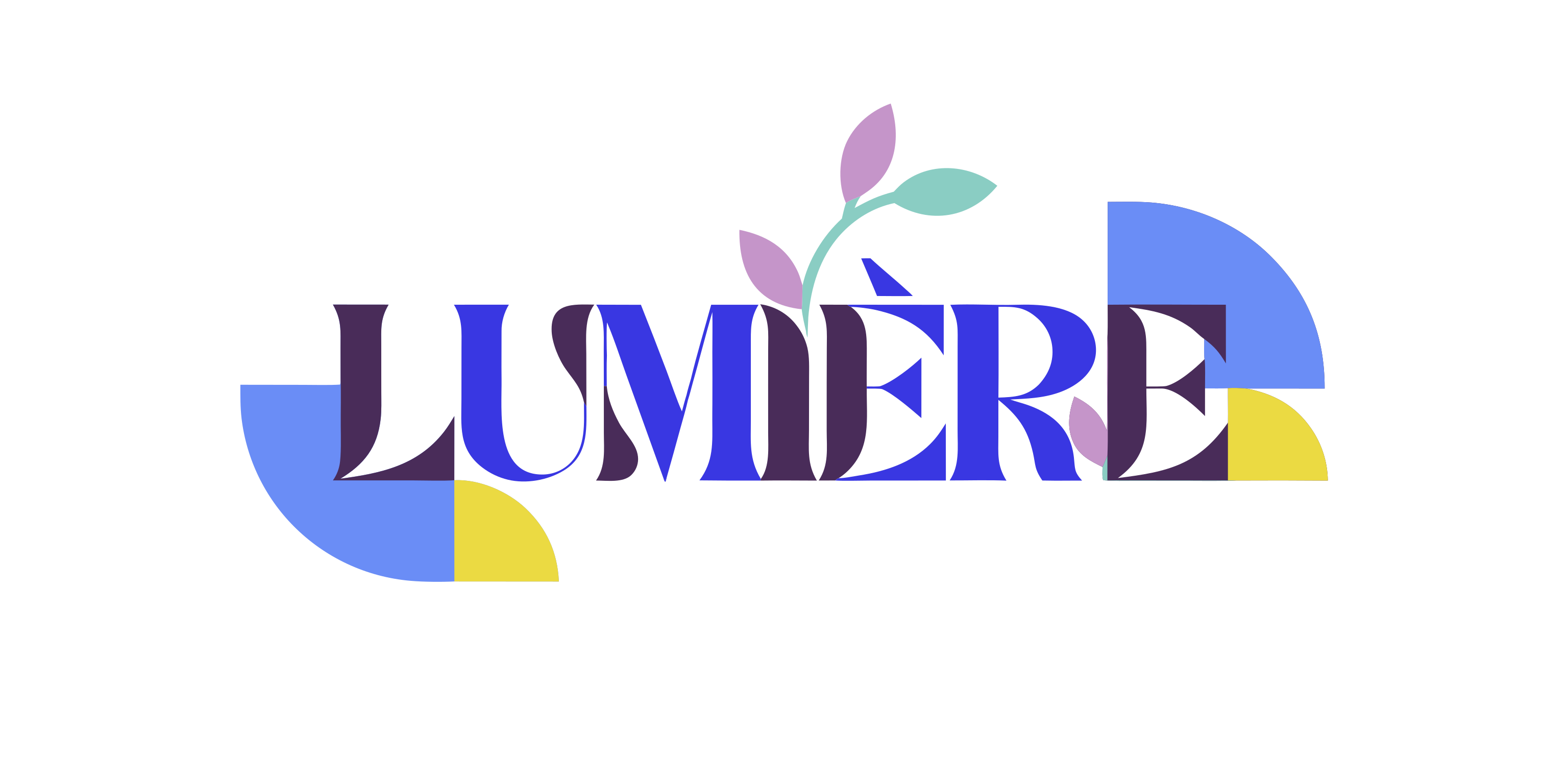
Recraft v4.1 | Pro | Text to Vector
Recraft V4.1 Pro generates editable SVG vectors from text prompts, with the precision needed for logos, brand assets, and detailed illustrations on each::labs.
- Runtime (p50)
- 20s
- Estimated price
- $0.30 per execution
Overview
Recraft v4.1 | Pro | Text to Vector Overview
Recraft v4.1 | Pro | Text to Vector is a professional-grade vector image generation model from Recraft, built to turn natural language prompts into clean, scalable SVG artwork. Unlike typical recraft text-to-image raster models, this version focuses on crisp shapes, smooth curves, and editable layers that slot directly into design workflows. It is particularly well suited for icons, logos, flat illustrations, and brand assets that must stay sharp at any size. Through the Recraft v4.1 | Pro | Text to Vector API, teams can automate consistent visual production, reduce manual vector tracing, and rapidly prototype visual systems while retaining full control in tools like Figma, Illustrator, or other vector editors.
Capabilities
Capabilities
- Generates clean, resolution-independent vector artwork directly from natural language prompts.
- Produces icons, logos, and flat illustrations optimized for UI, web, and product design workflows.
- Creates consistent sets of assets (e.g., icon packs) when guided with shared style descriptors.
- Supports configurable aspect ratios to match common product surfaces and layouts.
- Outputs SVG files that remain fully editable in standard vector design tools.
- Handles simplified scenes with clear subject separation, resulting in tidy shapes and paths.
- Integrates with automation pipelines through the Recraft v4.1 | Pro | Text to Vector API on each::labs.
- Can emulate popular flat, outline, or minimal design styles when described explicitly in the prompt.
Use cases
Use Cases for Recraft v4.1 | Pro | Text to Vector
Product designers: Generate UI iconography and feature badges as SVG. For example: “Vector icon set for project management app (tasks, calendar, chat, analytics), flat style, rounded corners, 2-color palette.” The model’s consistent asset generation reduces manual icon drawing.
Brand and marketing teams: Quickly explore logo and mark concepts. A prompt like “Abstract vector logo for eco-friendly fintech startup, leaf and coin motif, minimal geometry, suitable for favicon and print” leverages its logo-focused vector capabilities.
Content creators: Produce on-brand illustrations for blogs, slide decks, or social posts. Example: “Vector illustration of a person working on a laptop in a cozy home office, flat illustration, pastel colors, clean shapes.” The scalable output fits multiple channels.
Developers: Use the Recraft v4.1 | Pro | Text to Vector API to dynamically generate SVG badges, diagrams, or feature visuals in SaaS dashboards, driven by user or dataset metadata.
Tips & tricks
Tips and Tricks
Recraft’s vector engine responds best to concise, structured prompts. Lead with the subject, then add style, perspective, and palette instructions. Explicitly mention “vector illustration,” “flat icon,” or “minimal logo” to steer the model away from painterly details. For multi-object scenes, specify hierarchy (foreground vs. background) and limit the number of elements for cleaner paths.
Use aspect ratio parameters to match the final medium, such as square for app icons or wide for hero banners. When orchestrating via the Recraft v4.1 | Pro | Text to Vector API, keep a consistent style phrase across prompts to maintain a unified visual language.
Example prompts:
- "Flat vector illustration of a rocket launching, minimal shapes, bold flat colors, clean outlines, white background"
- "Modern vector logo of a stylized mountain and sun, geometric shapes, limited color palette, suitable for branding"
- "Set of 6 outline vector icons for finance app (wallet, card, chart, piggy bank, lock, support), consistent line weight"
Technical spec
Technical Specifications
- Provider: Recraft
- Model family: Recraft v4.x text-to-image models with vector-focused output
- Category: Text-to-image (vector illustration generation)
- Input: Text prompt; often supports additional parameters such as style presets and aspect ratio
- Output: Vector formats (primarily SVG); some workflows also export PNG previews
- Resolution / scaling: Resolution-independent vectors; artwork remains sharp at any size
- Aspect ratios: Common ratios such as 1:1, 16:9, 4:5 and others depending on the integration
- Processing time: Typically a few seconds per image for standard prompts under normal load
- Integration: Accessible via the Recraft v4.1 | Pro | Text to Vector API and compatible platform SDKs
Things to be aware of
Things to Be Aware Of
Recraft v4.1 | Pro | Text to Vector is optimized for simplified, graphic styles, so prompts asking for complex textures, heavy gradients, or photorealism may yield unsatisfying results. Overly long prompts with many unrelated elements can produce cluttered or overlapping shapes. Users sometimes expect perfect logo-level originality on the first try; in practice, you’ll likely iterate several generations and refine prompts. When calling the Recraft v4.1 | Pro | Text to Vector API, be mindful of rate limits and budget by batching generations and caching accepted assets where possible.
Key considerations
Key Considerations
Recraft v4.1 | Pro | Text to Vector shines for flat, stylized, and geometric compositions rather than photorealistic imagery. To get the most from the model, users should arrive with a reasonably clear idea of style (e.g., “flat icon,” “minimalist logo,” “cartoon vector scene”) and color direction. It is a strong choice when downstream editing in vector tools is required, whereas purely raster-oriented models may be preferable for textured or photographic outputs. When using the Recraft v4.1 | Pro | Text to Vector API on each::labs, plan for a few iterations per asset to refine layout, color schemes, and level of detail.
Limitations
Limitations
The model is not designed for high-fidelity raster artwork, lifelike portraits, or detailed photographic scenes; other recraft text-to-image models are better suited there. Typography and lettering may require manual adjustment, as spacing and letterforms are not always production-ready. Extremely intricate vector art with dozens of distinct objects can lead to dense path structures that benefit from manual cleanup. Additionally, outputs are constrained to supported styles and formats, and cannot recreate or clone copyrighted logos or brand assets with guaranteed accuracy.
Related models
4 models

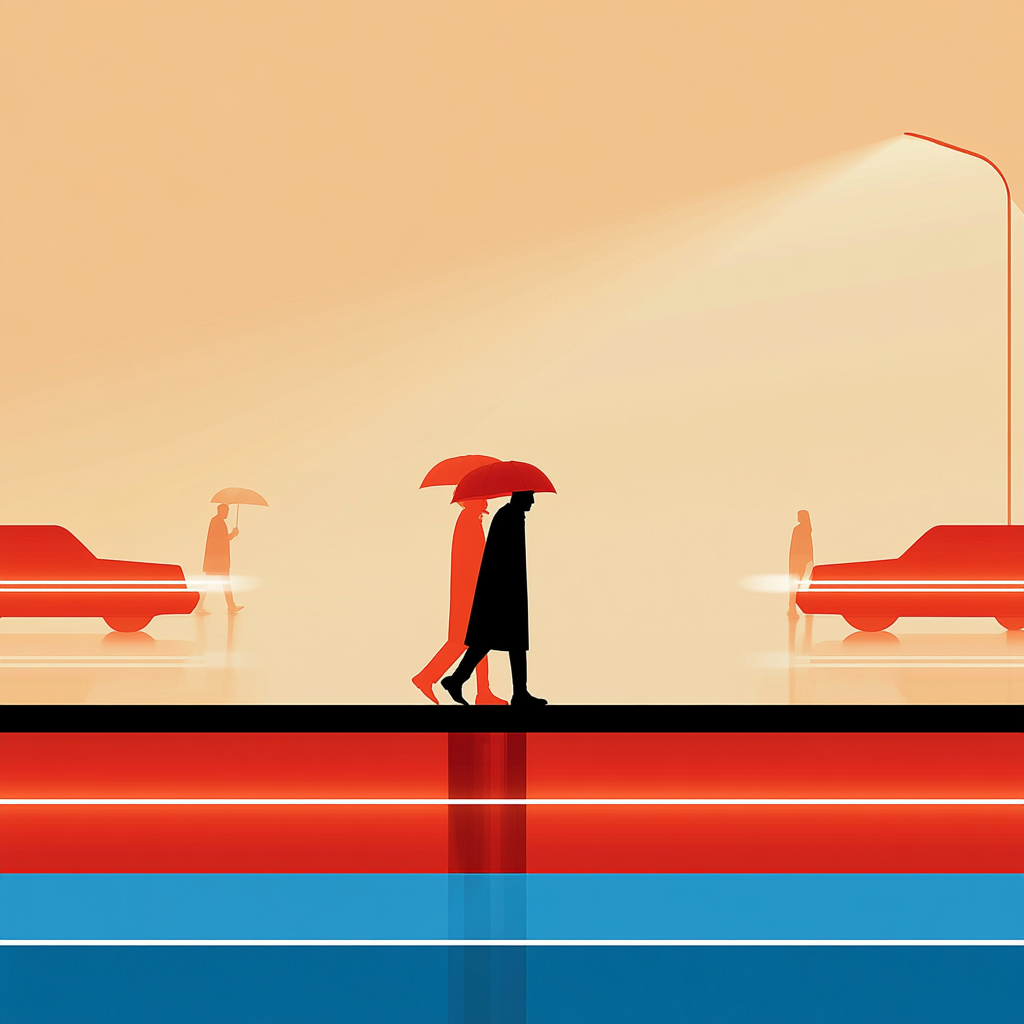

About Recraft v4.1 | Pro | Text to Vector
What is Recraft V4.1 Pro text-to-vector?
Recraft V4.1 Pro text-to-vector is Recraft's premium SVG generation model, producing fully editable vector graphics from natural-language prompts. It delivers more geometric precision and finer paths than the standard V4.1 vector model — suitable for complex illustrations, large-format work, and detail-heavy brand assets.