Seedream 5.5: 100 Edit Rounds and Native Transparency
ByteDance's Seed team released Seedream 5.5 on November 9. It promises edits that hold for 100 rounds, transparent assets straight out of the model and cleaner small text. Here is what is confirmed and how to get ready on each::labs.
By Eftal Yurtseven · Nov 11, 2026 · 9 min read

The first edit is easy. Swap the jacket, warm the light, done. The trouble starts around round seven, when you ask for a different ring and the model quietly repaints the face, nudges the skin tone warmer and softens the background you approved three versions ago. Every image model edits. Very few can keep editing without wearing the picture down.
That's the problem ByteDance put first in the announcement for Seedream 5.5. The Seed team released it on November 9 and says the model can keep working on one image for 100 rounds of edits, with untouched areas preserved at the pixel level and no color drift. It also outputs transparent assets natively and renders small text more cleanly than Seedream 5.0 Pro. Seedream 5.5 is coming to each::labs. Here's what is confirmed today, what ByteDance's own numbers say, and how to get your workflow ready.
What Seedream 5.5 Actually Is
Seedream 5.5 is ByteDance's next-generation image creation model, announced on the ByteDance Seed blog on November 9, 2026. It follows Seedream 5.0 Pro, which the Seed team launched in July, and it's built around three upgrades: more stable multi-turn editing, native RGBA output with transparent backgrounds, and more realistic images with clearer text.
The rollout is gradual. Launch coverage from The Decoder and The Next Web places it first in ByteDance's own apps, Doubao and Jimeng, and on Volcengine Ark, the company's cloud platform. ByteDance also says a Pro version of the Seedream 5.5 series is planned, without a date.
What the announcement leaves out matters if you're planning work around it. There's no resolution ceiling, no limit on reference images, no generation speed and no public model ID yet. So this post sticks to what ByteDance has actually shown, and when Seedream 5.5 lands on each::labs, the request schema will fill in the rest.
Edit It a Hundred Times, Not Twice
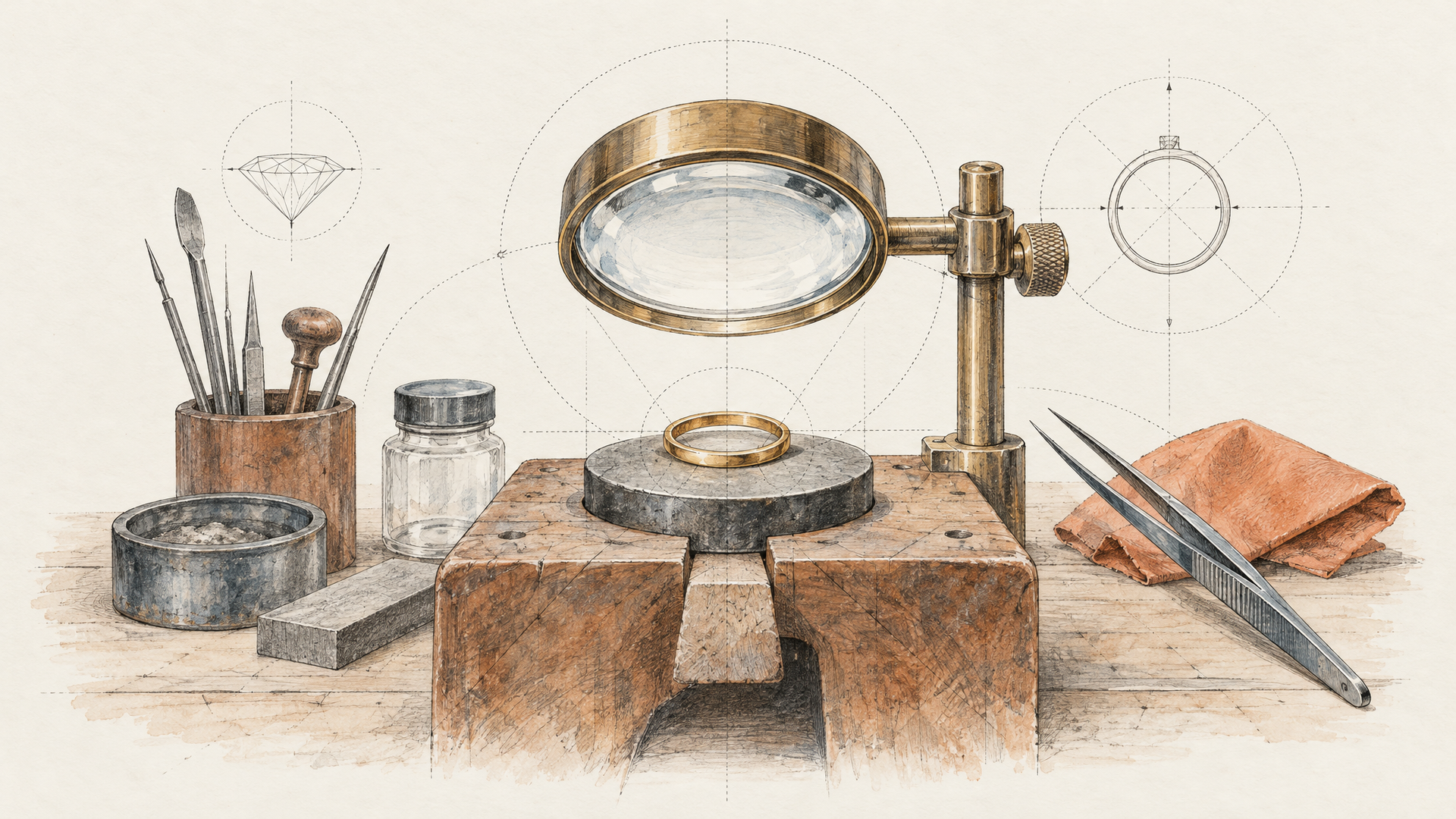
Here's the claim worth taking seriously. ByteDance says Seedream 5.5 preserves unedited regions at the pixel level, removes the color shifts that creep into those areas, and cuts the detail loss that piles up when each output becomes the next input. Its headline figure is continued work on a single image across 100 rounds of editing.
The demo behind that number is a portrait edited 100 times in a row, every result fed back in as the next starting point. The edits change clothing, accessories and the objects on a table, and some of them are tiny: a ring, the frame of a pair of glasses. ByteDance points to the contact, occlusion and lighting around those small items as proof that the model understood the scene rather than pasting over it.
Two other demos push in different directions. One takes four floral designs (realistic flowers, a still life, a journal collage and a traditional painting) and changes the shape or material of specific flowers while openwork lace, bead sheen and stem textures survive. The other turns an old study into a colorful, imaginative room and then moves a box. Perspective, occlusion and cast shadows adjust, and the patch of floor the box used to hide gets filled in.
Why does this matter more than a sharper first image? Because real work is iterative. A product shot passes through a client, a brand team and a legal check, and each round asks for one small change. A model that drifts turns that into a reshoot. A model that holds turns it into a conversation.
Transparency Comes Out of the Model, Not a Cutout Tool
The second upgrade is quieter and probably more useful day to day. Seedream 5.5 outputs an alpha channel with both full and partial transparency, so an asset arrives ready to drop into a layout without a background remover or an edge cleanup pass. You can generate those assets from a text description or from reference images.
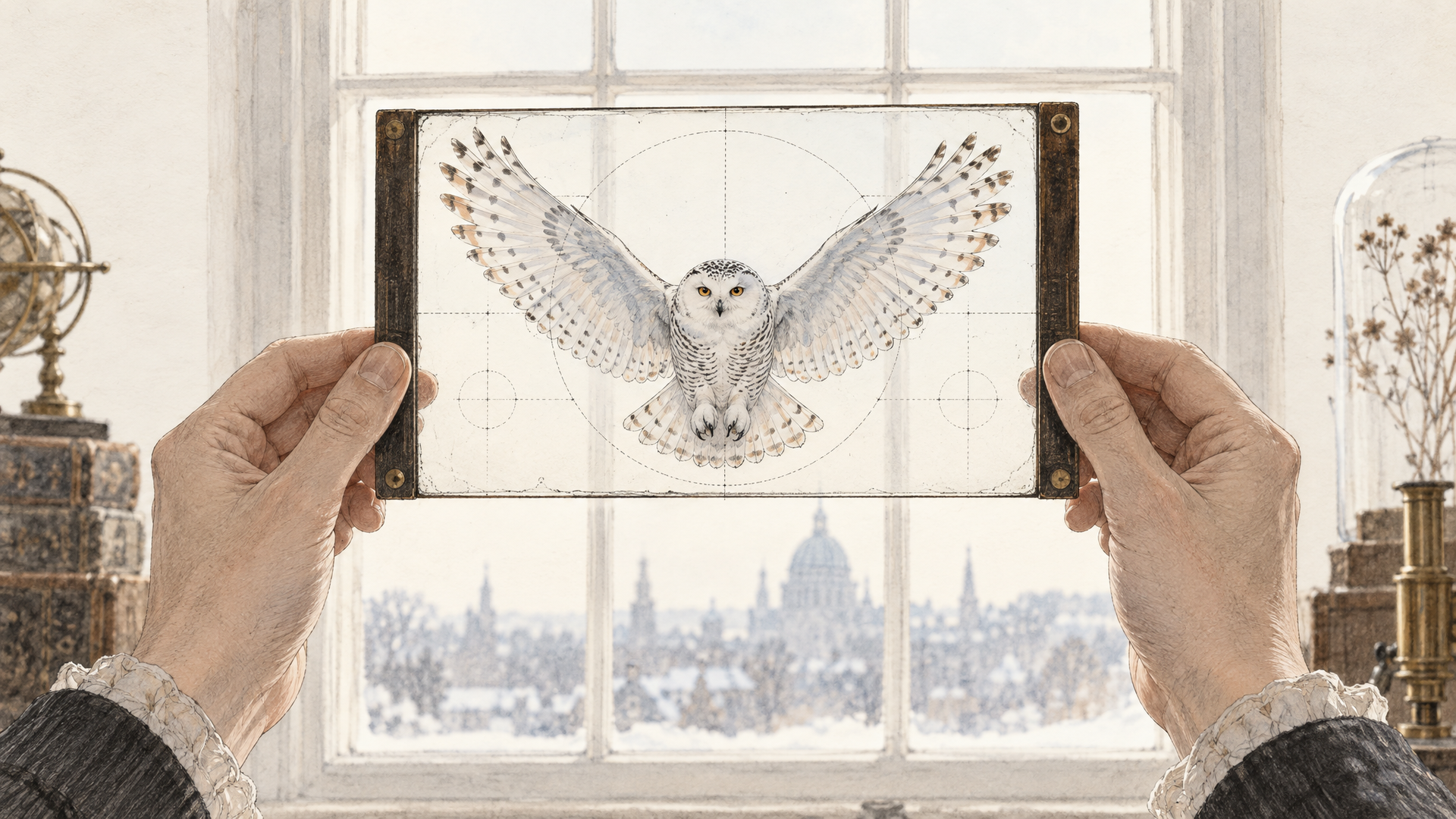
Partial transparency is the detail to notice. Hard cutouts are easy. Feathers, hair, smoke and glass are where background removal falls apart. ByteDance's example is a snowy owl with its wings spread, rendered with distinct feather layers, wingtip feathers, the gaps between them and clean claw outlines. Another demo applies the brushwork, colors and material of a reference image to a word, kept legible on a transparent background.
The third RGBA demo is the one teams will copy. A designer uses the same character assets as references to build a series across different settings. Poses, groupings and compositions change, while the characters' features and textures stay consistent. That's a sticker pack, a game asset sheet or a campaign mascot set, made without a single manual mask.
If you've followed transparent generation on the blog, our look at Qwen Image 2.1's transparent layers covers a similar idea from Alibaba. Seedream 5.5 brings it to ByteDance's line, where until now the transparent route was to split a finished image apart afterward.
Skin, Light and the Fine Print
The third upgrade is realism, and ByteDance is specific about the flaws it went after: excess gloss, overexposure and blotchy textures. Lighting, materials and skin should read as more natural. The samples include a young woman glancing back at the camera with visible skin texture and backlit hair, a father holding a sleeping baby under soft window light, a purple curtain throwing a shadow across a rough yellow wall, and a race car on a wet track with tire spray hiding the cars behind it.
Text gets the same treatment. One sample is a newspaper-style page about Shakespeare with several passages of small English text beside his portrait. Another is a blue morpho butterfly infographic with eight dense Chinese captions that stay readable. ByteDance reports that the severe text corruption rate, measured on Chinese and English including dense small text, fell to 0.4%, with minor corruption at 1.7%.
If you make posters, packaging mockups or infographics, those two numbers are the ones to watch. A correct headline is table stakes now. The fine print under it is where models still slip, and where a retouch eats real time.
Read the Scorecard Like an Editor
ByteDance tested Seedream 5.5 on its MagicArena platform with experienced evaluators across six production areas: e-commerce, marketing, film and television, gaming, office productivity and fashion design. Quality scores and usability rates improved over Seedream 5.0 Pro in all six, and usability more than doubled in film and television and in office productivity.
A second round used GSB scoring (good, same, bad) from experts on text-to-image and image-to-image tasks. Against the previous version, Seedream 5.5 came out ahead in all four comparisons, with a 55.62% gain in realism on image-to-image. Against GPT Image 2.5 Sunburst and Nano Banana 2.1, ByteDance says it led on text structure in both tasks and held a substantial realism advantage in text-to-image.
Read those as a direction, not a verdict. Every one of these numbers comes from ByteDance's own evaluations, and no outside lab has published a drift test for the 100-round claim yet. GPT Image 2.6, which we tested on each::labs this month, isn't in the comparison at all. The fair takeaway: ByteDance is aiming squarely at text and realism, the two places where Seedream used to trail. Your own prompts will settle the rest.
Seedream 5.5 vs Seedream 5.0 Pro: Make Layers or Take Them Apart
On each::labs today, the Seedream line tops out at Seedream 5.0 Pro, which runs as three models. Seedream 5.0 Pro Text to Image turns a prompt into one image. Seedream 5.0 Pro Edit takes a prompt plus one to ten images. Layer Decomposition takes a finished image and hands it back as up to 16 transparent PNG layers plus a base, each one named and placed with a bounding box. We went deep on that in our Seedream 5.0 Pro post.
The two models come at transparency from opposite ends. Seedream 5.0 Pro starts with a flat picture and takes it apart. Seedream 5.5 generates the asset with its alpha channel from the start. If you already have a finished poster and need it editable, the 5.0 Pro split is still the tool. If you need a clean asset to build with, native RGBA skips a step.
On editing, the difference is endurance. Seedream 5.0 Pro already edits one region instead of redrawing the frame. The pitch for 5.5 is that it keeps doing that for 100 rounds without the color and detail decay long chains usually show. For a single tweak you may not notice the gap. For a campaign that goes through a dozen review rounds, it's the whole story.
Get Ready for Seedream 5.5 on each::labs Today
You don't have to wait to build the workflow. The habits that make long edit chains work are the same on Seedream 5.0 Pro, so you can write and test them now and switch models when Seedream 5.5 arrives. On each::labs, that switch is a model ID change in a call you've already written.
Write edits as one change at a time, and say what has to stay. Long chains break when a single instruction asks for three things.
Replace the silver ring on her left hand with a thin gold band. Keep her face, hair, skin tone, clothing, background and lighting exactly as they are.
Swap the black frames of her glasses for tortoiseshell frames of the same shape. Do not change anything else in the image.
Name objects and positions the way a set designer would, so the model can find them again in later rounds.
Move the cardboard box from the left side of the desk to the floor beside the chair. Fill in the desk surface where the box was, matching the wood grain and the window light.
For assets, describe the object, its edges and the background in plain words. On Seedream 5.0 Pro today, generate the image and run it through Layer Decomposition to get the transparent PNG. On 5.5, ask for it directly.
A snowy owl in flight, wings fully spread, detailed layered feathers and visible gaps between the wingtip feathers, isolated on a transparent background, no shadow, no ground.
The word "AUTUMN" in thick oil paint brushstrokes, burnt orange and deep red with visible bristle texture, on a transparent background, every letter fully legible.
For small text, quote every word exactly and say where it sits.
A vintage newspaper front page titled "The Daily Stage". Under the masthead, a headline reading "Shakespeare Returns to the Globe" and two columns of small serif body text. A pen and ink portrait sits in the top right corner.
Keep a log of each round's instruction next to its output. When 5.5 lands, rerun the same chain on both models from the image-to-image catalog and compare round ten, not round one. That's where the difference will show. If the chain is something you run every week, turn it into a workflow so the swap happens in one place.
Wrapping Up
Seedream 5.5 isn't chasing a prettier first image. It's chasing the hundredth one. ByteDance's bet is that professional work is a long chain of small changes, and the model that holds the picture together through that chain wins the job. Native transparency and cleaner fine print push the same way: fewer trips to another tool, fewer manual fixes.
The numbers are ByteDance's own for now, and the specs the API will expose are still unpublished. The direction is clear, though, and it's the right one. Seedream 5.5 is coming to each::labs. Until then, build your edit chains on Seedream 5.0 Pro, browse the text-to-image models, and be ready to change one line when it lands.
Frequently Asked Questions
When was Seedream 5.5 released?
ByteDance's Seed team announced it on November 9, 2026, with a gradual rollout in Doubao, Jimeng and Volcengine Ark. It's coming to each::labs next, and the links in this post will point to the model page once it's live.
What's new in Seedream 5.5 compared with Seedream 5.0 Pro?
Three things, by ByteDance's account: edits that stay stable for up to 100 rounds with untouched areas kept at the pixel level, native RGBA output with full and partial transparency, and more natural realism with cleaner small text. Its internal tests show higher quality and usability scores than 5.0 Pro in all six production areas it measured.
Can Seedream 5.5 make transparent PNG assets?
Natively, yes. It outputs an alpha channel directly from a text description or reference images, so there's no separate background removal step. Seedream 5.0 Pro reaches transparency the other way, by splitting a finished image into layers with Layer Decomposition.
Is there a Seedream 5.5 Pro?
Not yet. ByteDance says a Pro version of the Seedream 5.5 series is planned, but it hasn't shared a date or any specs.