GPT Image 2.6 Use Cases: 7 Jobs, 7 Copyable Prompts
Seven jobs GPT Image 2.6 does well on each::labs, from packaging mockups to localized signage, each with the right model, the right complexity setting and a prompt you can copy.
By Eftal Yurtseven · Nov 10, 2026 · 9 min read
A new image model doesn't change your week. A new habit does. Most teams test a launch, say "nice", and go back to the model they already know, because nobody mapped the new one to the jobs on their actual to-do list.
So skip the feature tour. These GPT Image 2.6 use cases are organized by who's doing the work: the packaging designer, the merchandiser, the performance marketer, the retoucher, the localizer, the concept artist, the developer. Each one gets a scenario, a workflow on each::labs and a prompt you can copy. GPT Image 2.6 Sunburst and GPT Image 2.6 Flare came out of OpenAI on November 4, 2026, and have been live on each::labs since November 6, each with a text-to-image page and an edit page.
GPT Image 2.6 Use Cases Start With Two Settings
Before the roles, the two decisions every job below makes. The first is the model. OpenAI's image generation guide puts it in one line: "Sunburst for detailed visual work and Flare for fast iteration." The second is complexity, the new field in 2.6, which the each::labs request schema describes as how much the model plans before rendering. It takes low, medium or high, and it defaults to high when you leave it out.
OpenAI's guidance on that dial is the most useful sentence in the whole release. Lower complexity "can suit focused edits, such as changing a background or a sign." Higher complexity "can help with dense text, complex layouts, and relationships between objects." And high "can increase latency and introduce unwanted changes, so compare results for your task." The question is never "which model is best". It's which model, at which setting, for this one job.
The rest of the schema matters too. Every GPT Image 2.6 page on each::labs takes a prompt of up to 32,000 characters, returns 1 to 10 images per request, supports transparent backgrounds with PNG or WebP output, and offers sizes from 1024x1024 up to 3840x2160 (anything above 2560x1440 is marked experimental). The edit pages accept up to 16 source images.
Packaging Designers: Labels That Read Right the First Time
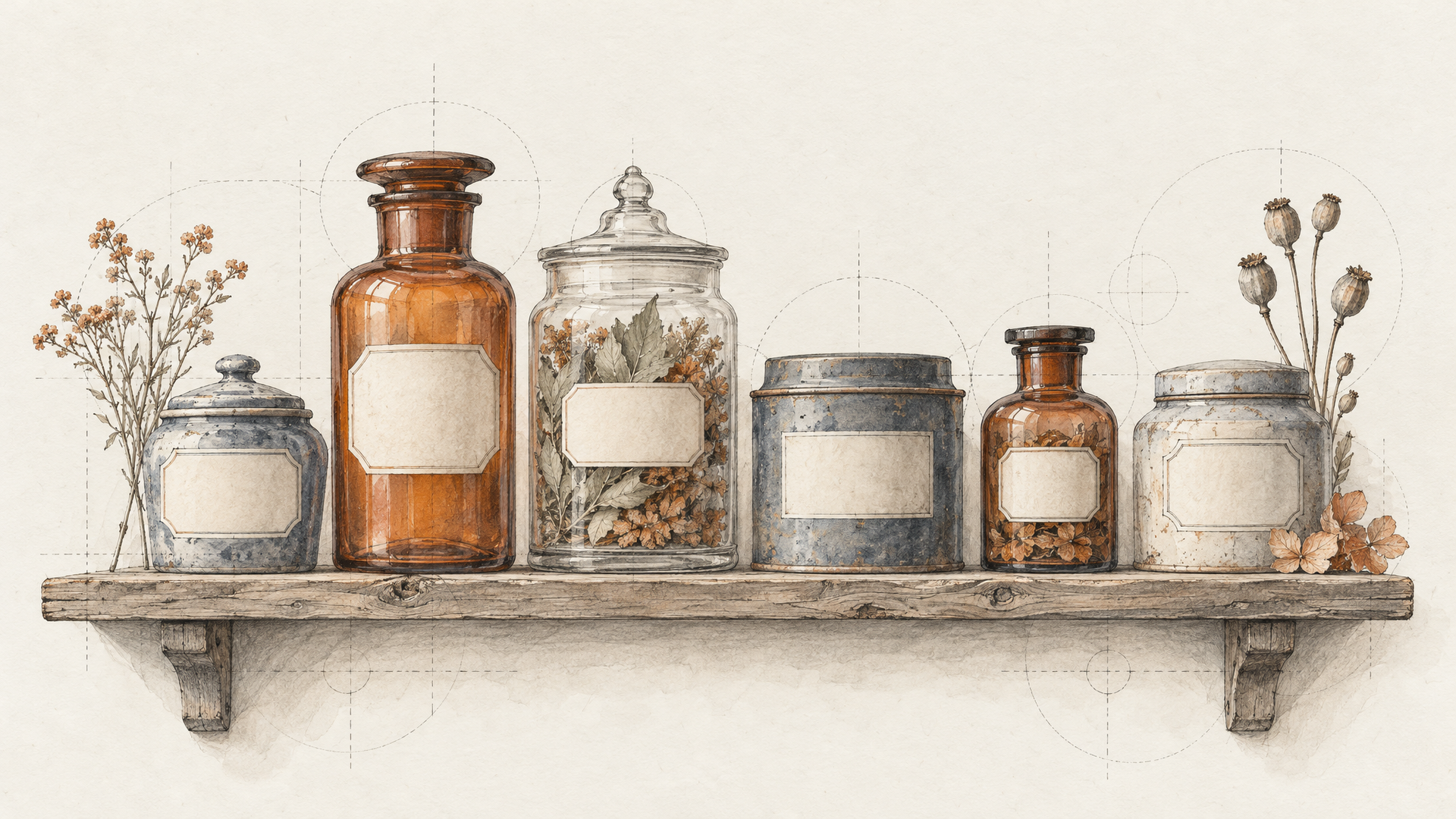
Meet the packaging designer at a small tea brand. She has a new blend, a rough dieline and a client meeting on Thursday. She needs a believable mockup with the actual product name, the weight and the tasting notes spelled correctly on a tin that looks like it exists.
This is the dense-text job OpenAI points high complexity at. Run it on Sunburst at high, at 1536x1024, and ask for four images in one request so she can show options without four separate runs. In our GPT Image 2.6 test on each::labs, every run put a short quoted label on exactly the right object and spelled it correctly, which is the property this whole use case depends on.
Studio product photo of a round matte tea tin on a linen surface, soft daylight from the left. Front label, centered, in a refined serif: "HIGHLAND SMOKE". Under it, smaller: "Lapsang Souchong, 100 g". A thin copper band around the lid. Two loose tea leaves beside the tin. Clean background, no other text, no logos.
The workflow: generate four on Sunburst, pick the composition the client will react to, then move to GPT Image 2.6 Sunburst Edit to try the other flavors on the same tin. Change the name and the band color, keep the rest.
Retail Merchandisers: Shelves Where Position Is the Brief
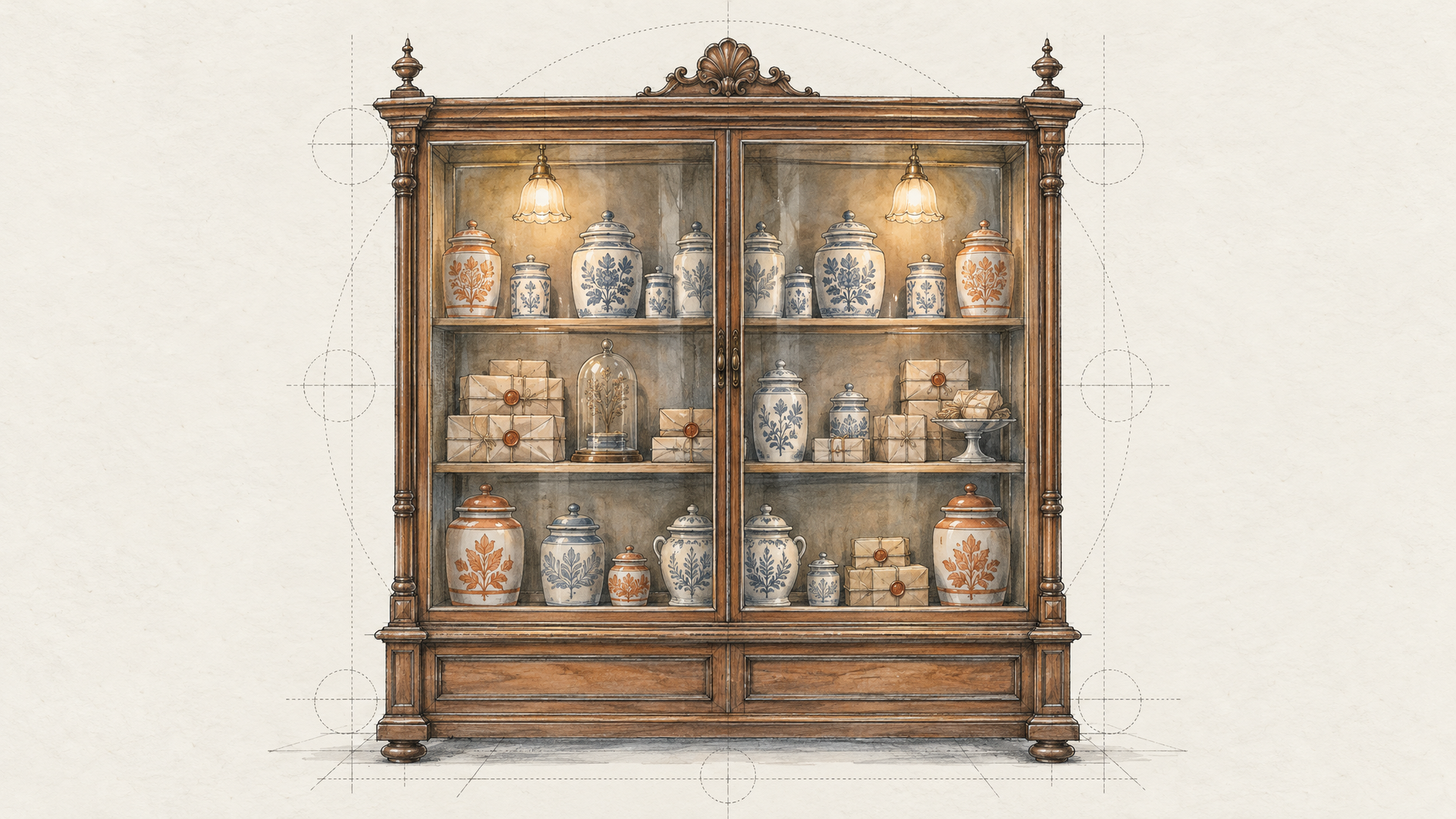
A merchandiser planning a seasonal endcap doesn't care about mood. He cares that the hero product sits at eye level, the gift sets are on the bottom shelf and the sign is on the left. Position is the brief, and it's where image models usually wander.
Sunburst is the pick here. When we gave both models a cluttered shelf prompt with a sleeping cat "between the fifth and sixth mug", both Sunburst runs placed it right, while Flare treated the instruction more loosely. That's the "relationships between objects" job OpenAI describes, so keep complexity at high and spell out the layout shelf by shelf, top to bottom.
A retail endcap display in a bright home goods store, photographed straight on at eye level. Top shelf: six white candles in glass jars, evenly spaced. Middle shelf: three large amber diffusers, centered. Bottom shelf: four wrapped gift boxes in forest green. A small standing sign on the left of the middle shelf reading "WINTER EDIT". Warm overhead lighting, no other text.
Don't trust exact counts blindly. Our test asked for twelve mugs and no model delivered exactly twelve, so treat a number as a strong hint and check the frame before it goes into a planogram deck. For a window or billboard mockup, push the size to 3840x2160, an experimental tier worth a second look.
Performance Marketers: Ten Variants Before the Standup
Now the performance marketer. She needs ten different images by 10 a.m. to test hooks, backgrounds and color stories against each other.
That's a Flare job. Low or medium complexity, quality at low or medium, and num_images set to 10 so one request returns the whole batch. The schema notes JPEG is faster than PNG, which is fine for images that only live in an ad set. Vary one thing per batch so the test tells you something.
Square social ad image of a stainless steel insulated water bottle standing on a wet rock beside a mountain stream, early morning mist, droplets on the bottle. Bold negative space at the top for a headline. Natural color, crisp focus on the bottle, no text, no logos.
The workflow that holds up: run the batch on Flare, pick the two winners, then rerun just those prompts on Sunburst at high complexity for the version that goes live. Our GPT Image 2.6 prompts post has more copy-ready starting points for this kind of loop.
Catalog Retouchers: Change One Thing, Protect Everything Else
The catalog retoucher has the clearest win. A photographer delivered 300 shots on a grey sweep. The site redesign wants warm stone.
OpenAI names this exact case as the low-complexity job: a focused edit "such as changing a background." Use GPT Image 2.6 Flare Edit at low complexity, and write a keep list. Naming every element you care about gives the model something concrete to protect, and in our runs the keep list was the habit that made edits hold.
Change only the background to a warm beige stone wall with soft natural texture. Keep the leather handbag, its stitching, the gold clasp, the shadow under the bag, the lighting direction and the framing exactly as they are.
Point at things by what they are, not where they are. In our test, "third mug from the left" turned ambiguous once the shelf had two rows, and each edit model picked a different mug. "The bag with the gold clasp" can't be misread. Switch to Sunburst Edit only for the shots where fine material detail has to survive, like knitwear or jewelry.
Regional Marketers: Swap the Sign, Keep the Scene
A regional marketer has an approved campaign image: a café terrace, a chalkboard, a headline on the board. Now it has to run in Lisbon, Berlin and Istanbul. The scene stays. The words change.
That's the "changing a sign" case from OpenAI's low-complexity sentence. Send the approved master to the edit page, quote the new text exactly, and repeat once per market. Keeping complexity low matters more here than anywhere, because a high setting is the one OpenAI warns can "introduce unwanted changes", and an approved image is the last thing you want redesigned.
Change only the text on the chalkboard to "Bom dia, Lisboa" in the same hand-lettered chalk style and size. Keep the café table, the two cups, the people, the street, the light and the framing identical. No other text changes.
Have a native speaker check every version. A model can spell a quoted phrase perfectly and still not know it's wrong for the market.
Game and Toy Studios: Turnarounds From a Pile of References
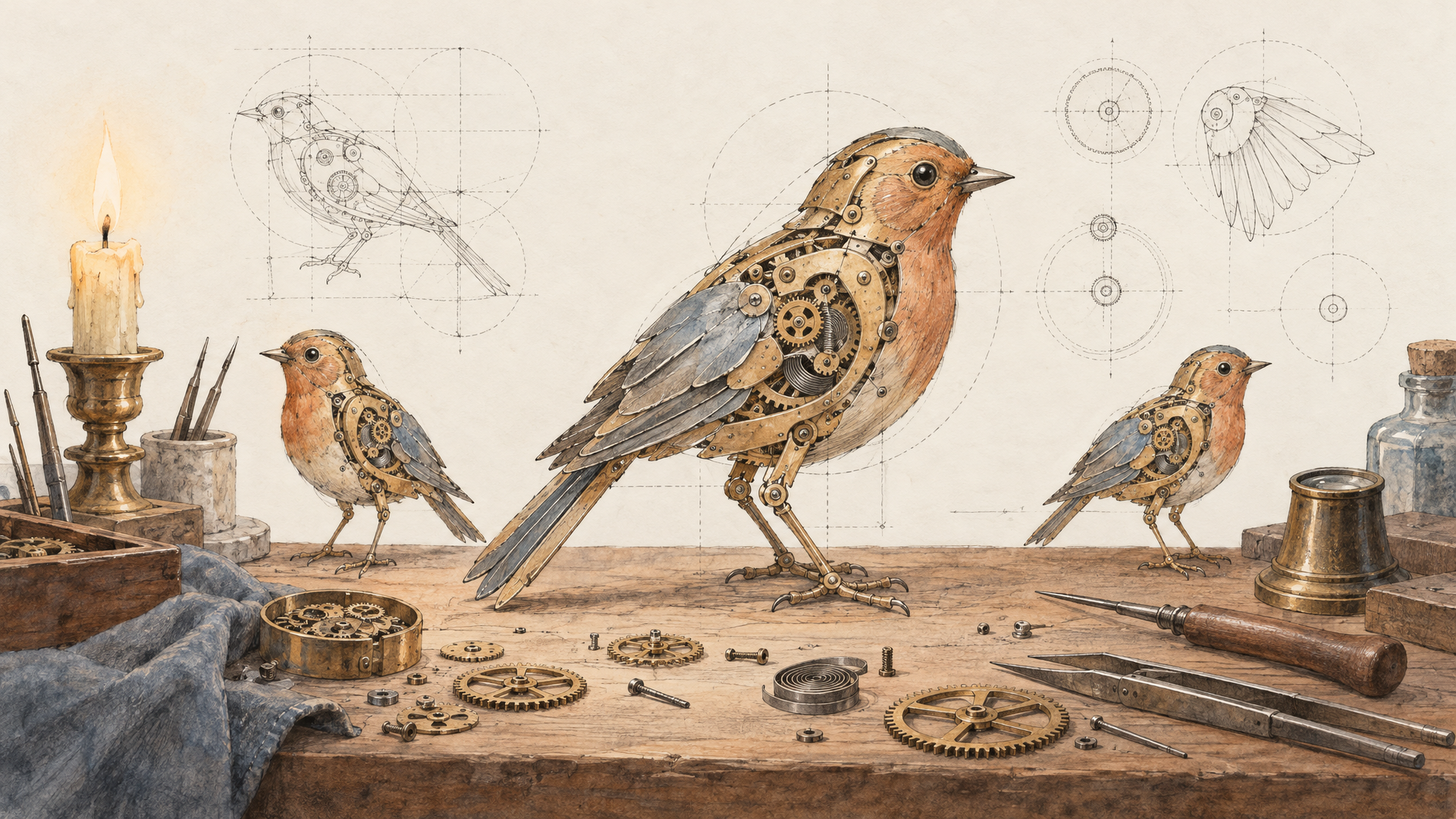
An indie studio's concept artist has a hero character drawn, a prop sheet half-finished and a producer asking for front, side and back views by tomorrow. The edit pages' room for up to 16 source images is the feature that matters here: the character sketch, a material swatch, a color palette, a prop or two, all in one request.
OpenAI's guide notes that when you pass several images, the first one is the one being edited and additional images serve as references (it describes this for markup edits, and the same ordering logic is the safe habit). Put the character first, references after. Run on Sunburst at medium complexity: enough planning to keep proportions consistent across views, not so much that it redesigns the costume.
Turn the character in the first image into a turnaround sheet: front, side and back views side by side on a plain light grey background. Use the second image for the cloak fabric and the third for the color palette. Same proportions, same colors and same details in every view. Clean 3D render, soft studio light, no text.
List every part of the design and end with "nothing else", or the model may add accessories you didn't ask for.
Product Developers: Preview Fast, Finish Rich
The last role is the developer building an image feature into her own app, say menu photos for restaurant owners. Her users want two things that pull against each other: an instant preview and a gorgeous final.
GPT Image 2.6 gives her both from one family. The preview call goes to Flare at low complexity and low quality, returns quickly, and lets the user approve the idea. The final call sends the same prompt to Sunburst at high complexity and high quality. Every model on each::labs sits behind the same API, so the switch is a model id and two fields. With a 32,000-character prompt limit, she can append a house-style block to every request.
Overhead food photo of a bowl of saffron risotto with seared scallops on a dark slate table, a linen napkin and a fork to the right. Soft window light from the top left. House style: warm natural color, gentle shadows, clean negative space, no text, no logos, no hands.
Log which complexity each final used. When a user says the final "changed things", the log usually points at a high setting on a prompt that needed medium.
Where GIFs and SVGs Fit Right Now
People keep searching "gpt image 2.6 gif", and for good reason. OpenAI's November 4 changelog lists SVG generation, animated GIF generation and markup-guided editing alongside the new models, and our GPT Image 2.6 GIFs, SVGs and markup edits post covers how they work in OpenAI's API. On the each::labs pages, the outputs today are PNG, JPEG and WebP, and edits run from a prompt plus source images.
So build motion as a two-step job. Generate the still on GPT Image 2.6, then hand it to an image-to-video model for the loop. For icons and diagrams, generate a clean flat raster with a transparent background and hand it to a designer to vectorize. The still is where the composition gets approved anyway.
Chain the Use Cases Into One Flow
The same three-step shape keeps showing up across these roles. Explore on Flare, finish on Sunburst, fix with a low-complexity edit.
Once a loop works twice, stop running it by hand. An each::labs flow can chain the Flare batch, the Sunburst final, the edit pass and an image-to-video step into one repeatable pipeline. If you're coming from the previous generation, our GPT Image 2.5 use cases post maps the jobs that already worked there, and everything in it moves up a version with complexity as one extra field. To compare against other models on the same brief, browse the text-to-image catalog.
Frequently Asked Questions
What are the best GPT Image 2.6 use cases?
The strongest fits are jobs with text, positions or several related objects in one frame: packaging mockups, retail shelf scenes, localized signage and character turnarounds. Fast variant batches for ad testing and focused catalog edits are close behind, and both run well on Flare at low complexity.
Which complexity setting should I use for each job?
Match it to how much has to be arranged. High for dense text and layouts, medium for multi-reference work like turnarounds, low for edits that change one thing such as a background or a sign. It defaults to high, so set it on purpose for edits.
Is Sunburst or Flare better for product photos?
Both, at different stages. Flare is the iteration model, so use it to explore angles and backgrounds in batches of up to 10. Sunburst is built for detailed work, so it takes the final render and any edit where material detail has to survive.
Can I make GIFs with GPT Image 2.6 on each::labs?
Not directly from the GPT Image 2.6 pages, which return PNG, JPEG or WebP. The reliable route is a still from GPT Image 2.6 followed by an image-to-video model, where you describe the motion in its own prompt.