Seedream 5.0 Pro: The Image Model That Hands You Layers
A flat image is a decision. A layered file is a conversation. Seedream 5.0 Pro splits finished scenes into named transparent layers, sets multilingual type properly and edits one region at a time.
By Eftal Yurtseven · Nov 6, 2026 · 9 min read
The client loves the poster. They just want the headline higher, the bottle a little left, and the autumn palette instead of the summer one. On a flat JPEG, that's three regenerations and three chances for the model to quietly redraw the product label.
That's the real gap between an image model and a design tool: not the picture, but what you can do with it afterward. Seedream 5.0 Pro is ByteDance's answer to it.
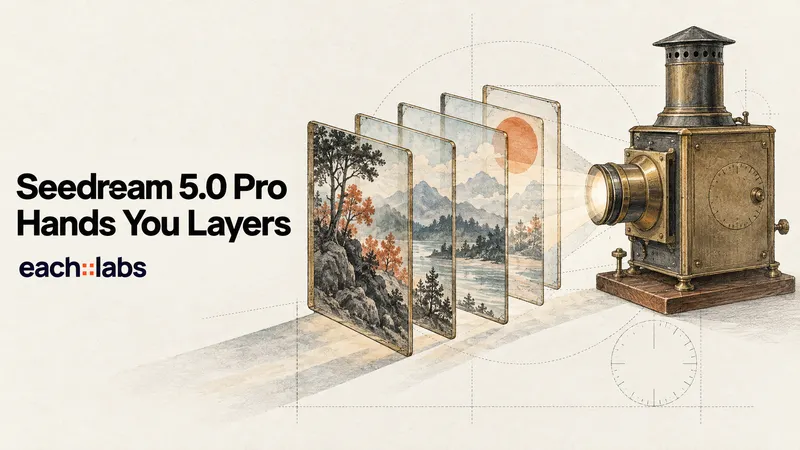
The interesting part isn't the headline image quality. It's that the family ships with a way to hand you an editable file: one finished scene split into separate transparent layers, each named, each placed, ready for a designer to move around. Add text rendering that respects the typography of a dozen languages and edits that touch one region instead of the whole frame, and you get a model built for the second draft, not just the first.
What Seedream 5.0 Pro Actually Is
ByteDance's Seed team officially launched Seedream 5.0 Pro on July 8, 2026, describing it as a multimodal image creation model. The launch post claims improvements across image and text alignment, structural coherence, text rendering and visual aesthetics, and it organizes the model around four abilities: complex information visualization, interactive precision editing, realistic imagery and portrait texture, and native multilingual input and generation.
What the announcement doesn't publish is a spec sheet: no benchmark tables, no resolution ceiling, no parameter count. So for the hard numbers in this post, I'm leaning on what the each::labs request schemas actually accept, which is the version of the truth your code will meet anyway.
On each::labs, Seedream 5.0 Pro runs as three separate models. Text to Image takes a prompt and returns one image. Edit takes a prompt plus one to ten images. Layer Decomposition takes a single finished image and returns it as a stack of parts. Draw, adjust, take apart.
Ask for a File, Not a Picture
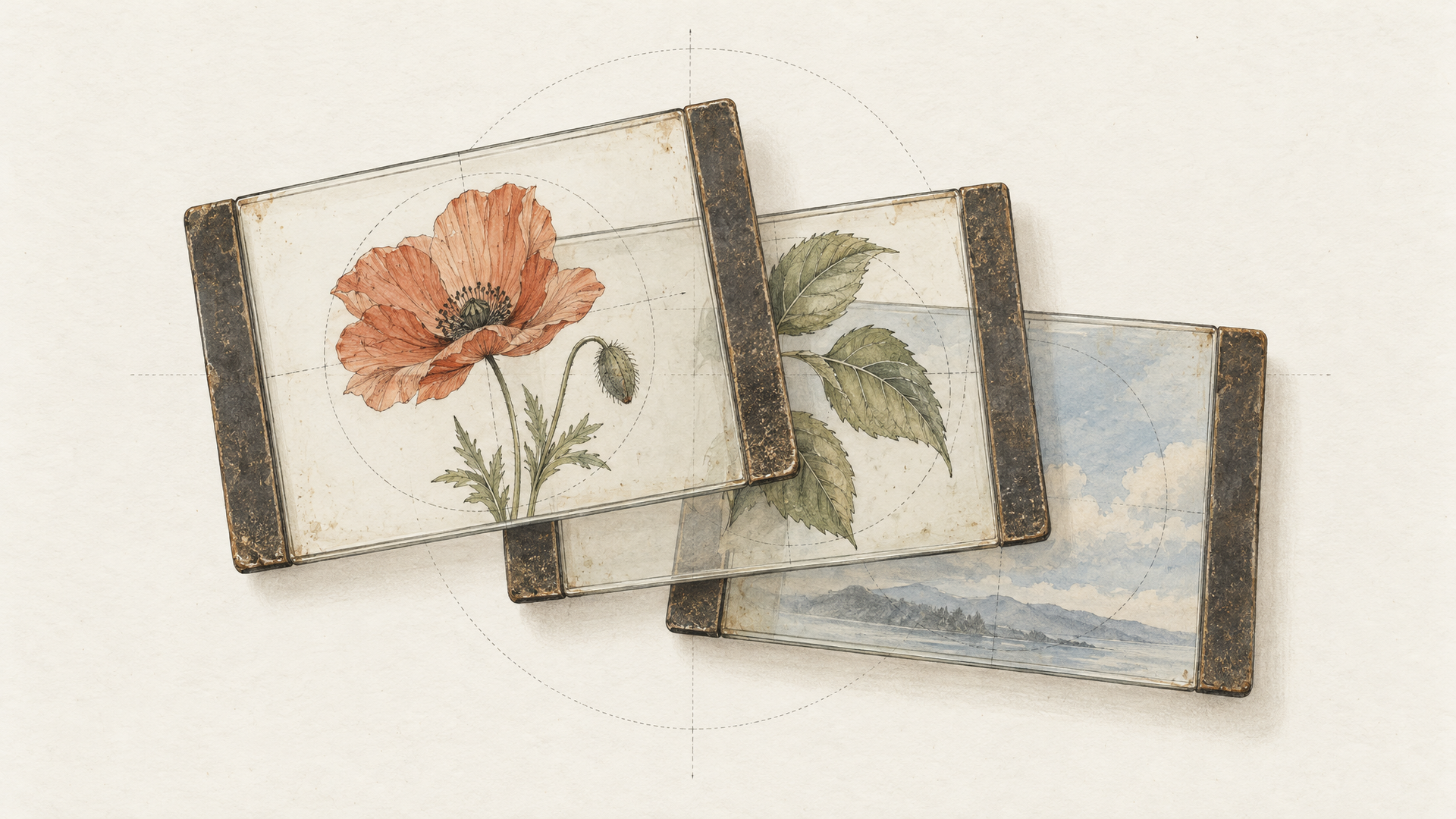
Here's the claim worth sitting with. ByteDance's own wording is that Seedream 5.0 Pro "can separate an image into independent layers, outputting editable design assets." The launch post shows a poster split into more than ten layers, with transparency kept and the background behind each object filled back in.
That last detail matters most. A cutout tool gives you a subject with a hole left behind it. A layer split that inpaints the background gives you a plate you can actually move things across. Drag the bottle left and there's a finished wall where it used to stand, not a smear.
On each::labs, Seedream v5 Layer Decomposition makes this concrete. You send one image (PNG or JPEG, under 30 MB). You get back up to 16 layers plus one base image. Every layer comes out as a PNG with transparency, whatever format you pick for the base. The response is structured JSON: a layers array where each entry carries a URL, a name such as "Vitamin C Cream Jar", its pixel size and a bounding box in both absolute and normalized coordinates. The background arrives first, full size, with no name or box.
The prompt is optional: leave it empty and the model decomposes every major element on its own, or name the elements you want in plain language, or point at regions with <bbox>x1 y1 x2 y2</bbox> tags in normalized thousandths. The size setting defaults to auto, which matches your input and clamps it between 1K and 2K, and each layer keeps the aspect ratio of the region it was cut from.
Names and coordinates also make the output machine readable. A pipeline can find the layer called "logo", swap it and re-composite without anyone opening a file. Transparent assets have been a theme on the blog lately (our look at Qwen Image 2.1's transparent layers covers generating on transparency from scratch). Seedream's version starts from the other end: you already have the finished image, and you want it back in pieces.
Text That Survives a Second Language
Most image models can spell a short English headline now. Fewer can set a Spanish subhead with the accents in the right place, and fewer still understand that Arabic runs right to left and that the layout has to flip with it. ByteDance says Seedream 5.0 Pro "automatically adapts to the typographic rules of different languages", and its examples lean on exactly those cases: correct Spanish accents, right-to-left Arabic, mixed Chinese and English.
Beyond Chinese and English, the launch post lists support for over ten commonly used languages, naming French, German, Russian, Japanese, Korean, Spanish and Arabic. The each::labs model page puts the figure at 14 languages. Either way, the useful point is the same: one campaign concept, one prompt structure, localized posters that don't need a typesetter to rescue them.
The trick is to be literal. Put every word that should appear in the image inside quotation marks, spelled exactly, and say which language and which role it plays. Something like this:
A vertical 9:16 event poster for a jazz night. Top third: headline "Noche de Jazz" in a tall condensed serif, cream on deep teal. Middle: a saxophonist in silhouette against warm stage light. Bottom: date line "Sábado, 14 de diciembre" and venue line "Teatro Central" in a smaller sans-serif, left aligned. Clean margins, no other text.
That prompt defines the canvas, assigns regions and leaves nothing to guess about the copy. Dense layouts reward order far more than adjectives.
Seedream 5.0 Pro Edit: Change One Thing, Keep the Rest
The editing claim in the announcement is ambitious. ByteDance describes "interactive precision editing" that responds to point, lasso and box selection, doodles, and rough sketches used as control signals. It also says the model can take colors as Hex codes or from a reference swatch, swap materials, and add or remove objects.
On each::labs, Seedream 5.0 Pro Edit is driven by the prompt and the images you send. The image field takes one to ten images: a single image for a straight edit, two to ten when you're blending references into one result. That second mode covers the announcement's more striking examples, like positioning people from several photos into one group shot, or restyling a sofa from a material photo and a color swatch.
The discipline that makes it work is narrowness. Name the region, name the change, and name what must stay. "Change only the jacket to matte black, preserve facial expression, skin texture and studio lighting" will beat "make it look more premium" every time, because the first one tells the model where its permission ends. One primary change per request keeps results predictable. If you need three changes, run three edits.
Hex codes matter for brand work: "Recolor the mug to #1F4E79, keep the logo and reflections" used to be a retouching ticket. When we compared the best AI image editing models of 2026, the question was how much of your image survives the edit. That's the right test to run here too: same source, a single precise change, and check whether everything else stays put.
Dense Layouts: Infographics, Posters and UI Mockups
The first of ByteDance's four pillars is the least glamorous and maybe the most useful. Seedream 5.0 Pro is pitched as a model that "accurately transforms data, concepts, and dense text into professional layouts." The launch examples are telling: an infographic combining timelines, charts and realistic imagery, a tea category guide, a birdwatching guide, a holiday sale poster and a pet e-commerce UI mockup.
Those are jobs where a pretty picture with garbled labels is worse than useless. A model that takes structure seriously gives you a first draft close enough to argue about, instead of close enough to laugh at. Proofread the tiniest labels first, though: ByteDance itself says finer-grained text rendering still has room to improve.
For prompts, describe the page like an art director briefing a junior designer: canvas type, grid, sections in reading order, the exact copy for each block, then style last. Run it on Seedream 5.0 Pro Text to Image at 2K when the text is dense, since more pixels give each letter more room to resolve.
Build a Three-Step Pipeline on each::labs
The three models get more interesting together than apart. A natural chain looks like this: generate the key visual with Text to Image, fix the details with Edit, then hand the approved frame to Layer Decomposition so the design team receives parts instead of a flat export. Every step uses the same each::labs call shape, so the chain is a change of model name and input, not three integrations.
curl -X POST https://api.eachlabs.ai/v1/prediction/ \
  -H "X-API-Key: $EACHLABS_API_KEY" \
  -H "Content-Type: application/json" \
  -d '{
    "model": "bytedance-seedream-v5-layer-decomposition",
    "version": "0.0.1",
    "input": {
      "image": "https://example.com/approved-poster.png",
      "prompt": "Separate the headline, the perfume bottle, the flower petals and the background into their own layers.",
      "size": "2K",
      "output_format": "png"
    }
  }'
Swap the model to bytedance-seedream-v5-pro-text-to-image and pass prompt, aspect_ratio and resolution. Swap it to bytedance-seedream-v5-pro-edit and pass prompt plus an image array. The response is a prediction ID you poll.
Both generation models share their sizing. Presets cover 1:1, 16:9, 9:16, 4:3, 3:4, 3:2, 2:3 and 21:9 at 1K, 1.5K or 2K. Pick custom and you can set width and height directly, anywhere from 921,600 to 4,624,220 total pixels with a width to height ratio between 1/16 and 16. If you'd rather wire the chain visually than in code, each::labs flows let you connect the three steps and rerun the whole thing on a new brief.
Pro, Lite or 4.5: Which Seedream to Run
Seedream 5.0 Pro isn't the only Seedream on each::labs, and it shouldn't automatically be your default. Seedream v5 Lite Edit accepts up to 14 reference images, outputs at 2K or 3K, and can return up to six images in one request. That's a volume and exploration tool: many variations, wide reference sets, big canvases. Lite Text to Image plays the same role for fresh generations. Our Seedream 5.0 Lite vs Seedream 4.5 comparison goes deeper on where Lite and Seedream 4.5 each fit.
Pro is shaped differently. One image per request, up to 2K, up to ten references on the edit side. What you get in exchange is ByteDance's push on structure, multilingual typography and precision editing, plus the layer workflow. My rule of thumb: explore on Lite when you need range, switch to Pro when the image has words on it, a layout that has to hold, or a client who's going to ask for changes.
Getting Better Results Out of Seedream 5.0 Pro
Brief the canvas before the content. "A landscape infographic in three columns" up front gives the model a frame to fill, and dense layouts come out less crowded.
Quote every word, spelled exactly, with its language and role named. Mixing languages works best when the hierarchy is explicit: headline in one, supporting line in another, never both fighting for the same slot.
Edit narrow, edit often. One change per request, with what must stay unchanged spelled out. Precision comes from small permissions, not big instructions.
Decompose clean images. Layer Decomposition does best with clear structure and visible boundaries between objects, so give key elements a little breathing room when you generate. When you only need a few parts, name them in the prompt or box them with bbox tags instead of asking for everything.
Use standard mode for finals. The optimize_prompt_mode setting on Layer Decomposition offers standard for better quality and fast for quicker turnaround. Iterate on fast, deliver on standard.
A flat image is a decision. A layered file is a conversation, and that's what most creative work actually is. You can run Seedream 5.0 Pro on each::labs today, alongside the rest of the text-to-image models in the catalog.
Frequently Asked Questions
When was Seedream 5.0 Pro released?
ByteDance's Seed team published the official launch post on July 8, 2026. It describes the model's abilities through examples rather than a formal spec sheet or benchmarks, so the each::labs request schemas are the most precise reference for inputs and sizes.
How does Seedream 5.0 Pro Layer Decomposition work?
You send one finished image and get back a base image plus up to 16 transparent PNG layers, each with a name, pixel size and bounding box. Leave the prompt empty to split every major element automatically, or name the elements (or box them with bbox coordinates) to control exactly what gets separated.
How many reference images does Seedream 5.0 Pro Edit accept?
Up to ten on each::labs. One image means a straight edit of that image, and two to ten means blending references into a single result, which is how you combine a product with a material sample or merge people from several photos into one scene.
Should I use Seedream 5.0 Pro or Seedream 5.0 Lite?
Lite returns several images per request at up to 3K and accepts more references, which suits exploration. Pro is the pick for text-heavy layouts, multilingual typography, precise single edits and anything that needs to come apart into layers afterward.