Seedream 5.5 vs GPT Image 2.6: Two Bets on the Edit
ByteDance bets on edits that survive 100 rounds. OpenAI bets on control. Here's how Seedream 5.5 and GPT Image 2.6 compare on what each has published, and the test to run when Seedream 5.5 lands on each::labs.
By Eftal Yurtseven · Nov 11, 2026 · 9 min read

Two image models launched five days apart, and both made the same promise: the edit is the product now. Not the first render. The tenth round, the one where a client asks for a different ring and you pray the face stays put. That's the real test of an image model in 2026, and it's the frame for Seedream 5.5 vs GPT Image 2.6.
OpenAI shipped GPT Image 2.6 on November 4, and it's already live on each::labs. ByteDance's Seed team followed on November 9 with Seedream 5.5, which is coming to each::labs. One you can run today. One you can plan for. Here's how they line up on what each provider has actually published, where they genuinely differ, and how to set up your work so the comparison takes one afternoon when Seedream 5.5 lands.
Seedream 5.5 vs GPT Image 2.6 at a Glance
Strip the launch posts down and you get two different bets. ByteDance is betting on endurance: a model that keeps editing one image for 100 rounds without the colors drifting or the untouched areas softening. OpenAI is betting on control: a dial for how much the model plans before it renders, a split between a detailed model and a fast one, and new ways to point at an edit and new formats to get back.
Both care about text. Both output transparency. Both target the same people: product teams, designers, marketers who send an image through five rounds of review. The difference is where each company spent its effort, and that tells you which one to reach for first.
One fairness note before the details. Everything about Seedream 5.5 below comes from ByteDance's own announcement and its own evaluations. For GPT Image 2.6 we have OpenAI's documentation plus our own runs on each::labs. That asymmetry won't last long, but it's real today, so no verdict here pretends otherwise.

What Each Provider Actually Shipped
GPT Image 2.6 arrived in OpenAI's API on November 4 as two models, Sunburst and Flare. OpenAI's image guide sums up the split in one line: Sunburst for detailed visual work, Flare for fast iteration. The release added an adjustable complexity setting (low, medium or high), SVG output, animated GIF output and markup-guided editing, where you draw your instructions on a transparent layer instead of typing them.
On each::labs it runs as four pages: Sunburst Text to Image, Sunburst Edit, Flare Text to Image and Flare Edit. The request schema takes the complexity field, quality from low up to max, up to 10 images per request, transparent backgrounds in PNG or WebP, and sizes up to 3840x2160. The edit pages accept up to 16 source images. Markup edits, SVG and GIF output are not inputs on the each::labs pages today, so plan with prompt-plus-image editing.
Seedream 5.5 is ByteDance's next-generation image creation model, announced on the ByteDance Seed blog on November 9, 2026. The announcement names three upgrades: more stable multi-turn editing, native RGBA output with full and partial transparency, and more realistic images with cleaner text. The Seed page points people to Dola and the BytePlus Playground to try it, and says a Pro version of the Seedream 5.5 series will follow, without a date. What it doesn't give you matters too: no resolution ceiling, no reference image limit, no public model id.
Long Edit Chains: Where Seedream 5.5 Plants Its Flag
ByteDance's headline claim is specific. Unedited regions are preserved at the pixel level, color shifts in those regions are removed, and the model can keep working on one image across 100 rounds of edits. The demo is a portrait edited 100 times in a row, each output fed back in as the next input, with changes to clothing, accessories and small tabletop objects like a ring or a pair of glasses frames.
That's a claim about decay, and decay is the thing that quietly ruins real projects. A single edit rarely goes wrong in a way you'd notice. Ten edits in a chain, each one nudging skin tone a little warmer and the background a little softer, and you end up with an image nobody approved. If ByteDance's numbers hold outside its own tests, Seedream 5.5 is built for exactly the job where reviews pile up.
GPT Image 2.6 approaches the same problem from the other end. OpenAI's system card says the release improves editing consistency and detail preservation, and our own GPT Image 2.6 test on each::labs showed edits that left the scene alone: same shelf, same sleeping cat, same label after we recolored one mug. What it showed just as clearly is that precision depends on how you point. "Third mug from the left" became ambiguous once the shelf had two rows. So OpenAI gives you more ways to aim the edit, while ByteDance claims the picture survives more rounds of it. Different answers to the same pain.
Transparent Assets: Native Alpha vs a Background Setting
Both models hand you transparency, but they talk about it differently. On each::labs, GPT Image 2.6 offers transparent backgrounds when you request PNG or WebP output. It's a setting you flip on the request, and it's live right now.
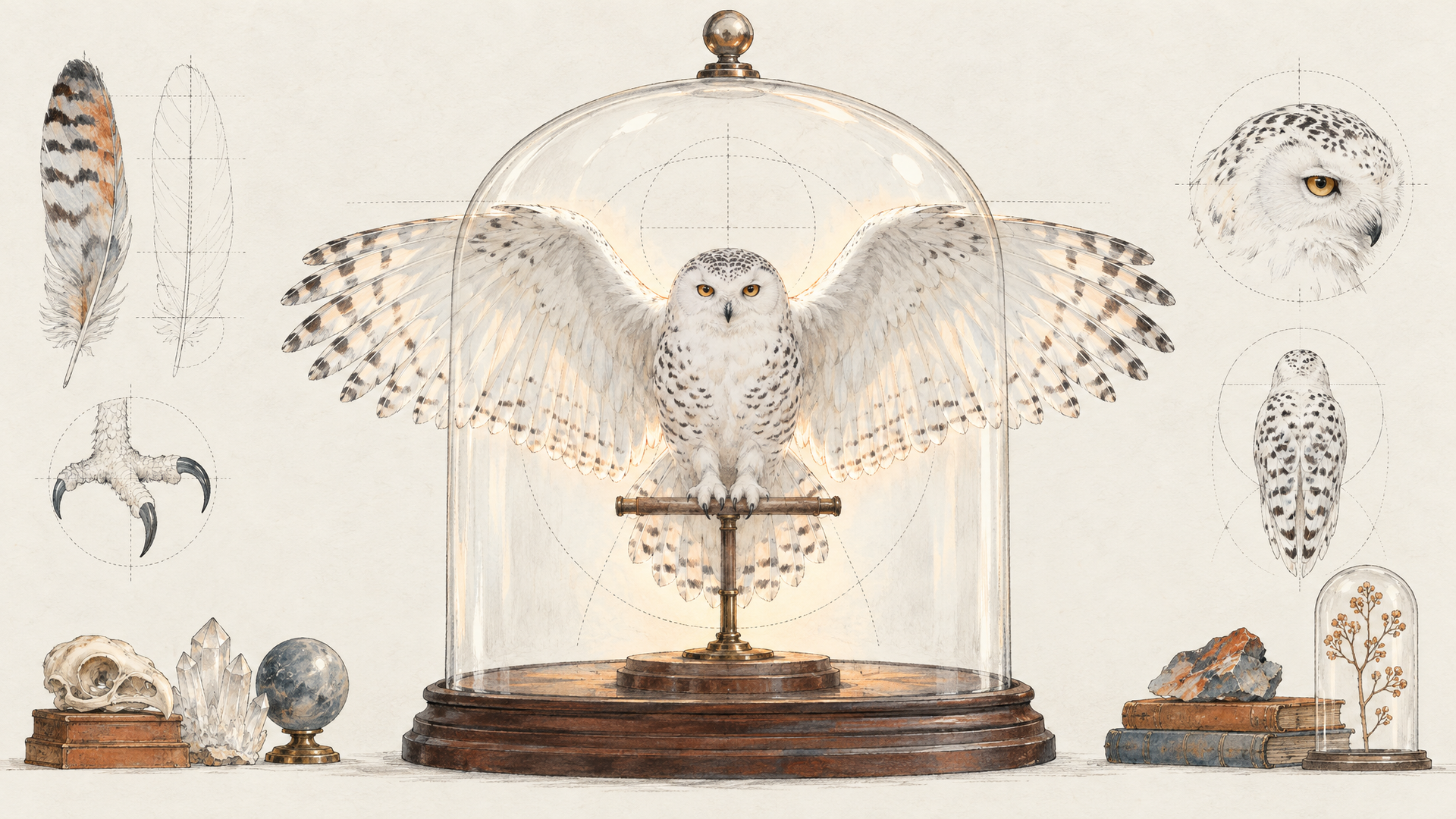
Seedream 5.5 frames transparency as part of the model itself: an alpha channel with both full and partial transparency, generated from a text description or from reference images. Partial transparency is where the claim gets interesting. Hard cutouts are easy. Feathers, hair, glass and smoke are where background removal usually falls apart, and ByteDance chose a snowy owl with spread wings, separate wingtip feathers and clean claw outlines as its showcase. Its other demo reuses the same character assets across new poses and settings, which is the sticker pack or mascot set your team keeps rebuilding by hand.
Until Seedream 5.5 arrives, the ByteDance route to transparency on each::labs runs the other way: generate on Seedream 5.0 Pro, then split the finished image into named transparent layers with Seedream 5.0 Layer Decomposition. We covered that in our Seedream 5.0 Pro post. Use it when you need a flat poster made editable. Wait for 5.5 when you need clean assets to build with.
Small Text, Dense Layouts and Who Gets Them Right
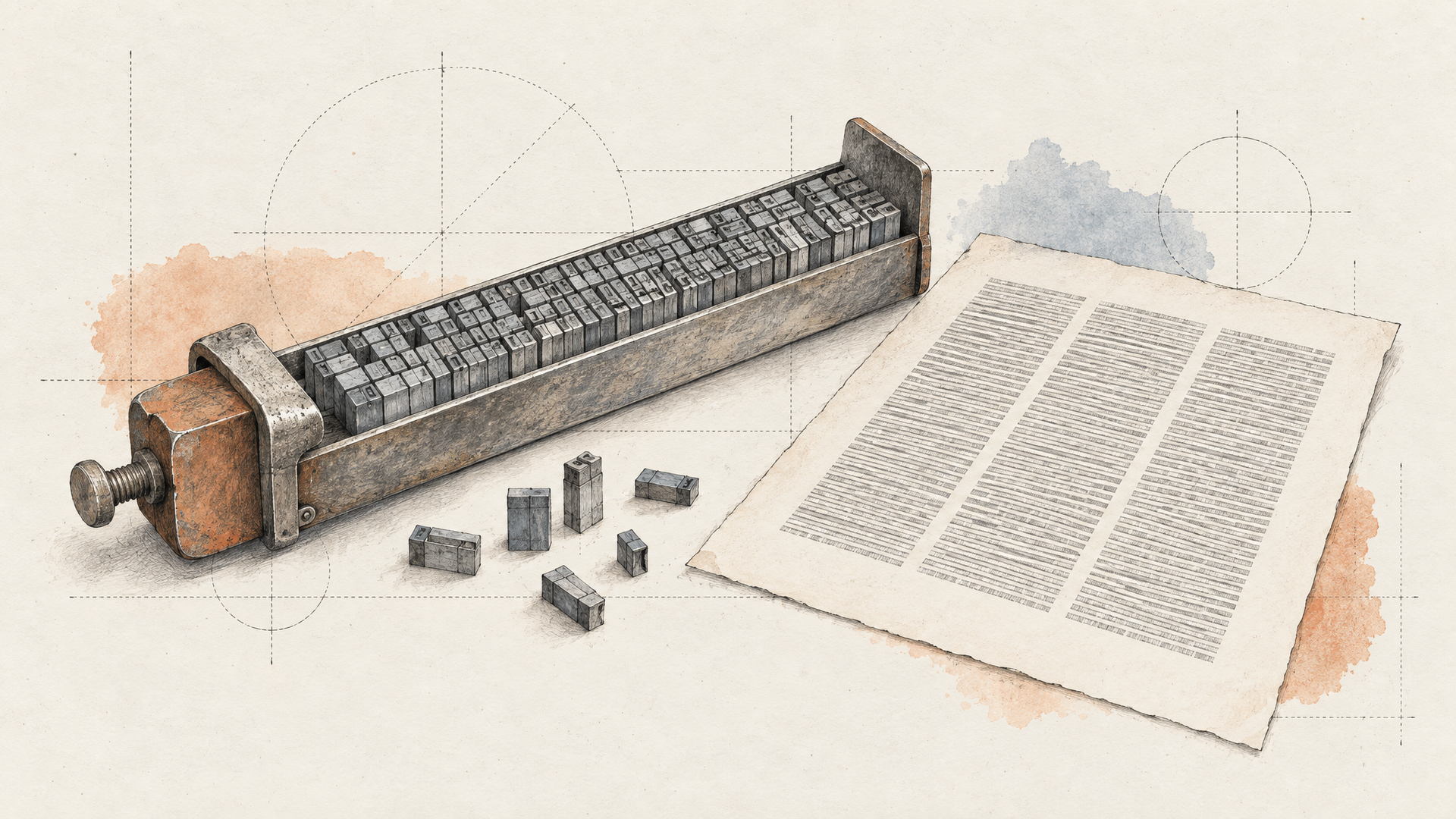
Text is where both providers are loudest, which is a good sign that both know it's still where image models lose jobs. ByteDance reports a severe text corruption rate of 0.4% and a minor corruption rate of 1.7% for Seedream 5.5, measured on Chinese and English including dense small text. Its samples are a newspaper-style page with columns of small English type and an infographic with eight dense Chinese captions.
OpenAI's answer is the complexity dial. Its guide says higher complexity can help with dense text, complex layouts and relationships between objects, and warns that it can also add latency and unwanted changes. In our test, every GPT Image 2.6 run spelled a short handwritten label correctly and put it on the right object, and Sunburst read spatial instructions more faithfully than Flare. Neither of those is a benchmark, but both are the kind of thing that saves a re-roll.
ByteDance also published a direct comparison, and it's worth reading carefully. In its own expert evaluations, Seedream 5.5 led GPT Image 2.5 Sunburst and Nano Banana 2.1 on text structure in both text-to-image and image-to-image tasks, with what it calls a substantial realism advantage in text-to-image. Note the model in that list: GPT Image 2.5, not 2.6. The head-to-head that matters for this post hasn't been published by anyone yet.
Realism vs Control: Two Philosophies
Here's the cleanest way to hold the difference in your head. Seedream 5.5 is trying to make the image itself better: more natural skin, less gloss, less overexposure, light that behaves. ByteDance went after named flaws, the plastic shine and blotchy textures that make AI portraits look like AI portraits. Its MagicArena evaluations across six production areas (e-commerce, marketing, film and television, gaming, office productivity and fashion design) show higher quality and usability scores than Seedream 5.0 Pro in all six.
GPT Image 2.6 is trying to make the process better. Complexity lets you trade planning for speed. Flare and Sunburst let you sketch fast and finish carefully on the same prompt. Ten images per request lets you explore a composition in one call. That's a model designed for a loop, not a single shot.
Neither philosophy is wrong. If your problem is that outputs look synthetic, the realism bet is the one you want. If your problem is that iteration is slow and edits land in the wrong place, the control bet pays off first. Most teams have both problems, which is why the honest plan is to run both.
When to Pick Which
Pick GPT Image 2.6 today if you need to ship this week. It's live, its schema is documented, and the Flare-to-Sunburst workflow is already proven: explore on Flare at low or medium complexity, move the winning prompt to Sunburst at high complexity, then fix small things with a low-complexity edit anchored to a unique detail. Our GPT Image 2.6 prompts post has nine prompts we ran that you can copy.
Plan for Seedream 5.5 if your work is a long chain of small changes. Catalog retouching, campaign assets that go through many review rounds, character sets that need to stay consistent, and anything that ships as a transparent asset all sit squarely in what ByteDance says it built. The same goes for dense multilingual text, especially Chinese, where its samples are strongest.
Keep both if you run a production pipeline. On each::labs, switching between them is a model id change in a call you've already written, so a fair test takes an afternoon, not a migration. You don't have to marry either bet.
Set Up the Seedream 5.5 vs GPT Image 2.6 Test Now
You can build the comparison before Seedream 5.5 exists on each::labs. Write an edit chain of eight to twelve rounds, one change per round, each with an explicit list of what must stay. Run it on GPT Image 2.6 Sunburst Edit today and save every output.
Replace the silver ring on her left hand with a thin gold band. Keep her face, hair, skin tone, clothing, background and lighting exactly as they are.
Swap the black frames of her glasses for tortoiseshell frames of the same shape. Do not change anything else in the image.
Move the ceramic cup from the left edge of the table to the center, next to her hand. Fill in the table surface where the cup was, matching the wood grain and the window light.
Add one transparent asset prompt and one dense text prompt, because those are the other two places the providers make their strongest claims.
A snowy owl in flight, wings fully spread, detailed layered feathers with visible gaps between the wingtip feathers, isolated on a transparent background, no shadow, no ground.
A vintage newspaper front page titled "The Daily Stage". Under the masthead, the headline "Shakespeare Returns to the Globe" and two columns of small serif body text. A pen and ink portrait in the top right corner.
When Seedream 5.5 lands, rerun the same set and compare round ten, not round one. That's where the difference between the two bets will show. If the chain is something you run every week, turn it into an each::labs flow so the model swap happens in one place, and keep an eye on the text-to-image models page for the launch.
Frequently Asked Questions
Seedream 5.5 vs GPT Image 2.6: which is better?
Nobody can say yet, and anyone who claims otherwise hasn't tested both. ByteDance's own comparison used GPT Image 2.5 Sunburst, not 2.6. Pick by job: GPT Image 2.6 for control and fast iteration today, Seedream 5.5 for long edit chains and native transparency once it's available.
Can I use Seedream 5.5 on each::labs?
Not yet. It's coming to each::labs, and the links in this post will point to its model page once it's live. Until then, Seedream 5.0 Pro and its Layer Decomposition model run on each::labs today.
Does GPT Image 2.6 support transparent backgrounds?
Yes, on each::labs you get a transparent background when you request PNG or WebP output. Seedream 5.5's pitch is different: an alpha channel with partial transparency generated as part of the image, aimed at feathers, hair and glass.
Is there a Seedream 5.5 Pro?
ByteDance says a Pro version of the Seedream 5.5 series will follow, with no date or specs so far. When it ships, expect the same comparison to start over.