Nano Banana 2.1: Wider Frames, Sharper Text, Same Speed
Google's Nano Banana 2.1 adds 8:1 and 1:8 formats, better text and steadier characters across edits, at the same speed. It's live on each::labs today.
Point releases are easy to ignore. A ".1" usually means a bug fix, a slightly better benchmark and a blog post nobody reads. Then you open the changelog and find the thing you'd been working around for months is just gone.
That's Nano Banana 2.1. Google made it generally available in the Gemini API on October 6, 2026, as an update to Nano Banana 2, and it's already live on each::labs with a Text to Image and an Edit endpoint. The pitch is short: Flash-level speed, with real gains in visual quality, prompt adherence, character consistency across turns, text rendering, and a set of very wide and very tall formats that nobody else in this speed class offers. If you've been running Nano Banana 2 in production, this is the upgrade you don't have to think hard about. If you haven't, it's a good moment to start.
What Nano Banana 2.1 Actually Is
Nano Banana 2.1 is Google's latest high-efficiency image generation and conversational editing model. According to the Gemini API changelog, it "maintains Flash-level speed and cost efficiency while delivering significant improvements in visual quality, prompt adherence, multi-turn character consistency, text rendering, and wide and panoramic aspect ratio generation." Google's model card says it's built on Gemini 3.6 Flash, takes text and images in, and outputs images up to 4K.
That base model matters more than it sounds. Nano Banana has always been an image model that thinks with a language model's head, which is why it handles instructions like "make the label say this, in that font, on the left" better than models that treat a prompt as a bag of keywords. A newer Gemini underneath means a better reader of your brief, and the model card's intended uses say as much: professional creation and editing over "multiple, quick iterations," clear text for posters and intricate diagrams, and "localized text rendering across several languages."
The previous model, Nano Banana 2 (gemini-3.1-flash-image), is now deprecated in the Gemini API. Google hasn't announced a shutdown date yet, but the direction is clear. The 2.1 line is where new work should go.
The Feature Nobody Asked For Loudly Enough: 8:1
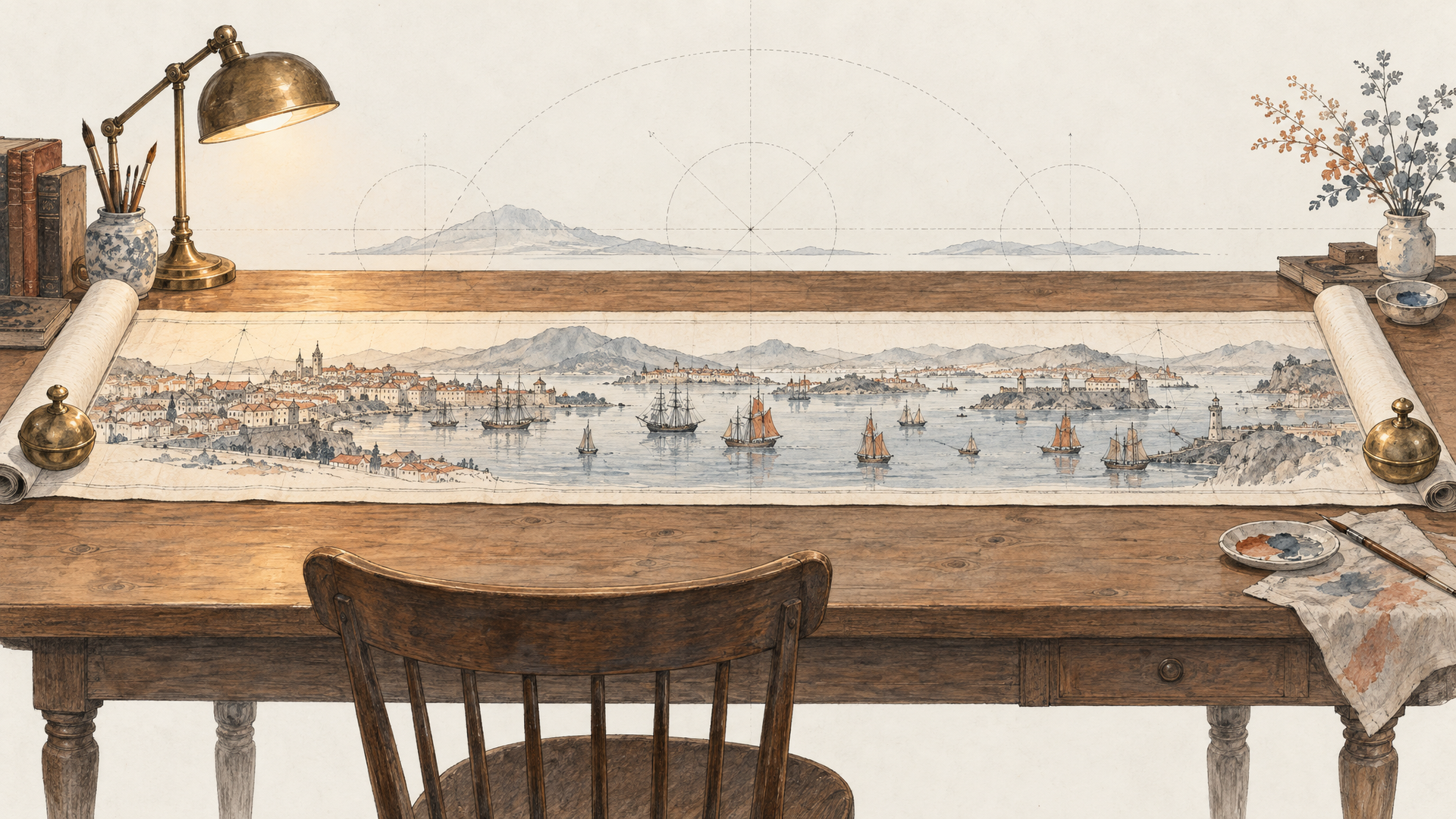
Let's start with the most visible change, because it unlocks jobs that used to need stitching. Nano Banana 2.1 adds four extreme aspect ratios: 1:4, 4:1, 1:8 and 8:1, available at 1K, 2K and 4K. On each::labs they sit next to the usual set (1:1, 3:2, 2:3, 3:4, 4:3, 4:5, 5:4, 9:16, 16:9, 21:9) in the aspect ratio field of both endpoints.
Think about where 8:1 actually shows up. Website hero banners. Email headers. Event stage backdrops. A shelf-strip for a retail display. On the other side, 1:8 is a skyscraper ad, a vertical scroll story, an infographic meant to be read top to bottom on a phone. Until now you generated something close and cropped, and cropping is where compositions go to die. A panoramic frame generated as a panorama puts the subject, the negative space and the copy exactly where the format needs them.
An 8:1 panoramic website banner. A long sunlit Mediterranean harbor at golden hour, white boats moored along the full width, terracotta buildings rising behind them. Keep the left third calm open sky for headline text. Photorealistic, warm light, gentle reflections on the water. No text.
One tip from experience with wide formats in general: describe the whole width. If you only describe a subject, the model has to invent what fills the other seven-eighths of the frame, and it'll make choices you didn't. Say what runs along the length.
Text That Holds Up, at the Right Resolution
Text rendering is listed among the headline improvements, and the model card leans into it with posters, intricate diagrams and multilingual localized text as core intended uses. Google also published a text-to-image overall preference result of 1050 for Nano Banana 2.1 (Thinking) against 990 for Nano Banana 2, which is a big step for a point release.
The model card is also candid about where text still struggles: small text, which is often blurry at 1K, and long paragraphs. That's a practical instruction, not a footnote. If an image carries fine print, an ingredient list or a diagram with many labels, render it at 2K or 4K. Keep copy to headlines and short labels, and put the words in quotation marks so the model knows they're literal.
A vertical 1:4 infographic poster, 4K. Title at the top in bold geometric sans serif: "HOW COFFEE GETS TO YOUR CUP". Below it, five illustrated stages stacked top to bottom, each with a short label: "Harvest", "Process", "Dry", "Roast", "Brew". Flat illustration style, warm brown and cream palette, generous spacing between stages. No other text.
The 1:4 format and the infographic use case were made for each other. One column, read by thumb, no squinting.
Character Consistency Across Turns
Multi-turn character consistency is the other improvement Google calls out, and it's the one that matters for anyone building a series. A mascot across twelve social posts. The same model wearing six outfits. A storybook character on every page. The test of an editing model isn't the first edit. It's whether the face is still the same face on the fifth.
The Nano Banana 2.1 Edit endpoint on each::labs takes between 1 and 14 images per request, which gives you room to pass a character sheet, a product and a setting together and tell the model which is which. Number your references and give each a single job.
Image 1 is the character: keep her face, freckles, red bob haircut and green raincoat exactly the same. Image 2 is the setting. Place her on that rainy station platform, holding a paper cup of tea, looking down the tracks. Soft overcast light, same illustration style as Image 1.
Then iterate one change at a time, feeding the last output back in. When you need repeatable results across a batch, the seed field helps: same inputs and seed give mostly repeatable output, and with several images, image N uses seed plus N. Our earlier piece on Nano Banana image editing use cases covers more of these patterns, and they carry straight over.
Thinking Level: Choose Speed or Care Per Request
Here's a control worth knowing about. Both Nano Banana 2.1 endpoints on each::labs expose a thinking level with two settings, minimal and high. High means the model reasons more before it draws, which follows complex prompts better at the cost of latency. Minimal keeps things quick. Leave it unset and you get the model default.
The split is easy to apply. A simple product cutout or a fast concept round doesn't need deliberation. A dense infographic, a layout with five constraints, or an edit with three references and a list of things that must not change does. The model card's preference result is for the Thinking version, so if quality is the question, high is the answer. If throughput is, try minimal first and see whether you can tell the difference.
The rest of the schema is familiar: resolution at 1K, 2K or 4K, up to 4 images per request, PNG by default with JPEG or WebP if you need them, and optional temperature and top-p for people who like to tune sampling.
Where Nano Banana 2.1 Fits in Your Stack
Every image model on each::labs is good at something, and the honest move is to route jobs instead of crowning a winner. Nano Banana 2.1 earns the default slot for fast, instruction-heavy work: banners, infographics, multilingual social creatives, iterative edits on a character or product. It's fast enough to iterate with all day without the waiting becoming the job.
For a look that's more art-directed, Krea 2 brings more aesthetic range. For edits that need a precise mask and transparent output, GPT Image 2.5 Sunburst Edit is the other strong option. And if you're on Nano Banana Pro today for heavier work, it's worth running your hardest prompts through 2.1 with thinking set to high before deciding which stays. Because they all sit behind one API, comparing them is a model id change. Our post on routing image generation APIs instead of ranking them lays out the thinking.
Moving From Nano Banana 2 to 2.1
If you already run Nano Banana 2 on each::labs, the switch is mostly a model change. Same prompt style, same kind of inputs, plus the new aspect ratios and the thinking control. Google has deprecated the old model in the Gemini API without a shutdown date, which gives you time to test properly rather than in a panic.
Test the way you'd test any upgrade. Pull twenty real prompts from your production logs, including the ugly ones. Run them through both models at the same resolution and seed. Look hardest at the things Google says improved: text, adherence on long prompts, and whether a character survives three edits. Then move traffic. If you chain image generation into video or upscaling, the rest of the flow stays as it is; swap one node in each::labs flows and you're done. Browse every text-to-image model on each::labs if you want to benchmark more widely while you're at it.
Frequently Asked Questions
What's new in Nano Banana 2.1 compared with Nano Banana 2?
Google lists better visual quality, prompt adherence, multi-turn character consistency and text rendering, plus four new extreme aspect ratios (1:4, 4:1, 1:8, 8:1) at 1K, 2K and 4K. It keeps the Flash-level speed of Nano Banana 2 and is built on Gemini 3.6 Flash.
Is Nano Banana 2.1 available on each::labs?
Yes. Both Nano Banana 2.1 Text to Image and Nano Banana 2.1 Edit are live on each::labs, with resolution, aspect ratio, thinking level, seed and up to 4 outputs per request. The Edit endpoint takes 1 to 14 input images.
How do I get sharp small text from Nano Banana 2.1?
Render at 2K or 4K. Google's model card notes that small text is often blurry at 1K and that long paragraphs are still hard, so keep copy short, put exact words in quotes and raise the resolution whenever there's fine print.
Should I set thinking level to high?
Use high for complex layouts, dense infographics and multi-reference edits, where following every instruction matters more than latency. For quick drafts and simple images, minimal is usually enough.