AI Background Remover API for E-commerce: Build It on each::labs
Nine hundred product photos, one deadline, no designer. Background removal as a pipeline step.
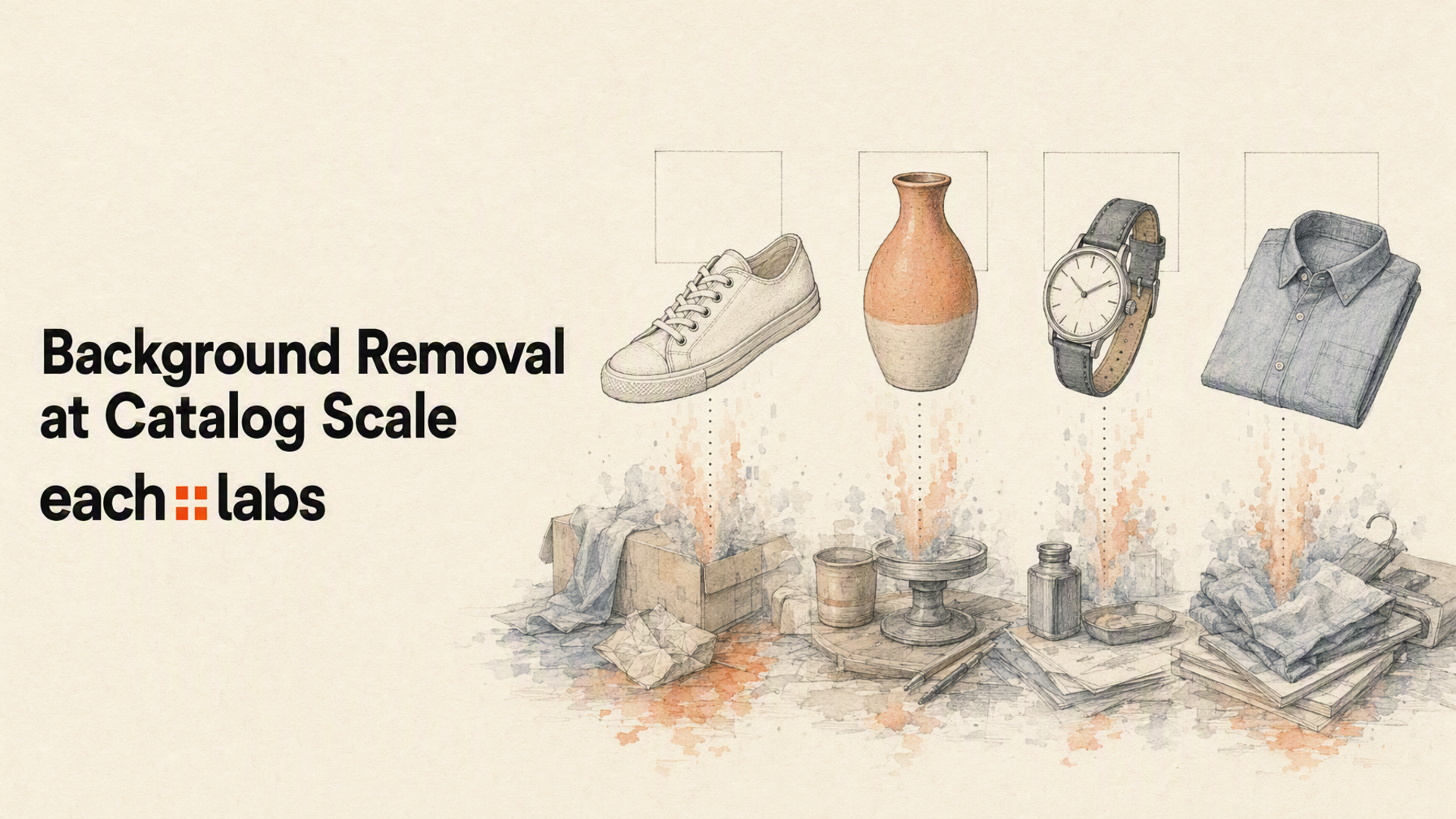
The product photo arrives at 3pm on a Tuesday, shot on a folding table under a window, with a radiator in the corner and someone's coffee cup just inside the frame. It needs to be live by Thursday, on a plain ground, cropped consistently, at three sizes. There are nine hundred more behind it.
That's the actual job. Not one beautiful cutout but nine hundred adequate ones, on a schedule, without a designer touching any of them. An AI background remover API exists because the manual version of this work does not survive contact with a real catalog. A retoucher can produce a better single cutout than any model. A retoucher cannot produce nine hundred before Thursday, and will not be there at 2am when a supplier drops a new colorway.
So the question isn't whether a model can find the edge of a sneaker. It can. The question is what happens to the other 899 images, and who gets paged when eleven of them come back wrong.

Why catalog teams stopped editing and started calling an endpoint
Manual editing scales linearly with headcount. That's the whole problem in one sentence. Every new SKU is another unit of human attention, and the work is genuinely dull, which means it gets deprioritized, which means the listing goes live with the radiator still in it.
An API changes the shape of the cost. You write the integration once and the marginal image is close to free in human terms. More importantly, it makes the work repeatable. When your merchandising lead decides in March that all product images need a warmer ground, you re-run the pipeline instead of re-briefing a team.
There's a second reason, and it's the one people underrate: background removal is almost never the last step. You want the cutout so you can put the product on a seasonal backdrop, or generate six lifestyle variants, or feed it into a video for a paid social placement. The cutout is an intermediate artifact. Treating it as a one-off editing task guarantees you'll do the whole thing again next quarter.
Which is why the interesting decision isn't which background remover to use. It's what the cutout feeds into.
Where Eachlabs sits in a product-image pipeline
Eachlabs is a developer-first platform for generative media, and background removal is one endpoint in a catalog that spans image, video and audio. That framing matters more than it sounds. If all you need is a transparent PNG forever, almost anything works. If the transparent PNG is step one of four, you want the other three steps living under the same contract.
Concretely: eachlabs-bg-remover-v1 takes a single image_url and returns a PNG with a transparent background, every time. The output format isn't a parameter you can get wrong. rembg covers the same ground with an image input. rembg-enhance exists for the cases where the raw matte needs cleaning up. And realistic-background goes the other direction entirely: give it an image and a prompt and it composites the product into a generated scene, with denoising_strength and cfg_scale to control how far it strays from the original.
Every one of those is called the same way. Same auth header, same submit-and-poll lifecycle, same response envelope. You POST to https://api.eachlabs.ai/v1/prediction/ with a model slug and a version, get a prediction ID back, and poll it. Swapping the matting model doesn't touch the code that consumes the result.
Your own source images go in through each::storage, which gives you a public URL to hand to the model. That sounds like plumbing because it is, but it's the plumbing that otherwise turns into a signed-URL side quest three days into the build.
Wire it up: one request, one poll, one asset
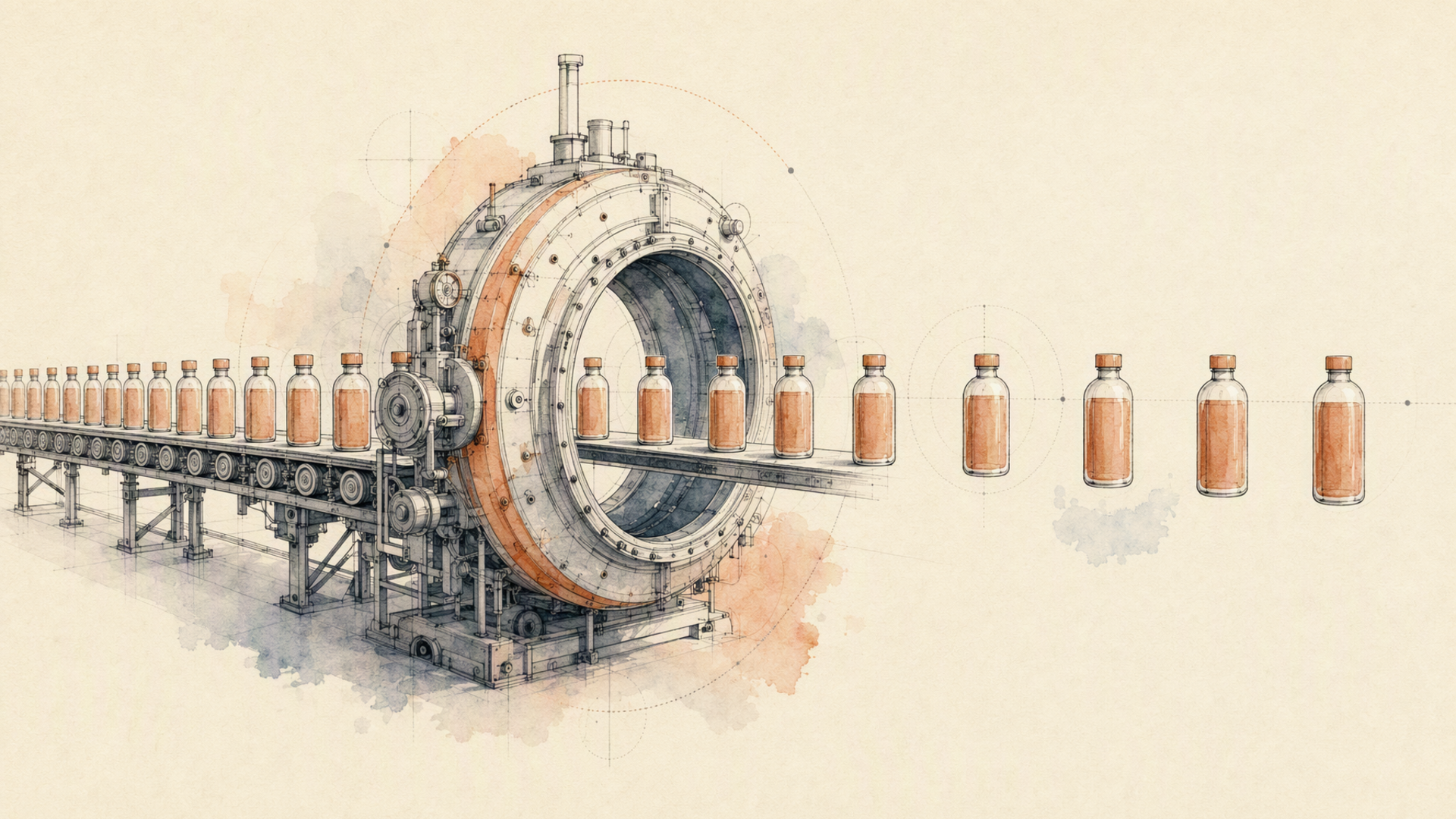
The whole integration is a submit and a poll. Submit first:
curl -X POST https://api.eachlabs.ai/v1/prediction/ \
  -H "Authorization: Bearer $EACHLABS_API_KEY" \
  -H "Content-Type: application/json" \
  -d '{
    "model": "eachlabs-bg-remover-v1",
    "version": "0.0.1",
    "input": {
      "image_url": "https://your-cdn.example.com/catalog/sku-40188.jpg"
    },
    "webhook_url": ""
  }'
That returns a prediction ID and nothing else. It does not return your image, and this trips people up on day one. The response only confirms the job was accepted:
{
  "status": "success",
  "message": "Prediction created successfully",
  "predictionID": "03781b27-2c4a-411a-a9e8-cfd2d6726773"
}
Then you poll GET /v1/prediction/{id} until the status stops moving. Predictions walk through six states: created, starting, processing, and then one of the three terminal ones: success, error, or cancelled. Poll every three to five seconds; anything tighter is wasted calls.
import os, time, requests

BASE = "https://api.eachlabs.ai/v1/prediction/"
H = {"Authorization": f"Bearer {os.environ['EACHLABS_API_KEY']}"}
TERMINAL = {"success", "error", "cancelled"}

def remove_background(image_url: str) -> str:
    r = requests.post(BASE, headers=H, timeout=30, json={
        "model": "eachlabs-bg-remover-v1",
        "version": "0.0.1",
        "input": {"image_url": image_url},
        "webhook_url": "",
    })
    r.raise_for_status()
    pid = r.json()["predictionID"]

    while True:
        d = requests.get(BASE + pid, headers=H, timeout=30).json()
        if d["status"] in TERMINAL:
            break
        time.sleep(4)

    if d["status"] != "success":
        raise RuntimeError(f"{pid} ended {d['status']}: {d.get('output')}")
    return d["output"]          # transparent PNG URL
On success, output is a URL to the finished PNG and metrics.predict_time tells you how long the model actually took, which is the number you want when you're sizing a batch window.
For catalog-scale work, stop polling and pass a webhook_url instead. Two things to know before you do. Webhook payloads use a two-value status vocabulary, succeeded or failed, not the six states you see when polling, so don't share a status parser between the two paths. And you may receive the same webhook more than once, so make the handler idempotent, keyed on the prediction ID. Both of those are trivial to build on day one and genuinely annoying to retrofit after you've written duplicate assets over good ones.
The step-by-step, then: upload sources to storage, submit one prediction per image with a bounded worker pool, collect results by webhook, write the PNG to your own asset store under a deterministic key, and record the prediction ID next to it. That last part is the one people skip. When someone asks in six weeks why one listing looks wrong, the prediction ID is the only thread you can pull.

What to actually compare before you commit
Most evaluations of background removal are performed on the wrong images. Somebody picks five clean product shots, runs them through three models, looks at the edges, and declares a winner. Then production starts and the winner falls apart on the hard cases.
Evaluate on your worst hundred images, not your best five. Specifically: hair, fur, and anything fibrous; transparent and reflective goods like glassware and packaging film; thin structures like watch straps, chain, and cable; products photographed against a ground close to their own color; and anything with motion blur. That's where matting models separate, and it's where your catalog actually lives.
Then quality has a second axis nobody mentions: consistency. A model that produces excellent cutouts with visible variance in edge softness is worse for a catalog than a slightly duller model that produces the same edge every time, because the grid view is where customers see your images, and the grid is where inconsistency shows.
On speed, measure the number you'll be judged on. Per-image latency matters for interactive flows, like a seller uploading a photo and waiting. It's close to irrelevant for an overnight batch, where throughput and concurrency ceilings decide everything. Check what happens when you push: the API returns 429 when you exceed your account's concurrency cap, and a rejected request creates no prediction at all, so your retry logic needs to distinguish "try again shortly" from "this job failed."
Reliability, in practice, means asking what happens on a bad day. Can you tell a transient failure from a permanent one? Do you get an error you can act on, or a generic 500? Is the prediction ID durable enough to reconcile against later? And integration effort is really a question about the second model: how much of your code has to change when you swap the matting step for a better one, or chain a scene-generation step behind it. If the answer is "the response parser, the retry policy, and the auth layer," you've bought a dependency rather than a capability.
Let me not sand the edges off this. Automated background removal is very good and not perfect. Fine hair against a busy ground still produces halos. Glass and acrylic still lose their interior. Products whose color sits inside a millimetre of the backdrop's color will occasionally lose a limb. If your business is jewellery macro or bridal veils, budget for human review on a slice of the catalog and design the pipeline so a reviewer can reject and re-run a single asset without touching the other 899. The realistic goal is not zero manual work. It's manual work that scales with your failure rate instead of your SKU count.
FAQ
What image formats can I send, and what comes back?
Send common web formats (JPG, PNG, WEBP) by public URL rather than by upload in the request body. What comes back from eachlabs-bg-remover-v1 is always a PNG with a real alpha channel, which is the right default and one less thing to configure. If your downstream needs a flattened JPG on a specific ground, do the flatten yourself after the fact, or chain a scene-generation step and skip the flatten entirely. Don't try to make the matting model produce your final delivery format; that coupling always breaks later.
Can it handle bulk processing, or do I need to call it one image at a time?
One image per prediction, many predictions in parallel. There's no batch array parameter, and honestly you don't want one. Per-image predictions mean one bad source image fails alone instead of poisoning a batch of five hundred. Run a bounded worker pool, use webhooks rather than polling so you're not burning requests on jobs that take longer than expected, and treat the concurrency cap as the real ceiling on your batch window. If you need the same source turned into several outputs, chain the steps in a workflow rather than firing independent calls and reassembling them yourself.
Is this production-ready, or a prototype tool?
The individual pieces are production-shaped: durable prediction IDs, an explicit six-state lifecycle, per-request latency in the response, webhooks with delivery attempts you can inspect, and API keys accepted only as a Bearer header. Query-string keys are rejected outright, which is a small detail that tells you the contract was designed by people who've had credentials leak into access logs. What makes it production-ready on your side is the boring work: idempotent webhook handling, deterministic asset keys, a review queue for the slice of your catalog that will fail, and the prediction ID stored alongside every asset you publish.
Should I remove the background, or replace it?
Ask what the image is for. A plain-ground cutout is what marketplace listing requirements usually demand, and a transparent PNG is the most reusable intermediate you can hold. A generated scene converts better in paid placements and on a brand's own product pages. Most teams eventually need both from the same source, which is the argument for keeping the matte as a stored artifact and generating scenes from it on demand rather than baking one look into your only copy.
If your catalog is the bottleneck and Thursday is the deadline, the pipeline is the product. Start with one endpoint on Eachlabs and add the steps behind it as the brief grows.