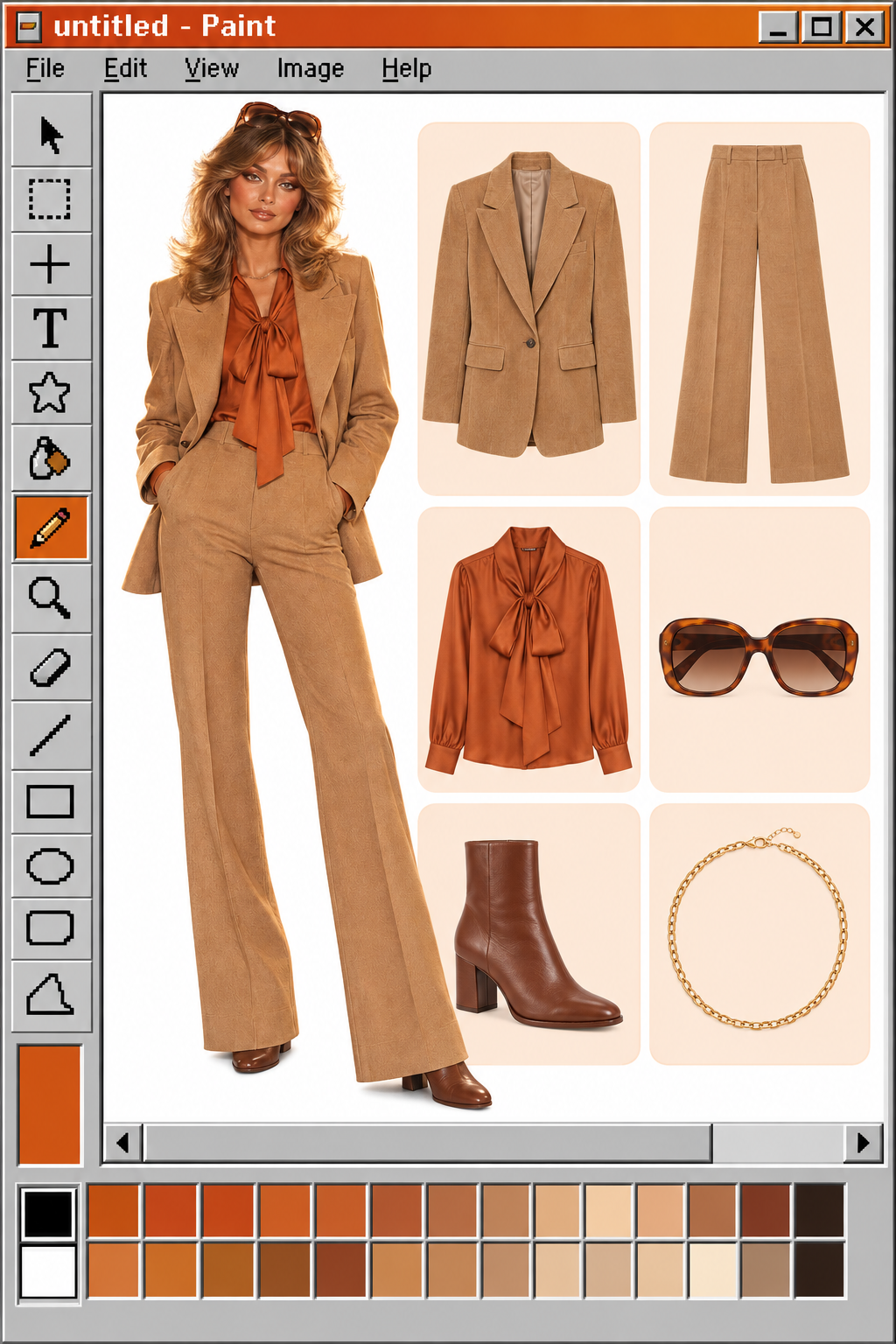
GPT Image | v2.5 | Sunburst | Edit
Built for precise, controlled editing, applying changes exactly where requested while keeping the subject, structure, and overall composition consistent through repeated revisions.
- Runtime (p50)
- -
- Estimated price
- Usage-based
Overview
GPT Image | v2.5 | Sunburst | Edit Overview
GPT Image | v2.5 | Sunburst | Edit is an OpenAI image-to-image editing model designed for high-control visual workflows where precise changes to existing images matter more than raw generation speed. Built within OpenAI’s GPT Image family, this Sunburst tier focuses on refined, production-ready edits for campaign creatives, product photography, and polished marketing visuals, trading slightly higher latency for tighter edit control. In practice, GPT Image | v2.5 | Sunburst | Edit lets you upload an image, specify detailed instructions in natural language, and receive a revised version that targets the requested regions while maintaining overall composition. On each::labs, this model exposes the GPT Image | v2.5 | Sunburst | Edit API so developers and teams can automate sophisticated image-to-image transformations directly from their workflows.
Capabilities
Capabilities
- Performs instruction-based OpenAI image-to-image edits where a source image plus a text prompt produce a revised version targeted to the requested change.
- Supports region-select editing via masks or selection tools, allowing focused modifications to specific areas of an image while attempting to maintain the rest of the scene.
- Handles whole-image restyling, such as changing overall lighting, color palettes, or artistic style in response to natural-language instructions.
- Works with common aspect ratios, offering stability when kept within roughly 3:1 to 1:3 and strongest behavior under 2:1 for most creative compositions.
- Integrates with multi-image workflows where several references inform the final composition, supporting advanced product and campaign layouts when the API surface allows it.
- Maintains high-fidelity, production-oriented output suitable for marketing, product detail, and polished brand visuals in the Sunburst premium tier.
- Accepts user-uploaded images from tools like ChatGPT Images and external applications, enabling both quick manual edits and automated pipeline integration.
- Provides a consistent edit surface for embedding into the each::labs platform, standardizing image-to-image behavior across diverse use cases and applications.
Use cases
Use Cases for GPT Image | v2.5 | Sunburst | Edit
Creators can use GPT Image | v2.5 | Sunburst | Edit to retouch portfolio shots or social content, relying on instruction-based edits that adjust style or lighting while preserving core composition. A creator prompt might be: “Make the scene look like golden hour, keeping my pose and outfit unchanged.” Marketers can refine campaign assets by swapping backgrounds or product colors without redoing photoshoots, for example: “Change the product packaging to matte black with gold accents, keep the studio lighting and angle the same.” Designers can iterate on UI mockups and branding visuals by editing only specific elements, such as: “Replace the hero image with a minimalist illustration, keep layout and typography untouched.” Developers on each::labs can automate bulk edits across catalog images via the GPT Image | v2.5 | Sunburst | Edit API, using prompts like: “For every image, remove the background and place the product on a clean white surface, preserving shadows.”
Tips & tricks
Tips and Tricks
GPT Image | v2.5 | Sunburst | Edit responds best to concise, single-change instructions that clearly specify the subject, property to change, and any constraints on the rest of the image. Instead of broad prompts, describe one edit at a time, such as color swaps, background cleanup, or minor layout adjustments, which reduces unintended changes elsewhere in the frame. When the workflow supports masking or selection, mark only the region you intend to modify; trimming masks to the true edit area helps preserve surrounding content and reduces drift. Use quality-focused options (for example, a “high” quality setting when available) on important assets, and keep aspect ratios close to common formats like 1:1, 4:5, or 16:9 for more stable composition. Example prompts include: “Replace the background with a soft gradient while keeping the product exactly the same,” “Change the model’s jacket to deep red leather, preserving pose and lighting,” and “Remove all clutter from the table, leaving only the laptop and coffee mug in the same positions.”
Technical spec
Technical Specifications
- Provider & family: OpenAI GPT Image 2.5 Sunburst, edit-focused variant in the ChatGPT Images 2.5 release.
- Mode: Image-to-image editing via the GPT Image | v2.5 | Sunburst | Edit API, using instruction-based edits on existing images.
- Resolution & aspect ratios: Supports modern OpenAI image resolutions up to 4K-class long edge with aspect ratios up to roughly 3:1 or 1:3, with best results under 2:1.
- Inputs: Source image (PNG recommended), optional selection/mask regions, and a natural-language edit prompt.
- Outputs: Edited raster images, typically PNG with optional transparent or opaque backgrounds depending on configuration.
- Processing time: Slightly longer generation time than standard GPT Image 2 edits due to higher-fidelity, premium Sunburst control.
- Edit workflows: Whole-image edits, region-select edits via masks or selection tools, and multi-image compositions when supported by the surrounding API.
Things to be aware of
Things to Be Aware Of
Even in edit-focused models, users report that OpenAI image-to-image workflows sometimes modify unintended parts of an image, especially when prompts are broad or masks cover large areas. Faces and fine textures may occasionally look overly smooth or “plastic” after edits, which is important for brands that rely on natural skin detail or realistic product surfaces. Sequential edits on the same asset can gradually reduce sharpness or shift composition, so it is safer to plan fewer, well-scoped passes rather than many incremental tweaks. Extreme aspect ratios or oversized masks can encourage the model to reinterpret framing or move subjects, which may conflict with strict layout requirements. When integrating GPT Image | v2.5 | Sunburst | Edit API into each::labs pipelines, monitor quality across edge cases, especially high-resolution portrait and product shots, and adjust prompts to be explicit about what must remain unchanged.
Key considerations
Key Considerations
Before adopting GPT Image | v2.5 | Sunburst | Edit, users should plan for premium-quality edits with moderately higher latency compared to baseline OpenAI image-to-image models. The model is best suited for production assets where precise object changes, product retouching, or campaign-safe visual adjustments are more important than rapid iteration speed. To avoid artifacts, keep aspect ratios within commonly used bounds and avoid extreme 3:1 or 1:3 layouts when they are not necessary. For workflows that demand strict region control, pair prompts with masks or selection tools so the model focuses on specific areas rather than reinterpreting the entire scene. On each::labs, integrating the GPT Image | v2.5 | Sunburst | Edit API into existing pipelines lets teams standardize these controlled edits across large image libraries.
Limitations
Limitations
GPT Image | v2.5 | Sunburst | Edit cannot guarantee perfect pixel-level preservation outside edited regions; instruction-based edits can still alter background elements, composition, or minor details even when not requested. The model is less reliable for very fine repetitive textures, such as gravel or dense foliage, where outputs can appear mushy or simplified compared with the source image. Faces may lose realistic texture or look artificial in some edit scenarios, particularly when prompts aggressively change style or lighting. Aspect ratios beyond roughly 3:1 or 1:3, or very large masks, can lead to reframing rather than strict localized edits. GPT Image | v2.5 | Sunburst | Edit is focused on visual editing and does not provide function calling, structured data outputs, or fine-tuning within the image API surface; those must be handled in the surrounding application or via other OpenAI endpoints.