Nano Banana Image Editing Use Cases
So, I've been messing around with this model called Nano Banana image editing, and honestly, it's pretty wild. It's like having a magic wand for your pictures, but way more precise. Whether you're just doodling around or trying to make something look super professional, this nano banana image editing stuff seems to handle it. I was skeptical at first, thinking it would be complicated, but it's actually pretty intuitive. You can change moods, angles, and even make things look like they came from
So, I've been messing around with this model called Nano Banana image editing, and honestly, it's pretty wild. It's like having a magic wand for your pictures, but way more precise. Whether you're just doodling around or trying to make something look super professional, this nano banana image editing stuff seems to handle it. I was skeptical at first, thinking it would be complicated, but it's actually pretty intuitive. You can change moods, angles, and even make things look like they came from a different photo. It's a whole new way to play with visuals.
Key Takeaways
- Nano Banana image editing lets you edit directly onto your photos and add text for specific edits, with AI filling in the rest.
- With Nano Banana Pro, you can completely change the look of an image, like shifting from day to night, adjusting camera angles, and fine-tuning focus.
- You can copy the style, color, or texture from one photo and apply it to another, making it easy to experiment with different looks without starting over.
Transforming Visuals With Nano Banana Image Editing
Nano Banana is changing how we think about editing photos, making it way more intuitive and fun. Forget complicated software; this tool lets you get hands-on with your images like never before. It’s like having a digital sketchbook where your ideas can take shape right on the screen.
Doodling Dreams Into Reality
This feature is pretty wild. You can literally draw directly onto your photo, and Nano Banana figures out what you want. Need to add a specific element or just sketch out an idea? Click on your image, draw it, maybe add some text to clarify, and let Nano Banana work its magic. It’s a whole new way to make quick edits or bring imaginative concepts to life without needing to be a pro artist. It’s perfect for when you have a clear vision but aren't sure how to describe it precisely.
Dialing In Every Detail
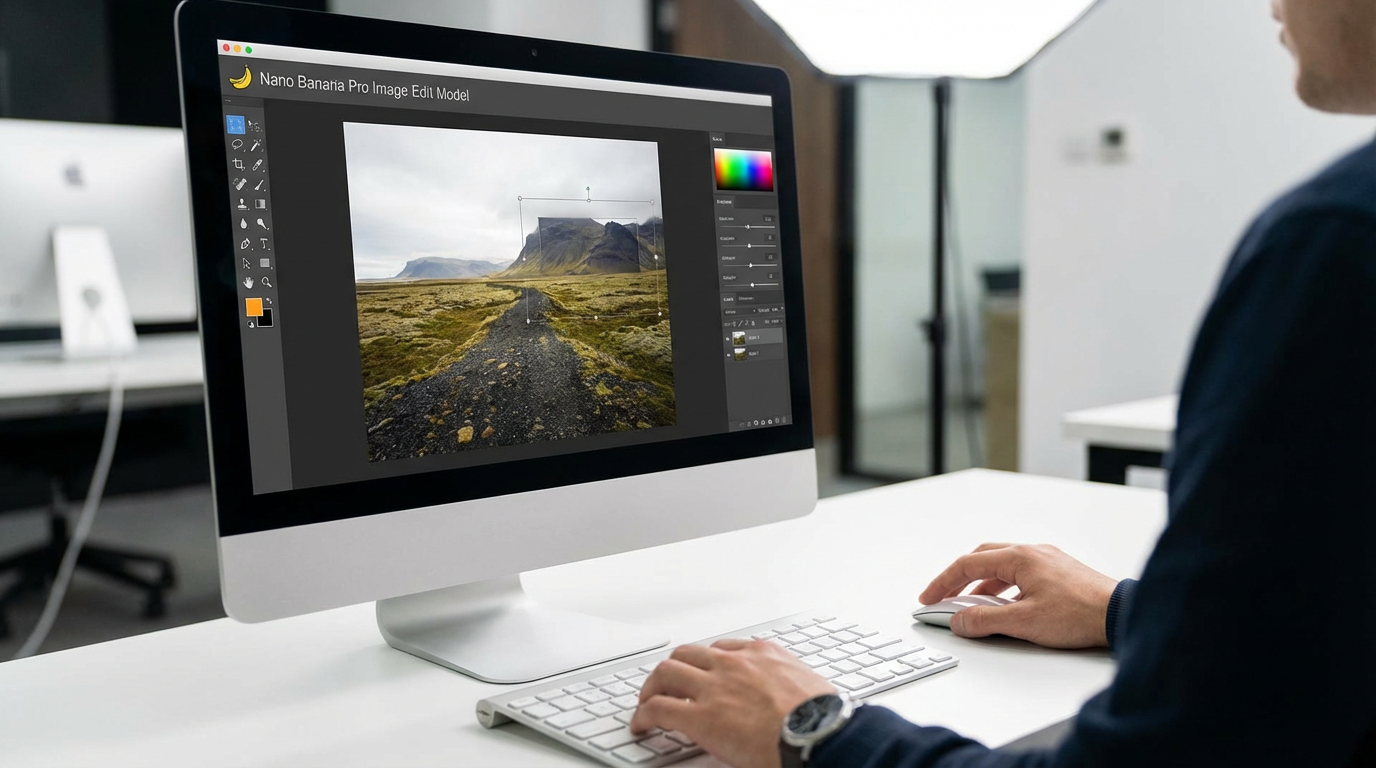
With Nano Banana Pro, you get even more control. Think about changing the entire mood of a photo – going from a bright sunny day to a dramatic evening scene. You can also tweak camera angles to get that perfect shot or adjust focus to make your subject really stand out. It’s about fine-tuning your images until they’re exactly how you want them.
Here’s a quick look at what you can adjust:
- Lighting: Shift from bright daylight to moody twilight.
- Camera Angle: Experiment to find the most compelling perspective.
- Focus: Make your main subject sharp and clear.
- Style Transfer: Apply the look and feel of one image to another.
This level of granular control used to require specialized software and a lot of learning. Now, it's accessible, allowing anyone to experiment with different aesthetics and achieve professional-looking results quickly. It really opens up possibilities for personal projects and even small business needs.
Advanced Nano Banana Pro Capabilities
Precision Knolling And Infographic Design
Nano Banana Pro really steps up when you need things organized just so. Think about product shots for online stores or marketing materials. This tool can create these super neat, top-down arrangements, called knolling, where everything is perfectly spaced and aligned. It's not just about making things look pretty; it understands how objects should sit, how light hits them for a flat lay, and keeps things symmetrical without looking fake. You can ask for a simple setup or a complex grid with dozens of items, and it just gets the spacing and clarity right. This is a game-changer for making catalogs or showing off product bundles.
Need to explain something complex visually? Nano Banana Pro is surprisingly good at making infographics too. You give it the data, the steps, or whatever information you have, and it turns it into a structured visual with blocks, arrows, and clear labels. It’s a fast way to get a professional-looking infographic without needing a dedicated designer.
Professional-Grade Photo Enhancements
This is where Nano Banana Pro really shines for anyone serious about their images. It goes beyond basic edits. You can completely change the mood of a photo, like turning a bright sunny day into a dark, moody night scene. It also lets you play with camera angles and focus points to really make your subject stand out. It’s like having a full photo studio in your computer.
Want to try out a different look for your photos? You can grab the style, color, or texture from any other picture and apply it to your own. This makes experimenting with different aesthetics super easy, no need to start from scratch. Plus, it handles text rendering really well, so if you need to add words to your designs, they look clear and fit right in. And when you're done, you can instantly resize your creations for any platform, from social media posts to website banners, without losing any important details. It even supports high-resolution output, up to 2K, making sure your final images are crisp and ready for professional use.
Want to unlock the full power of the Advanced Nano Banana Pro? Our platform offers cutting-edge features designed to boost your projects. Discover how these advanced tools can transform your work. Visit our website today to learn more and get started!
Wrapping It Up
So, there you have it. Nano Banana really seems to be changing the game when it comes to editing photos. Whether you're just messing around or trying to get something really specific done, it looks like there are a ton of ways to use it. From making characters look the same across different pictures to totally changing the background or even making infographics, it's pretty wild what this tool can do. It feels like it's making things easier for everyone, from casual users to folks who need stuff done for work. It’s definitely worth checking out if you’re into photos or making graphics.
Frequently Asked Questions
What can Nano Banana do for my pictures?
Nano Banana is like a super-smart helper for your photos. You can use it to draw directly on your images, change the whole mood from sunny to nighttime, zoom in on details, or even make your main subject stand out more. It's great for making quick edits or trying out totally new looks for your pictures.
Is Nano Banana Pro different from the regular Nano Banana?
Yes, Nano Banana Pro is like the advanced version. It's for when you need more control and professional results. You can create super-organized layouts for things like product photos, design clear charts and graphs for presentations, and get really high-quality edits that look like they were done by a pro designer.
Can Nano Banana help me make my photos look like they have a specific style?
Absolutely! Nano Banana is awesome at copying styles. You can show it another picture, and it can take the colors, textures, or overall feeling from that picture and apply it to your own photo. This is a super easy way to experiment with different artistic looks without having to start your picture all over again.