Fastest Image Generation APIs for High-Volume Workflows
Your benchmark said 1.8 seconds. Production says otherwise.
By Bartu Varol · Sep 15, 2026 · 5 min read

What actually slows image generation down in a backend workflow

Your benchmark said 1.8 seconds. Production says otherwise.
That gap isn't the model's fault. A single prompt in a playground measures cold model latency; a backend measures everything around it: queue depth when a share loop lands, retry storms after a transient failure, fallback paths that fire when your first-choice model is saturated, and a request mix that never stays the same for an hour. Eachlabs's own write-up on scaling image generation in consumer apps puts it bluntly: the first image is easy, the millionth one breaks the app.
The mix matters more than most comparisons admit. A low-resolution preview, a final render at full size, a targeted edit on an existing asset, and a reference-guided generation all consume different amounts of time and behave differently when concurrency climbs. Treat them as one traffic class and your tail latency becomes unreadable.
So the position here is narrow on purpose. The fastest image generation API is the one whose latency stays predictable when traffic shifts, which makes throughput under concurrency, routing fit per job type, and integration behavior the criteria worth checking.
How to judge speed when volume is the constraint
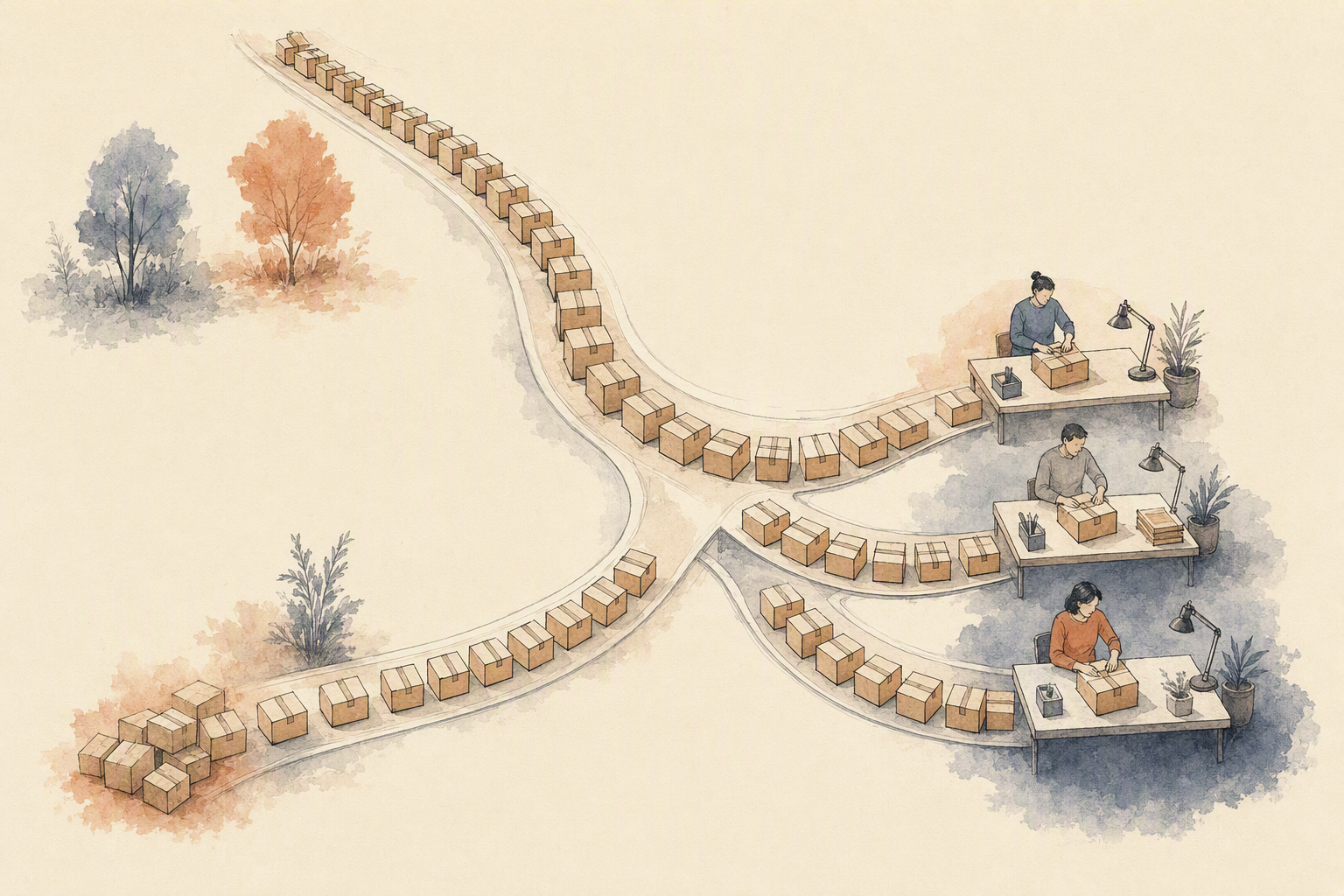
Single-request latency is the number everyone quotes. It's also the least useful one. Three checks matter: how fast one request returns cold, how many concurrent jobs you can push before the queue backs up, and whether that behavior holds when the request mix shifts from prompt-only generation to reference-guided edits and text-heavy layouts.
That third check is where the "fastest model" framing collapses. FLUX, Imagen, Seedream, Nano Banana, and GPT Image each behave differently on typography, photorealism, and instruction-following edits. Routing by job type (preview versus final render, edit versus generate) beats picking one universal winner, and it's the architecture argument running through most serious 2026 developer guides.
Then there's the plumbing. Durable jobs, live progress updates, dynamic ETAs, clean polling, idempotency keys, and rate-limit headers are what stop a burst from turning into duplicated work and stalled requests. Integration quality is a speed feature: orchestration overhead you write yourself can erase every millisecond a faster image generation API gave you.
Which model families are worth routing for speed
Treat the model list as a routing table, not a leaderboard. FLUX variants from Black Forest Labs tend to be the workhorse for prompt-only generation, where the faster distilled versions carry preview traffic and the Pro and Ultra tiers get reserved for the final render a user actually keeps. Google's Imagen line and Gemini-based image models like Nano Banana lean photorealistic and handle reference-guided edits with reasonable consistency. GPT Image is generally stronger when the instruction is conversational and multi-part ("change this, keep that"), which is a different failure mode than a cold text-to-image call.
Typography is its own category. Ideogram and Recraft exist because text rendered inside an image breaks most general models, and a poster, label, or UI mock is worth a dedicated route even if it costs you a slower stage. Seedream sits closer to stylized and composition-heavy work.
The point is the split. Preview versus final, edit versus generate, text-heavy versus photoreal, reference-guided versus prompt-only. Four axes, and an image generation API that can only answer one of them will force you to build the routing yourself.
Why one endpoint can be faster than many integrations
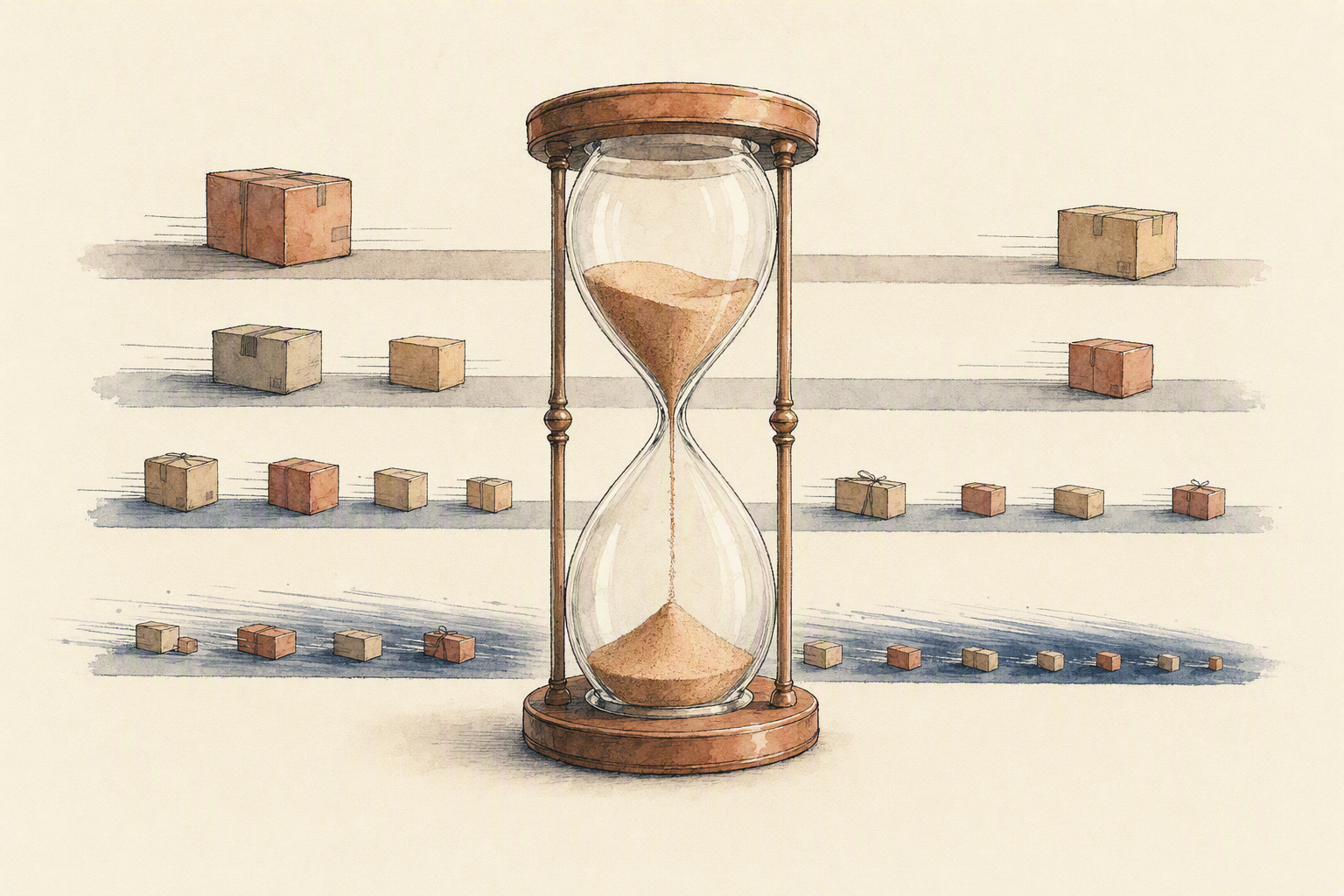
Count the hops in your current image pipeline. Prompt cleanup, generation, an edit pass, an upscale, maybe a reference-guided variant. Five separate integrations means five auth flows, five retry policies, five sets of rate-limit headers to respect, and five places where a spike turns into a timeout. The per-request latency of any single image generation API stops being the bottleneck. The plumbing between calls is.
A composed endpoint changes the shape of the problem. One request describes the whole job; routing decides which model handles each stage: FLUX for photorealistic finals, Nano Banana for instruction-driven edits, Seedream where typography matters. Queueing absorbs the burst instead of pushing it back at your app. Retry and fallback happen inside the workflow, so a slow model degrades to a faster sibling rather than failing the user.
That's also how preview-to-final pipelines stay maintainable. Point previews at a fast, lightweight stage and finals at a heavier one, then swap either without touching your app code. The infrastructure isn't the point. Predictable behavior under load is.
Where Eachlabs fits in a high-volume image pipeline

Nothing here is a speed layer you bolt on top of a slow design. Eachlabs is an AI workflow platform for building and running backend image workflows across model families (FLUX from Black Forest Labs, Google's Nano Banana line, Seedream from ByteDance, OpenAI's image models) inside one orchestrated flow rather than one endpoint per vendor.
The real work it absorbs is orchestration: routing a request to the model that suits the job type, queueing when traffic spikes, retrying transient failures, and falling back when a provider degrades. That's the same architecture argument our own breakdown of scaling image generation in consumer apps makes: routing, queueing, retry, and fallback are the scaling work.
The tradeoff is honest. You still define job types, decide what counts as a preview versus a final render, and pick the model per step. Nobody automates taste. An image generation API is most useful here when generation sits beside editing, video, and audio in the same backend, not when you need one model, called one way, forever.
Key takeaways for choosing a fast image generation API
Speed isn't a property of the model. It's a property of the system around it: queueing, retry, fallback, and how requests get routed when the mix shifts mid-day. A fast checkpoint behind a naive queue still stalls.
The practical rule: split traffic by job type first. Previews go to a low-latency model, final renders to something like FLUX or Seedream, text-heavy layouts to a model that actually holds typography, reference-guided edits to Nano Banana. Then measure p95 latency and sustained throughput under a realistic request blend, not a single warm prompt.
Run that test against your own backend flow, with mixed jobs, concurrent load and one failing model, before you commit. If you want a workflow layer that helps you route, queue, retry, and fall back under load, Eachlabs is worth evaluating.