Hunyuan3D: 9 Things to Know Before Your First 3D Asset
The front of your first 3D model always looks great. The back tells the truth. Nine things to know about Tencent's Hunyuan3D 2.1 before you spend a run: photo prep, settings, outputs, PBR and the license.
By Eftal Yurtseven · Nov 10, 2026 · 9 min read

Your first image-to-3D run usually goes like this. You drop in a photo, wait, open the file, and spin it. The front looks great. Then you see the back, which looks like a guess, because it is one. Most bad first results with Hunyuan3D have nothing to do with the model. They come from not knowing what it expects or what it hands back.
Hunyuan3D 2.1 is Tencent's open image-to-3D model, and it rewards people who understand its moving parts. Here are nine things worth knowing before you spend a single run on it: what the two stages actually do, which settings in the each::labs request matter, what lands in your download, and where the license draws its lines. If you want the full photo-to-asset walkthrough, our earlier guide on turning one photo into a textured 3D model covers that job step by step. This one is the list you read first.
1. Hunyuan3D Is Two Models Wearing One Name
When people say "Hunyuan3D" they usually mean a pipeline, not a single network. Tencent splits the work into shape and paint. Hunyuan3D-Shape (the 2.1 release lists it at 3.3 billion parameters) reads your image and builds an untextured mesh. Hunyuan3D-Paint (2 billion parameters) then renders that mesh from several viewpoints and produces the texture maps that wrap around it.
That split isn't trivia. It decides how you work. Tencent's technical report describes the system as modular on purpose: you can generate a bare mesh and stop there, or texture it. On each::labs that choice is a single switch in the request (more on that in point 3). Think of the shape stage as the sculptor and the paint stage as the finisher. A finisher can't fix a bad sculpture, so judge the geometry before you ask for paint.
2. The Photo Is the Whole Prompt
There's no text field. The each::labs request for Hunyuan 3D takes exactly one required input, input_image_url, and everything the model knows about your object comes from those pixels. Write your brief in light, not in words.
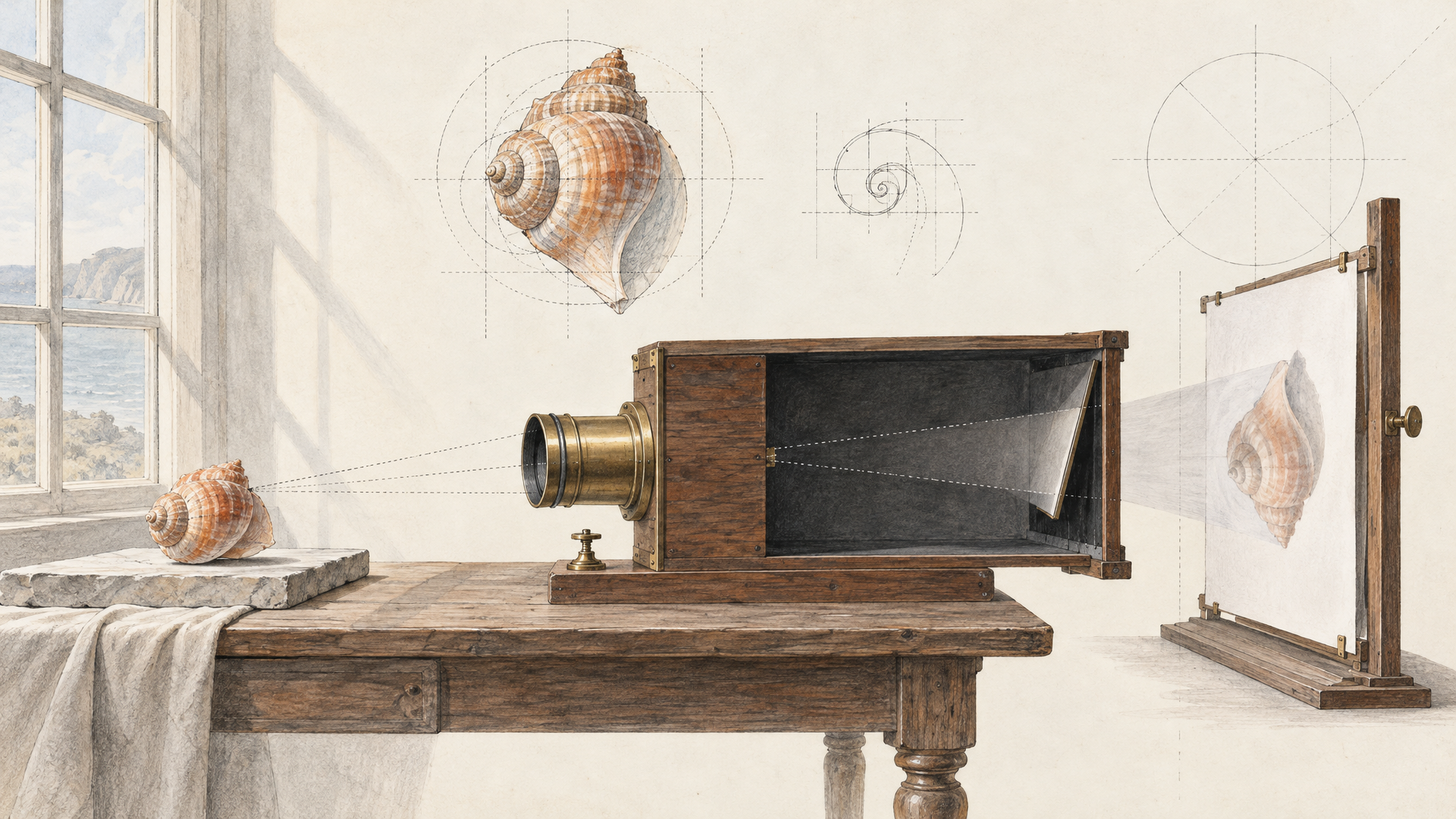
Tencent's report spells out how it prepares images for the model: remove the background, resize the object to a standard size, center it, and fill the background with white. Match that and you're speaking the model's language. Shoot a single object, fully in frame, with nothing cropped at the edges. A clean or transparent background. A three-quarter angle beats a flat front view, because it shows the model a front, a side and a top in one go instead of a single face.
Props are the silent killer. A hand holding a mug, a book under a lamp, a shadow pooling on a table: the model can read all of them as part of the object. Run the photo through Bria Remove Background first and you'll avoid most of that. Our post on background removal for e-commerce goes deeper on getting cutouts that keep the product edges intact. No usable photo at all? Generate one on a plain studio backdrop with Tencent's own Hunyuan Image 3.0, then feed that in.
3. Six Fields in the Request, Two You'll Actually Touch
The Hunyuan3D 2.1 schema on each::labs is short, which is a gift. Here's the full request with its defaults made explicit:
{
  "input_image_url": "https://your-bucket.example/teapot-cutout.png",
  "textured_mesh": true,
  "octree_resolution": 256,
  "num_inference_steps": 50,
  "guidance_scale": 7.5,
  "seed": 1207
}
textured_mesh is the one that surprises people, because it's off by default. Leave it off and you get the grey shape from stage one. Turn it on and the paint stage runs too. That default is actually useful: a shape-only pass tells you fast whether the silhouette is right.
seed is the other knob you'll use constantly. It accepts any integer from 1 up, and leaving it empty gives you a random result. Keep a seed fixed when you like a shape and want to add texture to that exact geometry. Change it when you want a different reading of the same photo.
The remaining three are for specific problems. octree_resolution (default 256) sets how finely the shape gets carved, so raise it for objects with thin handles or crisp edges that come out soft. num_inference_steps (default 50) is the refinement budget per run. guidance_scale runs from 0 to 20 with a default of 7.5 and controls how hard the model sticks to the image. Cranking it doesn't buy fidelity. If a result is wrong, change the photo before you change any number.
4. What Comes Back Is a Folder, Not a Picture
The sample output on the each::labs model page is a ZIP archive, so plan your pipeline to unpack a file rather than display an image. Inside you're working with standard 3D assets; the model page describes the output as compatible with tools like Blender.
Tencent's own reference app shows what that looks like at the source. It exports the mesh as GLB or OBJ, saves the textures as separate albedo, metallic and roughness images, and builds a GLB with those PBR materials attached. GLB is the format to plan around if you're headed for the web, a game engine or AR, because it carries geometry and materials in one file. OBJ plus loose texture images is friendlier when an artist wants to rework the maps by hand.
One more practical detail: the each::labs page lists an average run of about five minutes for the 2.1 model. That's a fair trade for a textured asset, and it's another reason the shape-only check pays off. Don't wait five minutes to discover the photo was cropped.
5. PBR Is the Whole Point of Hunyuan3D 2.1
If you only remember one thing about Hunyuan3D 2.1, make it this. The paint stage doesn't output a single colored skin. According to Tencent's report, it generates albedo, roughness and metallic maps based on the Disney Principled BRDF, the material model most real-time engines and renderers already understand.
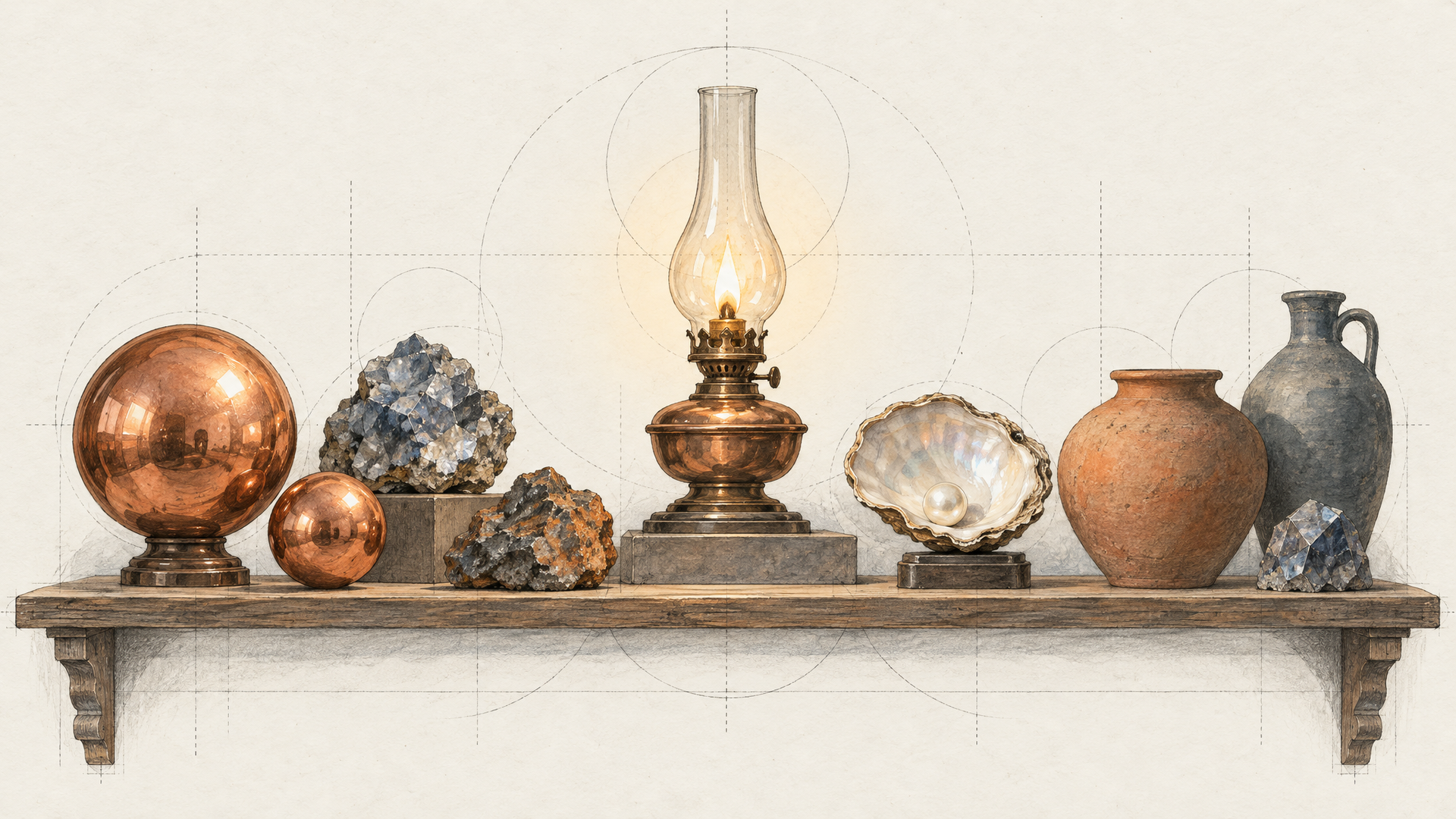
Each map has a job. Albedo is the surface color with no lighting baked in. Metallic tells the renderer which parts behave like metal. Roughness decides whether a surface throws a sharp highlight or a soft sheen. Put them together and a copper kettle reacts to a new light the way copper should, instead of keeping the glare from the original photo glued to its side.
The baked-light problem is exactly what Tencent trained against. The report describes an illumination-invariant consistency loss: the model sees the same object under different lighting and is pushed to produce the same albedo either way. The practical test is simple. Drop the asset into a scene with a light from the opposite side of your photo. Good PBR holds up. A texture with baked shadows gives itself away in seconds.
6. Hunyuan3D 2.1 vs Hunyuan3D-2: Same Request, Different Paint
A lot of searches for "hunyuan3d-2" are really about the 2.0 release, which Tencent published on January 21, 2025 in a GitHub repository called Hunyuan3D-2. Version 2.1 followed on June 13, 2025. The 2.0 shape model was listed at 1.1 billion parameters and its paint model at 1.3 billion, so 2.1 is a substantially bigger system on both stages.
The headline difference is materials. Tencent's 2.1 README says the new PBR pipeline replaces the earlier RGB-based texture model. On Tencent's own texture benchmarks, Paint 2.1 scores better than 2.0 on every metric listed, including CLIP-FiD (24.78 against 26.44, lower is better) and CLIP-I (0.9207 against 0.8893, higher is better). Those are the maker's numbers, but they line up with what the PBR change should deliver.
On each::labs both versions take the identical request body, so a comparison is just a model swap. Run one photo through Hunyuan 3D V2 and through 2.1 with the same seed, and look at both under the same light. For stylized or flat-shaded work, the older model may be all you need. For anything that has to sit in a lit scene, pick 2.1.

7. Open Weights, With a License You Should Actually Read
Hunyuan3D 2.1 is open in a real sense. Tencent released the full model weights and, for the first time in the line, the training code. That's why the model has a big community around it, and why you'll find fine-tunes and adapters on its Hugging Face card.
Open weights don't mean a standard open source license, though. The model ships under the Tencent Hunyuan 3D 2.1 Community License Agreement, and three terms matter for any commercial plan. The licensed territory is worldwide excluding the European Union, the United Kingdom and South Korea. Products with more than 1 million monthly active users need to request a separate license from Tencent. And Tencent states it claims no rights in the outputs you generate. Read the full text on Tencent's Hunyuan3D 2.1 GitHub and bring your legal team in before launch if your users sit in any of the excluded regions.
There's a hardware angle too. Tencent's README lists roughly 10 GB of VRAM for shape generation, 21 GB for texture and 29 GB for both together. Running it through each::labs means your team doesn't have to keep that GPU around just to try an idea.
8. Hunyuan 3D Earns Its Keep in Games, E-commerce and AR
Tencent's report names gaming, film, design, virtual reality and industrial design as targets. In practice, three jobs show up first.
Game teams use it for volume. Concept art and reference photos become blockout props and background clutter, imported into an engine such as Unity, while artists spend their hours on the hero assets players will stare at. E-commerce teams use it to turn catalog photos into spinnable product views, which is where the PBR materials matter most, because shoppers notice when a leather bag looks like plastic. AR teams use it to get real objects into a phone camera without a scanning rig: one clean product shot, one run, one GLB the AR viewer can open.
Tencent's modular design adds a fourth, quieter use. If you already have a mesh from a CAD export or an old asset library, the paint stage can texture it. That's a workflow for teams sitting on geometry with no materials.
9. Iterate Like a 3D Artist, Not Like a Gambler
The fastest way to good Hunyuan3D results is a disciplined loop. Start with a shape-only run. Spin the result and check the back, the bottom and the thin parts, because those are the areas the photo never showed. If the geometry is off, fix the input: a better angle, a cleaner cutout, a tighter crop. Only then try two or three seeds to see different readings of the same image.
Once a shape earns a yes, keep its seed, switch textured_mesh on and run again. Check the materials under a light that doesn't match the photo. Raise octree_resolution only if fine edges are still soft. Change one thing per run so you know what fixed what.
When that loop works for one object, wire it into an each::labs flow: background removal, then Hunyuan3D with texturing on, then your storage. A folder of product photos becomes a folder of 3D assets. Browse the full image-to-3D category and the wider model catalog for the steps around it.
Frequently Asked Questions
What is Hunyuan3D?
A family of image-to-3D models from Tencent. The current open version, Hunyuan3D 2.1, builds a mesh from a single photo with one model and paints PBR textures onto it with a second. You can run both versions on each::labs through the same API.
Can I use Hunyuan3D 2.1 commercially?
The weights are open, but use is governed by the Tencent Hunyuan 3D 2.1 Community License. Its territory excludes the EU, the UK and South Korea, and products above 1 million monthly active users need a separate license from Tencent. Tencent claims no rights in the outputs.
What's the difference between Hunyuan 3D 2.0 and 2.1?
Materials, mostly. Version 2.0 painted RGB color, while 2.1 generates albedo, metallic and roughness maps that respond correctly to new lighting. Both stages are also larger in 2.1, and both versions take the same request on each::labs.
Does Hunyuan3D accept a text prompt?
Not on each::labs. The request takes an image URL plus five optional settings. To start from words, generate a clean studio image with a text-to-image model first, then pass that image to Hunyuan3D.