RVC v2: Build Your Own RVC Model and Dial In the Settings
Skip the mystery voice packs. Build an RVC v2 model from a recording you own in three calls on each::labs, then use the settings guide to make the conversion sound like a person.
By Eftal Yurtseven · Nov 9, 2026 · 9 min read

Search for RVC models and you land in the same place every time: download pages stacked with voice packs of unknown origin, trained on who knows what, named after people who never agreed to any of it. Some sound fine for one sentence. Most fall apart the moment you ask them to whisper, laugh or hold a long vowel, and you can't fix them, because you didn't train them.
There's a better route, and it's shorter than it looks. RVC v2 on each::labs turns one voice into another while keeping the performance, and the two models around it let you build the target voice yourself, from a recording you actually have the right to use. This guide walks through all three calls: dataset, training, conversion. Then it spends real time on the part most tutorials skip, the handful of settings that decide whether the result sounds like a person or like a radio playing inside a tunnel.
What RVC v2 Actually Is
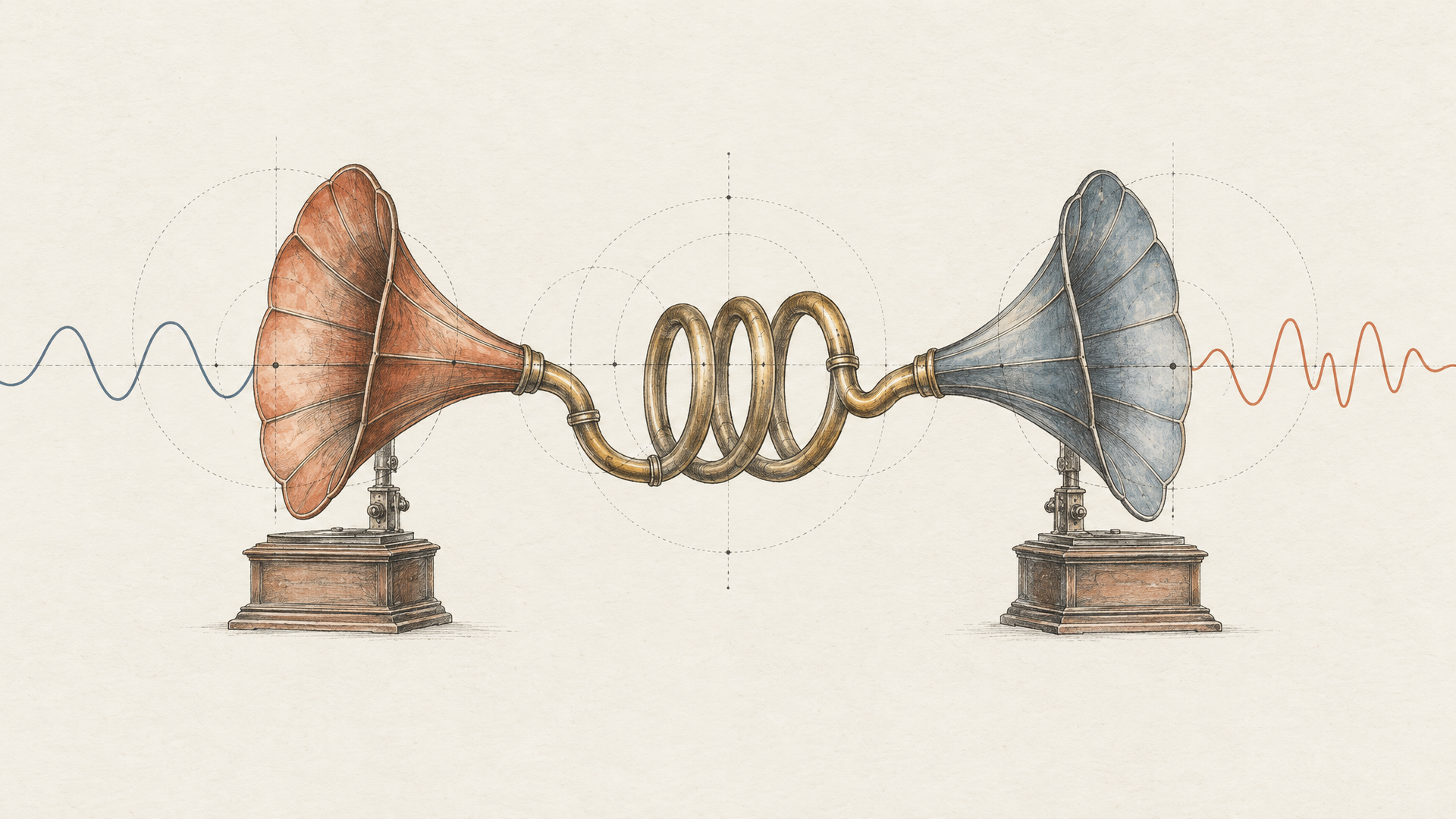
RVC stands for Retrieval-based Voice Conversion. It's an open-source project from the RVC Project team, and it's speech to speech, not text to speech. You hand it a recorded performance and get the same performance back in a different voice: same timing, same pauses, same emphasis, new timbre.
The retrieval part is what made it popular. According to the project's own documentation, RVC reduces tone leakage by replacing features of the source voice with the closest matching features from the training set, a lookup the docs call top-1 retrieval. In plain terms, when it converts your sentence, it checks how the target voice really sounded in its training audio instead of guessing from scratch. That's why a well-trained RVC model holds its character so stubbornly, and why a sloppy one sounds like nobody in particular.
The v2 is the model version. The project's changelog shows v2 pretrained models going public for testing in May 2023 (a 40k version first), with 32k and 48k versions following in June 2023, the same stretch that added a protection mode for breaths and voiceless consonants. The trained voice itself is portable: a .pth weights file, usually shipped with an .index file that powers the retrieval. Keep that in mind, because on each::labs your voice travels as a link.
Build Your Own RVC Model, Don't Download One
Here's my position: a downloaded voice pack is a liability dressed up as a shortcut. You don't know how much audio went into it, how long it trained, whether its range covers the lines you need, or whose voice it is. When it breaks on a sibilant or a high note, you have nothing to adjust upstream. You're stuck tuning around somebody else's mistakes.
And the rights question doesn't go away because a file was easy to find. A voice belongs to someone. If it's going into a product, an ad, a game or a podcast, you want a trained model of your own voice, a voice actor who signed off on exactly this use, or a brand voice your company owns outright. Put the consent in the contract before the first recording session, not after the first campaign.
The upside of doing it properly is control. When you built the dataset, you know why the model struggles with whispered lines (there weren't any in the recording), and you know the fix (record ten minutes of them and retrain). That loop is the whole advantage, and it only exists when the model is yours.

Step 1: Turn One Recording Into an RVC v2 Dataset
Training needs a folder of short, clean clips of one voice. Cutting those by hand is an afternoon you won't get back. RVC Dataset does it from a single file: you pass a voice_url pointing at an MP3 or WAV, and the pipeline isolates the voice from the background, splits it into short clips and packages them as a zip shaped for the training model. The optional audio_name sets the folder name inside the zip.
{
  "model": "rvc-dataset",
  "input": {
    "voice_url": "https://your-bucket.example/maya_session_01.wav",
    "audio_name": "maya_narrator"
  }
}
The call is the easy part. The recording is where the quality is decided. The RVC Project recommends at least 10 minutes of low-noise speech for training, and the Train RVC page on each::labs suggests 30 to 60 minutes of clean, varied audio. Take the word varied seriously. The model can only reproduce sounds it has heard, so a session of one calm read gives you a voice that can only be calm. Read some copy, talk off script for a while, ask questions, laugh, get a little loud, drop to a near whisper.
Keep the microphone and the room identical for the whole session, because room echo becomes part of the voice the model learns. A small, dead room beats a big beautiful one every time. The isolation step helps with background noise, but treat it as a safety net, not a cleaning service.
Step 2: Train the Model With Train RVC
Train RVC takes the zip from Step 1 as dataset_zip, the only required field. The rest have sensible defaults: version is v2 (v1 is still there if you need to match an old model), sample_rate is 48k with 40k as the alternative, f0method is rmvpe_gpu (pm, dio, harvest and rmvpe are also on offer), epoch is 10 and batch_size is 7.
{
  "model": "train-rvc",
  "input": {
    "dataset_zip": "https://your-bucket.example/maya_narrator_dataset.zip",
    "version": "v2",
    "sample_rate": "48k",
    "f0method": "rmvpe_gpu",
    "epoch": 80
  }
}
The 80 epochs above come from the request example on the Train RVC page, and the default of 10 is far shorter. My advice is to use both. Run the short default first as a smoke test: if the dataset has a problem (music bleeding through, two speakers, clipped audio), you'll hear it in ten epochs and you won't have waited for eighty to find out. Then train the long version from a dataset you trust.
More epochs isn't automatically better. The same page recommends testing checkpoints every 10 to 20 epochs to avoid overfitting. An overtrained voice sounds great on sentences like the training audio and strange on everything else. The job returns a trained RVC model checkpoint. Store it somewhere you control, because that link is what Step 3 needs.
Step 3: Convert Audio With RVC v2
Now the conversion. RVC v2 needs one thing, input_audio, plus your model. Leave rvc_model on CUSTOM and pass the trained model's link as custom_rvc_model_download_url. The model page is specific about inputs: clean WAV, mono, 44.1 kHz recommended, and only RVC-compatible .pth models, since other formats such as GPT-SoVITS models won't work. Here's a full request with every dial at its default:
{
  "model": "rvc-v2",
  "input": {
    "input_audio": "https://your-bucket.example/line_014_take3.wav",
    "rvc_model": "CUSTOM",
    "custom_rvc_model_download_url": "https://your-bucket.example/models/maya_narrator",
    "pitch_change": 0,
    "index_rate": 0.5,
    "filter_radius": 3,
    "rms_mix_rate": 0.25,
    "protect": 0.33,
    "f0_method": "rmvpe",
    "output_format": "wav"
  }
}
Keep output_format on wav for anything going into an edit. Take MP3 only for previews.
One thing to absorb before you touch a single setting: RVC keeps the performance. Timing, energy and emphasis come from the input, so the input take is your direction. A flat read converts into a flat read in a new voice. If you want a line to land with a smile, record it with a smile. The model changes who is speaking, not how they meant it.
Pitch Change: Get the Register Right First
When a conversion sounds strained, croaky or oddly sleepy, check pitch before anything else. pitch_change shifts the voice in semitones, and the RVC interface spells out the anchors: 12 raises it an octave, minus 12 lowers it an octave. If the person recording the input and the trained voice sit in the same range, leave it at 0. If a deep voice is driving a much higher model, start near 12 and move a semitone or two at a time by ear. The reverse case starts near minus 12.
Pitch tracking comes next, and the defaults are good. f0_method is rmvpe, a pitch extractor the RVC team trained themselves and described in their changelog as the strongest open-source vocal pitch extraction model at the time. The alternative is mangio-crepe. When you switch to it, crepe_hop_length (128 by default) sets how often it checks for pitch changes, and lower values check more often. Use it as a second opinion when the pitch wobbles on held notes, not as a starting point.
filter_radius is the quiet helper here. At 3 or above it applies median filtering to the detected pitch, which smooths out jitter. The default is 3, and you'll rarely need to move it.
Index Rate, Protect and RMS Mix: Three Dials, Three Symptoms
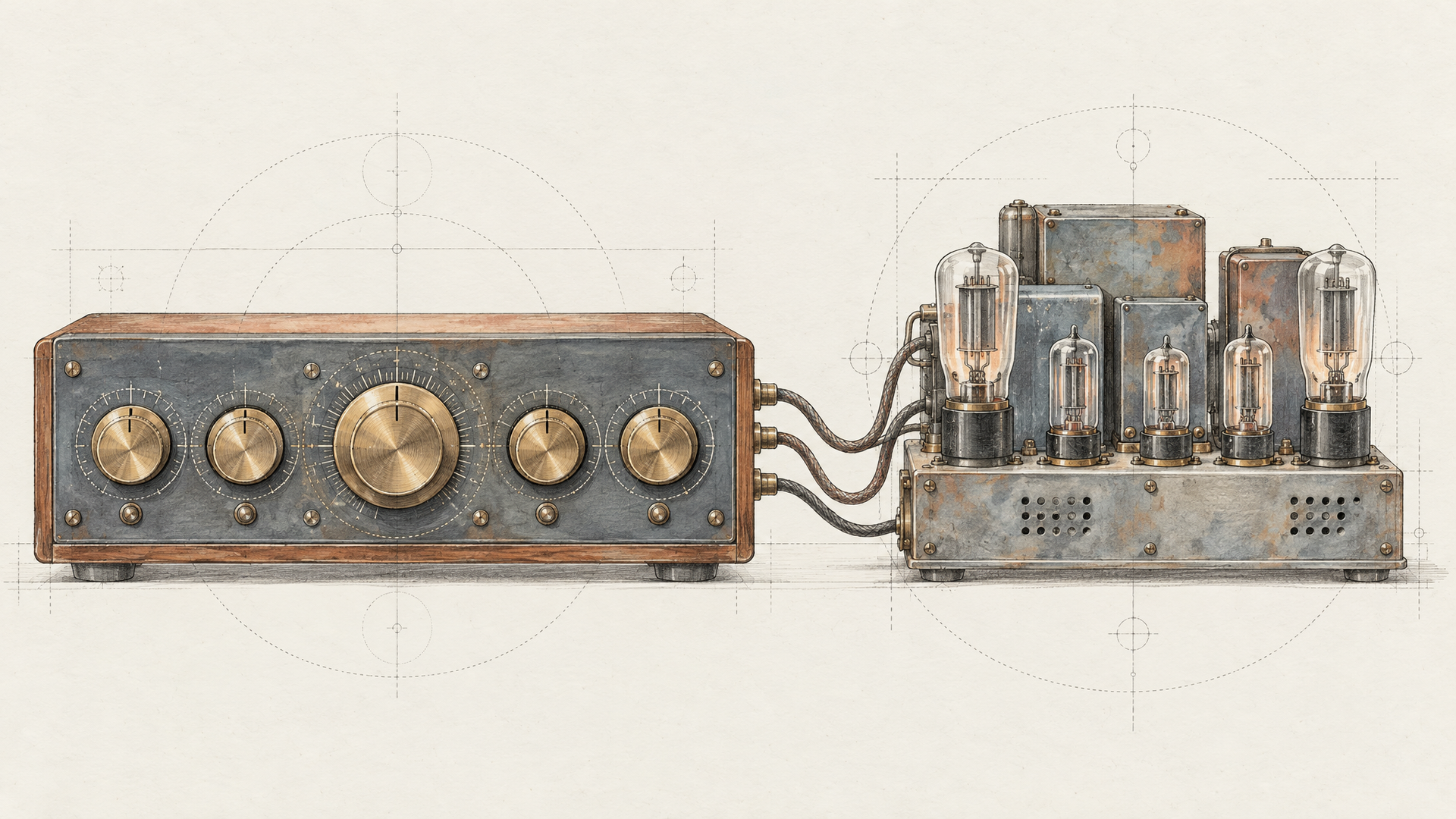
These three do most of the work once pitch is right, and each one fixes a sound you can name.
index_rate controls how much of the trained voice's accent ends up in the output. It's the retrieval from earlier, as a slider. The default is 0.5. If the result still sounds like the person who recorded the input, raise it. If it turns metallic or gritty, lower it, and the RVC interface itself warns that setting it too high causes artifacts.
protect guards breaths and voiceless consonants (the s, t and f sounds) from being pushed through the voice model, where they tend to tear. The default is 0.33, and 0.5 switches protection off. Lower values protect more, though RVC's own notes say they can reduce indexing accuracy, so go down in small steps. The each::labs model page suggests 0.5 or lower to reduce breath artifacts. If your S sounds hiss or your breaths crackle, this is the dial.
rms_mix_rate decides whose loudness you hear: 0 follows the original recording's volume, 1 uses a fixed loudness. The default is 0.25, and the model page suggests staying near 0 to preserve the input's dynamics. For acting, dialogue or anything with a whisper in it, keep it low, or the whisper comes out as loud as the shout. For flat narration, a little higher is fine.
The discipline that saves hours: change one dial per run and write down what you changed. Two dials at once and you won't know which one fixed it, which means you'll lose the fix on the next voice.
Where RVC v2 Earns Its Place
The jobs that fit RVC have one thing in common: you already have a performance and need it in a different voice. Pickup lines are the classic. A narrator recorded a course months ago and one sentence changed. Anyone on the team records the new line with the right timing, and it goes through the narrator's trained model, with that use written into the narrator's agreement.
It also pairs well with text to speech. Generate a line with a fast model such as Kokoro 82M or anything on the text-to-voice models page, then convert it into your trained voice. TTS gives you the words, RVC gives you the voice. Test it on your own material, since the TTS delivery becomes the performance that RVC keeps.
Music works the same way. Split your own track with Mureka Stem Song V2, which separates a song into 12 stems plus MIDI, convert the vocal stem with a singer's trained model (with their permission), and put it back in the mix.
Every one of these is the same shape: dataset and training once, conversion over and over. That's a pipeline, and it belongs in each::labs AI Flows rather than a folder of scripts. If you're wiring RVC into a backend, our RVC voice conversion API guide covers the integration side. And if you need text in and a voice from a few seconds of audio instead of a trained model, XTTS v2 is the shortcut. You'll find the rest of the lineup on the voice-to-voice models page and the RVC family page.
Frequently Asked Questions
How much audio do I need to train an RVC v2 model?
More than most people bring. The RVC Project recommends at least 10 minutes of low-noise speech, and the Train RVC page on each::labs suggests 30 to 60 minutes of clean, varied audio. Range matters as much as length: record the whispers, laughs and loud lines you'll need later, because the model can't invent sounds it never heard.
Can I use an RVC model I downloaded?
Technically, if it's an RVC-compatible .pth model, RVC v2 on each::labs will load it from the URL you pass in custom_rvc_model_download_url. Practically, only do it when you know whose voice it is and have permission to use it. A model you trained yourself is easier to fix, and its rights are clear.
Is RVC v2 a text-to-speech model?
No. It converts recorded speech or singing into another voice and keeps the timing and delivery of the original. If you need to start from text, generate the line with a TTS model first and then convert it with RVC v2.
Why does my RVC conversion sound metallic or hissy?
Two dials usually explain it. A high index_rate can add metallic artifacts, so try lowering it. Torn breaths and hissing S sounds point to protect: lower it a little from 0.33 to shield voiceless consonants. If the voice also sounds strained, fix pitch_change first.