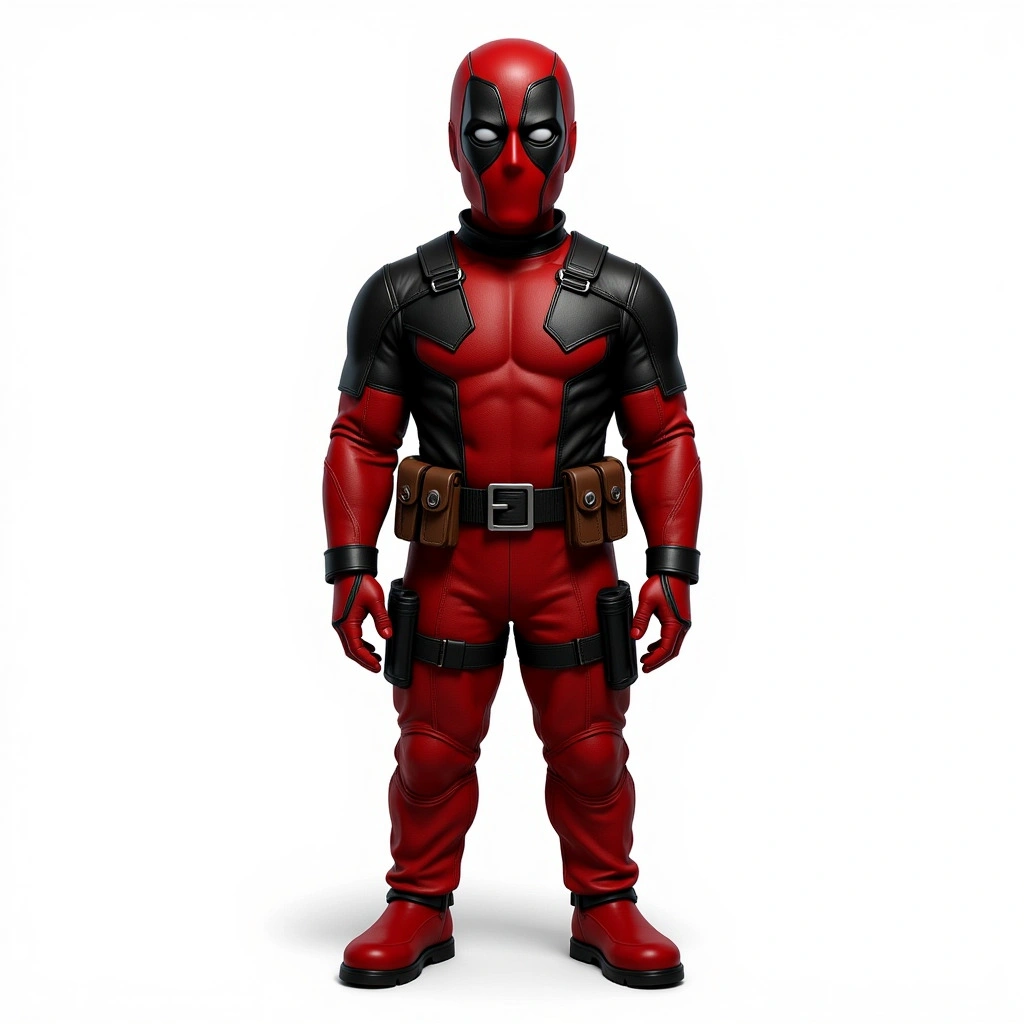
{
  "url": "https://cdn-us.eachlabs.ai/defaults/f6ae3fb1f81962344ce49abb2ee56fed1496017ebc7d3830a347ef29314b84ff.zip"
}Hunyuan 3D V2.1
Hunyuan3D-2.1 is a scalable 3D asset generation system that enhances state-of-the-art 3D creation with Physically-Based Rendering (PBR).
- Runtime (p50)
- 5m
- Estimated price
- $0.30 per execution
Overview
hunyuan-3d-v2-1 — Image-to-3D AI Model
Developed by Tencent as part of the hunyuan-3d family, hunyuan-3d-v2-1 (also known as Hunyuan3D 2.1) is a scalable 3D asset generation system that transforms single images or text prompts into high-resolution, textured 3D models with Physically-Based Rendering (PBR) materials. This image-to-3d AI model solves the challenge of rapid 3D prototyping by delivering realistic, production-ready assets in minutes, accessible via online demos or local setups on NVIDIA GPUs with just 8GB VRAM. Ideal for creators seeking Tencent image-to-3d tools, it stands out with its open-source core and community optimizations for consumer hardware.
Capabilities
- What the model can do well: Generates detailed 3D models with realistic PBR rendering
- Special features or abilities: Scalability and ease of integration into workflows
- Quality of outputs: High-quality 3D models suitable for various applications
- Versatility and adaptability: Can be used in different creative and technical contexts
- Technical strengths: Efficient use of GPU resources for fast generation
Use cases
Use Cases for hunyuan-3d-v2-1
Game developers can upload a concept sketch of a "mythical elven sword with a glowing blue gem on the hilt" as an image input to hunyuan-3d-v2-1, generating a fully textured 3D model with PBR materials ready for Unity import—streamlining asset pipelines without manual sculpting.
Product designers searching for image-to-3d AI model tools feed a photo of a gadget on a white background, producing rotatable 3D prototypes with accurate lighting and textures in minutes, ideal for e-commerce visualizations or rapid iterations.
3D artists and hobbyists run hunyuan-3d-v2-1 API equivalents locally on 8GB VRAM setups to experiment with text prompts like "a detailed dragon statue perched on a rocky cliff," creating open-source community variants for portfolios or prints.
Marketers building AR experiences use its single-image mode to convert product shots into immersive 3D assets, enhancing campaigns with realistic renders that match physically-based lighting standards.
Tips & tricks
How to Use hunyuan-3d-v2-1 on Eachlabs
Access hunyuan-3d-v2-1 through Eachlabs Playground for instant text-to-3D or image-to-3D generations: upload a clear single image or enter a detailed prompt, select PBR texture options, and download high-resolution models in minutes. Integrate via Eachlabs API or SDK for apps, with inputs like image files and prompts yielding textured 3D outputs optimized for 8GB VRAM efficiency.
---Technical spec
What Sets hunyuan-3d-v2-1 Apart
hunyuan-3d-v2-1 excels in generating high-quality 3D models from a single image input, producing outputs with advanced LATTICE-based textures and PBR materials that render realistically without additional post-processing. This enables designers to create game-ready assets instantly, bypassing labor-intensive modeling workflows.
Unlike many proprietary 3D generators, its open-source nature—available on GitHub with over three million Hugging Face downloads—allows unlimited local runs on 8GB VRAM GPUs, supporting text-to-3D and image-to-3D modes via a Gradio web UI. Developers benefit from full customization, installing via simple pip commands after cloning the Tencent-Hunyuan/Hunyuan3D-2.1 repository.
It processes generations in a few minutes on official platforms or locally, outputting downloadable 3D models compatible with standard formats for tools like Blender. This efficiency targets users searching for best image-to-3d AI with low hardware barriers.
- Supports single-image inputs for precise subject reconstruction, yielding detailed geometry and textures in one pass.
- Optimizations for Python 3.11 and CUDA 12.4 ensure stable performance on consumer NVIDIA cards.
- PBR material generation provides photorealistic shading, outperforming basic mesh outputs in visual fidelity.
Things to be aware of
- Experimental features or behaviors: Users may encounter varying performance based on GPU capabilities
- Known quirks or edge cases: Insufficient GPU memory can cause crashes or slow performance
- Performance considerations: Higher resolution outputs require more GPU resources
- Resource requirements: Significant GPU memory and CUDA support are necessary
- Consistency factors: Results may vary based on input parameters and GPU setup
- Positive user feedback themes: Ease of use and high-quality outputs
- Common concerns or negative feedback patterns: Resource-intensive and requires powerful hardware
Key considerations
- Important factors to keep in mind: GPU memory and CUDA support are crucial for efficient operation
- Best practices for optimal results: Ensure proper setup of GPU acceleration and sufficient memory allocation
- Common pitfalls to avoid: Insufficient GPU resources can lead to slow performance or crashes
- Quality vs speed trade-offs: Higher quality settings may require more computational resources
- Prompt engineering tips: While not directly applicable, well-structured input parameters can improve model performance
Limitations
- Primary technical constraints: Requires substantial GPU resources for efficient operation
- Main scenarios where it may not be optimal: Low-end hardware or applications requiring extremely high detail without sufficient computational power
- Other limitations: Limited documentation on specific technical details and performance metrics in available sources
Related models
1 modelAbout Hunyuan 3D V2.1
What is Hunyuan 3D v2.1?
Hunyuan 3D v2.1 is an advanced image-to-3D generation model by Tencent that creates high-quality 3D objects and scenes from single or multiple input images. It produces detailed mesh geometry and texture maps, enabling 3D asset creation for games, virtual environments, and digital product visualization.