Background Removal API for E-commerce: Preserve the Product, Change the Scene
A background removal API for e-commerce: keep the product intact, replace or clean up the scene.
By Bartu Varol · Sep 15, 2026 · 13 min read
Build a background removal API workflow for e-commerce that preserves the product while removing or replacing the scene. Includes Python, batch processing, glass, shadows, and product-fidelity checks.
Background removal gets difficult when the image looks successful.
A clean studio shot of a shoe is one thing. A transparent perfume bottle, polished watch, handbag with thin straps, or loose-fiber apparel is another. Then there is the harder case: you replace the scene, the result looks polished, and somewhere in the process the SKU quietly changes.
A logo shifts. The bottle gets wider. Clear plastic turns opaque. A zipper disappears. Navy fabric comes back black.
The API worked. The asset did not.
For e-commerce, the product has to be the protected part of the image. You can change the scene around it, but you need a clear idea of what the workflow is not allowed to touch.
That affects the operation you choose, the way you test difficult products, and the checks you run before an output reaches the catalog.
A background removal API separates the product from its original scene and typically returns a foreground image with transparency. For e-commerce, that cutout is often an intermediate asset: you can put it on white, composite it into a template, or place the same product into a new scene without asking a model to recreate the SKU.

What an e-commerce background API must preserve
“Looks good” is not a useful acceptance criterion for a product image.
Before choosing a model, define what has to survive the edit. For most catalog workflows, that includes some combination of:
- product silhouette and geometry,
- proportions,
- the number of visible components,
- labels, logos, and printed text,
- product color,
- surface material and texture,
- transparent or translucent elements,
- fine structures such as straps, chains, handles, stitching, or loose fibers.
Not all of those need to remain mathematically identical at the pixel level. A new environment can change lighting around an edge, for example. The important thing is that the workflow has an explicit boundary between permitted scene changes and product changes that would make the asset misleading.
Pure background removal has a narrow job: identify the foreground and return something you can reuse.
Generative replacement has more freedom. That freedom is useful, but it creates new failure modes. “Preserve the subject” therefore cannot be treated as a reassuring line in a prompt. It has to show up again when you evaluate the result.
Remove, replace, or compose: choose the operation before the model
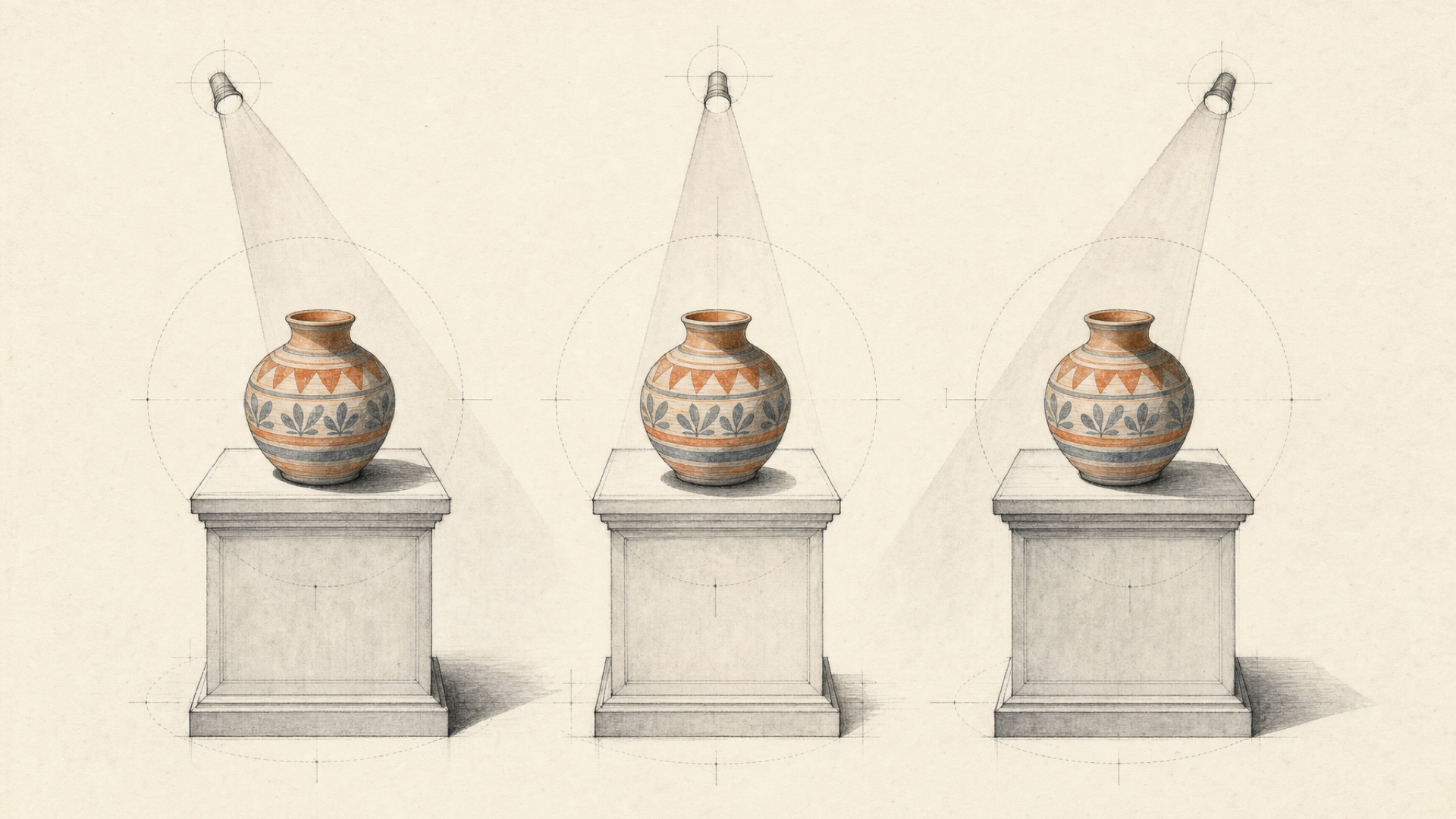
“Change the background” can mean several different things.
They should not automatically go through the same operation.
| Need | Operation | What may change | What should remain fixed |
|---|---|---|---|
| Reusable transparent SKU asset | Background removal | Background and alpha boundary | Product appearance |
| Fine or difficult foreground edges | Enhanced matting | Edge alpha | Foreground detail |
| Same product in a different environment | Background replacement | Surrounding scene | Product identity |
| Product placed deliberately into a commercial scene | Product composition / product shot | Environment and placement | SKU characteristics |
Background removal
Use background removal when you need a clean foreground asset.
That transparent result can later be flattened onto white, dropped into a template, used for marketplace listings, composited into a campaign, or passed to another image operation.
The current eachlabs-bg-remover-v1 model takes one image_url input and produces a foreground cutout with transparency.
Enhanced matting
For an opaque box photographed against a contrasting wall, a general remover may be enough.
Hair, fur, lace, soft fabrics, thin jewelry, and semi-transparent regions are less forgiving.
The rembg family includes rembg-enhance, which is positioned around cleaner alpha boundaries and difficult fine detail. Its documentation also warns about low contrast, reflections, heavy shadows, clutter, and semi-transparent regions.
That makes enhanced matting an escalation path. It does not mean every simple catalog image needs the heavier route.
Background replacement
Removal stops at the cutout. Replacement changes the environment around it.
Background-replacement operations available through each::labs are intended to preserve the source subject while changing the surrounding scene.
At that point, a clean matte is only half the evaluation. You also need to check whether the scene operation changed the product itself.
Product composition
Sometimes “new background” undersells the job.
You may want a cosmetic bottle on a marble vanity, a shoe centered on a studio plinth, or a packaged product positioned deliberately inside a campaign image. That is composition, not just removal.
For deliberate product placement, a product-shot operation is a better fit than unrestricted image generation. It can use the source product as the anchor while giving the workflow explicit control over the target scene and placement.
Use the narrowest operation that matches the change you actually need.
If the job ends at a transparent foreground, stop there. Do not introduce generation simply because it is available.
A working background removal API call
For a basic product-isolation pipeline, eachlabs-bg-remover-v1 has a small input surface.
The current each::api endpoint is:
POST https://api.eachlabs.ai/v1/prediction
Authentication uses your each::labs API key as a Bearer token:
Authorization: Bearer YOUR_API_KEY
The current each::api contract documents model version 1.0.0, and eachlabs-bg-remover-v1 takes an image_url input.
Send the product image
curl -X POST https://api.eachlabs.ai/v1/prediction \
  -H "Authorization: Bearer $EACHLABS_API_KEY" \
  -H "Content-Type: application/json" \
  -d '{
    "model": "eachlabs-bg-remover-v1",
    "input": {
      "image_url": "https://example.com/product.jpg"
    }
  }'
Creating the prediction does not return the processed image immediately.
The API acknowledges the job and returns a prediction ID:
{
  "status": "success",
  "message": "Prediction created successfully",
  "predictionID": "abc123-def456"
}
Retrieve the prediction with:
curl https://api.eachlabs.ai/v1/prediction/abc123-def456 \
  -H "Authorization: Bearer $EACHLABS_API_KEY"
Predictions currently move through:
created | starting | processing
success | error | cancelled
Poll until the prediction reaches a terminal state. The current first-party webhook pages conflict about direct-prediction webhook availability, so this direct-model example does not rely on one.
A complete Python example
import os
import time
import requests

API_URL = "https://api.eachlabs.ai/v1/prediction"
API_KEY = os.environ["EACHLABS_API_KEY"]

HEADERS = {
    "Authorization": f"Bearer {API_KEY}",
    "Content-Type": "application/json",
}

TERMINAL_STATUSES = {"success", "error", "cancelled"}


def remove_background(image_url: str):
    create_response = requests.post(
        API_URL,
        headers=HEADERS,
        timeout=30,
        json={
            "model": "eachlabs-bg-remover-v1",
            "input": {
                "image_url": image_url
            },
        },
    )
    create_response.raise_for_status()

    prediction_id = create_response.json()["predictionID"]

    while True:
        result_response = requests.get(
            f"{API_URL}/{prediction_id}",
            headers=HEADERS,
            timeout=30,
        )
        result_response.raise_for_status()

        prediction = result_response.json()

        if prediction["status"] in TERMINAL_STATUSES:
            break

        time.sleep(2)

    if prediction["status"] != "success":
        raise RuntimeError(
            f"Prediction {prediction_id} ended with "
            f"status={prediction['status']}: "
            f"{prediction.get('logs')}"
        )

    return prediction["output"]


output = remove_background(
    "https://example.com/product.jpg"
)

print(output)
A successful prediction includes output plus execution metrics such as prediction time and settled cost.
For an e-commerce pipeline, that output often works better as an intermediate asset than a finished image. Once you have a reusable foreground, you can decide what should happen around it without asking another model to reconstruct the SKU from scratch.
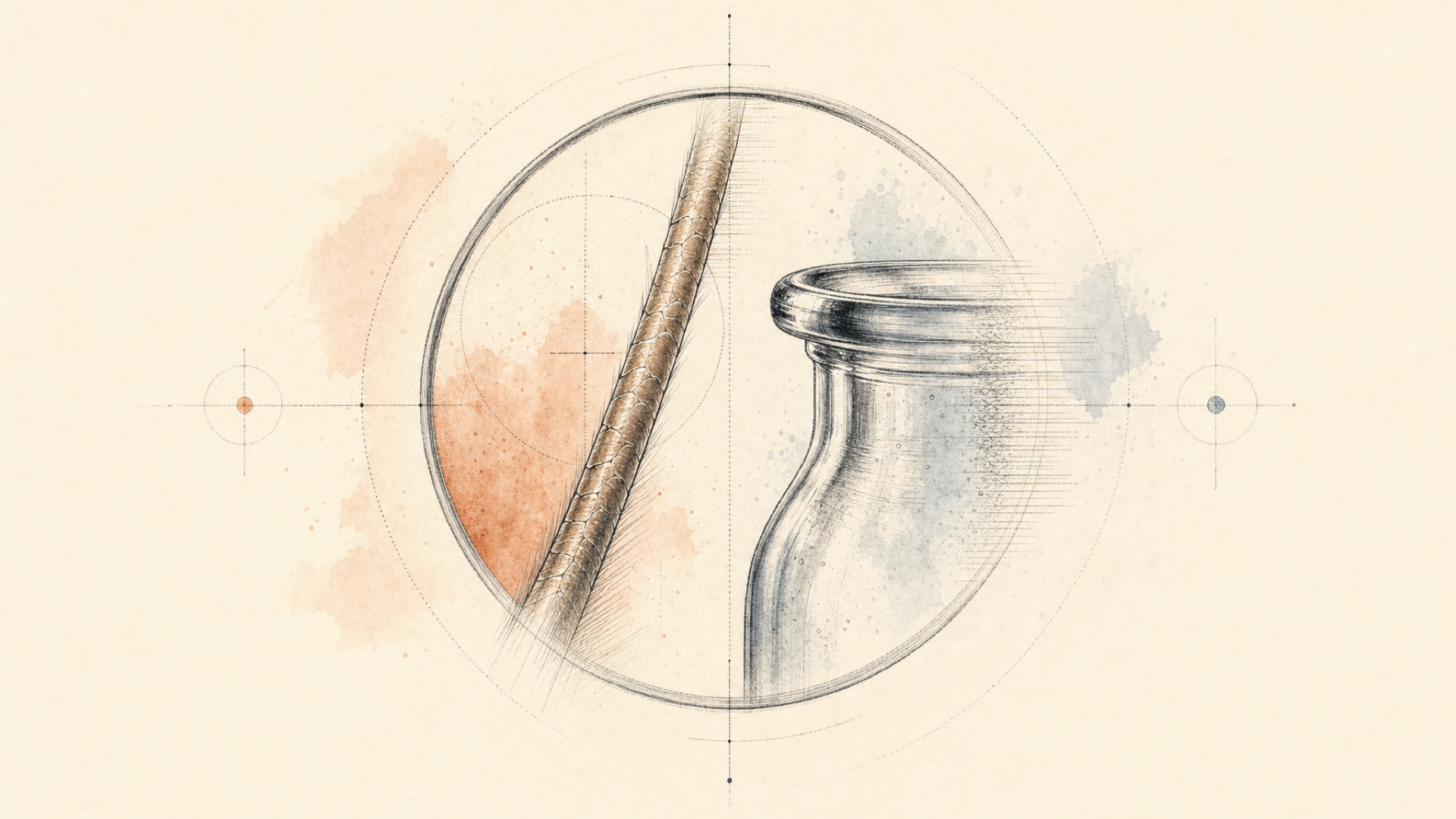
Hair, glass, reflections, and shadows fail for different reasons
“Difficult edges” is a convenient phrase that hides several unrelated problems.
Hair is not glass. Glass is not chrome. A shadow is not really a foreground edge at all.
Treating them as one quality bucket makes debugging harder.
| Product detail | Main risk |
|---|---|
| Hair or fur | Fine strands disappear or become hard-edged |
| Lace, chains, straps | Thin structures are removed |
| Glass | Internal transparency is flattened or contaminated |
| Reflective surface | Original scene remains visible in reflections |
| Low-contrast edge | Product is confused with background |
| Shadow | Old scene lighting survives in the new composition |
| Label or logo | Generative editing changes product information |
Hair, fur, and thin structures are boundary problems
An opaque box can have a clear foreground boundary.
Hair may have hundreds of small strands with partial coverage of the background. Fur, loose fibers, lace, thin chains, and jewelry produce similar problems.
A weak matte may delete fine structures, close transparent gaps, leave a halo, or turn a soft edge into a hard cutout.
The eachlabs-bg-remover-v1 documentation notes that fine detail, low-contrast scenes, semi-transparent objects, and complex backgrounds can require additional refinement.
If one of those cohorts keeps failing, rembg-enhance is a more sensible next step than trying to fix segmentation with increasingly elaborate prompt text.
Glass is not just an edge problem
A clear perfume bottle can have a perfect outer contour and still be unusable.
Its transparency exists inside the silhouette, not only around the border.
If a removal operation makes the inside of the bottle opaque, the mistake can disappear against white. Put the same cutout onto a dark campaign background and it becomes obvious.
For glass, clear acrylic, translucent packaging, smoke, mesh, and similar materials, test the foreground on more than one destination background.
At minimum:
- one light background,
- one dark background,
- one color or texture close to the real destination scene.
Look for residue from the original scene, unexpected opacity, halos, and areas where partial transparency has disappeared.
A checkerboard can prove that an alpha channel exists. It cannot prove that the alpha is right.
Reflective products can carry the old scene with them
A polished watch, chrome appliance, glossy bottle, or metallic package contains some of its environment in its reflections.
Background removal changes what sits outside the product. It does not necessarily change what you can still see reflected on the product surface.
For a transparent catalog cutout, that may be exactly what you want: preserve the foreground rather than rewrite it.
The problem appears when that foreground moves into a very different environment.
A chrome product shot in a bright white studio may look wrong on a dark restaurant table because its reflections still describe the studio. Edge quality will not catch that.
Shadows belong partly to the scene
Shadows are awkward because they sit on the boundary between object and environment.
They encode light direction, distance from the surface, light-source size and softness, supporting-surface geometry, and surrounding color.
Move a product from a white studio sweep onto a wooden table and its original shadow may no longer make sense.
Strip every shadow out, though, and the product may float.
So decide what you are producing.
For a reusable transparent foreground, removing scene-bound shadow information may be useful. For a final lifestyle image, the product generally needs a shadow that agrees with its new surface and lighting.
There is no useful universal rule here. The right treatment depends on whether the output is a reusable asset or a finished composition.
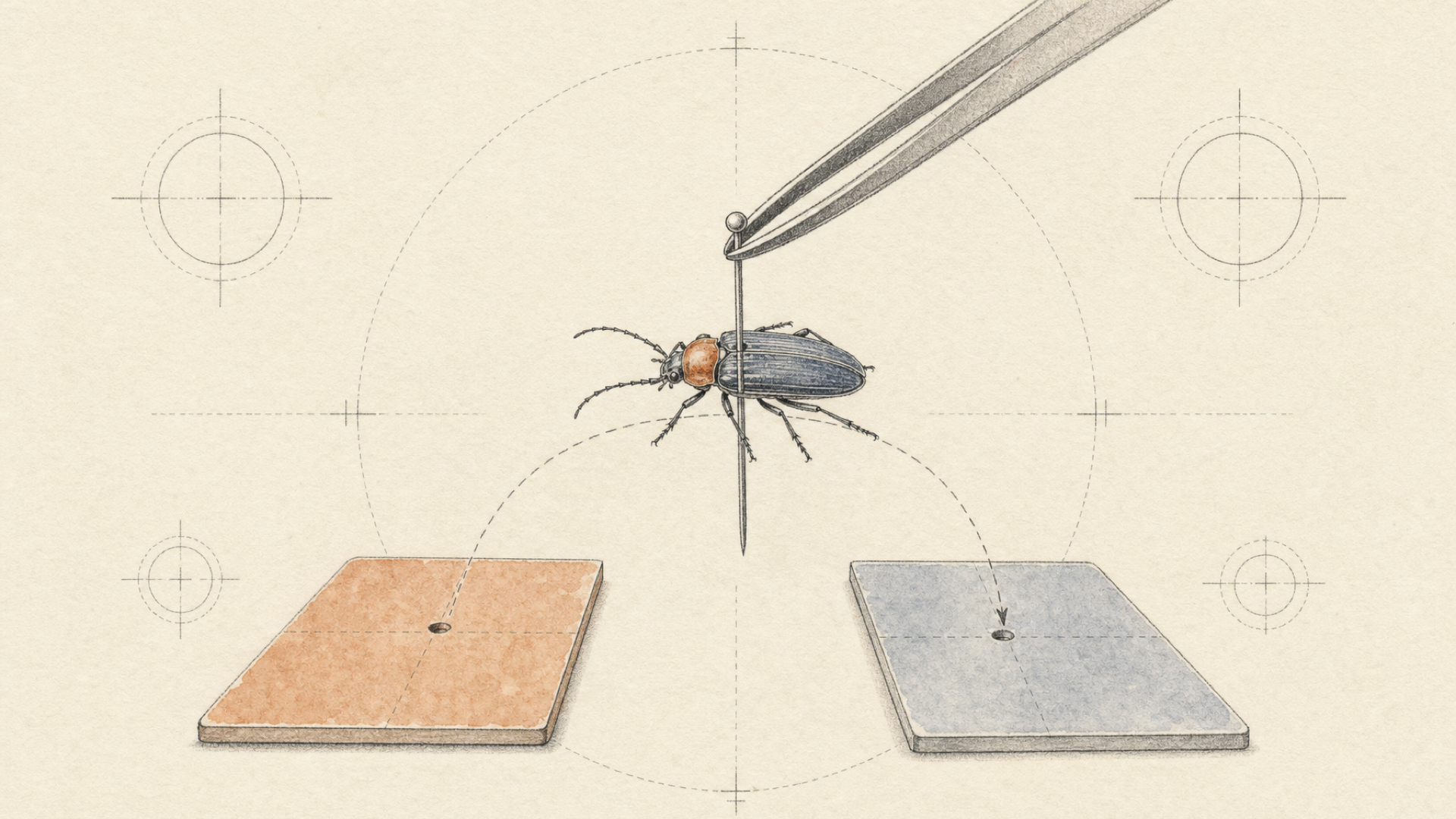
Change the scene without giving the model permission to redesign the SKU
To change a product background without changing the product, constrain generation to the scene rather than asking the model to recreate the whole image. Preserve the source product as the reference, use the narrowest replacement or composition operation that fits the job, state the foreground constraints explicitly, and validate the SKU again after generation.
Once generation enters the pipeline, separate scene permissions from product permissions.
Conceptually:
source product
    ↓
isolate or establish foreground
    ↓
protect product identity
    ↓
change the permitted scene
    ↓
validate the product again
That is a mental model, not a requirement to make four API calls. A single editing operation may cover several stages.
What matters is knowing which changes are allowed.
Protect the foreground before you generate
If the source product photograph is correct, treat it as the source of truth.
Do not ask a generative operation to recreate product details it does not need to touch.
Where an operation supports subject-preservation instructions, be explicit:
Keep the product unchanged.
Preserve its shape, proportions, colors, logo, label text,
materials, and transparent elements.
Replace only the surrounding background.
Place it on a warm light-stone tabletop in a minimal studio scene.
Compare that with:
Make this into a beautiful premium product photo.
The second prompt grants much broader creative freedom without saying where that freedom should stop.
Still, prompt wording is not a verification system. “Keep the product unchanged” is an instruction. The result has to prove that it followed it.
Use a product-specific operation when composition is the real job
each::labs exposes separate operations for background replacement and product-shot workflows. Keep the architecture tied to the runtime schema you are actually calling rather than assuming that every replacement operation performs isolation, generation, and composition in the same step.
For deliberate product placement, use a product-shot operation that keeps the source product as the anchor and gives you explicit scene or placement controls.
That is usually a better way to frame model selection than asking which image editor is most creative.
For this job, creativity is constrained by design. Fidelity is what earns the output a place in the catalog.
A catalog is many independent jobs, not one giant image request
One successful cutout proves that the model can process one image.
A catalog creates a different problem.
Keep failures local:
SKU 0001 → prediction → result
SKU 0002 → prediction → result
SKU 0003 → prediction → failed → review/retry
SKU 0004 → prediction → result
SKU 0005 → prediction → result
SKU 0003 should not force the other four to run again.
Use bounded concurrency
Do not turn a catalog import into an uncontrolled flood of requests.
Run a bounded number of predictions concurrently, then adjust that limit after observing your own workload:
- request failure rate,
- end-to-end latency,
- worker capacity,
- downstream storage or publishing limits.
There is no useful universal concurrency number. Your input sizes, catalog mix, downstream systems, and tolerance for queueing matter more than an arbitrary recommendation.
Poll direct predictions; use workflow webhooks for multi-stage pipelines
Polling is fine for a direct background-removal prediction, whether it runs in a script or a backend worker. Keep the polling interval bounded and persist the prediction ID so a worker can resume after a process restart.
The current Create Prediction contract exposes webhook fields, but the current webhook overview says webhook support is limited to Workflows V2. Because those first-party pages conflict, do not make a direct-prediction implementation depend on that callback path.
Once the catalog job becomes an each::workflow, workflow webhooks are the supported way to receive execution completion without continuously polling every workflow run.
Use each::workflows only when you have a workflow
If the entire job is:
image → remove background
call the model directly.
Canberk Sinangil's rule here is simple: “Every extra model call has to earn its place.”
A second or third call should buy something real: stronger matting for a difficult cohort, a necessary scene-composition stage, or another capability the first operation does not provide. Otherwise it adds latency, cost, and another place for the job to fail.
each::workflows becomes useful once the job actually has dependent stages:
remove background
        ↓
replace or compose scene
        ↓
post-process
        ↓
deliver
Workflow definitions can pass one step's primary output into another with parameter references:
{{remove_background.primary}}
For catalog-scale multi-step flows, the bulk-trigger endpoint can start 1–10 independent executions in parallel in a single request. One execution can fail without invalidating the rest.
Use that machinery when the multi-step pipeline is the reusable unit.
API success is not product-image success
A prediction with status: "success" tells you that the API completed the request.
That is all it tells you.
Canberk Sinangil, Co-founder and CTO at each::labs, puts the distinction plainly: “A model working is not the same as the product working.”
Image pipelines make this easy to forget because a valid file feels like a successful outcome. The image may even look better. If the SKU changed, the feature still failed.
First check pipeline health
Start with the mechanical checks:
- did the prediction reach
success? - does the result contain an output?
- can the asset be retrieved?
- is it a valid image?
- is the expected transparency present when required?
- are its dimensions usable downstream?
Those checks tell you whether the pipeline ran.
They do not tell you whether the asset is publishable.
Then check product fidelity
| Check | Example of a failed asset |
|---|---|
| Silhouette / geometry | A handle disappears |
| Product count | One item in a multipack vanishes |
| Logo | Brand mark is distorted |
| Text | Label copy is rewritten |
| Color | Navy fabric becomes black |
| Material | Matte plastic becomes glossy |
| Transparency | Clear bottle becomes opaque |
| Fine details | Stitching, chain, or strap disappears |
| Crop | Part of the product is cut off |
| Invented detail | A seam, button, reflection, or texture appears |
An output can pass every technical check above and still fail several rows in this table.
That is why acceptance should not be inferred from the HTTP response.
Build review lanes around the failures you actually see
Catalogs are rarely visually uniform, so one review policy is usually too crude.
Group products by the kind of error they are likely to expose.
Lower-risk
- opaque boxes,
- simple electronics,
- solid-background furniture.
Edge-sensitive
- apparel,
- fur,
- shoes with loose laces,
- jewelry and chains.
Transparency-sensitive
- glassware,
- perfume bottles,
- transparent packaging,
- clear plastic.
Reflection-sensitive
- watches,
- chrome hardware,
- glossy appliances,
- metallic packaging.
Run representative images from those groups before processing the entire catalog.
If glassware keeps failing, route glassware differently. If thin jewelry needs stronger matting, do not make every cardboard box pay the same cost. If some outputs remain ambiguous, send them to review.
That is a more useful definition of quality than whether the generated image looks impressive.
The real question is narrower: did the workflow change something it was never authorized to change?
A preservation-first production flow
A preservation-first production flow can be reduced to eight decisions:
- Classify the job.
Removal, enhanced matting, replacement, or full product composition? - Define what cannot change.
Geometry, branding, color, material, transparency, and other SKU-critical details. - Test the difficult parts of the catalog.
Include glass, fine edges, reflective surfaces, and low-contrast inputs. Clean hero shots tell you very little about the tail. - Use the narrowest operation that fits.
If you only need a transparent foreground, stop before generation. - Change only the permitted scene elements.
Make preservation requirements explicit where the operation supports them. - Keep catalog jobs independent.
Bound concurrency and isolate failures. - Check pipeline health and product fidelity separately.
- Publish only what passes your acceptance criteria.
Send uncertain outputs to review rather than silently promoting them to production.
For teams that want a broader product-visual system rather than assembling the individual operations themselves, EachVisual includes background removal, background generation, and background changing alongside other high-volume product-visual workflows.
FAQ
How do you change a product background without changing the product?
Treat the source product as protected input and restrict the edit to the surrounding scene. Use background removal when you only need a cutout; use a replacement or product-shot operation when you need a new environment. State the product constraints explicitly, then check geometry, branding, color, material, and transparency again before publishing. Prompt instructions reduce the model's freedom, but they do not replace output validation.
Does background removal change the product?
A background-removal operation is intended to isolate the foreground rather than regenerate it. It can still make matting mistakes around fine edges, transparent regions, or low-contrast boundaries.
Generative scene editing carries a different risk because more of the final image is synthesized.
A successful request is not evidence that the foreground was perfectly preserved.
Can a background removal API handle glass and transparent products?
Some background-removal and enhanced-matting operations are designed to preserve semi-transparent regions, but glass needs different testing from an opaque product.
Inspect the result on light, dark, and representative destination backgrounds. That can expose incorrect opacity, halos, or remnants of the original scene that are difficult to see on white.
Should I remove a product's original shadow?
It depends on what you are producing.
For a reusable transparent foreground, removing scene-specific shadow information can make later compositing easier.
For a finished scene, the object generally needs a contact shadow that matches its new surface and lighting. Reusing the original shadow can make the product look pasted in.
How should I batch-process a product catalog?
Create independent asynchronous predictions with bounded concurrency instead of coupling the whole catalog into one job.
Track each SKU's prediction ID and isolate failures per image. For direct predictions, move polling into backend workers as volume grows; for multi-stage each::workflows, use workflow webhooks for completion.
If the catalog job contains several dependent stages, package them into an each::workflow. The current bulk-trigger endpoint accepts between one and ten workflow input objects per request, and individual executions can succeed or fail independently.