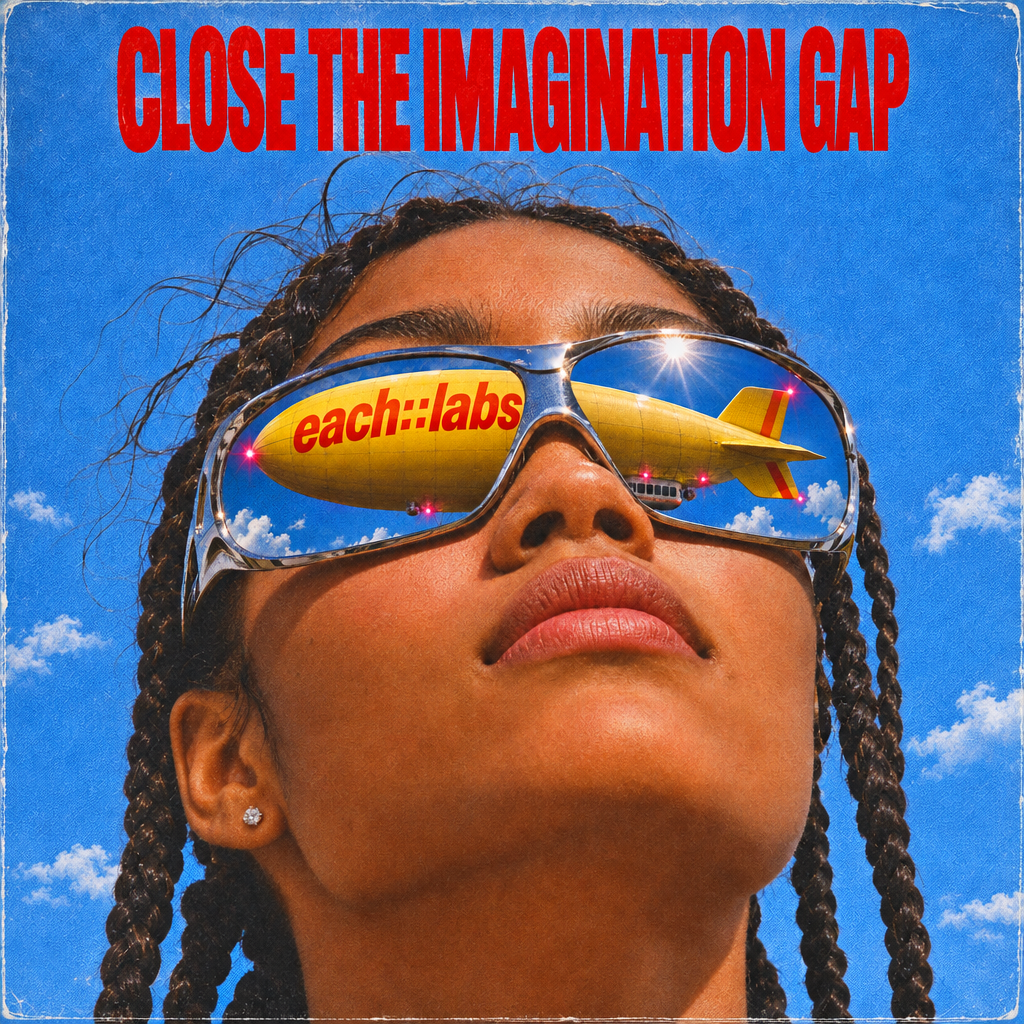
GPT Image | v2.6 | Sunburst | Text to Image.
- OpenAI
- Text to Image
- $0.02–$0.7116 per image, depending on size and quality
OpenAI’s high-fidelity image model, designed for polished visual output and fine-grained detail, with longer generation times in return for higher precision and quality.
What GPT Image | v2.6 | Sunburst | Text to Image is good at.
 Best for
Where it fits
Marketers can develop campaign concepts: “A burgundy travel bag on limestone steps, soft overcast light, empty space for a headline.” Composition instructions…
 Limits and tips
Getting good results
For GPT Image | v2.6 | Sunburst | Text to Image, structure the prompt around subject, setting, composition, lighting, and the exact change or result you want…
 Related modelView model
Krea 3 | Image Edit
Run it on the same input to compare output, speed and price.
Model documentation
About this model
OpenAI’s high-fidelity image model, designed for polished visual output and fine-grained detail, with longer generation times in return for higher precision and quality.
Overview
GPT Image | v2.6 | Sunburst | Text to Image Overview
GPT Image | v2.6 | Sunburst | Text to Image provides OpenAI text-to-image generation through each::labs. Built on GPT Image 2.6 Sunburst, it is intended for detailed compositions and precise visual revisions. Describe a scene, composition, visual style, and lighting in ordinary language. The model turns that brief into an image without requiring a source photograph, making it useful for original campaign concepts, editorial illustrations, and product visualization. You control output dimensions, rendering quality, background behavior, and file format using explicit request parameters. The endpoint supports PNG, JPEG, and WebP rather than every format available in the broader provider family. Start with one image and automatic quality, review the result, and refine your brief before generating more variants.
Capabilities
Capabilities
- Generate original images directly from a natural-language brief.
- Describe photographic, illustrative, editorial, and product-focused compositions.
- Specify scene layout, lighting, materials, and short visible text in the prompt.
- Select square, portrait, or landscape output presets.
- Adjust rendering quality separately from planning complexity.
- Request transparent backgrounds with PNG or WebP output.
- Produce up to ten image outputs per request for reviewing alternatives.
Use cases
Use Cases for GPT Image | v2.6 | Sunburst | Text to Image
Marketers can develop campaign concepts: “A burgundy travel bag on limestone steps, soft overcast light, empty space for a headline.” Composition instructions help leave room for a later design pass. Designers can explore visual directions: “An architectural illustration of a compact reading room, pale wood, afternoon shadows.” Material and lighting details anchor the concept without requiring a reference image. Creators can prepare editorial artwork: “A single orange bicycle against a deep blue wall, graphic framing, no extra objects.” A narrow brief makes it easier to evaluate whether the generated image matches the idea. Developers can add text-to-image generation to an application, exposing dimensions, quality, and format as user choices. Show alternatives for human review before publishing an asset, especially when visible words, product details, or brand colors must be accurate.
Tips & tricks
Tips and Tricks
For GPT Image | v2.6 | Sunburst | Text to Image, structure the prompt around subject, setting, composition, lighting, and the exact change or result you want. Describe important spatial relationships explicitly, such as a foreground object and an uncluttered background. Put essential text in quotation marks and specify its placement. For example: “A cream ceramic cup on pale blue paper, soft window light, centered composition, no text.” “An editorial portrait against an orange tennis court, hard afternoon sunlight, realistic skin texture, generous space above the subject.” Compare one change at a time. Use low or medium complexity for focused experiments, and test higher complexity for dense layouts. Choose an explicit size preset when dimensions matter, then inspect the delivered image rather than assuming every requested detail is exact.
Technical spec
Technical Specifications
- Input: a required text prompt of up to 32,000 characters; source image references are not accepted by this endpoint.
- Dimensions: size defaults to 1024x1024. Listed presets include 1536x1024, 1024x1536, 2048x2048, 2048x1152, 3840x2160, and 2160x3840; auto is also available.
- Quality: low, medium, high, xhigh, max, or auto. The default is auto.
- Batch size: 1–10 output images; the default is one.
- Formats: PNG by default, with JPEG and WebP options; transparent backgrounds require PNG or WebP.
- Planning: complexity accepts low, medium, or high; omitted complexity uses high. No fixed processing-time guarantee is published for this endpoint.
Things to be aware of
Things to Be Aware Of
Generation is not deterministic: repeated requests can produce different compositions and details. Small lettering, repeated objects, and complex spatial relationships need close review. A prompt that mixes conflicting visual requirements may produce an uneven result. Review the full-resolution asset, especially important lettering and fine details, before sharing or publishing it. Automatic quality is not a fixed-price setting. Larger images and more outputs can increase usage. The catalog marks resolutions above 2560x1440 as experimental. Standard content filtering remains active, including when the compatibility moderation value is low.
Key considerations
Key Considerations
Choose GPT Image 2.6 Sunburst when your workflow calls for detailed compositions and precise visual revisions. Give the model a concrete composition rather than a list of unrelated styles. Decide the asset's intended placement before choosing its dimensions. Billing is usage-based, not a fixed price for every image. Dimensions, rendering quality, and image count affect the final charge. Start with one output, keep quality automatic while exploring, and compare a small number of candidates before committing to a larger batch.
Limitations
Limitations
This endpoint returns raster images, not SVG files, animated GIFs, video, or editable design layers. It does not expose a seed or a separate negative-prompt field. It does not accept image_urls; use the corresponding editing endpoint when a source image must guide the result. Exact text, identity, and geometry are not guaranteed. Output quality depends on the brief. Select an explicit listed size rather than custom when predictable dimensions are required.
Questions about this model
The short answers. For anything specific to your setup, talk to our team.
 Talk to an engineerPlan for your expected volume.
GPT Image v2.6 Sunburst Text to Image generates images from a text prompt. Describe the subject, composition and visual style you want.
Choose the requested size, quality and PNG, JPEG or WebP output. Set num_images for multiple images; multiple outputs are returned as an array.
Charges are based on the image call's reported usage. The final charge can vary with input images, output size and quality; displayed estimates are indicative.