Scaling AI Image Generation in Consumer Apps: Architecture, Cost, and Latency
Scaling AI image generation in consumer apps: the architecture, cost and latency tradeoffs.
When the first image is easy and the millionth one breaks the app
The first render always looks great. You wire up a model, type a prompt, get something sharp back in a few seconds, and ship it behind a button. Then the feature catches on — a share loop, a template that spreads, a post that lands — and traffic arrives in a shape you didn't plan for. Now every slow request is a bounce, every failed job is a support ticket, and every inconsistent output is a screenshot someone posts to complain about.
That's the real scaling problem. Not model quality. Behavior under load.
The tension underneath it is simple and unavoidable. Higher fidelity costs compute and time: flagship text-to-image models now accept as many as ten reference images and render at roughly four megapixels, and none of that is free in latency. Push for speed or thrift instead and you give up detail, character consistency, or both. Quality, speed, and spend aren't marketing axes here. They're operating constraints you tune per job type.
Which is why picking a model isn't the work. Routing is. Queueing is. Retry and fallback policy is. A consumer app whose core loop is generation depends on decisions that live above any single model.
So this piece covers where generation should actually run, how to keep latency predictable when demand spikes, and how to tell whether an image generation API is genuinely production ready.
How to route, queue, retry, and fall back when generation becomes traffic
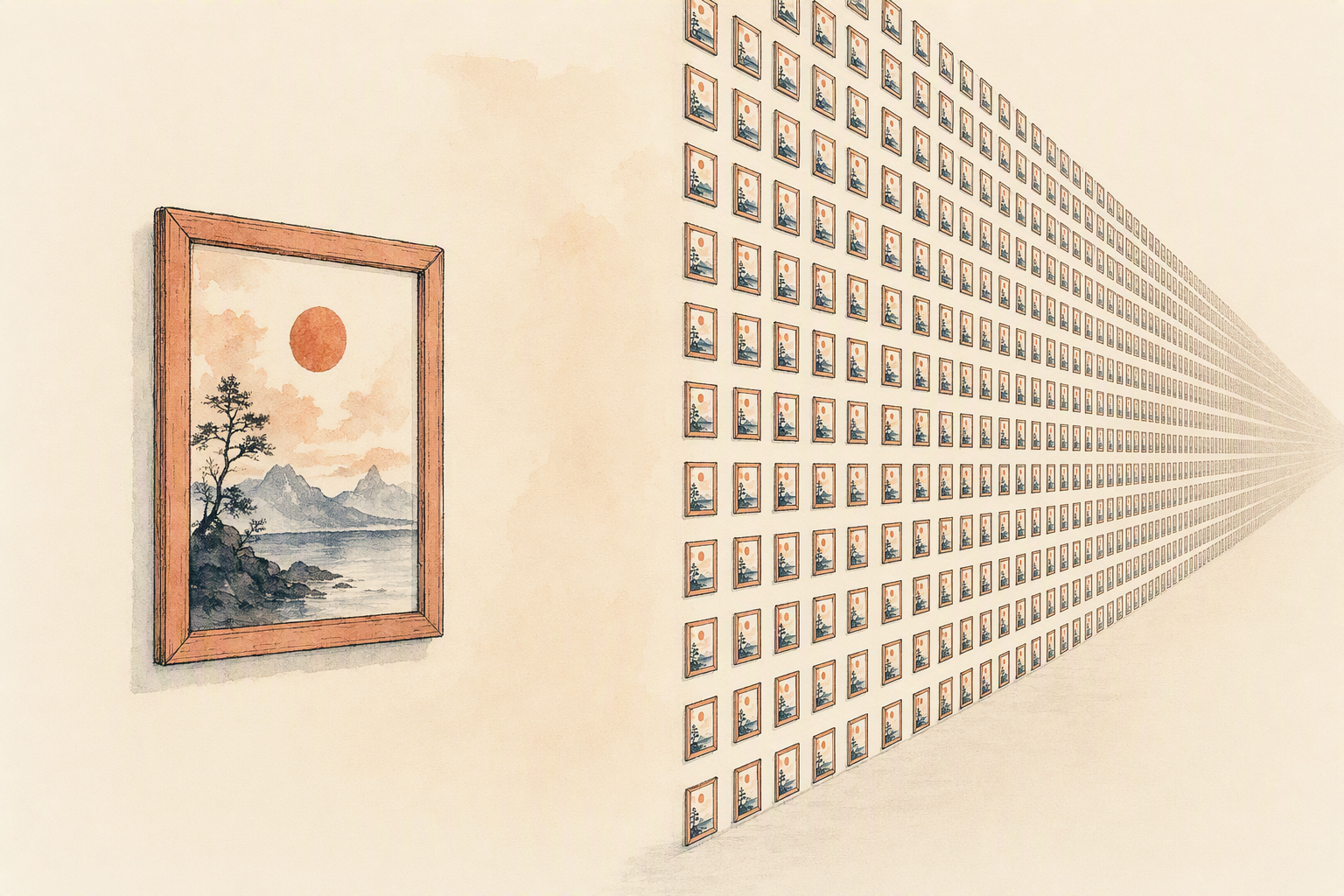
Your demo path is one request. Production is ten thousand at once, half of them from people who will close the app if nothing moves in three seconds.
Start with routing, because not every job deserves the same treatment. Split traffic by what the user is waiting on. A thumbnail preview, a style test, an avatar refresh — those are low-stakes and should go to the fastest thing that produces acceptable output, at 1K rather than 2K. A final export, a shareable asset, a print-bound render — those can wait for a heavier model and more reference conditioning. Reference-guided generation is expensive precisely because it's doing more work: Seedream 5.0 Pro accepts up to ten reference images for character and style consistency, and that ceiling is a routing signal, not a bragging point. Send it the jobs that need it.
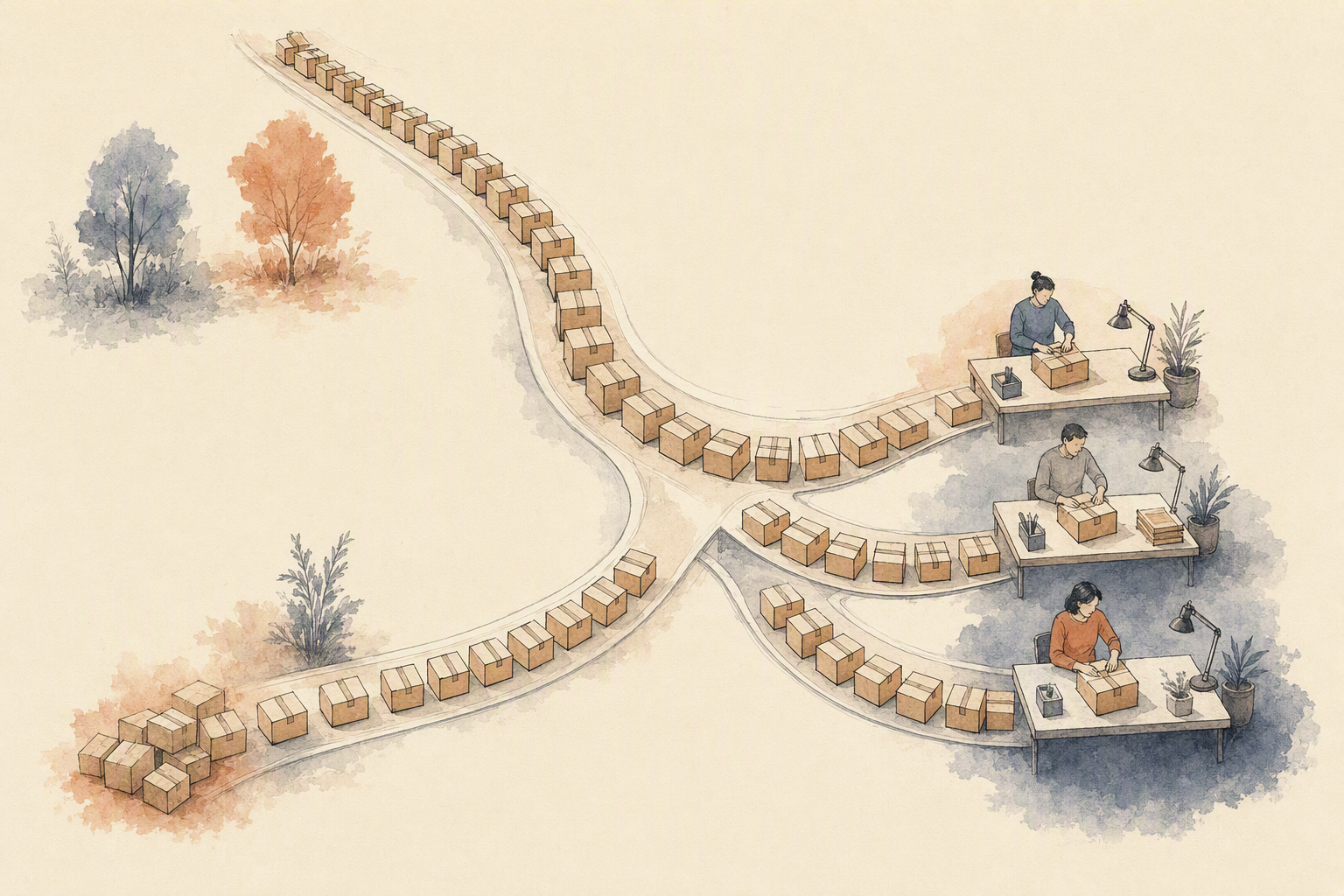
Queue everything you can't return instantly. Consumer traffic arrives in spikes — a feature ships, a post goes viral, and your image generation API sees a day of load in twenty minutes. Accepting a queued job and pushing a result to the client beats holding an HTTP connection open and timing out. Design the interface so waiting reads as progress, not failure.
Retries need a rule, not an instinct. Retry timeouts, rate limits, and transient upstream errors with exponential backoff and jitter. Don't retry a rejected prompt, a malformed input, or a policy refusal — that's a persistent failure wearing a temporary mask, and retrying it turns one bad request into a storm that starves healthy traffic. Cap attempts. Log the reason.
Fallback is plumbing, not a feature. When your first-choice model degrades, the secondary should return something the user accepts, not something you'd put in a launch post. Slightly softer detail beats a spinner.
Evaluate the whole thing the way you'd evaluate any generation service: measure the variance, not the best run. Baseten's engineering team has written about benchmarking image models under realistic load, and the useful number is always the tail — what your slowest ten percent of users actually experience.
On-device or server-side generation: where each approach actually fits
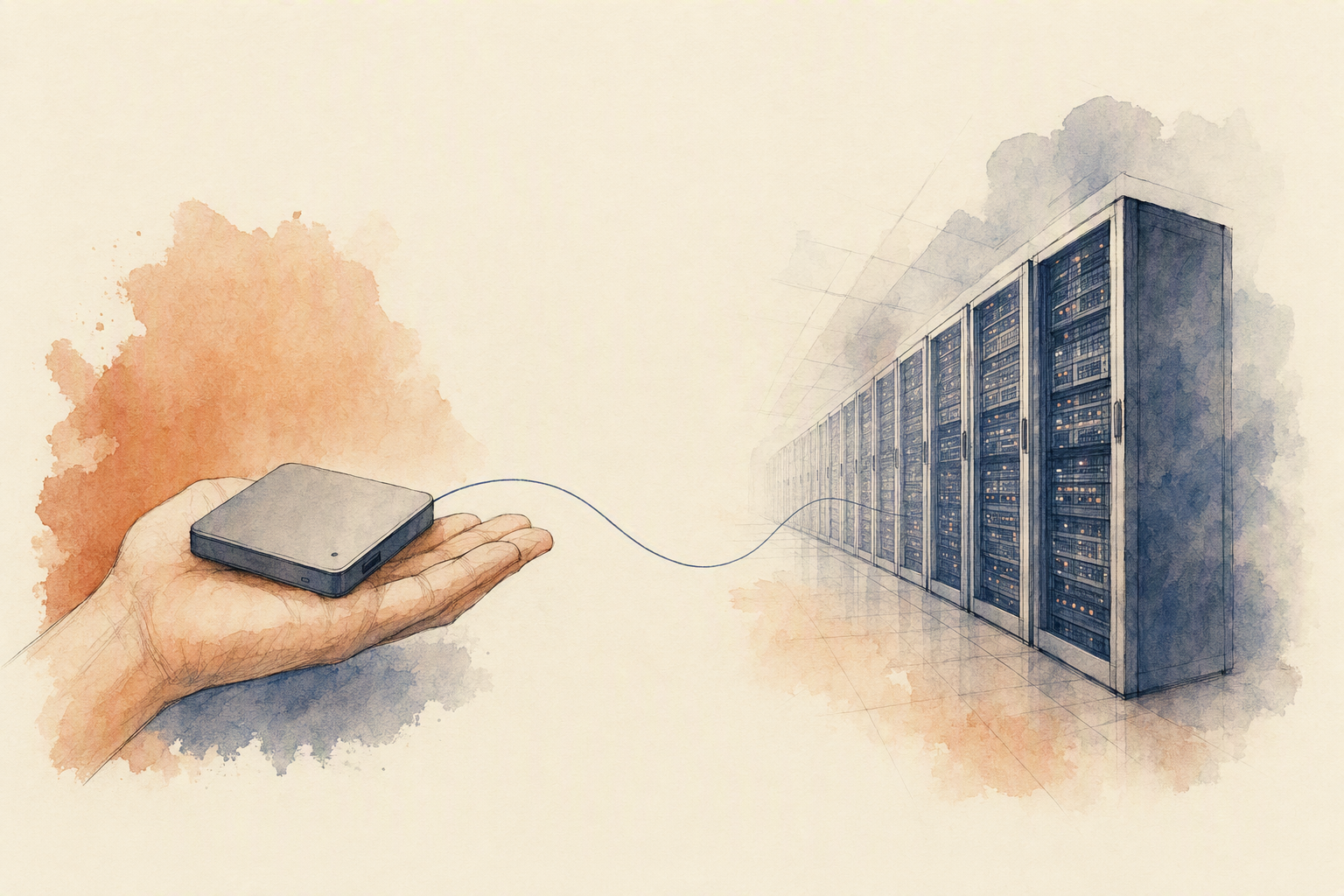
The honest answer is that this isn't an architecture preference. It's a product constraint.
Run generation on the device when the constraint is privacy, connectivity, or footprint. If your users upload personal photos and you'd rather never hold them, or the feature has to work on a plane, or the effect is small enough that a compact local model handles it — filters, light stylization, background cleanup — local wins. You skip the round trip, and the data never leaves the phone. That's real.
But you pay for it twice. Local narrows what you can offer to whatever fits in memory on your worst supported device, and it makes hardware variability part of your product. The same tap produces one result on a two-year-old Android and another on the newest flagship, and your support queue inherits the difference.
Server-side is the default for most consumer apps, and it should be. Model choice is the reason. Reference-guided work — character consistency across a series, multi-image composition, product shots that have to match a brand asset — depends on models that accept several reference images at once; the current generation of flagship image models handles as many as ten. Higher-resolution output, roughly 4 megapixels and up, is a server job. So is switching models mid-workflow when one starts failing on a prompt shape, which is exactly the behavior you want behind an image generation api rather than baked into a binary you can only change through an app store review.
A rough boundary: if the feature is the reason people share your app, run it remotely. If it's a convenience, run it close.
Latency and cost are product constraints, not afterthoughts
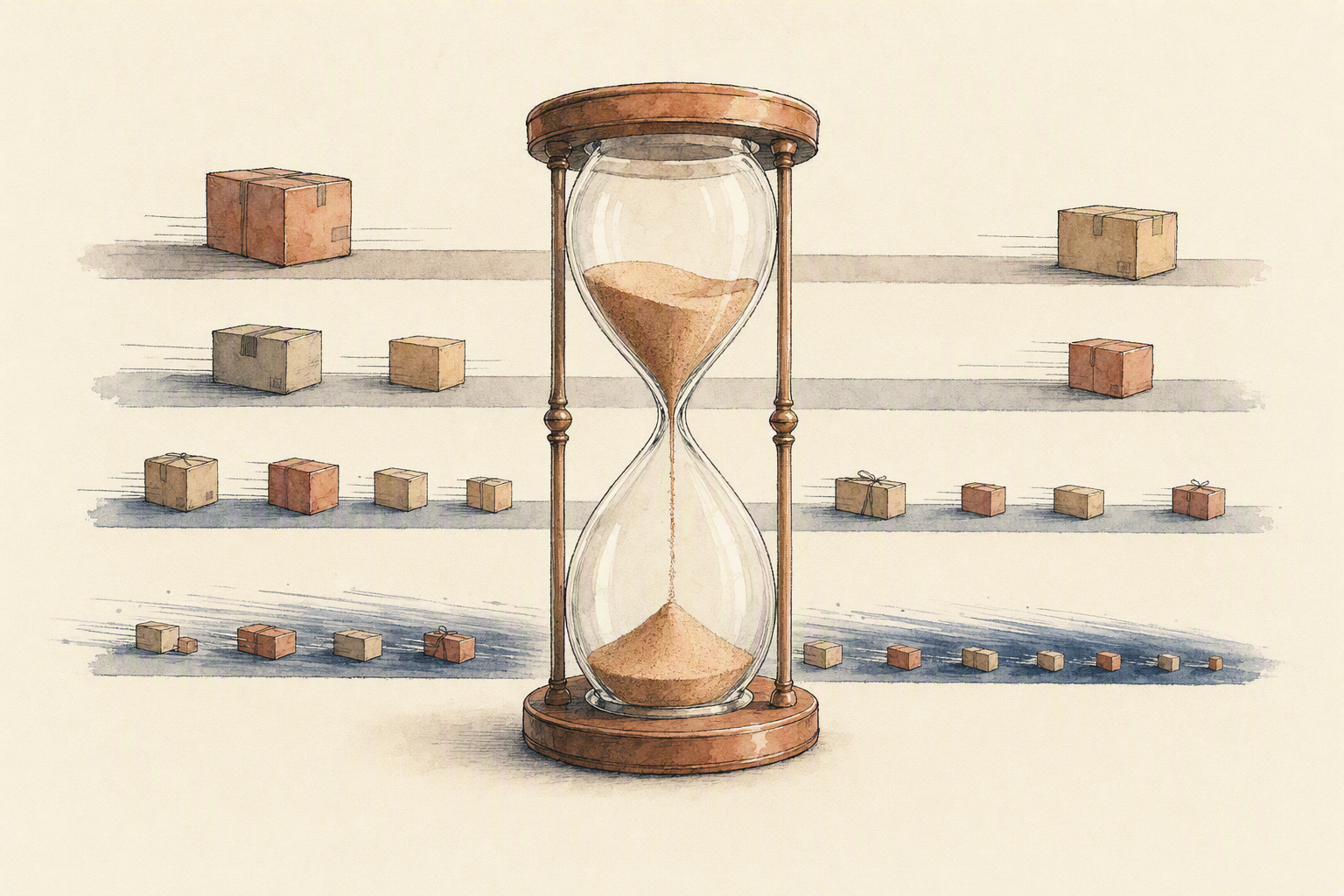
Users don't experience your architecture. They experience the wait. And the wait isn't one number — it's a distribution, with a long tail that shows up exactly when traffic peaks.
Start by matching the job to the work. A thumbnail preview, a style test, a quick variation: these belong on a fast path with modest output resolution. Publicly documented model specs make the gap obvious. Common upscaling jobs are advertised as finishing in a few seconds, while 8K targets are described as taking longer and generally landing under thirty seconds. That spread — seconds versus tens of seconds — is the real operating problem, because your interface has to hold both without feeling broken. Resolution tiers behave the same way: roughly two megapixels renders faster than roughly four, and most consumer surfaces never display the difference. Generating 2K for a feed card is spending latency on pixels nobody sees.
Retries are the other quiet tax. An automatic second attempt on a timeout that was actually a content refusal costs you double the time and produces the same failure. Classify errors before you retry, cap attempts, and fail fast when the request was never going to succeed.
Queueing helps, up to a point. During a spike, a queue keeps the system from collapsing and gives you backpressure instead of dropped requests. Past that point it converts a technical problem into a product one: the user tapped a button and now stares at a spinner. If immediacy is part of the promise, keep the queue shallow for interactive jobs and push batch work — bulk edits, exports, overnight regeneration — into a separate lane with its own concurrency limits.
Cost control follows the same logic, and it's a workflow decision more than a procurement one. Use the smallest capable model per job type, reserve heavier generation for outputs users keep or publish, and treat every re-run as something that needs a reason.
The honest part: faster and leaner usually means less prompt flexibility and lower fidelity. Pick which one your product can afford to lose.
What to look for in an image generation API before you ship
Polished sample galleries tell you almost nothing. Every model page shows its best five outputs. What you need to know is how the tenth thousandth request behaves at 9pm on a Friday.
Start with prompt fidelity, and measure it instead of eyeballing it. Academic work like OneIG-Bench breaks text-to-image evaluation into separate dimensions — prompt-image alignment, text rendering precision, reasoning, stylization, and diversity — because a model can be excellent at one and mediocre at another. Borrow that structure. Build a fixed test set of thirty to fifty prompts that mirror what your users actually type, run it against every candidate, then run it again a week later. Variance across identical runs is the signal most teams skip, and it's the one that turns into support tickets when a user regenerates and gets something worse.
Then check the capability list against your workflow, not against the spec sheet. Current flagship models can accept as many as ten reference images, output at roughly 2 or 4 megapixels, and cover aspect ratios from square through 21:9 and cinematic wides. Upscaling models advertise sub-second results at 4 megapixels and 8K targets in under thirty seconds. All of that is useful only if your product needs it. Ten reference slots are wasted on an app that sends one selfie.
Reliability is the harder half. Ask what happens under concurrency you haven't tested yet: does the queue absorb the spike or does the endpoint start timing out? What's the retry semantics on a partial failure, and are you charged for a generation you never showed anyone? Is there a defined fallback when your preferred model degrades or gets deprecated mid-quarter? Confirm supported input and output formats — JPG, PNG, WebP coverage varies — and confirm how long generated assets stay retrievable.
Eachlabs sits at the workflow layer, where these checks get orchestrated across several generative media models rather than repeated by hand for each one. The decision itself still belongs to your requirements, not to a benchmark table.

The practical read: build for the workflow, not the demo
A prompt-to-image demo tells you almost nothing about whether your app survives its first viral weekend. What decides that is the plumbing: how requests get routed by job type, where you queue instead of blocking, what your retry policy does under partial failure, and which model catches the request when the primary one degrades. Growth loops in consumer AI live or die on that layer. When a user shares an output because it landed in four seconds, the loop compounds. When the same request times out during a traffic spike, the loop breaks and no amount of feature work repairs the impression.
The deployment boundary is simpler than the debate suggests. On-device makes sense when the job is narrow, the data is sensitive, or the app has to work without a connection — a fixed effect, a small resolution ceiling, a predictable output. Everything else belongs server-side, where you can swap models, add reference-guided passes, and change resolution targets without shipping a new build. That flexibility matters because model capabilities move fast: reference-image limits, output resolutions, and aspect ratio support differ meaningfully between current models, from ten reference images at 1K and 2K in ByteDance's Seedream 5.0 Pro to four-reference image-to-image workflows in ImagineArt 2.0. Hard-coding one model into a mobile binary is a bet you'll lose within two quarters.
Three operating priorities carry the rest. Keep latency predictable rather than minimal — a consistent six seconds beats a range of two to twenty. Keep spend bounded per user session, not per request, so a heavy user can't quietly become your largest line item. And test quality with repeatable checks: fixed prompt sets, fixed seeds where available, side-by-side review before any model swap reaches production traffic.
If you're running generation through a single synchronous call today, take an hour and walk your own path against these rules — routing, queueing, retries, fallback, deployment boundary. Eachlabs's workflow tooling and image generation API exist for teams who've already found the gaps and want the backend to hold. Start with the audit.