How to Chain Image, Upscale, and Video in One API Call
Why a three-step media chain breaks in production The image comes back clean. That part is solved. What breaks is everything after it. A generated frame has to be upscaled, and the upscaled file has to be accepted by a video model that has its own opinions about resolution, aspect ratio, duration, and how many reference images it will take. Three calls, three async lifecycles, three sets of validation rules — and the moment one of them drifts, you're writing glue code to babysit URLs, poll job
Why a three-step media chain breaks in production
The image comes back clean. That part is solved.
What breaks is everything after it. A generated frame has to be upscaled, and the upscaled file has to be accepted by a video model that has its own opinions about resolution, aspect ratio, duration, and how many reference images it will take. Three calls, three async lifecycles, three sets of validation rules — and the moment one of them drifts, you're writing glue code to babysit URLs, poll job status, and guess whether a failure is retryable.
Most guidance on this topic stops at one hop. Text to image. Image to video. Rarely the whole line, and almost never the ugly middle: what your backend does when generation succeeds, upscaling times out, and the video step rejects the artifact you handed it because the file was still uploading.
That handoff is the actual engineering problem. Not picking the model.
So this piece walks the full chain — generate an image, raise its resolution, then pass that artifact into video generation, with audio if the model supports it, as one orchestrated backend flow instead of three scripts held together by hope. You'll see the workflow shape, a concrete request that chains the steps, what to look for when evaluating an AI workflow platform for multi-model media, and the constraints you still have to design around. Some of them don't go away.
The workflow shape: request flow, model handoff, and failure points
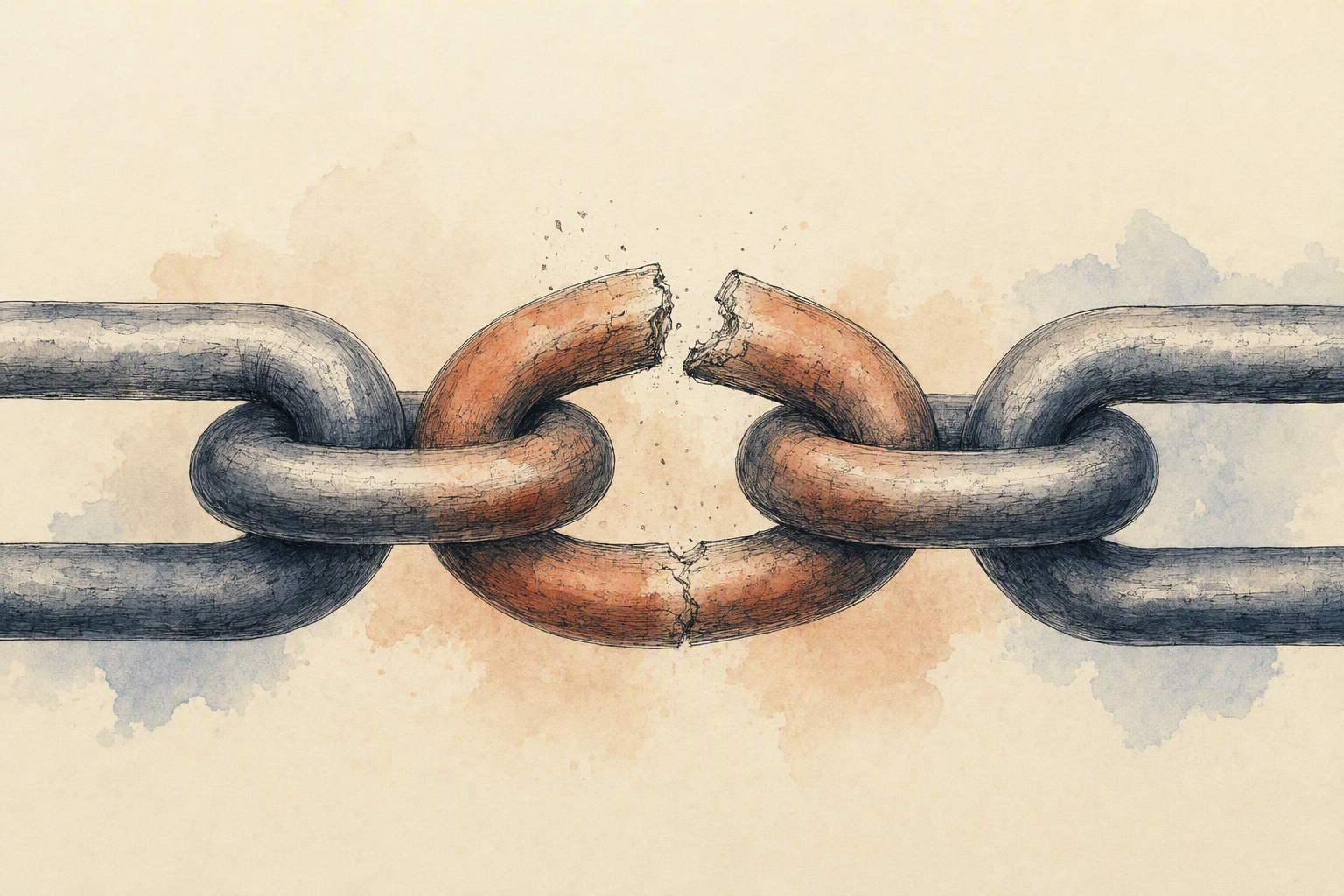
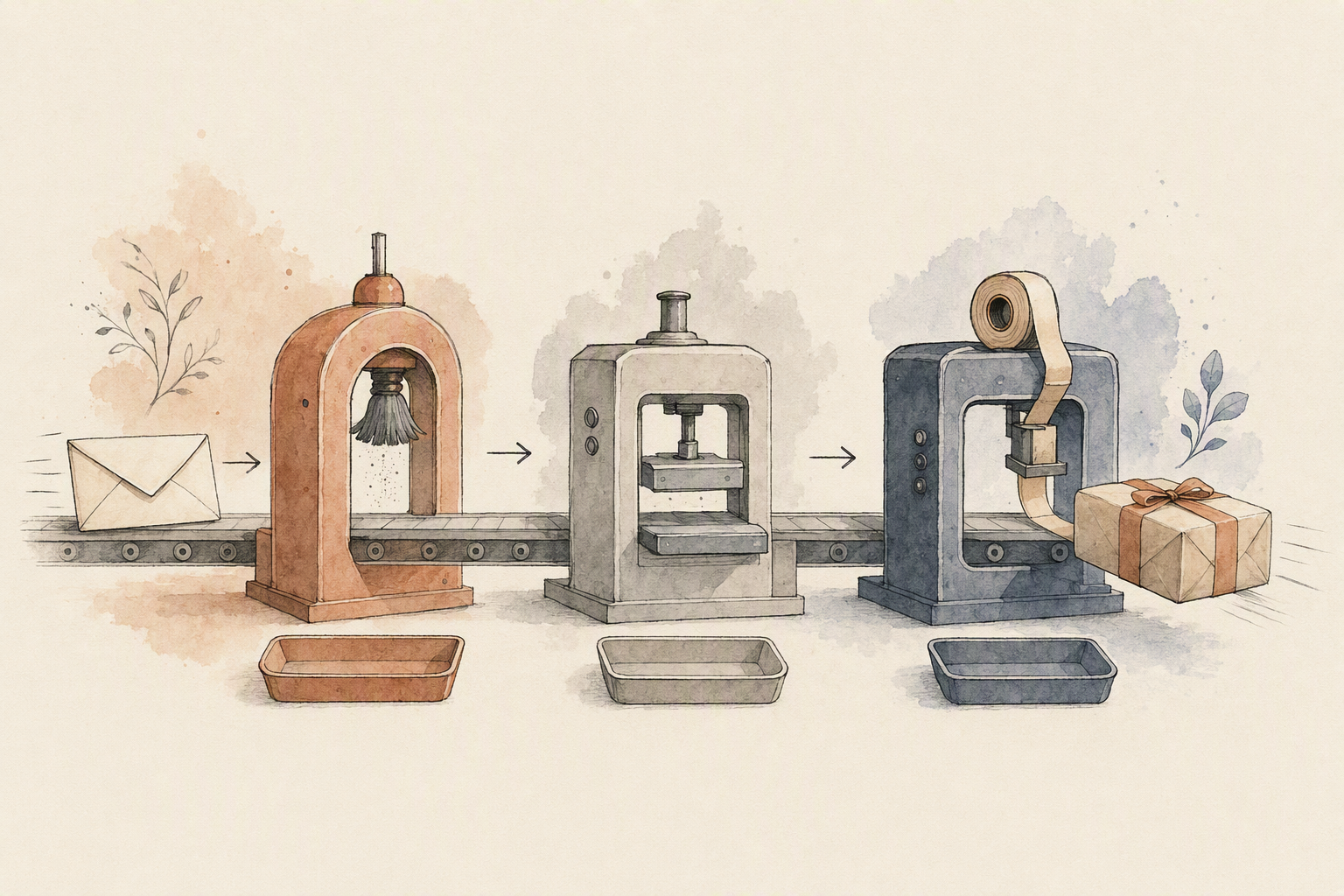
Three models, three sets of constraints, and one user waiting on a single response. That's the actual shape of the problem. The chain itself is simple to describe: generate a source image, push it through an upscaler, then hand the upscaled asset to video generation. What breaks is everything between those steps.
Request flow
Treat it as three backend jobs, not one synchronous call. Each step returns an artifact and a status; your orchestration layer holds the state between them. Image generation usually resolves in seconds, upscaling can be quick, and video generation is the long pole — which is why the video step belongs behind an async queue with a webhook or poll loop rather than an open HTTP connection. Persist the intermediate URLs. If the third call fails, you don't want to pay for the first two twice, and you don't want to regenerate an image your reviewer already approved.
Model handoff
Handoff is a contract, and the contract is stricter than most docs make obvious. Check the file container and codec the next model accepts, the aspect ratio it expects, whether it wants a hosted URL or an uploaded binary, and how many reference images it takes. Eachlabs's Flux 3 image-to-video page shows the shape of that contract concretely: one reference image passed as image_urls, a 10-second duration, 16:9, HD output, and generate_audio: true for native synchronized audio. An upscaler that returns a 4:3 asset quietly breaks that request.
Error handling across boundaries
The interesting failures are asymmetric. Image succeeds, upscale fails. Upscale succeeds but pushes resolution past the video model's ceiling and the request is rejected outright. Or the chain times out mid-flight and you're holding a half-finished job with no record of which step owns the failure.
Validate artifacts before every handoff — dimensions, duration, format, that the URL actually resolves. Key each step with an idempotency token so retries replay rather than duplicate. Retry the transient errors, fail fast on the schema ones, and log which boundary broke. That bookkeeping is what an AI workflow platform is there to absorb.
A single API workflow from image generation to upscale to video output
Start with the call you already know: a text prompt goes out to an image generation API, and a response comes back with an artifact — usually a URL, sometimes a file identifier, occasionally base64 you'll have to persist yourself. That response is the only thing the next two steps care about. Hold onto it deliberately. Write it to your job record before you do anything else, because if the upscale step fails you want to retry from the stored asset, not regenerate the image with a new seed and quietly change the shot.
Step two takes that identifier and sends it to an upscaler with a target factor or a target resolution. Step three passes the upscaled artifact into a video generation API as a reference image. Eachlabs' Flux 3 image-to-video model, for example, accepts reference images through an image_urls field alongside a prompt, a 10-second duration, a 16:9 aspect ratio, HD resolution, and a flag for native synchronized audio — so the handoff is literally the upscaled URL dropped into that array.
The interesting engineering sits between steps two and three. Before the video call, assert the things the video model will reject: pixel dimensions above its minimum and below its ceiling, an aspect ratio that matches what you're requesting, a container and color format the model actually accepts, a URL that resolves and hasn't expired, and a requested duration inside the model's supported range. Cheap checks. They turn an opaque generation failure into a validation error you can read.
Then make the chain observable. Each step gets its own status, its own attempt counter, and its own stored output, so a failed upscale retries in isolation and a rejected handoff tells you which asset caused it. That's the difference between a demo script and something on call.

Choosing an AI workflow platform for multi-model pipelines
Start with a blunt question: when the upscale step fails, who retries it? If the answer is "our backend, with code we wrote by hand," you're not evaluating orchestration. You're evaluating a model catalog.
The criteria that actually matter for a chained pipeline are narrow. Unified access to generative media models so image, video, and audio calls share one request shape and one auth path. Artifact passing that survives a hop, meaning the upscaled output lands somewhere the video model can actually read. Input validation before the expensive step runs. Retries scoped to the failed node rather than the whole chain. And backend execution that keeps running after the browser tab closes.
Different tools sit at different points on that list. Runway's product page describes image, video, audio, editing, and language models in one environment, plus node-based workflows that chain models with intermediary steps — genuinely useful if your team wants a visual graph to reason about before anything reaches production. ElevenLabs positions its image-to-video flow around uploading an image, picking a model, and adding AI voice, with MP4 export up to 4K; if narration is part of the deliverable, having voice in the same environment removes a handoff. Krea advertises 40-plus image and video models through a single REST API alongside upscaling and workflow building, which is the right shape when breadth of model choice is the constraint. xAI's Imagine documentation covers image generation at 1K and 2K, video from text or image references up to 1080p, and up to three reference images for editing — tight capabilities, clearly specified. Verify current limits with each vendor before you design around them.
Eachlabs's tradeoff is worth naming directly: it isn't the place to go for a single hero model demo. Its strength is the workflow layer underneath — one prediction endpoint per model, consistent input contracts, and webhook callbacks so a step's completion can trigger the next one. The published Flux 3 image-to-video reference, for example, takes image_urls, a duration, resolution, aspect_ratio, and generate_audio in the same request body pattern used across other models, which is what makes programmatic handoffs predictable.
Pick by where your glue code hurts most.
What the model docs actually allow, and where the chain can break
Read the input contract before you write the orchestration code. OpenAI's image generation guide treats generation and editing as two distinct capabilities with their own parameters, and it carries an explicit limitations section. Expect that shape from every model you chain, and be suspicious of any page that doesn't have one.
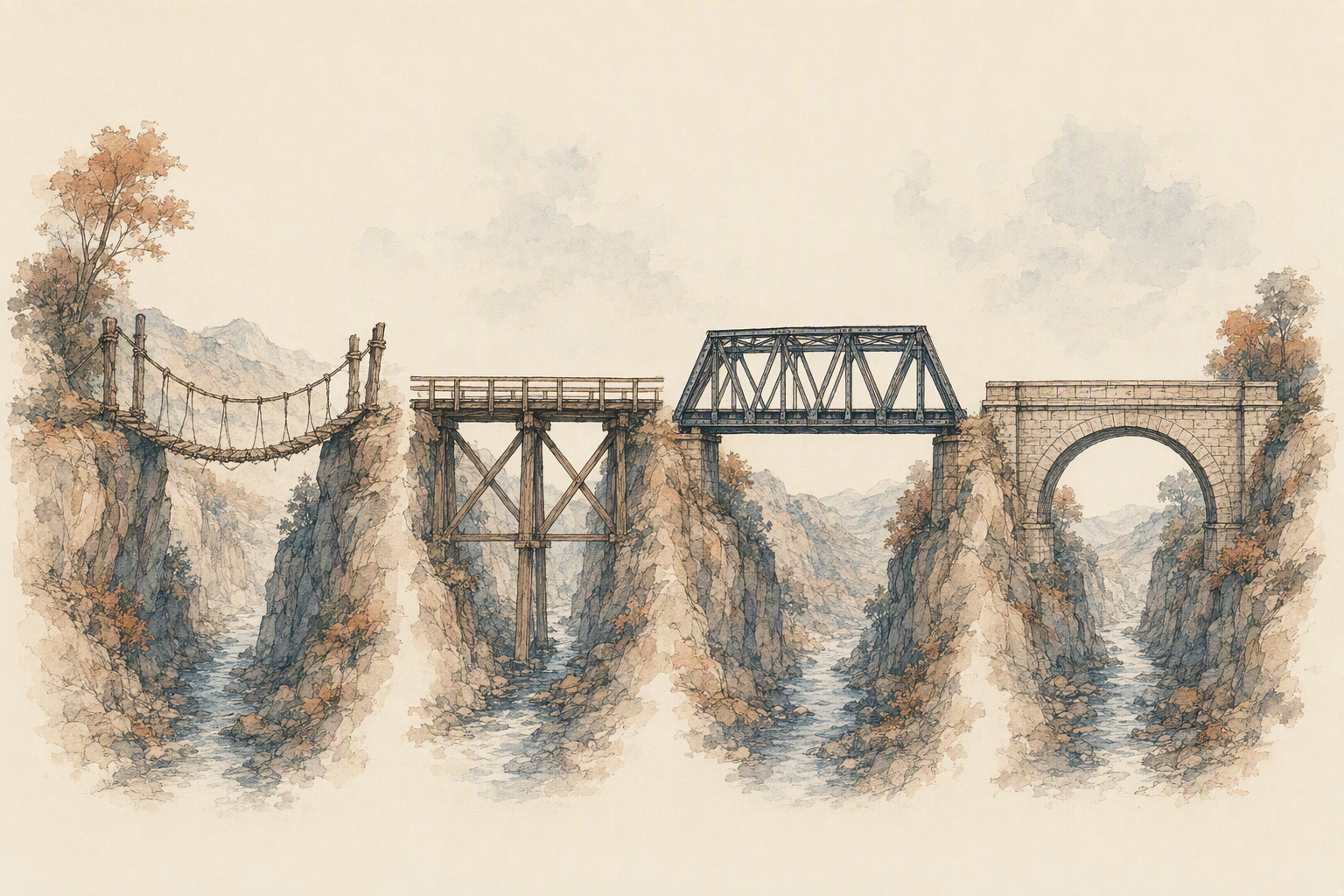
The parameter surface is where chains quietly die. One image model tops out at 2K and accepts three reference images for edits; the video step downstream might only render 1080p. Eachlabs's Flux 3 image-to-video page, for example, documents a single reference image, a ten-second duration, 16:9, HD, and audio generated alongside the frames. Those are not universal defaults. They're that model's contract.
Video and upscale calls also don't return files. They return jobs. You need polling or webhooks, plus handling for validation rejections rather than just success and failure — video upscalers commonly cap input duration around sixty seconds and return a 422 when the requested scale factor would push output past 7680×4320. That's a rejection, not a retry candidate.
Then there's the handoff itself. A perfectly good upscaled image gets refused because the URL expired, the alpha channel survived the encode, the aspect ratio drifted after the upscale, or the megapixel count crossed a ceiling. An AI workflow platform can retry a step and route around a failure; it can't invent a field the next model demands.
Audio deserves its own warning. Native synchronized audio on the video step says nothing about whether the upscale preserves the track, or whether a separate voice generation call will match it. Validate each contract before you call. Every time.
FAQ: background processing, chaining limits, and model compatibility
Do I need background processing for this?
If the chain outlives your HTTP timeout — and image → upscale → video almost always does — yes. The video step is the reason. Put the whole thing behind a queue, return a job ID immediately, and report per-step state through webhooks or polling. A single image pass can stay synchronous. Anything with a video generation step belongs in the background, with each hop's artifact URL persisted so a retry doesn't restart step one.
Where do chaining limits actually come from?
Rarely from chaining. They come from input contracts. Every model declares what it will accept: a hosted URL versus base64, a container and codec, a maximum duration, a resolution ceiling, a reference-image count. Upscale endpoints routinely reject a scale factor that would push output past their maximum resolution, and video restoration models often cap input length outright. So your pipeline fails at the boundary between steps, not inside them. Design for that.
How do I check model compatibility before wiring it into production?
Read the input schema for step N+1 before you write step N. Then walk one real asset through the entire chain manually and confirm four things survive each handoff: aspect ratio, frame rate, audio track, and file size or duration against the next model's limits. If a step silently changes any of those, you've found your future incident. An AI workflow platform should let you inspect that intermediate artifact rather than guess at it.
Can image, video, and voice live in one workflow?
They can. Eachlabs' Flux 3 image-to-video documentation shows a single reference image passed in through image_urls alongside a ten-second duration, 16:9 framing, and native synchronized audio generated in the same request — several modalities, one call. When you bring a separate audio generation API into the chain instead, validate duration alignment and sample rate before muxing, because a voice track that's two seconds long against an eight-second clip won't error. It'll just ship wrong.
Map your own timeout, retry, and validation requirements against the chain above before you commit to it.