Wan 3.0: The Video Model That Reads Your Whole Brief
Wan 3.0 is Alibaba's all-in-one video model: text, frames, up to 10 images, videos, audio, even a PDF or web page, into clips of up to 30 seconds with sound. Here's how to feed it well.
By Eftal Yurtseven · Nov 2, 2026 · 7 min read

Every video brief starts life as a pile. A product page, a deck from the brand team, three reference photos, a voice note from the client, a clip from last year's campaign that "felt right". Then someone has to boil all of it down into one paragraph of prompt text, and most of what made the brief useful gets lost in that translation.
Wan 3.0 is Alibaba's attempt to skip the boiling. It's an all-in-one video model that takes text, frames, reference images, video, audio and even a document or a web page, and turns them into a clip of up to 30 seconds with sound. It's live on each::labs now, in a standard version and a faster Prime version. This post is about what Wan 3.0 actually does differently, how to feed it well, and where it still needs a firm hand.
What Wan 3.0 Actually Is
Alibaba describes Wan 3.0 in its official model changelog as "an All-in-One video generation model that supports text-to-video, image-to-video (first-frame / first+last-frame), and reference-to-video in a single unified model", with audio generation, a sound toggle, smart duration and adaptive aspect ratio. It opened invite-only in early August 2026 and became publicly available on August 24.
There are two versions, and the difference is simple. Alibaba calls Prime "the high-speed variant of Wan 3.0, offering the same All-in-One capabilities" with faster generation. Same model behavior, less waiting. On each::labs both come in three modes: text-to-video, image-to-video and reference-to-video, plus the matching Prime endpoints.
The spec sheet is generous. Durations run from 2 to 30 seconds, or auto. Output comes in 480P, 720P or 1080P. Aspect ratios cover 16:9, 9:16, 1:1, 4:3 and 3:4, or adaptive. Audio is on by default and can be switched off.
Let the Model Pick the Length
Here's a small setting with a big idea behind it. Wan 3.0 accepts "auto" as a duration, and Alibaba's smart duration feature lets the model choose a length that suits the prompt. That sounds like a convenience. It's actually an admission that most of us are bad at guessing how long a moment should last.
A product spin doesn't need 12 seconds. A two-line dialogue exchange doesn't fit in 4. When you lock a duration before you know the pacing, you either pad the clip with slow motion or cram the action. Auto gives you a first draft with natural timing, and you can always lock the number once you see what the scene wants.
Use a fixed duration when the slot is fixed: a 6-second bumper, a 15-second pre-roll, a 30-second spot. Use auto everywhere else, especially while you're still exploring.
Feed It the Brief, Not a Summary
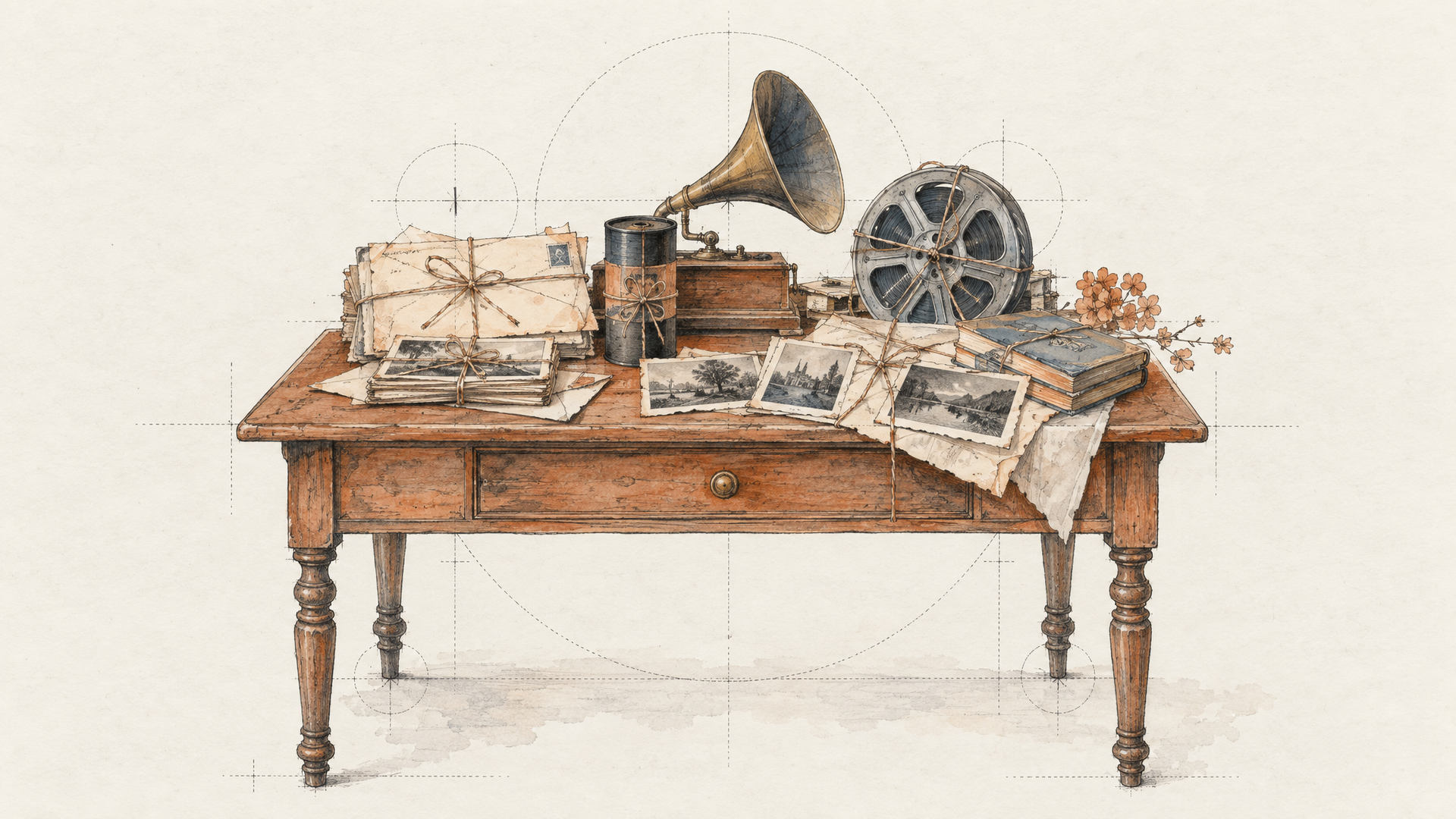
This is the part that makes Wan 3.0 different from the video models you've been prompting all year. The reference-to-video endpoint takes up to 10 reference images, up to 5 reference videos and up to 5 audio clips in one request, and it also accepts one reference file or one public web page link. Not both, one or the other.
That file and link input is the quiet revolution. Instead of summarizing a product page, you can point the model at it. Instead of paraphrasing a creative deck, you can hand it over. Launch coverage of Wan 3.0 describes the model taking PDFs, PowerPoint files and web pages as input, and processing them together with images, video and audio in the same request.
The prompt still matters, but its job changes. You stop describing what the product looks like and start telling the model what to do with what it can see. Reference assets are mentioned by order, so a prompt can say exactly that:
Use Image1 as the product and Image2 as the presenter. Follow the camera rhythm of Video1. The presenter picks up the bottle, turns it toward camera and says "Twelve hours of hydration, zero shine." Bright bathroom, soft morning light, handheld feel, 9:16.
Keep the reference media short and purposeful. The video and audio references each have a 15-second total limit, so pick the clip that shows the motion you want, not the whole campaign.
First Frame, Last Frame, and Everything Between
When you already know where a shot starts and where it has to end, the image-to-video mode is the precise tool. Give it a first frame alone and it animates forward. Give it a first and a last frame and it generates the path between them.
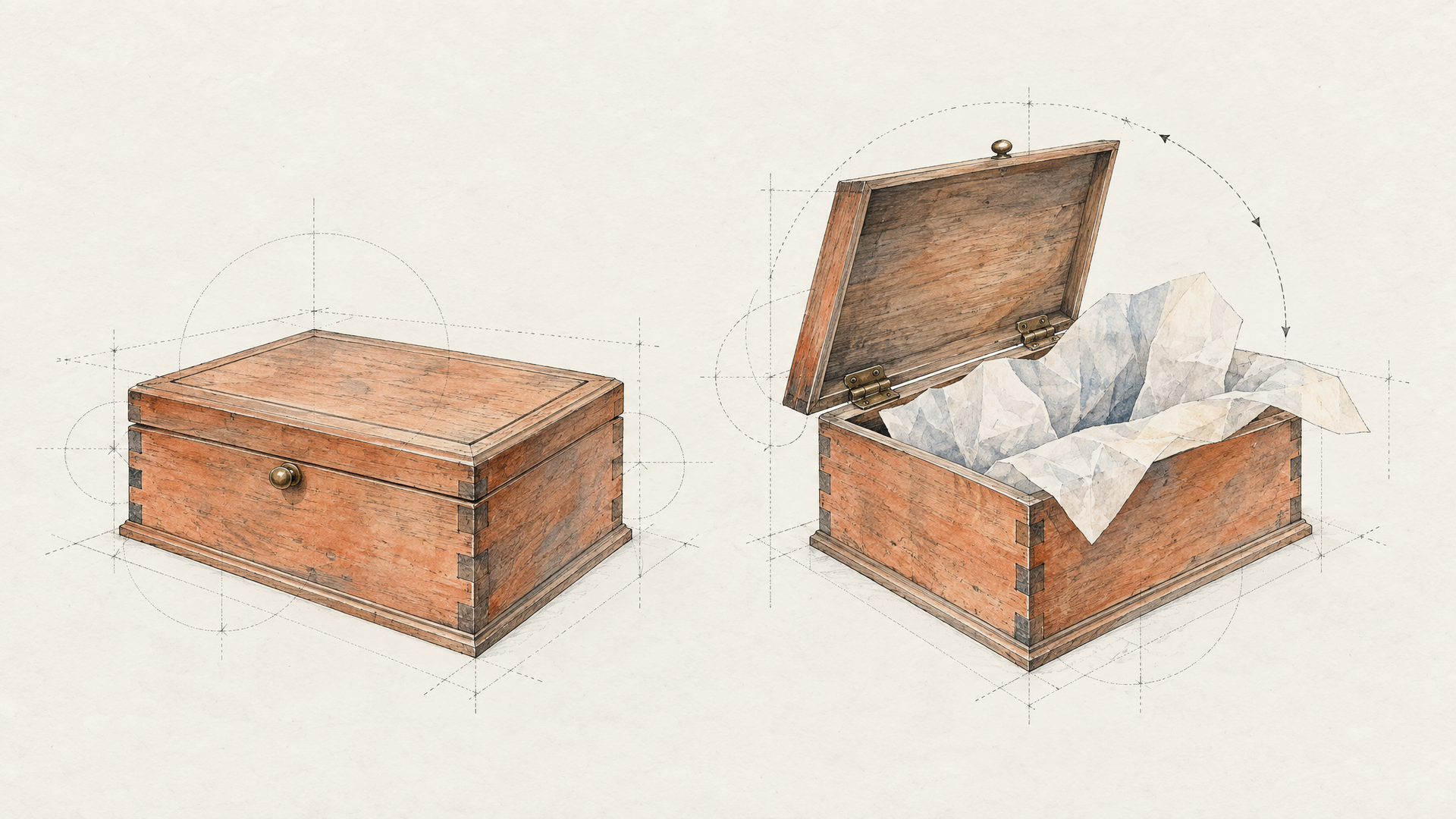
That's the move for transitions and reveals. A closed box as the first frame, the open box with the product lit as the last frame, and a prompt that only describes the motion and the sound:
Slow push in. The lid lifts on its own, tissue paper unfolds, a soft chime as the product is revealed. Warm studio light, shallow depth of field.
Notice what's missing: a description of the product. The frames already carry it. The prompt carries what the frames can't, which is movement, timing and sound. That division of labor is the most useful habit you can build with any image-to-video model, and it matters even more when the model can hold up to 30 seconds of motion.
Write Long Prompts on Purpose
Wan 3.0 on each::labs accepts prompts of up to 20,000 characters, and by default it also rewrites your prompt automatically through the prompt_extend setting. Those two facts pull in opposite directions, so it's worth deciding which one you want.
For loose, exploratory work, leave prompt_extend on. You write a sentence, the model expands it into something richer, and you get more polished results with less effort. For production work where wording is the spec, such as an exact line of dialogue, a specific order of events or a brand phrase, turn it off and write the full prompt yourself. The each::labs schema notes that disabling it may reduce latency but can also reduce quality, so test both on your real brief. If you're coming from older Wan versions, our notes on Wan API parameters across versions cover what changed in the request itself.
A strong long prompt for a 30-second clip reads like a beat sheet: what happens first, what changes, how it ends, what we hear throughout. Write in time order. A model that can run for 30 seconds needs to know what second 20 is for.
Wan 3.0 vs Wan 2.7: Which One to Run
The Wan 2.7 family isn't going anywhere, and it has tricks Wan 3.0 doesn't cover on each::labs, most obviously a dedicated video edit endpoint and text-to-image and image edit models in the same family. If your pipeline already runs well on 2.7, there's no reason to rip it out.
Wan 3.0 wins when the brief is big. Longer clips, many references at once, documents and links as context, and smart duration all point the same way: fewer generations stitched together, less prompt translation. Start new projects on 3.0 and keep 2.7 for the jobs where its specialized endpoints fit better. When you need to compare against other models on the same prompt, the text-to-video catalog puts them all behind one API.
The Honest Limitations
It would be easy to oversell an "all-in-one" model, so here are the edges.
More inputs don't mean better output by default. Ten images, five videos, five audio clips and a document is a lot of signal, and conflicting references produce muddy results. If two references disagree about lighting or wardrobe, the model has to pick, and it might not pick your favorite. Curate the reference set as carefully as you'd brief a human crew.
Thirty seconds is a ceiling, not a target. Long generations take longer to come back and a mistake late in the clip costs the whole render. Explore at 480P on Prime, then render the keeper at 1080P.
The automatic prompt rewrite can drift from your intent. It's great for polish and a liability for precision. Anything that must be exact, like spoken lines or a sequence of beats, deserves prompt_extend off and a careful read of the output.
And Wan 3.0 launched as a beta, according to launch coverage at the time. Expect behavior to evolve, and re-test your key prompts when Alibaba updates the model.
Getting Started on each::labs
The fastest way to feel what Wan 3.0 is for: take a real brief you finished recently, with its product page, a few images and one motion reference, and rebuild it with the reference-to-video endpoint. Keep the prompt short and point at the assets. Run it on Prime with auto duration first, then lock the length and render in 1080P. If you want to chain it with an image step before or an upscale after, wire it into an each::labs flow.
Frequently Asked Questions
What is the difference between Wan 3.0 and Wan 3.0 Prime?
Speed. Alibaba describes Prime as the high-speed variant with the same all-in-one capabilities, so the inputs and modes match. Use Prime while iterating and the standard version when you want to compare final renders.
How long can Wan 3.0 videos be?
From 2 to 30 seconds on each::labs, or auto, which lets the model choose a length that fits the prompt. Auto is a good default while you're exploring pacing.
Can Wan 3.0 use a PDF or a web page as input?
Yes, through reference-to-video. It accepts one reference file or one public web page link per request (not both), alongside up to 10 images, 5 videos and 5 audio clips. Reference the assets by order in your prompt.
Does Wan 3.0 generate audio?
It does, and audio is on by default. You can switch it off with the audio setting when you plan to add your own soundtrack or voiceover later.