Seedream 4.5: ByteDance's AI Image Model
ByteDance has been building image models for a while. Each version of Seedream got a bit better. But Seedream 4.5 is a different kind of step up. It doesn't just improve on what came before, it changes how the whole workflow runs. Two dedicated models, one for generation and one for editing, both available on Eachlabs right now. Let's get into what they actually do. What Is Seedream 4.5? Seedream 4.5 is ByteDance's image model, released in December 2025. It comes as two separate models: Seedr
ByteDance has been building image models for a while. Each version of Seedream got a bit better. But Seedream 4.5 is a different kind of step up. It doesn't just improve on what came before, it changes how the whole workflow runs. Two dedicated models, one for generation and one for editing, both available on Eachlabs right now. Let's get into what they actually do.
What Is Seedream 4.5?
Seedream 4.5 is ByteDance's image model, released in December 2025. It comes as two separate models: Seedream 4.5 Text to Image for generating visuals from a prompt, and Seedream 4.5 Edit for modifying images with a text instruction.
These aren't two modes of the same model. They're two purpose-built tools. Generation is tuned for prompt fidelity and visual coherence from scratch. Editing is tuned for localized changes and clean blending. Both live on Eachlabs in the same interface, so moving between them mid-project is frictionless.
The jump from 4.0 to 4.5 is real. Prompt adherence is tighter. Visual detail is sharper. And both models are roughly 10x faster than the previous version. That last part changes things more than you'd expect.
How Seedream 4.5 Text to Image Works
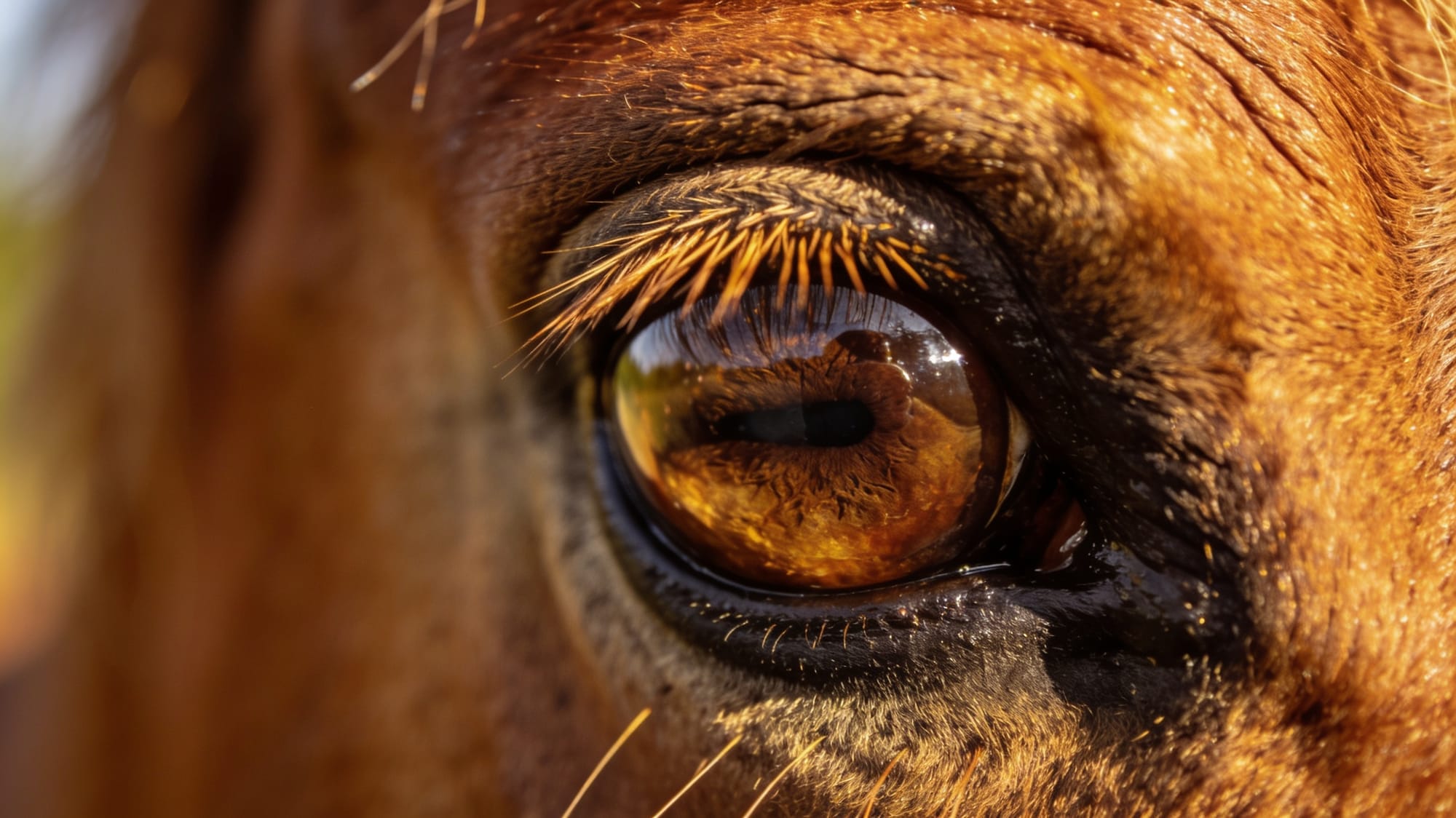
For a generation model, two things matter most: how well it follows your prompt, and how good the output actually looks. Seedream 4.5 Text to Image handles both.
When you write a detailed prompt, the model picks it up. Spatial relationships, lighting direction, composition, layered instructions they all land. We tested this across different scene types and the results were consistent. Complex prompts didn't get simplified. The model followed through.
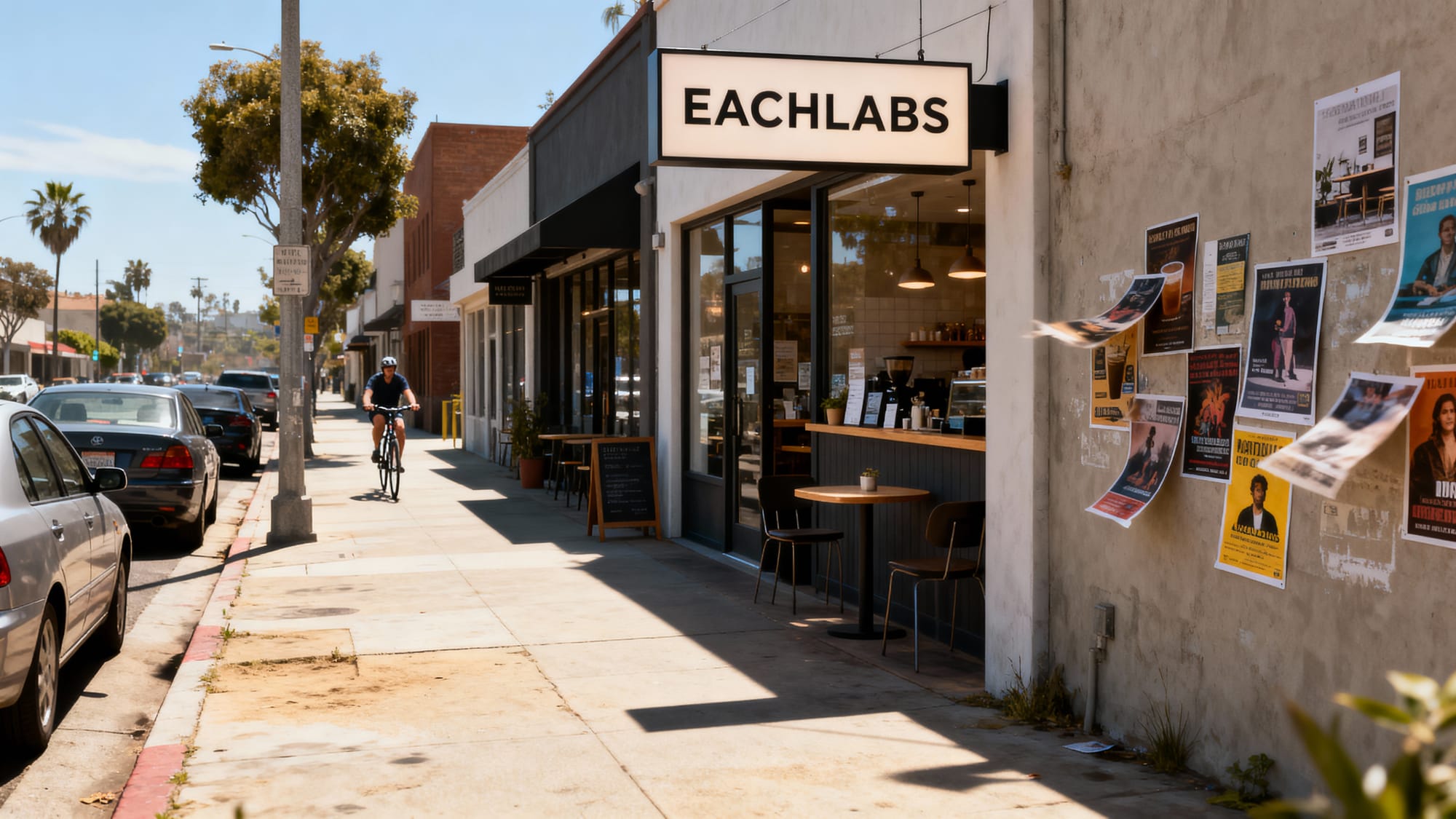
Text rendering is another area worth calling out. Most generation models struggle with readable text in images. Letters distort. Words drift. Punctuation disappears. Seedream 4.5 Text to Image is different. Typography comes out clean, correctly spaced, and actually legible. For branded visuals, poster design, or any output where text needs to look right, this matters a lot.
The model also supports up to 14 reference images in a single session. That's a big number. It means you can define what stays consistent across a full set of outputs (a character's face, a product's finish, a specific color palette) and the model applies those rules to every generation. For campaign work or product catalog production, that kind of consistency is hard to get any other way.
Native 4K output at up to 2048x2048 pixels is generated at that resolution from the start. Not upscaled after the fact. The fine details are actually there.
How Seedream 4.5 Edit Works
Seedream 4.5 Edit is built for a different job. You already have an image. Something in it needs to change. You write an instruction, the model makes that specific change, and leaves everything else exactly as it was.
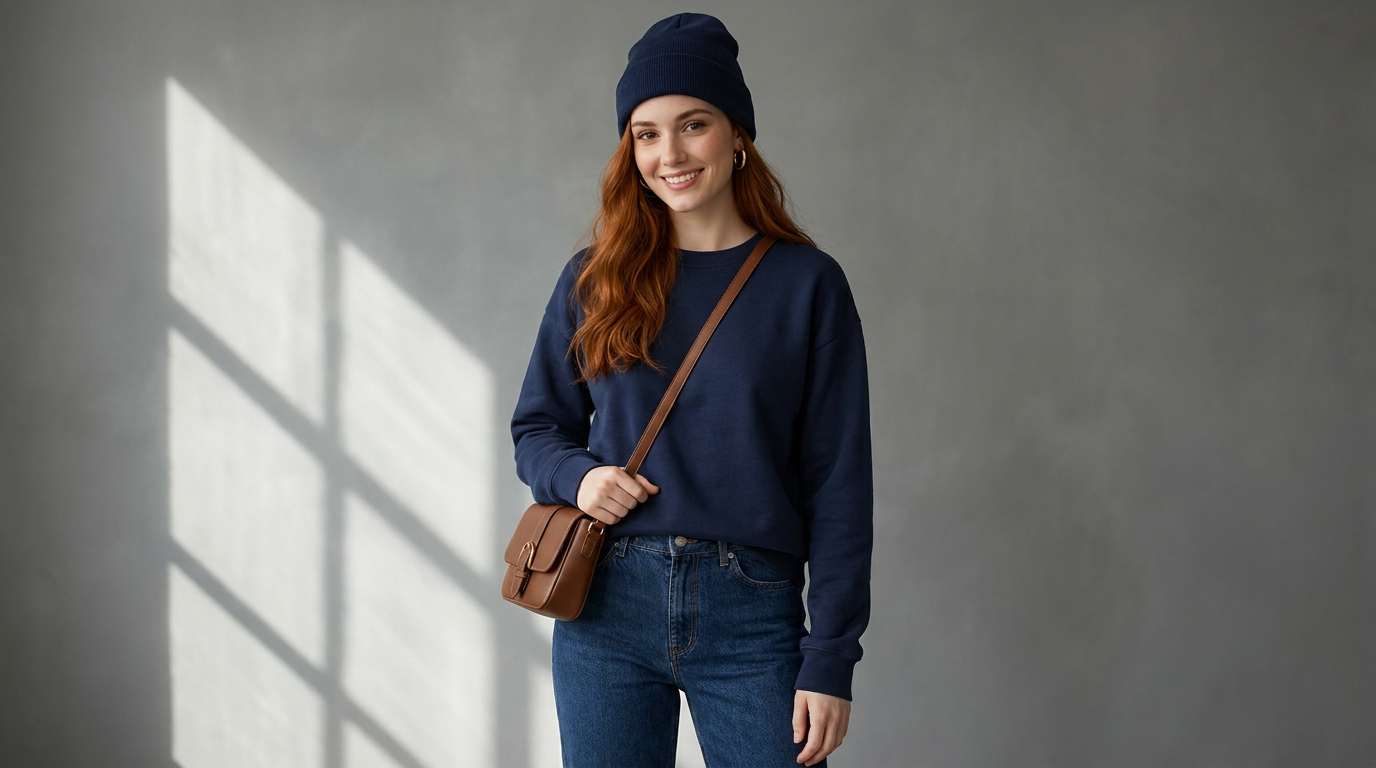
That sounds basic. In practice it's hard to get right. Most edit models either change too much or leave visible seams around the modified area. We tested Seedream 4.5 Edit by swapping backgrounds, changing lighting conditions, visual try-on and modifying specific objects in a scene. The edits integrated cleanly. The boundaries were invisible.
Because both models are on the same platform, the natural workflow is to generate a base image with Seedream 4.5 Text to Image and refine it with Seedream 4.5 Edit. No exporting, no re-uploading, no context switching. You stay in the work.
Key Features of Seedream 4.5
Native 4K Output
Seedream 4.5 Text to Image generates at up to 2048x2048 pixels natively. Fabric textures, skin detail, small type in branded visuals, the resolution is actually there. Not approximated by upscaling.
Two Purpose-Built Models
Seedream 4.5 Text to Image for generation. Seedream 4.5 Edit for modifications. Each model is tuned for its own task, which means neither compromises on what it's supposed to do well. And both sit on Eachlabs in the same interface.
Text Rendering That Actually Works
Logos, taglines, poster copy, UI text in mockups. Seedream 4.5 handles all of it. The letters are correct, the spacing makes sense, and the typography looks like it belongs in the image rather than being dropped on top of it. For anyone doing design or brand work, this is the feature that changes the most about how you use the model.
14-Reference Image Support
Most models give you one reference at most. Seedream 4.5 Text to Image supports up to 14 in a single session. You set the visual rules through your reference set. The model applies them consistently across every generation. For character series, product catalogs, or campaign work where consistency isn't optional, this is the right tool.
10x Faster Than 4.0
Roughly ten times faster than the previous version. When generation takes seconds instead of minutes, you stop rationing your attempts. You run a few variations, pick what's working, build from there. The creative dynamic is genuinely different.

Real-World Use Cases
For e-commerce brands, the combination of the two models is particularly useful. Generate product visuals with consistent styling across a full catalog using Seedream 4.5 Text to Image. Swap backgrounds or adjust environmental details for different markets without reshooting. Then use Seedream 4.5 Edit to fine-tune individual outputs without rebuilding from scratch. Studio time is expensive. This workflow isn't.
For content creators, the speed is the headline feature. When each generation takes seconds, you're not precious about which direction you try first. Pull four variations, pick the best one, move on. The pace of work is different when the model keeps up with you.
For designers, the text rendering quality changes what's possible in mockups. Real copy instead of placeholder text. Client reviews move faster when what you're showing actually looks like the finished thing. And the native 4K output means the files are ready for print or large-format display without an upscaling step.
For character and narrative series (social campaigns, storyboards, visual storytelling) the 14-reference support in Seedream 4.5 Text to Image handles consistency across a full set of images. You lock down the character's appearance in your reference set. Every generation that session follows it. Same face, same features, throughout.
Seedream 4.5 vs. Seedream 4.0
Seedream 4.0 was solid. People built real workflows around it. But 4.5 is a meaningful upgrade across every dimension that matters.
The speed difference is the most immediately felt. Ten times faster changes how you work with the model, not just how long you wait. Prompt adherence improved noticeably, especially on complex multi-instruction prompts that 4.0 would sometimes simplify or drop elements from. Visual fidelity at the texture level is sharper. And text rendering went from inconsistent to reliable.
The 14-reference cap is also an expansion from earlier versions. But the architectural changes that enable that level of reference handling also improved single-reference consistency. Seedream 4.5 is simply better at reading and applying reference material.
| Seedream 4.0 | Seedream 4.5 | |
|---|---|---|
| Output resolution | Standard | Native 4K |
| Text rendering | Inconsistent | Reliable |
| Reference support | Limited | Up to 14 images |
| Inference speed | Baseline | ~10x faster |
| Models | Single | Two purpose-built |
How to Use Seedream 4.5 on Eachlabs
Both Seedream 4.5 Text to Image and Seedream 4.5 Edit are live on Eachlabs right now. No setup, no installation. You open it and start working.
For generation: go to the Seedream 4.5 Text to Image model page, write your prompt, set resolution, run. For editing: open Seedream 4.5 Edit, upload your image, write the instruction describing exactly what should change. For series work: load your reference images in the Text to Image model before generating. The model handles the consistency from there.
API access is available for teams integrating either model into production pipelines. The workflow builder on Eachlabs also lets you chain Seedream 4.5 with other models when a project calls for it.

Tips for Getting the Best Results
Put spatial detail in your prompts
Describing what's in the scene is the starting point. Describing where things sit relative to each other is what shapes the composition. "A woman in a red coat" is a subject. "A woman in a red coat in the foreground, soft-focus city street behind her, warm afternoon light from the left" is a composition. Seedream 4.5 Text to Image reads spatial language directly. Use it.
Build your reference set first
The 14-reference support works best when your references are specific and deliberate. Images that clearly show what needs to stay constant. A vague reference set gives the model unclear direction. A well-chosen one gives it something real to work from. Build the references before you start generating.
Be specific in edit instructions
"Change the background" is a starting point. "Replace the background with a rainy Tokyo street at night, neon reflections on wet pavement, keep the subject and foreground lighting unchanged" is an instruction Seedream 4.5 Edit can act on precisely. The more specific, the cleaner the result.
Write text like a design decision
When you need text in the image, don't add it as an afterthought at the end of the prompt. Treat it like any other design element. Weight, placement, size. "Bold white sans-serif headline centered at the top, above the product" gives the model something specific to render. It handles the execution. It just needs the direction.
Wrapping Up
Seedream 4.5 gives you two models that do their respective jobs well and sit on the same platform. Native 4K generation with real multi-reference support and typography that holds up. Clean, precise editing that integrates without leaving seams. Fast enough that iteration feels natural. You can start using both Seedream 4.5 Text to Image and Seedream 4.5 Edit on Eachlabs right now.
Frequently Asked Questions
What's the difference between Seedream 4.5 Text to Image and Seedream 4.5 Edit?
They handle different parts of the workflow. Seedream 4.5 Text to Image generates from a written prompt, with up to 14 reference images, native 4K output, and reliable text rendering. Seedream 4.5 Edit takes an existing image and modifies a specific part of it based on a text instruction, with clean blending that integrates the change. Most workflows use both — generate a base, refine it with targeted edits.
Can Seedream 4.5 keep a character consistent across multiple images?
That's what the 14-reference support is for. You build a reference set that defines the character's appearance, and Seedream 4.5 Text to Image follows those rules across every generation in the session. Same face, same build, same features. It works for campaigns, social series, storyboards: anything where visual consistency across a set of images is non-negotiable.
Are both Seedream 4.5 models available on Eachlabs right now?
Both are live. Seedream 4.5 Text to Image and Seedream 4.5 Edit are both available on Eachlabs through the Playground and the API. No setup required.