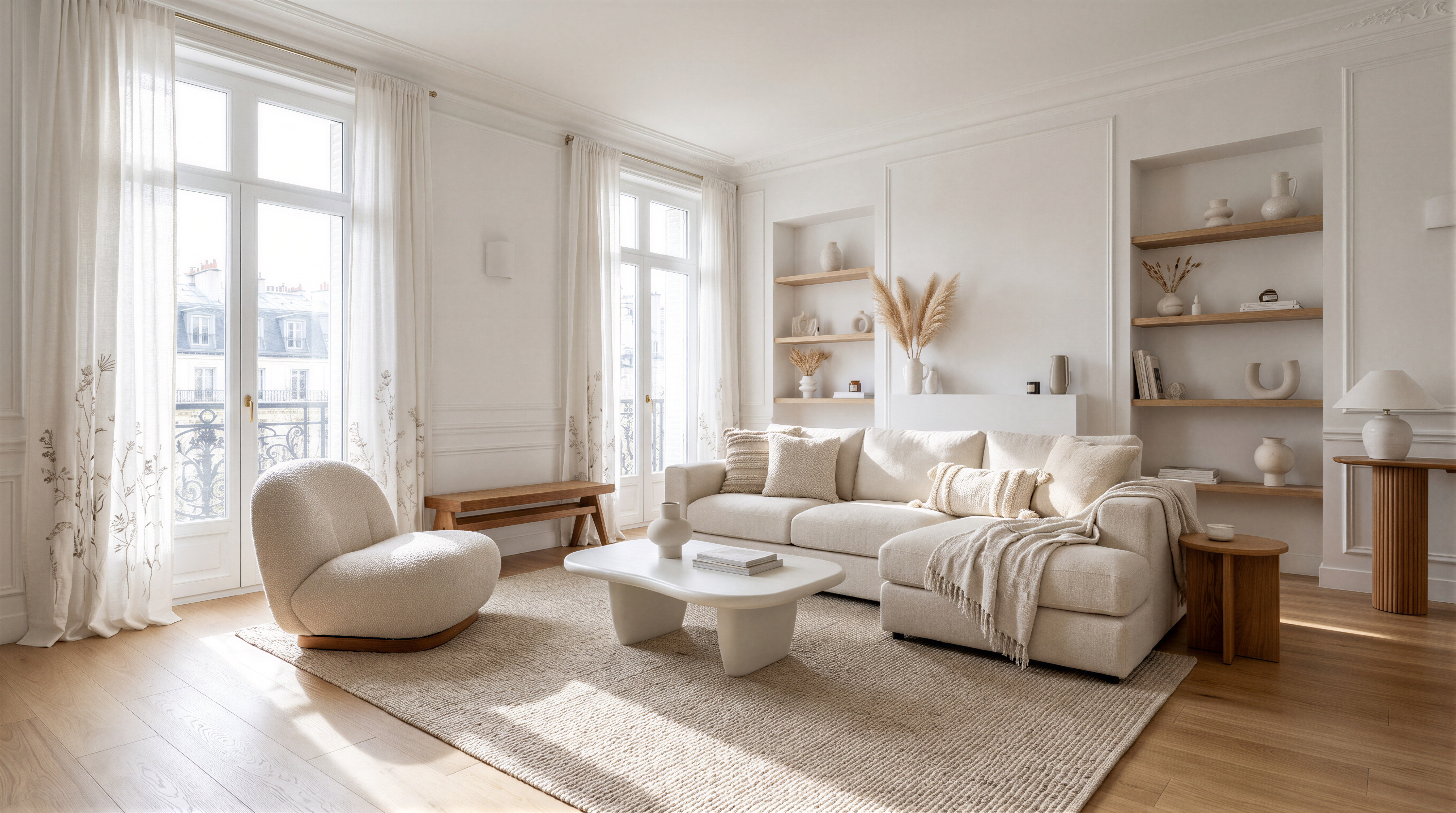
Flint | Image 4K.
- each::labs
- Text to Image
- $0.20 per execution
- ~1 min average
Flint Image 4K generates high-resolution images from text prompts, with aspect ratio and output format controls for production-ready visuals on each::labs.
What Flint | Image 4K is good at.
 Best for
Where it fits
For creative directors and designers , Flint | Image 4K can generate high-resolution mood boards and key art using aspect ratio controls to match presentation…
 Limits and tips
Getting good results
Because Flint | Image 4K is prompt-driven, clarity and structure in your text prompt are the main optimization tools. Start with a concise subject description…
 Related modelView model
FIBO 2.0 Image Generation
Run it on the same input to compare output, speed and price.
Model documentation
About this model
Flint Image 4K generates high-resolution images from text prompts, with aspect ratio and output format controls for production-ready visuals on each::labs.
Overview
Flint | Image 4K Overview
Flint | Image 4K is a blackbox text-to-image model on each::labs that turns natural language prompts into high-quality, 4K-ready images through a private BlackBox workflow powered by Gemini. It extends the core Flint | Image capabilities with higher target resolution while keeping simple controls for output format and aspect ratio selection. The primary differentiator of Flint | Image 4K is its focus on high-resolution, prompt-driven image generation with a streamlined API surface that abstracts model internals, letting teams integrate production-grade visuals without managing complex diffusion parameters. Built for developers, designers, and creative teams, it provides fast concept-to-asset creation in workflows where privacy, predictable controls, and programmatic access via the Flint | Image API are central requirements.
Capabilities
Capabilities
- Generates high-resolution images directly from natural language text prompts via a private BlackBox workflow.
- Supports selectable output formats, following Flint Image’s ability to return PNG, JPEG, WebP and similar formats through the workflow.
- Provides aspect ratio controls so you can target layouts such as square, portrait, and wide-screen compositions.
- Integrates with the Flint | Image API, enabling programmatic generation of 4K-ready assets in backend services or design pipelines.
- Returns multiple image variations per prompt in the Flint Image family, making it easier to explore concepts and choose the best frame.
- Works well for concept exploration, draft visuals, and production-oriented graphics where manual pixel editing is not required.
- Fits neatly into prompt-driven workflows on each::labs, allowing teams to standardize text-to-image generation across projects.
Use cases
Use Cases for Flint | Image 4K
For creative directors and designers, Flint | Image 4K can generate high-resolution mood boards and key art using aspect ratio controls to match presentation screens or print layouts. A prompt like “4K concept art for a sci-fi game menu, 21:9 ultra-wide, neon color palette” leverages its layout targeting. Marketers can use the model to produce campaign visuals, landing page heroes, and social media headers by combining high resolution with selectable formats, for example: “4K product launch banner, 16:9, PNG output, clean modern typography and abstract gradients”. Developers integrating visuals into apps can call the Flint | Image 4K API to generate on-demand user-specific scenes, such as “personalized 4K city skyline wallpaper, dusk lighting, realistic style, 9:16 vertical”. Teams working on data storytelling or dashboards can create illustrative panels with prompts like “high-resolution dashboard illustration, 4:3 aspect ratio, flat design, muted color palette”.
Tips & tricks
Tips and Tricks
Because Flint | Image 4K is prompt-driven, clarity and structure in your text prompt are the main optimization tools. Start with a concise subject description, then add style, lighting, camera angle, and level of detail. Include your desired aspect ratio (for example, “cinematic wide, 16:9”) directly in the prompt to align with the workflow’s aspect ratio control options. When generating assets for UI or print, mention the intended use (“app hero banner”, “product packaging mock-up”) so the model composes elements appropriately. Use iterative prompting: generate a first batch, then refine by specifying corrections such as “same composition, softer lighting, more realistic textures”. Example prompts:
- "Ultra-detailed 4K cinematic landscape of a futuristic city at sunset, wide 16:9 aspect ratio, realistic style, soft volumetric lighting."
- "Product hero shot of a matte black wireless headset on a reflective surface, 3:2 aspect ratio, studio lighting, high-resolution for ecommerce banner."
- "Minimalist flat-illustration dashboard scene with diverse characters collaborating around data charts, 1:1 aspect ratio, clean vector-like style."
Technical spec
Technical Specifications
- Provider: blackbox, delivered via a private workflow on each::labs.
- Model family: Flint Image, text-to-image generation.
- Model type: blackbox text-to-image; internal architecture is not publicly documented.
- Input: single text prompt via Flint | Image 4K API, no reference image required.
- Output: one or more generated image files suitable for 4K display pipelines.
- Output formats: selectable image formats; Flint Image supports common formats such as PNG, JPEG, and WebP through the workflow, and Flint | Image 4K follows the same pattern.
- Aspect ratios: multiple aspect ratio options exposed as parameters, consistent with Flint Image’s aspect ratio controls.
- Resolution: optimized for high-resolution images; no public hard ceiling is documented, but it is positioned for 4K-oriented use cases.
- Processing time: no verified average generation latency is published; users should treat timings as workload-dependent.
Things to be aware of
Things to Be Aware Of
Because Flint | Image 4K is a blackbox text-to-image system, you do not control diffusion steps, seeds, or guidance scales directly; instead, prompt wording and API parameters such as format and aspect ratio are your primary controls. Resolution and latency guarantees are not publicly documented, so performance may vary with workload and integration context. Highly specialized visual styles or complex text rendering in images can require several prompt iterations to reach the desired result, especially at higher resolutions. Users sometimes under-specify composition, leading to outputs that do not fit their target layout; explicitly stating framing, subject position, and aspect ratio mitigates this. As with other blackbox image models, you should validate outputs for brand and content compliance before using them in production.
Key considerations
Key Considerations
Flint | Image 4K runs as a blackbox text-to-image model, meaning you interact through the Flint | Image 4K API without direct access to internal architecture or fine-grained diffusion controls. You should plan prompts and aspect ratio choices carefully, because those are the main levers for composition and framing. It is best suited to workflows where high-resolution images and predictable format/ratio output matter more than manual per-step control of the generation process. For latency-sensitive or low-resolution exploratory tasks, the standard Flint | Image model may be preferable, while Flint | Image 4K is better for production assets, marketing creatives, or design deliverables that will be viewed on large or 4K screens.
Limitations
Limitations
Public documentation for Flint | Image 4K does not expose internal architecture details, exact 4K resolution caps, or average generation times, so you cannot tune low-level generation parameters or rely on strict latency SLAs. It is designed for text-to-image only and does not provide native video generation, image editing, or depth/canny-driven transformations in the Flint Image family. Output quality in edge cases, such as extremely dense scenes, complex typography, or precise brand color matching, may require iterative prompting or external post-processing. Users must work within the available Flint | Image 4K API fields—primarily prompt, format, and aspect ratio—rather than custom training or fine-tuning hooks.
Questions about this model
The short answers. For anything specific to your setup, talk to our team.
 Talk to an engineerPlan for your expected volume.
Flint Image 4K is a text-to-image model on each::labs that turns written prompts into high-resolution images. You set the aspect ratio, choosing between square, portrait, and widescreen framing, and pick WebP, PNG, or JPEG as the output format. Every run returns finished image files you can move straight into a product or a campaign.
Flint Image 4K fits work that needs image generation at volume: ad creative, product and marketing visuals, editorial art, in-app assets, and thumbnails. Because aspect ratio is an input rather than a post-step, you can produce the same concept in 1:1, 9:16, and 16:9 for different placements without cropping each version by hand.
Flint Image 4K runs as a private BlackBox workflow, so text-to-image generation stays behind one endpoint with one predictable cost instead of several integrations. Output comes back as high-resolution files in the format you asked for, and the same call works from the dashboard, the API, and inside each::workflows.