RVC Voice Conversion API: Train a Voice, Convert Audio, Ship It
RVC voice conversion as an API: what it gives a backend audio pipeline, what to check first and where it fits.
Voice cloning breaks down when it leaves the demo and enters a workflow
The clip sounds right. You play it back, the timbre matches, the breath sounds human, and you think the hard part is done. Then you wire it into a pipeline and everything that made the demo convincing stops mattering.
Because in production, the question isn't which sample sounds nicest. It's how model API access behaves as one node in an audio workflow: what happens when the same voice has to be regenerated next week, against a noisier source file, under a job queue, with an output that another step is already waiting on.
That's the position worth defending: voice conversion is a workflow problem wearing a quality problem's clothes.
The constraints are ones you already feel. Consent and provenance for the source audio, because a voice belongs to someone. Data handling, because training material is identity material. Latency, when conversion sits inside a request instead of a batch. And consistency, which is the quiet killer: the same voice model answering the same way across a hundred repeated jobs, not drifting when the input changes.
Retrieval-based Voice Conversion (RVC) is a clean working example, because it splits the job in two. One path builds the dataset that defines a voice. The other converts speech into it, preserving tone and delivery. Train, convert, hand off. That's the path this guide follows.
What RVC gives you in a backend audio pipeline
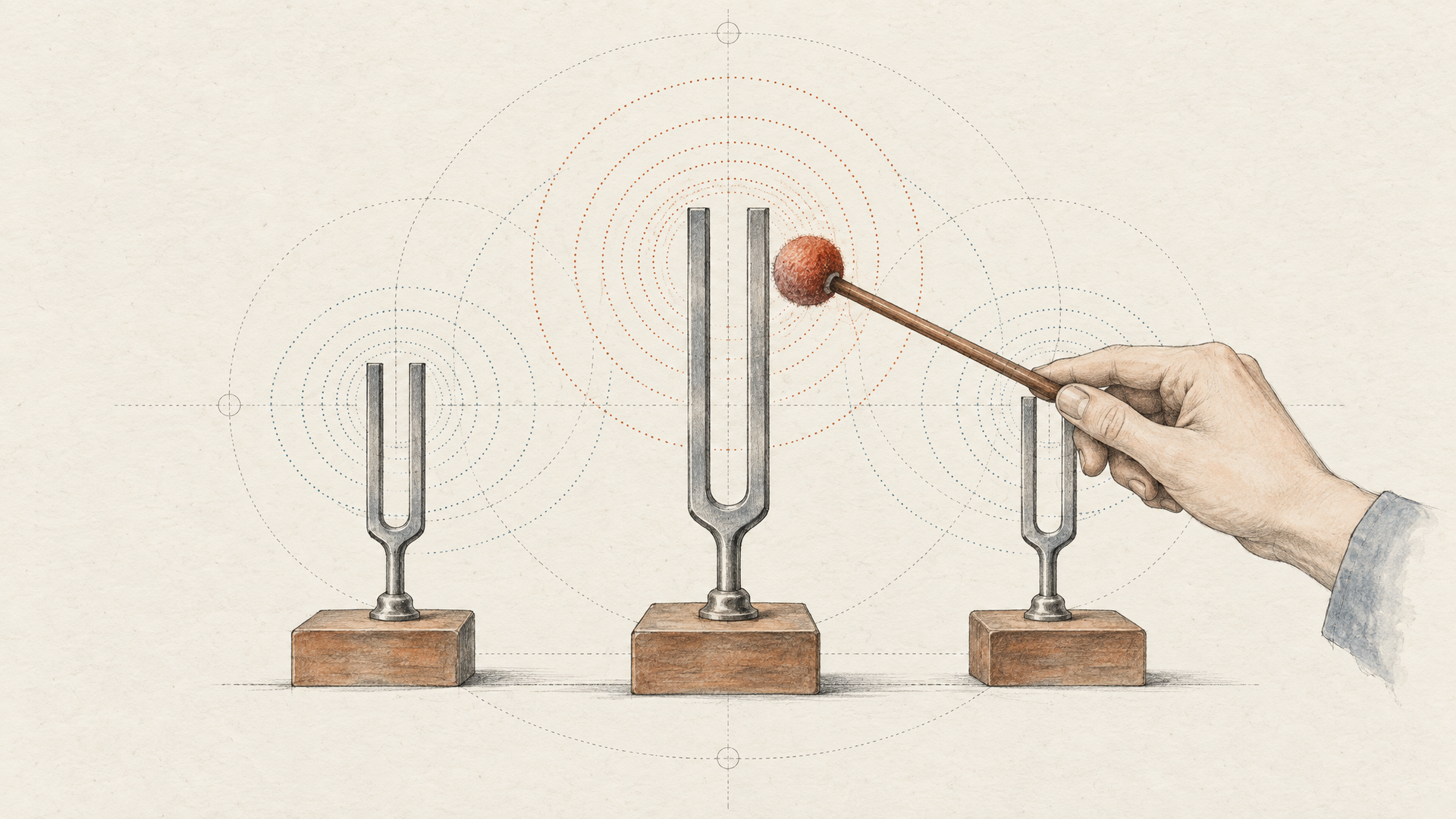
Two model paths, two different jobs. The first, Rvc Dataset, builds an RVC v2 voice cloning dataset from a URL automatically. You point it at source audio and it does the collection and preparation work that otherwise eats an afternoon of manual trimming. The second, Rvc v2, is the conversion step: it takes spoken audio and renders it in a trained RVC v2 voice while holding onto tone, emotion, and natural delivery, according to Eachlabs's model documentation.
The practical distinction matters more than it looks. Dataset creation is a one-time, slow, asset-producing job. Conversion is a fast, repeatable job you'll call thousands of times against that asset. Treating them as one operation is how teams end up re-preparing voices on every request and wondering why their queue backs up. Separate them in your pipeline, cache the voice model, and the conversion node becomes something you can retry, parallelize, and monitor like any other backend step.
What you do with that node is the interesting part: real-time voice changing, AI cover generation, dubbing across languages, accent shifts, and post-production fixes where re-recording an actor isn't an option. Same conversion call, different orchestration around it.
What to check before you trust a voice cloning API in production
A clone that sounds right in a demo clip can fall apart the moment it's inside your pipeline. So evaluate the thing you'll actually ship, not the sample.
Start with sample requirement, but treat it as one input rather than the verdict. Inworld's 2026 voice cloning API guide argues that production teams should weigh six things: how much reference audio a clone needs, whether quality holds at realtime latency, whether voice identity survives across languages, throughput behavior at scale, data ownership terms, and how well cloning integrates with the rest of your stack. That last one is where most evaluations stop too early.
There's a real fork between instant creation and training. Short-sample cloning gets you a usable voice in seconds and is the right call for onboarding flows where end users clone themselves. A trained voice model asks for a dataset and a build step, but gives you something stable you can reuse across thousands of conversions. Eachlabs' RVC family splits exactly along that line: one variant builds an RVC v2 voice cloning dataset from a URL automatically, the other runs voice-to-voice conversion against it, with tone, emotion, and delivery preserved per Eachlabs' model documentation.
Test prosody, not recognizability. Feed in a clip with a laugh, a pause, a rising question, a clipped angry line. Does the timing hold? Does the emotion transfer, or does it flatten into neutral narration? Recognizable timbre with dead delivery is the most common failure and the hardest to notice in a short sample.
Then read the rights language. Consent records, retention windows, and whether the provider claims ongoing rights to uploaded voice data belong in your evaluation of model api access, not in a legal review after launch.

How the main voice cloning APIs differ on implementation details
The differences that actually bite you in production aren't quality scores. They're enrollment shape and where the voice lives afterward.
Most voice APIs split cloning into two modes. The fast mode builds a usable voice from roughly one to two minutes of clean audio, often in seconds, and it's meant for prototyping or user-generated voices. The deep mode wants a curated dataset, consent verification, and a training run measured in hours, and it's the one you use when the voice has to survive long-form narration without drifting. Inworld's voice cloning buyer's guide frames the evaluation the same way: sample requirement, clone quality at realtime latency, cross-lingual identity retention, data ownership, and how the whole thing integrates with the rest of your stack. Several vendors claim a short clip can carry a voice across dozens of languages and accents. Treat that as a claim to test on your own audio, because accent leakage shows up in the tail of a sentence, not in the demo phrase.
The second fault line matters more for RVC-style work: cloning and conversion are not the same endpoint. Text-to-speech with a cloned voice generates a new performance. Speech-to-speech takes a performance you already have (timing, breaths, emotional arc) and re-voices it. Eachlabs's RVC documentation describes Rvc v2 as voice-to-voice conversion that keeps tone, emotion, and natural delivery intact, with Rvc Dataset handling automatic dataset creation from a URL. That's the conversion path, not a narration path.
Where do purpose-built voice vendors genuinely win? Time to first clone, and prescriptive docs for one narrow job. If you need sub-second conversational latency, a dedicated realtime model is the shorter route: Inworld's Realtime TTS 1.5 Mini documents roughly 120 ms median latency across 15 languages, which no general conversion pipeline should pretend to match. Single-purpose APIs also tend to publish one obvious happy path, and that's worth something at 2 a.m.
Eachlabs's tradeoff is honest enough to state flatly: model api access here is optimized for orchestrating conversion inside a larger pipeline, not for having the single fastest enrollment flow. If you only need one voice reading one script, a specialist is simpler. If the converted audio has to feed a downstream video or mix step, the workflow control earns its place.
Where RVC fits when you need repeatable voice conversion, not a one-off clone
A demo clone is a party trick. A voice that has to sound like the same person across four hundred clips next Tuesday is an engineering problem, and the two need very different plumbing.
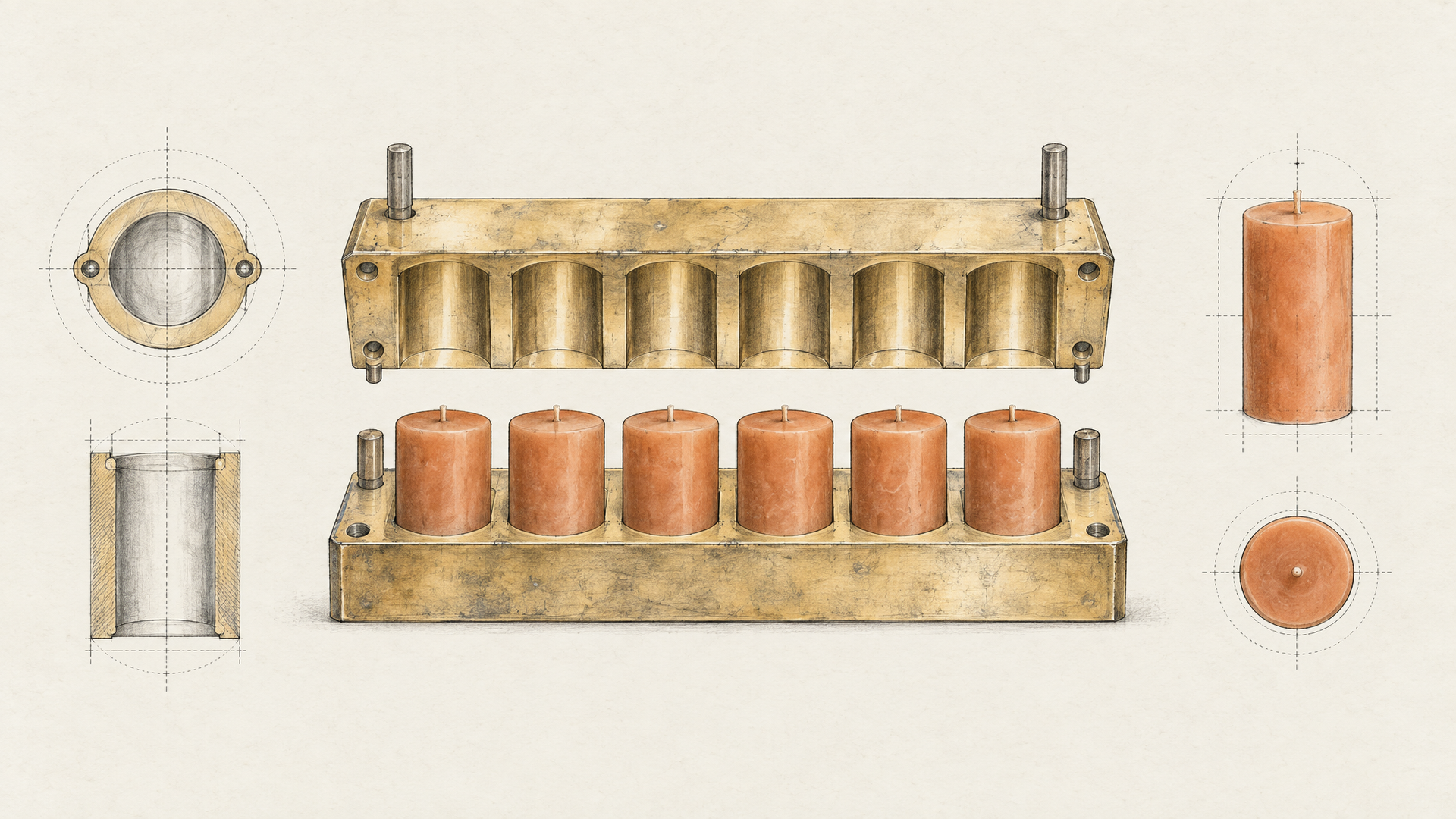
Cloning produces an artifact. Conversion consumes one. Retrieval-based Voice Conversion splits cleanly along that line: one path builds the voice model from source material, another reuses it to transform new audio. Eachlabs's model listing describes exactly this pair: a dataset step that assembles an RVC v2 voice cloning dataset from a URL automatically, and an RVC v2 voice-to-voice step that converts audio while holding onto tone, emotion, and natural delivery.
In a backend sequence that means: ingest the source audio, resolve a voice model (train once, then reference it by ID forever after), run the conversion, check that timing and prosody survived, hand the result to whatever comes next: a mix, a lip-sync pass, a video render. The performance stays; the timbre changes. That's the useful property.
It's why the named production cases hold up. Dubbing a line without re-recording the actor. Swapping the vocal on an AI cover. Fixing a broadcast take where the read was right and the voice wasn't. Accent shifts. Real-time voice changing where latency matters more than polish.
None of that works if the conversion endpoint behaves like an island. Model API access has to fit the pipeline it lives inside: consistent inputs, addressable voice models, output you can route without a human in the loop.
Key takeaways for developers choosing a voice conversion path
Pick a conversion path by how it behaves inside your pipeline, not by how good the demo clip sounds. Three checks decide it in production: the quality and length of your input audio, whether conversion stays consistent across takes from the same voice model, and how cleanly the output hands off to whatever runs next: mixing, lip sync, video assembly.
Be honest about the ceiling. No voice conversion API validates consent for you, guarantees latency under your own load, or proves delivery quality on your content. That testing stays yours. And for narrow jobs, a purpose-built model can win. Inworld's realtime speech models, for example, are tuned hard for low-latency conversational output.
What Eachlabs offers is unified model api access so RVC sits as one node in a backend workflow. Run the RVC dataset and voice-to-voice variants against your own audio and judge from there.