Generative AI for E-commerce Visual Merchandising
Seasonal campaigns, collection imagery and a consistent store look: where generative AI helps merchandising and where it fails.
Why visual merchandising breaks down when image generation stays a one-off
A colorway lands Thursday. By Friday it needs to exist on the product detail page, cropped for two marketplaces, resized for paid social, and visually consistent with the forty SKUs already live. The model that generated the hero shot did its job in four seconds. The other nine steps are yours.
That's the gap. Most coverage of AI in visual merchandising stops at inspiration or at the shopper (virtual try-on, fitting rooms, "see it on you" flows) and skips what happens after the output looks good. Google's case study on Breuninger's "be your own model" rollout is honest about this: the retailer treated catalog enrichment as a distinct stage before body-type selection and selfie-based personalization. Enrichment came first because a catalog is not a demo.
So the useful unit isn't a polished image. It's a backend workflow built around an image generation API, where generation is one step between ingest, isolation, enhancement, staging, and channel-specific routing.
Which raises the questions worth answering. How do you hold product identity steady (garment, logo, fabric, fit) when the model is free to invent? What happens when references are flat lays, mannequin shots, or badly lit archive photos? And how do finished assets actually reach your storefront and marketplace feeds without someone moving files by hand?
What generative AI actually changes in e-commerce merchandising
The old constraint was the shoot. One studio day, one set of angles, one model, and whatever you captured became the ceiling for every placement that quarter. Generative media models remove that ceiling, and that's a bigger operational change than most merchandising conversations admit.
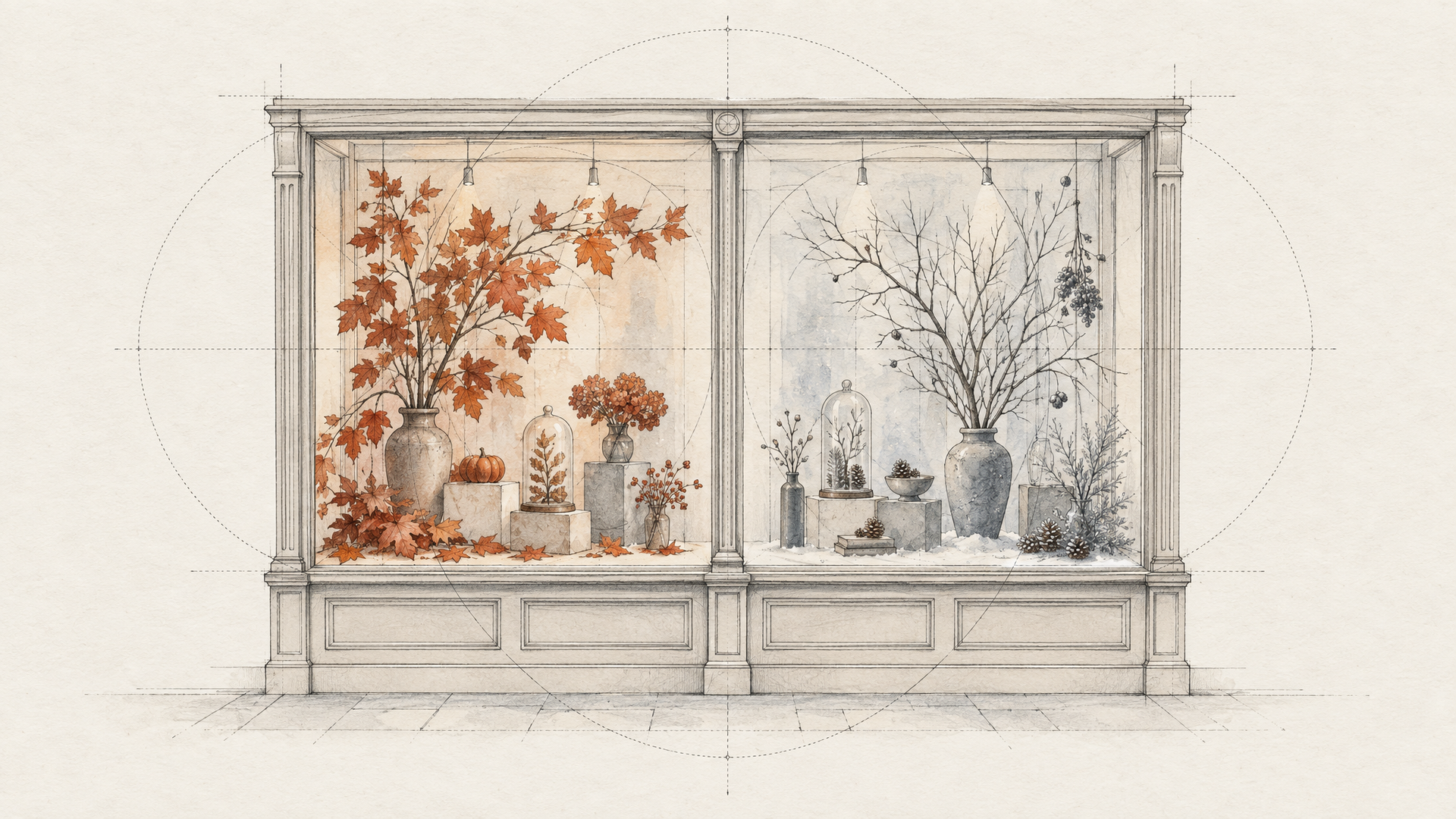
What replaces it is variant production. The same garment can be rendered on different body types, in a summer scene and a winter one, cropped square for a marketplace listing and vertical for paid social, localized so the setting reads correctly for a market that isn't your home one. Catalog enrichment stops being a backlog item and becomes a job you run. Lifestyle scenes stop requiring a location. Personalized product visuals become a request parameter rather than a project.
The jobs that benefit most are the repetitive ones nobody wants to schedule: filling in missing angles, staging products against controlled backgrounds, generating the second and third lifestyle shot that the shoot never covered. Breuninger's work with Google is instructive here. The retailer moved through catalog enrichment and body type selection before landing on a selfie-based "be your own model" flow, driven by what shoppers actually responded to.
None of this works without anchoring. Reference images, product isolation, and explicit background control are what keep the generated output tied to the real SKU instead of a plausible imitation of it. An image generation API without those controls produces inspiration, not catalog assets.
Shopify's virtual fitting room guide argues the category is becoming core commerce infrastructure, which means it inherits infrastructure expectations: repeatability, auditability, and consistent output across channels.
The workflow behind usable product imagery
Generation is the loud part. It's also the smallest part.
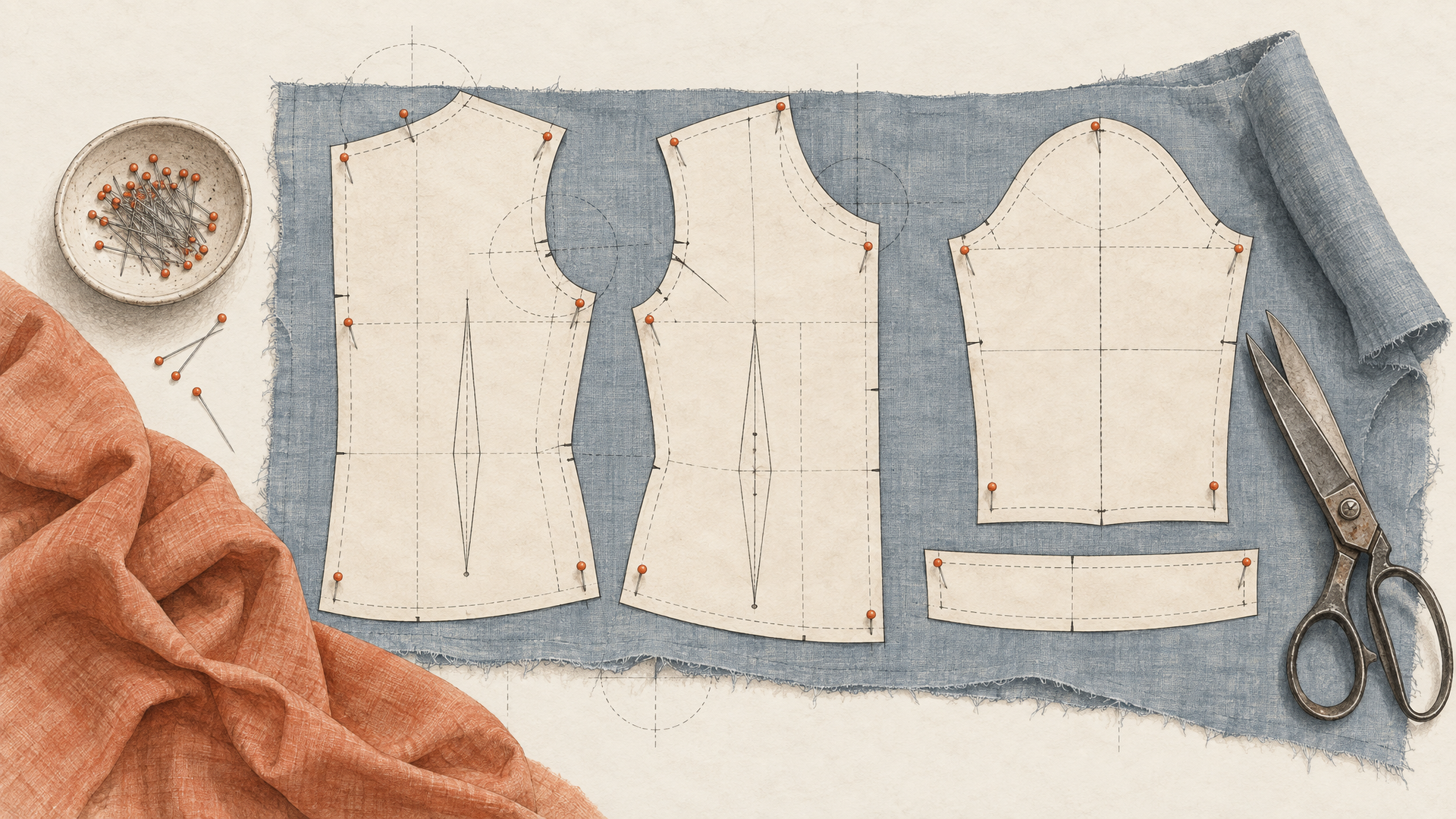
The path from raw asset to publishable catalog image runs through seven steps, and only one of them involves a model inventing pixels. You ingest whatever the studio or supplier sent: flat lays, mannequin shots, existing product photos, all of which work as garment references. You isolate the product, which means a cutout that survives hair edges and loose fabric, with an alpha matte you can composite against later. You generate: a try-on pass, a studio background, a colorway variant. You enhance, because a raw generation reads as a draft next to the forty SKUs already live. You validate. You stage the subject in a scene. Then you route by channel, because a product detail page, a marketplace feed, and a paid social crop want different aspect ratios and different levels of visual noise.
Skip the isolation step and the staging step and you get composites with grey halos. They're separate operations because they fail separately.
Plan for the failures now. Pose drift on layered outfits or unusual stances. Garment references shot under mismatched lighting, which the model can't normalize if you never did. Identity slipping on a try-on until the output is illustration rather than catalog. Channel formatting that quietly breaks on one marketplace and nowhere else.
That's the orchestration problem. One hero shot is a photo. Fifty SKUs a week, re-running every step, is a backend job: an image generation API called inside a flow, not by hand.
What the strongest retail examples show about personalization
Look at how the German retailer Breuninger actually rolled out virtual try-on, as documented in Google's case study, and the shape of the work becomes obvious. It didn't start with a shopper-facing experience. It started with catalog enrichment: generating consistent on-model imagery for products that didn't have it. Body type selection came next. Only then did the "be your own model" selfie flow arrive, and that shift happened because users said the model-based version wasn't convincing enough for them.
That ordering matters. Personalization sits on top of a catalog, not instead of one. A selfie-driven fitting experience still needs a clean garment reference with the right cut, texture, and color, and it still needs a product identity that survives whatever the generation step does to the image. Feed it a badly lit flat lay and you get a badly lit rendering on a real customer's body. Worse, actually, because now the error is personal.
Shopify's enterprise guide to virtual shopping frames this category as part of commerce infrastructure (tied to clienteling and unified commerce) rather than a seasonal experiment, and its companion guide on virtual fitting rooms is refreshingly direct about the limits.
The useful takeaway isn't that every merchandising team should copy Breuninger's three steps. It's that the retailers getting results treat generation as one stage in a chained backend workflow: ingest, isolate, generate, format, publish. An image generation API is the easy part. The discipline around inputs and outputs is what makes the personalized layer worth building at all.
Where the workflow still fails in production
A good render isn't a catalog asset. It's a candidate. Before anything reaches a product detail page, someone or something has to confirm that the garment is the actual SKU, that the drape and fit read honestly, that the crop survives a marketplace's aspect ratio rules, and that the shot sits next to the forty images already live without looking like it came from a different brand. Generative output arrives without any of that attached.
Then there's the input side, which is where most pipelines quietly break. Reference photos shot under mixed lighting, flat lays with wrinkled fabric, mannequin shots missing a sleeve, metadata that says "blue" when the colorway is teal. All of it degrades downstream. Pose drifts. Textures smooth out. Logos warp.
Virtual try-on shows the limits clearly. It's genuinely useful, and Shopify's virtual fitting room guide argues the category is maturing into commerce infrastructure rather than a novelty, while Google's Breuninger case study describes a staged path from catalog enrichment to shopper selfies. But a try-on frame is one step. It still needs isolation, enhancement, staging, and channel-specific formatting before it's reusable.
Personalization compounds this. More tailored imagery means more variants, more review surface, more routing decisions, and more ways for consistency to slip.
Which is the real constraint: model quality plateaued faster than orchestration did. An image generation API gets you a frame. Chaining, validating, and re-running it is the work.
How to choose an image generation API for merchandising workflows
Start with a boring question: can the thing hold a product still? Not aesthetically. Literally. Given the same garment reference, the same SKU, the same prompt, does it return something a merchandiser would accept twice in a row? Reference image support, deterministic-enough repeat generation, background control you can specify rather than hope for, an enhancement pass that doesn't rewrite the fabric, and a way to hand results to your catalog systems without a human downloading files. Those five checks separate a demo from a pipeline.
The second question is harder. Product identity has to survive while everything else changes: a square crop for a marketplace, a taller frame for paid social, a lifestyle background for a campaign, a clean white one for the product detail page. Google's case study on Breuninger's try-on rollout is instructive here. The retailer moved through catalog enrichment and body type selection before landing on selfie-based personalization, because shopper feedback changed the requirement. Your stack should survive that kind of pivot.
Single-purpose tools genuinely win on setup. If you only need background removal on a few hundred images, a narrow tool will be running before an orchestration layer is configured. Eachlabs asks more upfront (you're describing steps, routing, and failure handling), and that's the honest tradeoff. It pays off when the same flow runs weekly across thousands of SKUs.
Before you commit to any generation stack, run your existing merchandising flow against those five checks and see which step breaks first.
If you want to build that workflow, Eachlabs is the place to start.