How to Call Kling, Veo, and Sora Through One Endpoint
Route one internal video request to Kling, Veo or Sora on a single endpoint, and handle what each family does differently.
Why one video endpoint still breaks in production
You wire up Kling, Veo, and Sora behind a single call, ship it, and then the tickets start. One model returns a 5-second clip, another 16 or 20 seconds. One gives you native synchronized audio; another gives you silence. Kling's own API reference requires asynchronous invocation and region-matched endpoint and key settings, plus output that ranges from 3 to 15 seconds across 720p, 1080p, and 4K modes depending on the variant. OpenAI's Sora documentation splits speed-oriented and production-quality models with different export ceilings, and notes the Sora 2 models and Videos API were retired on September 24, 2026, kept only for reference. Models move. Your backend shouldn't.
So the hard part isn't the request shape. It's orchestration: normalizing payloads, handling polling versus webhooks, and keeping downstream steps from breaking when durations, aspect ratios, or audio behavior drift.
What follows is implementation, not a feature tour: how to build one video generation API layer that routes by capability instead of branching on model names, and how to compose video with image, text, and audio generation in the same backend workflow.
What each model family is good at, and where the edges show
Start with what the makers actually document, because that's what your routing logic has to respect.
Kling's official API reference covers text-to-video, image-to-video from a first frame, image-to-video from first and last frames, reference-to-video, and video editing, with 3- to 15-second clips in MP4 and 720p, 1080p, or 4K depending on the variant. Two operational details matter more than the feature list: invocation is asynchronous, and your model, endpoint, and key have to be region-matched. Get that wrong and nothing works.
OpenAI's video generation guide describes creation, image references, character reuse, extensions, editing, downloads, and batch submission for Sora, but the same page states the Sora 2 models and Videos API were shut down on September 24, 2026 and are kept for historical reference. Plan for models retiring under you.
Veo's practical draws are 4K output and native synchronized audio, which removes a separate audio pass.
No family wins everywhere. Route by the job, not the logo.
How to design one endpoint that can route by capability
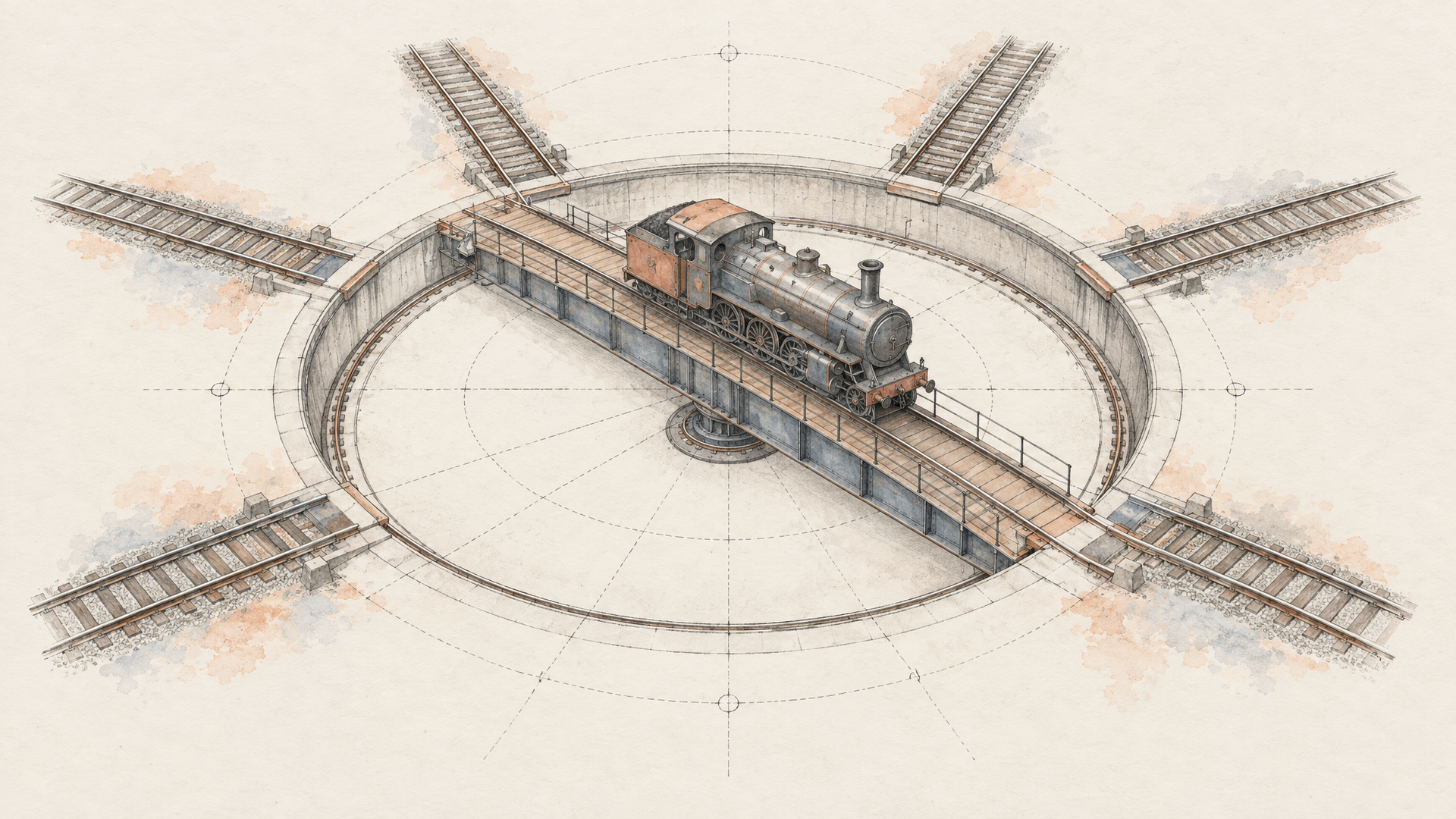
Start with the request shape, not the models. One payload: prompt, optional reference media, duration, aspect ratio, and an audio intent flag. Everything model-specific (variant names, frame controls, resolution modes) lives behind that boundary in an adapter, so the rest of your application never learns what kling-v3-pro-text-to-video expects.
Routing then becomes a capability lookup rather than a hardcoded default. Dialogue-heavy clips with native synchronized audio go to a model built for it. Reference-driven edits go to a model that actually accepts a reference video or first-and-last-frame pairs, which Kling's published API reference documents. Longer, higher-fidelity exports go elsewhere. OpenAI's video generation guide split that distinction between its speed-oriented and production-quality Sora models before the Videos API was retired on September 24, 2026, which is itself a reason not to bind your product to one vendor's request format.
Treat generation as an async job from day one. Kling's documentation requires asynchronous invocation and region-matched model, endpoint, and key settings, so your backend should submit, store a job ID, and resolve through webhooks or polling instead of holding a request open.
Normalize the result too: canonical duration, aspect ratio, audio track presence, and a stored MP4 URL. And be honest: this layer controls workflow. It doesn't erase what each model can't do.
What production-ready video workflows need beyond the generation call
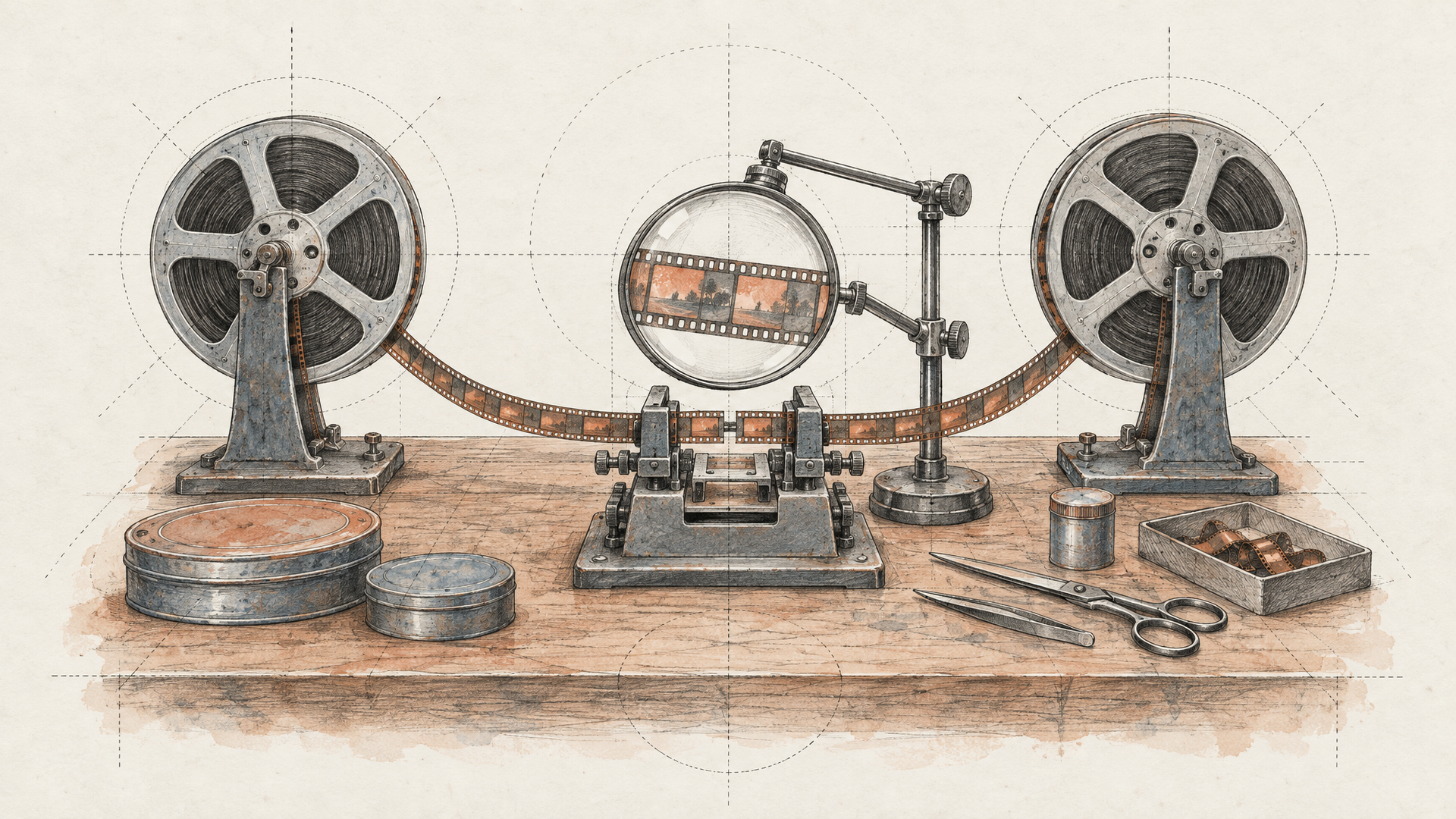
The clip is never the feature. A finished render is one node in a chain that usually starts with text generation shaping the prompt, an image generation step producing a first frame or reference still, the video call itself, and an audio generation pass for narration or score when the model doesn't emit native synchronized audio.
Then the unglamorous part. Trimming to a platform's duration limit. Reformatting aspect ratios. Burning captions. Pushing the asset to storage and notifying whatever downstream system is waiting on it. Skip that work and you've built a demo.
Production readiness is mostly about what happens when things shift. Kling's official reference describes asynchronous invocation with region-matched endpoint and key settings, and documents output ranging from 3 to 15 seconds across 720p, 1080p, and 4K modes depending on the variant. Different durations, different resolutions, different audio behavior. Your retry logic, model routing, and output normalization layer absorb that variance so a model swap doesn't become an application rewrite.
The model makes the clip. The workflow makes it shippable.
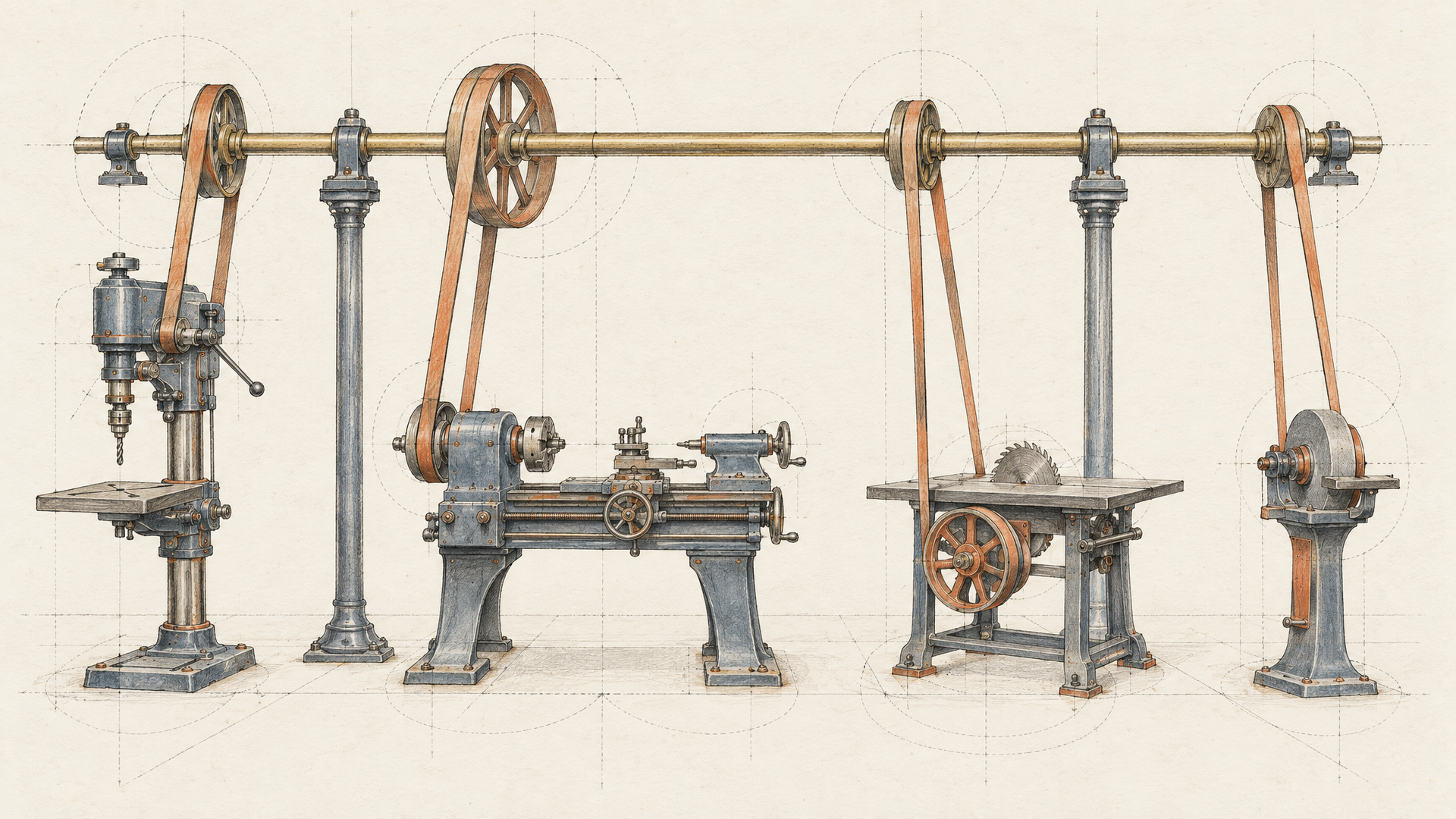
Where Eachlabs fits when you need one backend for multiple media models
A single call shape across Kling, Veo, and Sora solves the easy half of the problem. The hard half starts after the job is submitted: async polling, capability routing, region-matched keys, and downstream systems that break when one model hands back a different duration, aspect ratio, or audio track than the last one did. Kling's API reference, for instance, requires asynchronous invocation and region-aligned model, endpoint, and key settings, details that don't disappear behind an abstraction.
That's the layer Eachlabs is built for: backend workflows that route by capability, normalize what comes back, and stay stable when a model version shifts. The same workflow extends past video into an image generation API, audio generation, and text generation when your pipeline needs more than one medium.
The tradeoff is honest. Unified access reduces backend complexity; it doesn't pick the right model for your shot or verify output behavior. You still test.
Key takeaways for building a stable video generation API layer
One endpoint was never the hard part. Orchestration is. Kling, Veo, and Sora each expose different durations, resolutions, reference inputs, and audio behavior. Kling's own API reference documents 3- to 15-second clips across 720p, 1080p, and 4K modes with mandatory asynchronous invocation, and OpenAI has since marked its Sora Videos API as retired historical reference. Availability shifts. Your contract shouldn't.
So normalize the request and the output first, then route by capability: native synchronized audio, editing, reference video, resolution ceiling. Pick models by what they actually do, not by reputation.
Ready to wire multiple video models into one backend workflow? Start with Eachlabs.