The Backend Behind an AI Photo Editor App
What an AI photo editor backend has to own: request paths, storage caching, model behaviors and multi-step edits.

The backend problem an AI photo editor app has to solve
Your editor looks great in the demo. One upload, one prompt, one clean result. Then a hundred people use it at once, half of them re-run the same edit on the same photo, and your median response time quietly triples.
That's the actual problem. Not the slider UI. Request flow, file lifecycle, retry behavior, and which model handles which edit: those decide whether the app survives its first real week.
Calling an image generation API is the easy part. A single call doesn't tell you where the output file lands, who is responsible for storing it, how long it stays warm, or what happens when a request times out mid-generation and the user taps the button again. It doesn't answer whether you should check storage for an existing asset before running a generation at all. Cache-first patterns exist in every serious media backend for a reason: the most reliable edit is the one you already did.
So the decisions worth arguing about are narrower than "which model is best." Where does server-side execution live: close to the user at the edge, or in a central region near your database? What's your cache key, and what invalidates it? When does a generated file get deleted? And how do you route a background replace, an upscale, and a restore through one backend without writing three integrations.
That's what the rest of this covers.
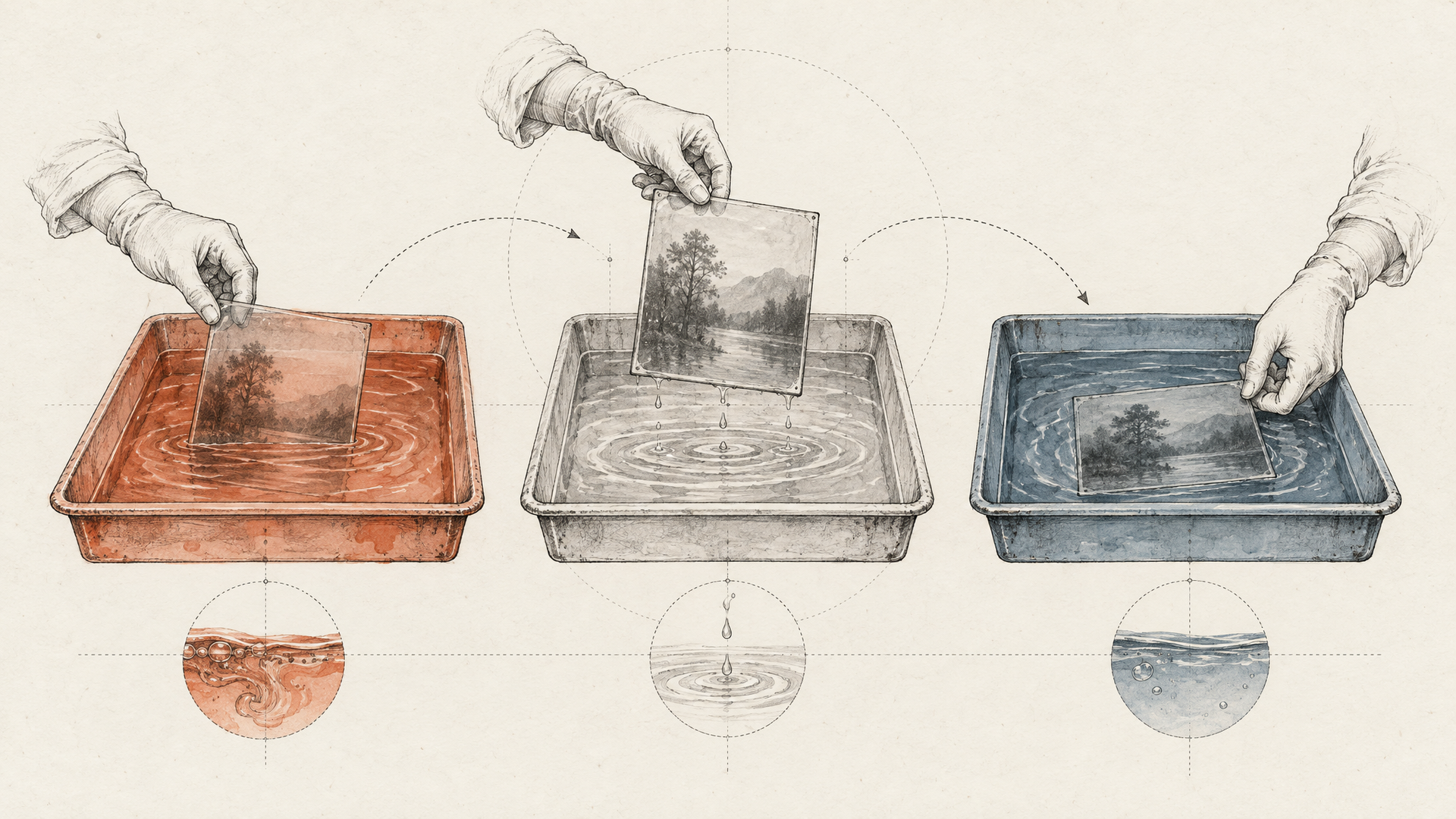
What a production request path looks like for image generation and editing
The fastest edit is the one you never generate. That single idea should shape the whole request path, because a photo editor that calls a model on every tap will feel slow and behave unpredictably under load.
Start at the boundary. A request hits a server-side function, and before anything heavy happens you validate the auth header, check the payload shape, and apply per-user rate limits. Supabase's Edge Functions documentation describes exactly this shape: Deno-based TypeScript running close to users, with routing, auth validation, rate limiting, and observability in the function path rather than bolted on later.
Then hash. Take the source asset ID, the instruction text, the model identifier, and every parameter that changes output, and derive a deterministic key from them. Check storage for that key first. Supabase's storage caching guide shows the pattern: look for the object, serve it from the CDN if it exists, and only generate when it doesn't, uploading the result server-side with an explicit cacheControl value, never exposing secret keys to the client.
Only now does the image generation API get called. Because that key doubles as an idempotency key, a retry, a double-tapped button, or a webhook replay resolves to the same stored file instead of a second generation.
Treat the call itself as fallible. Distinguish timeouts from model refusals, retry transient failures with backoff, and queue anything long-running so the HTTP request isn't holding a socket open waiting on a GPU. Deterministic paths, version suffixes, and a stated retention policy give you a file lifecycle you can reason about six months in.

Why edge functions and storage caching matter more than a bigger model
Swapping in a stronger editing model won't fix a photo editor that feels slow. Most of the lag your users notice isn't inference. It's the round trip: a client uploading a full-resolution file to a server three regions away, waiting on a generation call, then waiting again while the result gets written somewhere it can actually be served from.
Edge functions cut the first and last part of that. Supabase's functions documentation describes a Deno-based TypeScript runtime that executes globally at the edge, close to the user, and covers the unglamorous parts of the request path: routing, validating auth headers, rate limiting, and observability. That's the right shape for an orchestration layer. Your function receives the edit request, decides which model to call, and returns a URL. Nothing about the image generation API call needs to happen in the browser.
The bigger win is storage-first execution. Supabase's storage caching guide for edge functions shows the pattern plainly: check storage before you generate anything, and only fall through to the model when there's no existing object. Generated files get uploaded from the function with an explicit cacheControl value, then served through the built-in CDN. A repeat request for the same background removal on the same asset becomes a storage read, not another inference call and another eight-second wait.
One rule that guide states directly, and that teams still break: secret keys never go client-side. Uploads and model calls belong on the server. A leaked key in a bundled JavaScript file is a production incident waiting for someone to run a script against it.

Where transformation-centric APIs help, and where they stop short
Not every photo editor needs a model call. A lot of what users ask for is an operation on a file that already exists, and that's exactly what transformation APIs are built for. A typical media transformation service covers background replace, generative fill, recolor, remove, replace, and restore, each one expressed as a parameter on a delivery URL rather than a job you have to schedule, poll, and store. Its broader transformation reference frames the rest: cropping, layers, effects, overlays. Edge-side transformation services follow the same shape, resizing and re-encoding originals pulled straight out of object storage.
To be fair: when your product is mostly deterministic media operations (thumbnails, format negotiation, a background swap on an uploaded portrait), a managed transformation surface is less code and fewer moving parts than anything you'd assemble yourself. The URL is the cache key. That's genuinely elegant.
The limit shows up the moment the editor stops being one operation. A real session chains things: generate a variant, restore an old scan, upscale the result, then keep all three versions addressable for undo. Now you're deciding where outputs live, how to avoid generating twice for an identical request, and which steps run server-side behind auth. A transformation parameter can't express that. Supabase's storage caching guide gets at the same idea from the storage side: check first, generate second. The backend behind an image generation API call is orchestration, not a transformation string.
How to design for multiple model behaviors without rebuilding the backend
Nobody ships a photo editor with one model. The upload button needs generation, the brush needs instruction-based editing, the old family scan needs restoration, the print export needs upscaling, and the product shot needs its background replaced. Five buttons, six model behaviors, and every one of them has a different idea of what a valid request looks like.
The instinct is to build an endpoint per feature. Don't. Six endpoints turn into eighteen the moment models get versioned, and each one carries its own payload shape, polling logic, and failure vocabulary into your app layer.
Route on intent instead. The client sends what the user wants, a reference to the asset, and a small set of parameters. The backend decides which model serves it. Mask conventions, aspect ratio limits, and prompt syntax differences (Black Forest Labs' FLUX editing behaves nothing like Gemini's conversational edits) belong in an adapter, not in your mobile client.
That's also what makes retries survivable. One normalized job record, one status shape, one idempotency key, and a failed upscale can be replayed without producing a duplicate asset. Your image generation API call and your restore call fail the same way, so they recover the same way.
Eachlabs treats each model call as a workflow step with declared inputs and outputs, which is why swapping the model behind a step doesn't ripple through the request path.
The honest tradeoff: abstraction hides the odd per-model parameter you'll eventually want. Keep a raw passthrough escape hatch for that day.
What Eachlabs changes in the backend picture, and what it still asks you to own
Here's the part that actually shrinks: integration surface. Eachlabs is a developer-first AI workflow platform that gives you one way to reach generative media models across image, video, audio, and text: Google's Gemini image models, OpenAI's image editing, FLUX from Black Forest Labs, Seedream, Qwen, Topaz for upscaling. A photo editor rarely needs one model. It needs a generate path, an edit path, a restore path, and an upscale path, each with different latency and failure behavior. Wiring four vendor SDKs, four auth schemes, and four retry policies into your service layer is the kind of work that quietly becomes half your backend.
Consolidating that into a single image generation API call pattern makes routing a configuration decision instead of a refactor. Swapping the restore model becomes a parameter change, not a sprint.
What it doesn't do: think for you. You still own the request lifecycle: whether the edit runs synchronously behind an edge function or lands on a queue, how you key the cache, how long you keep derived assets, what your storage bucket policy allows. Those are product decisions, and no orchestration layer should make them silently.
And be honest about scope. If your app only crops, compresses, and swaps backgrounds, a transformation-centric media stack with URL-based operations is simpler. Orchestration earns its place when the model set stops being one.
Key takeaways for building a photo editor backend that survives production
The editor UI is the easy part. What breaks in production is everything behind it: how a request reaches a model, where the output file lands, whether you generate the same asset twice, and what happens when one model in the chain times out. Those four decisions shape your app's latency profile and your failure modes more than any model choice does.
The pattern worth copying is straightforward. Run the request path in a server-side function close to the user, validate the auth header there, and keep provider keys off the client. Supabase's Edge Functions documentation describes exactly this shape for Deno-based functions at the edge. Check storage before you call anything heavy, upload the result back from the function with an explicit cache control policy, and serve repeats from CDN rather than the model. Then route: generation, inpainting, background replacement, restoration, and upscaling rarely come from one model, so treat routing as a first-class part of the backend instead of a switch statement that grows forever.
There's a real tradeoff here. Transformation-first services give you deterministic, URL-addressable edits with almost no orchestration code, and for crop-resize-enhance work that's genuinely simpler. You give up multi-step control and model choice. Workflow-oriented backends invert that: more wiring up front, far more room when the product needs a five-step chain across models from Google, Black Forest Labs, or Qwen.
If you'd rather write the product logic than the plumbing, Eachlabs exposes an image generation API and workflow layer you can build that chain on.