Eachlabs Docs: Kling and Grok Imagine API Access
The Kling model family on Eachlabs, with Grok Imagine as the image step that feeds it.
When model access splits across image, video, and edit paths
Getting model API access is the easy ask. The hard part starts the moment one product needs a still image, then a clip from that image, then an edit pass on the clip, and each of those runs through a different request shape.
Grok Imagine spreads that surface wide. xAI's Imagine model capabilities documentation covers image generation and editing on Grok Imagine Image 2.0, which accepts up to five reference images per edit request, plus video generation on Grok Imagine Video 1.5 with preset voices at up to 1080p. Text-to-video there is really text-to-image followed by image-to-video, exposed as one call. Image-to-video, reference-to-video, video editing, and extension each sit in their own corner.
Kling bends the problem a different way. Motion control, native synchronized audio, and reference-video transfer all behave according to what you feed in first: a character image, a motion clip, an existing video.
So this page treats both as backend workflow problems. Which path to pick, and how to keep your app logic stable when the model shape moves under it.
What the Grok Imagine docs actually expose
Read xAI's Imagine capability documentation and you'll notice the surface is wider than most integration guides admit. Two models, several request shapes.
On the image side, Grok Imagine Image 2.0 covers both generation and editing, and editing requests accept up to five reference images, enough to pin down a character, a palette, and a background in one call. Generation exposes aspect ratio, resolution, and output count as parameters, which is what you actually need when downstream code expects a predictable frame shape rather than whatever the model felt like returning.
Video runs through Grok Imagine Video 1.5, which generates from text or image references, supports preset voices, and outputs natively at 1080p. The interesting detail is what happens underneath: the docs describe text-to-video as text-to-image first, then image-to-video, while still presenting a single request. One call, two stages.
On Eachlabs these run as asynchronous predictions: you POST to https://api.eachlabs.ai/v1/prediction with a slug such as xai-grok-imagine-2-0-image-edit, then poll GET https://api.eachlabs.ai/v1/prediction/{id} or take a webhook_url callback. Convenient, until you're designing backend jobs, where you still own the retry, timeout, and failure semantics around that polling.
How Kling changes the routing problem
Ask a backend engineer where a video request should start, and Kling forces the question early. Not because the model is hard to call, but because its best results depend on which input you hand it. Text-to-video and image-to-video are the obvious paths. The interesting ones are motion transfer, where a reference clip drives a still character, and reference-guided generation that holds a subject consistent across shots. Add native synchronized audio with lip sync, and clips that run longer than the usual few seconds, and Kling stops being interchangeable with whatever else handles video.
So routing gets input-specific. A still plus a prompt, a character image plus a motion clip, a reference set for continuity: three different branches, three different failure modes. A single generic video endpoint hides that and breaks quietly. Model API access is the easy half; deciding the branch, then normalizing what comes back, is the part your service has to own.
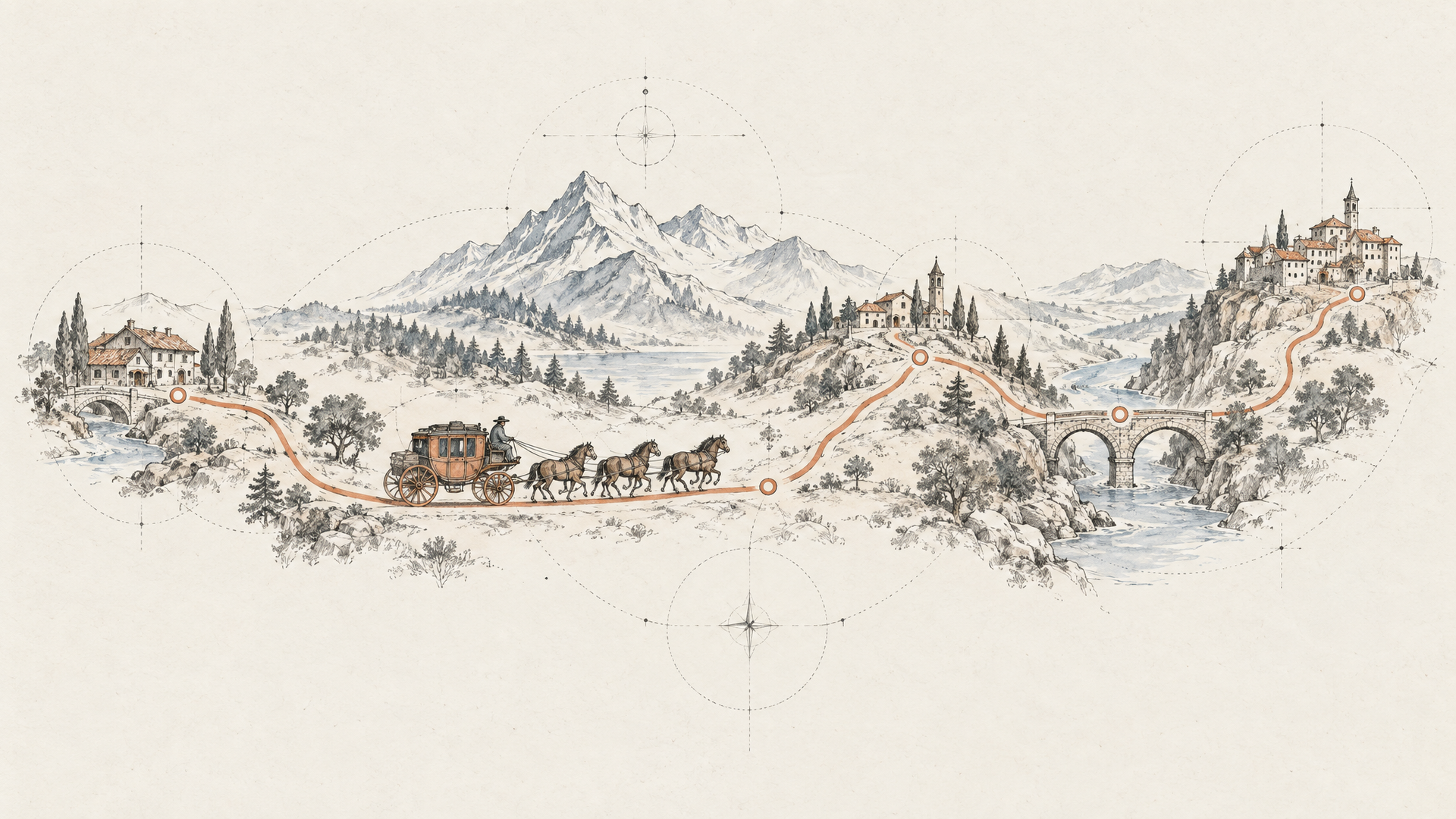
Why one workflow layer matters more than one more model page
Getting model API access is the easy part. You read a capability page, copy an endpoint, and a video comes back. The trouble starts on the second sprint, when text-to-video isn't enough and product wants a reference image, then a motion clip, then an edit pass on a clip you already shipped. Each of those is a different request shape, a different polling behavior, a different output contract. Your backend absorbs all of it.
That's the orchestration problem, and it isn't solved by better documentation. xAI's model capability docs describe Grok Imagine's image generation, editing with up to five reference images, and 1080p video generation clearly, but the routing logic between those paths stays yours to write. Kling's motion-control and native audio work lands the same way.
Eachlabs sits at that layer. The Grok Imagine model family page lists ten variants in one place: text-to-image, image editing, image-to-video, reference-to-video, text-to-video, video extension, and video editing.
The honest tradeoff: this removes plumbing, not judgment. You still pick the input mode, and you still handle per-model output quirks.
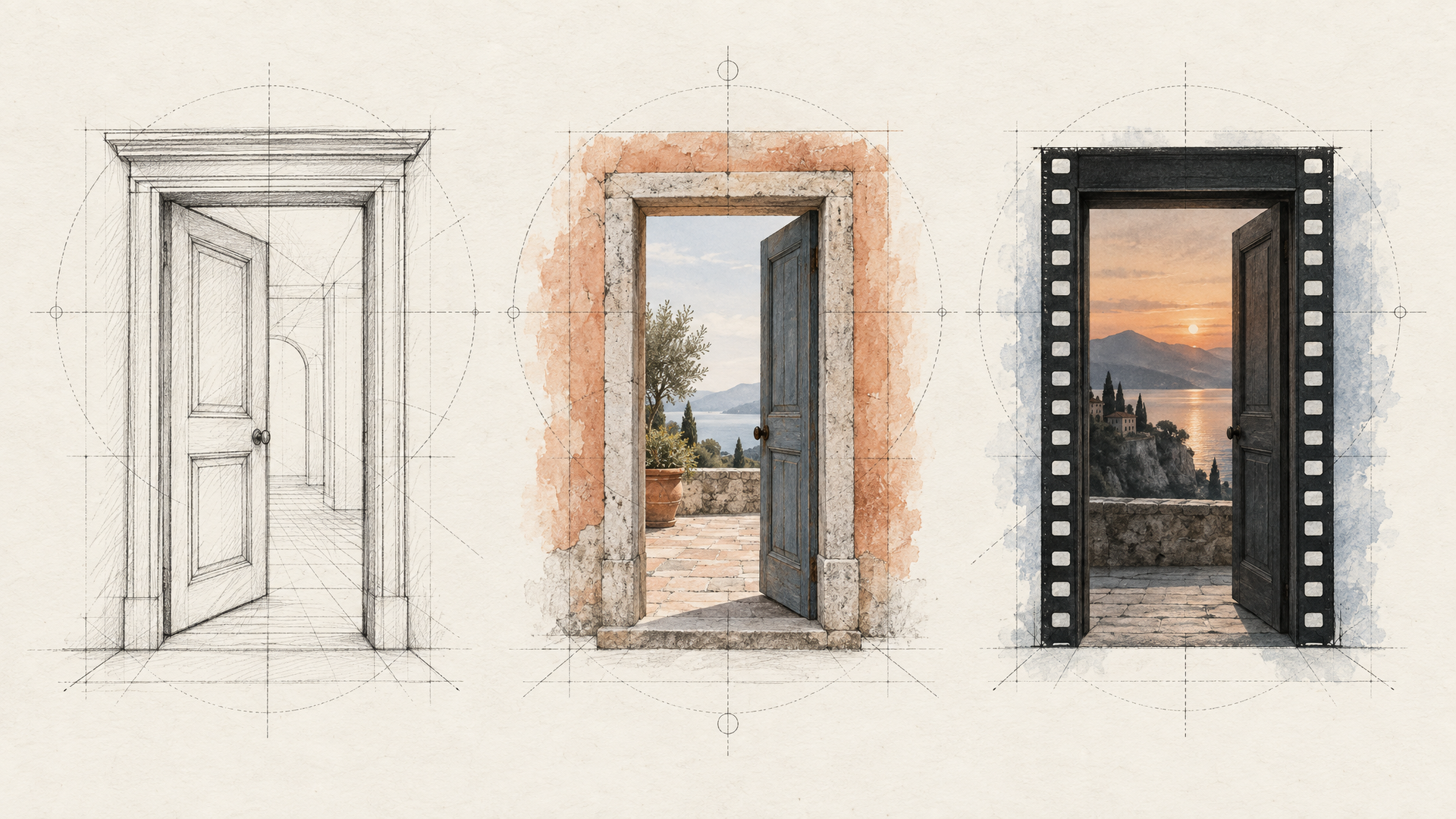
Choosing the right input path for production workflows
Start from what the request already has. If all you hold is a prompt and the composition can tolerate model interpretation, text-to-video is the right call: xAI's documentation notes that Grok Imagine Video 1.5 handles this by generating a first frame and animating it, while still exposing one request. If the frame already exists, animate it instead of reinventing it: image-to-video preserves the composition you approved. When the movement itself is the asset (a dance, a gesture, a camera arc), reach for reference-to-video or Kling's motion-control path, which transfers motion from a clip onto a still character. And when the job is a controlled change rather than a fresh pass, use image editing; Grok Imagine Image 2.0 accepts up to five reference images per edit request.
Then normalize. Artifact shapes, polling behavior, and edit boundaries differ per model, so model API access should terminate in one stable contract your app consumes.
Key takeaways for model API access across Grok Imagine and Kling
Two model families, two different jobs. Grok Imagine gives you a broad surface across one image model and one video model (generation, editing with up to five reference images, image-to-video, reference-to-video, extension) with asynchronous polling and 1080p output described in xAI's Imagine capability docs. Kling earns its place when motion and native synchronized audio carry the shot: motion transfer from a reference clip, longer cinematic output, lip-synced dialogue.
Official documentation tells you what each model accepts. It doesn't tell you when to reach for a still reference versus a motion clip, or how to keep one backend workflow intact when a model changes shape underneath you. That's the part that breaks in production.
So treat model API access as the starting point, not the architecture. Routing and output normalization are what survive the next model release.
Ready to map your input paths? Start with the Grok Imagine and Kling model pages in the Eachlabs catalog.