OmniHuman 2.0: Five Minutes of Performance From One Photo
ByteDance's OmniHuman 2.0 animates a single photo to a full voice track of up to 300 seconds, with prompts for gesture and camera. Here's what changed from 1.5 and how to get good takes.
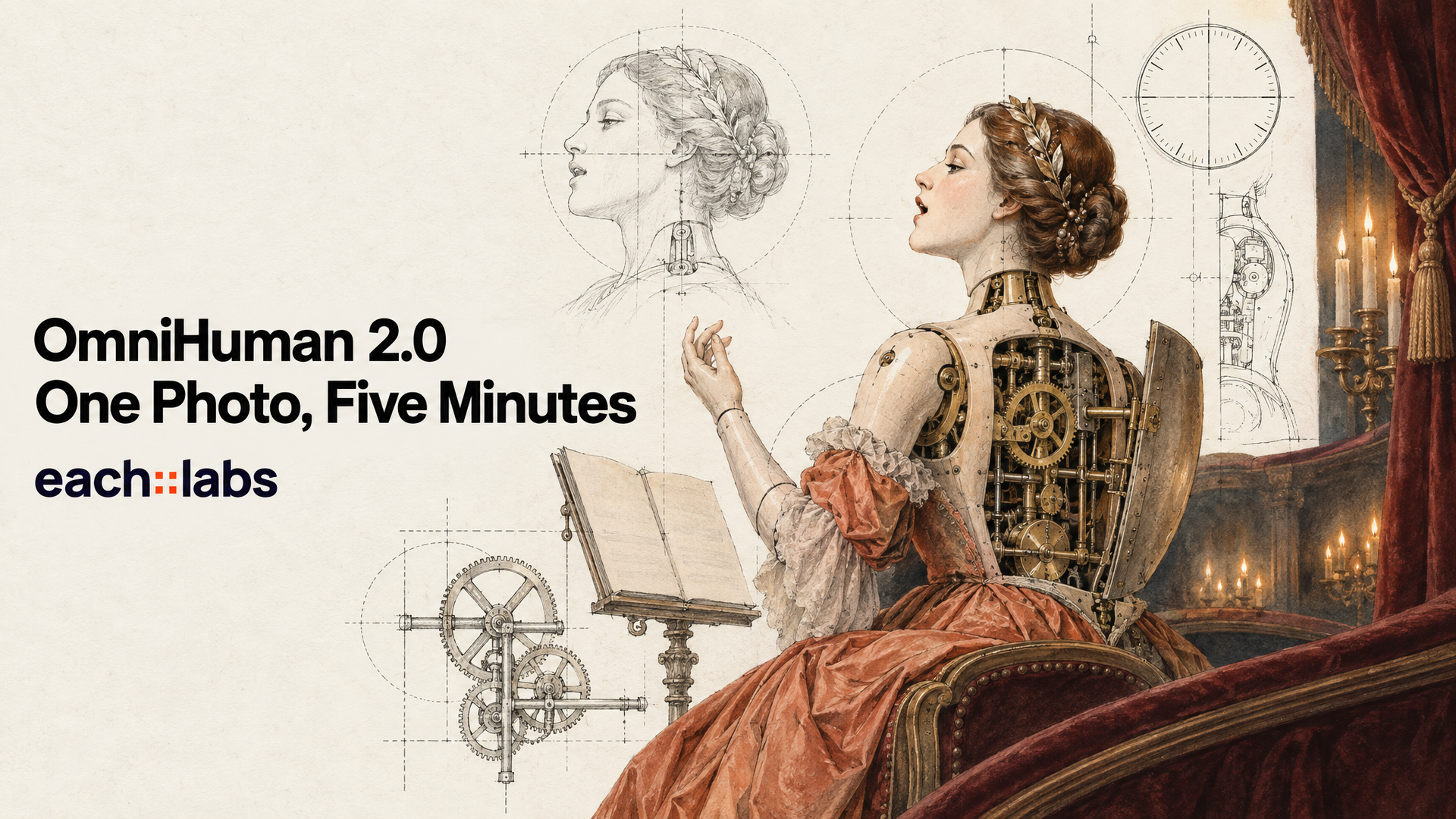
Lip sync stopped being the hard part a while ago. Give almost any avatar model a portrait and ten seconds of audio and the mouth will land on the syllables. The trouble starts at second eleven. The speaker needs to keep talking, keep breathing, keep moving their hands like a person who means what they're saying, and most tools quietly fall apart: the head freezes, the gestures loop, and you end up stitching six short clips together and hoping nobody notices the seams.
OmniHuman 2.0 is ByteDance's answer to that second problem. It takes one image and a voice track and turns them into a single performance of up to 300 seconds. Not a loop. A take. That changes what you can actually ship with a talking-photo model, from a full product walkthrough to an entire song.
What OmniHuman 2.0 Actually Is
OmniHuman 2.0 is an image-driven avatar video model from ByteDance, offered through BytePlus and now live on each::labs. BytePlus describes the input as a "single image + audio + text prompt (optional)" and the job in one line: from a single image and a voice track, the model "generates expressive character animations that are coherent with the speech's rhythm, prosody and semantic content."
That last part is the interesting bit. Rhythm, prosody and meaning are three different things. Rhythm is timing. Prosody is how the voice rises, falls and leans on words. Meaning is what the words are about. An avatar model that only tracks the first gives you a mouth that moves on time and a body that doesn't care. OmniHuman 2.0 is built to read all three, which is why a pause in the audio can turn into a glance away, and a stressed word can arrive with a hand.
The BytePlus product page lists native 720p output, multi-person scenes, gesture and camera control through prompts, and video output from 30 to 300 seconds. On each::labs, the API accepts audio from 4 to 300 seconds, so short clips work too.
Why 300 Seconds Changes the Job
Here's the number that matters. The OmniHuman 1.5 API caps audio below 60 seconds. OmniHuman 2.0 takes up to 300. Five times the runway, in one request.
That sounds like a spec-sheet upgrade. It's really a workflow upgrade. Under a one-minute cap, anything long has to be cut into chunks, generated chunk by chunk, and edited back together. Every cut is a place where the posture shifts, the lighting breathes differently or the expression resets. Viewers feel those resets even when they can't name them.
With five minutes in a single generation, the model carries the performance from the first word to the last. A two-minute onboarding video, a full-length explainer, a three-and-a-half-minute song: each one becomes one job instead of a stitching project. Fewer seams, fewer decisions, less time in the editor fixing things the model broke between chunks.
Two other inputs widened too, according to BytePlus's own docs. Images can now be up to 30 MB and 300 to 6000 pixels on a side, in JPEG, PNG, WebP, BMP, TIFF, GIF, HEIC or HEIF, with a width to height ratio between 0.4 and 2.5. So the phone photo you were going to convert first? Just send it.
Give It a Voice Worth Following
Everything OmniHuman 2.0 does flows from the audio, so the audio is the real prompt. A flat, rushed read gives the model nothing to perform. A voice with pauses, emphasis and shifts in energy hands it a script for the body.
Treat the voice track the way a director treats a table read. Leave breath between sentences. Let the important line land a little slower. If you're generating the voice too, run it through a speech model with real expressive range first, such as MiniMax Speech 2.8 HD or anything in the text-to-voice catalog, and listen to it before you animate it. Five minutes is a long time to watch a performance built on a monotone.
BytePlus also calls out what it calls audio comprehension: "the character can perform actions related to audio semantics." In plain terms, if the line is about pointing at something, the character can point. You get more of that when the script actually describes action and reaction, not just facts.
Steer the Body and the Camera, Don't Hope
The text prompt is optional, and you can get a decent take without it. But BytePlus says the prompt is used "for precise control of the scene, movements, camera movements," and that's the difference between a decent take and the one you wanted.
Use it for three things. First, posture and gesture: how the character holds themselves and what their hands do. Second, the camera: a slow push in, a gentle handheld drift, a locked-off frame. Third, interaction with the environment, which BytePlus lists as a feature: leaning on a counter, picking up a product, turning toward a window.
The presenter stands behind a wooden counter, speaking warmly to camera. She gestures with her right hand on key points and lifts the ceramic mug toward the lens when she mentions it. Slow push in from a medium shot to a medium close-up over the whole clip. Soft window light from the left.
Keep the prompt about behavior, not identity. The image already carries the face, the wardrobe and the room. Re-describing them in text invites the model to second-guess your photo. Prompts can be written in Chinese, English, Japanese, Korean, Mexican Spanish or Indonesian.
Two Faces, One Scene
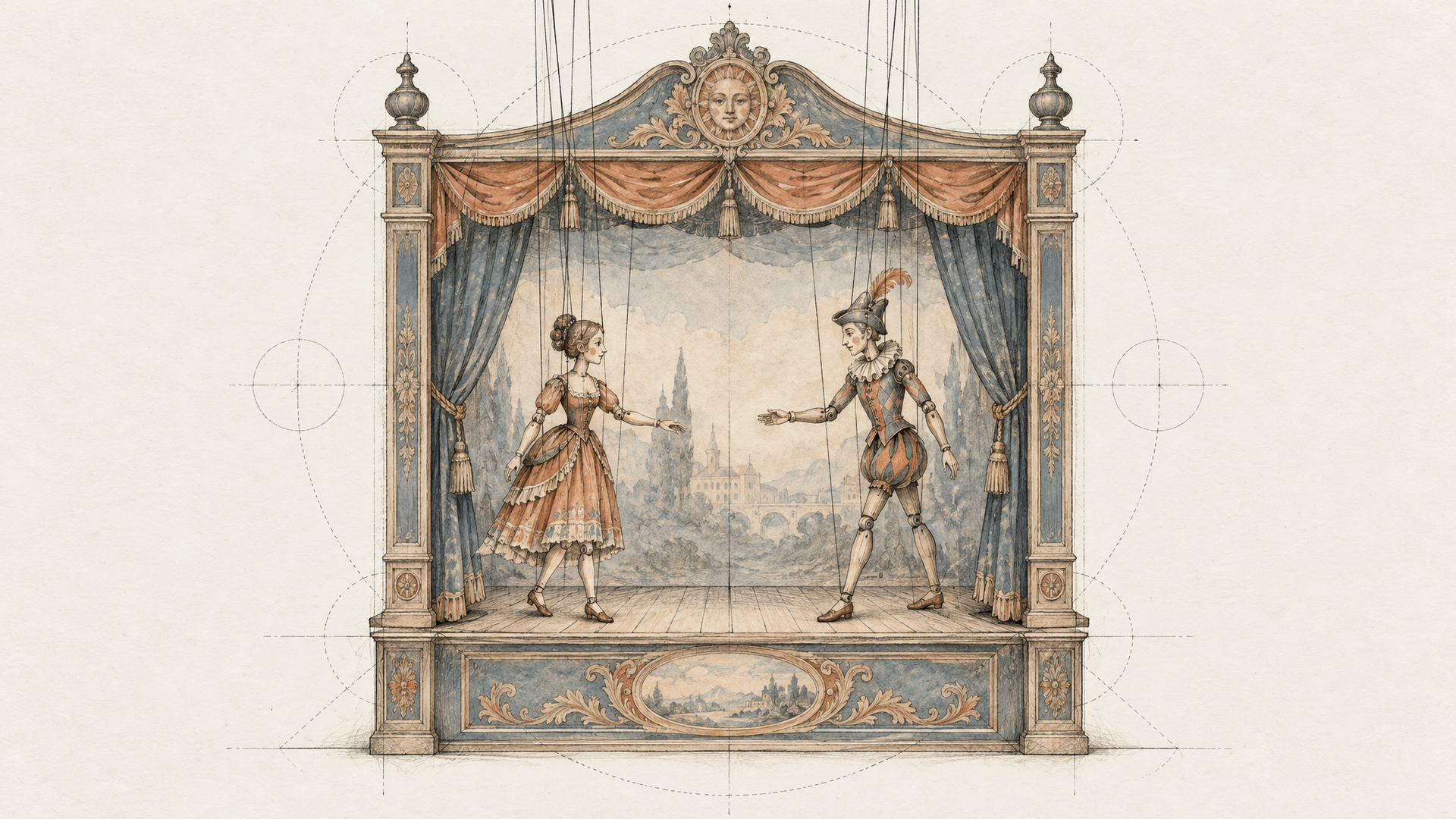
BytePlus lists "multi-person scene" support and describes the model as enabling "rhythmic, emotional, and multi-person performances." That opens a format the single-talking-head tools can't touch: an interview, a duet, a host and a guest sharing one frame.
A practical tip from the way the inputs work: compose the frame first. Generate or shoot one image with both people placed where you want them, at the angle you want, and let the audio and prompt carry the exchange. Use the prompt to say who reacts while the other speaks ("the woman on the left nods and smiles while the man finishes his answer"). The cleaner the starting image, the more believable the conversation.
Not Just People
The model isn't limited to photoreal humans. BytePlus's own examples include cartoon and anime characters, pets, pixel-style visuals and virtual avatars, plus what it calls "fantasy vlogs with surreal content." So the mascot your brand already owns, the illustrated narrator of your course, or the dog who somehow became your most popular product reviewer can all deliver a script.
It also sings. BytePlus pitches OmniHuman 2.0 for AI music video, with "rhythm-driven actions" and "music emotion matching," and describes digital singers with "expressive motion, natural pauses, and adaptability across genres," up to high-pitched performances. With a 300-second ceiling, a full track fits in one take. Pair it with a song from a music model like Lyria 3.5 and you have a complete performance video from a prompt and a photo.
Where Teams Use OmniHuman 2.0
The use cases BytePlus names are e-commerce, advertising, brand marketing, short video, and film and TV. Here's how those turn into actual work.
E-commerce teams turn one approved model photo into a series of product explainers, each with its own script, without booking a second shoot. Marketing teams localize a spokesperson by swapping the voice track for each market, keeping the face and the frame identical. Educators record a lecture as audio and let the model deliver it on camera, all ten minutes of it split into two five-minute takes instead of twenty short ones. Musicians and labels make lyric-free performance videos for releases that would never get a video budget. And short-form creators run recurring characters who show up every week looking exactly the same, because they're animated from the same image.
The common thread: the face is fixed, the words change. That's the pattern OmniHuman 2.0 is built for, and it's a pattern almost every content team has.
OmniHuman 2.0 vs 1.5 and Sync 3
Pick the tool by what you're starting with. If you have a photo and a voice, OmniHuman 2.0 builds the whole performance, body and camera included. If you already have video of a person and just need new words in their mouth, a lipsync model such as Sync 3 edits the existing footage instead of inventing new footage. We covered that side in our Sync 3 spotlight.
Within the OmniHuman family, 1.5 still has its place. Its API offers settings 2.0's doesn't expose, like a 1080 output option, a seed and mask-based speaker selection. For short clips where you need that control, 1.5 is a sound pick. For anything longer than a minute, or anything where the performance has to feel continuous, 2.0 is the obvious move. If you're new to the family, our older OmniHuman-1 explainer covers how it started.
Running OmniHuman 2.0 on each::labs
The request is refreshingly small. Three fields: image_urls (at least one image), audio_url (WAV or MP3, 4 to 300 seconds, under 15 MB) and an optional prompt.
{
  "model": "byteplus-omnihuman-2-0",
  "input": {
    "image_urls": ["https://example.com/presenter.jpg"],
    "audio_url": "https://example.com/script-take-2.mp3",
    "prompt": "Speaks warmly to camera, open hand gestures on key points, slow push in over the whole clip."
  }
}
Because it sits behind the same API as every other model on each::labs, chaining it is easy. Generate the portrait with an image model, write and voice the script with a speech model, animate with OmniHuman 2.0, then hand the result to an upscaler if a deliverable needs more than 720p. Build that once as an each::labs flow and every new script becomes a single run. For more on that pipeline, see our avatar and lipsync API guide, and browse the rest of the image-to-video models when a shot needs something other than a speaker.
Frequently Asked Questions
How long can an OmniHuman 2.0 video be?
Up to 300 seconds in one generation, set by the length of your audio. On each::labs the audio can run from 4 to 300 seconds; BytePlus markets the model for 30 to 300 second outputs. That's five times the under-60-second audio limit of OmniHuman 1.5.
Do I need a text prompt?
No, the image and audio are enough for a usable take. Add a prompt when you care about gesture, camera movement or interaction with the scene. Keep it about behavior and let the image handle the look.
Can OmniHuman 2.0 animate cartoons or animals?
Yes. BytePlus shows cartoon and anime characters, pets, pixel-style art and virtual avatars, alongside photoreal people. Mascots and illustrated narrators are fair game.
What resolution does OmniHuman 2.0 output?
BytePlus lists native 720p output. For a bigger deliverable, run the finished clip through a video upscaler in the same each::labs flow.
Is OmniHuman 2.0 a lipsync model?
It's more than that. A lipsync model re-times the mouth on existing footage; OmniHuman 2.0 generates the whole performance from a still image, including expression, gesture and camera. If you already have video, reach for lipsync. If you have a photo, reach for OmniHuman 2.0.