Luma Uni-1: The Image Model That Thinks Before It Draws
Luma Uni-1 reads your brief like a model that understands images, then draws. What it does with nine references, directable edits and manga, and when to reach for Max.
Most image models are very good at drawing and quite bad at listening. You write a brief with a spatial instruction, a reference and a mood, and you get back a gorgeous picture of roughly the right thing. The gloss is there. The logic isn't. The chair is on the wrong side of the table, the second reference got ignored, and the "late afternoon" light is coming from straight above.
Luma Uni-1 is built on a different bet: that a model which understands images will draw better ones. Luma describes it as "a multimodal reasoning model that can generate pixels," and that sentence is the whole idea. It reads your prompt and your references first, works out what you're actually asking for, and only then renders. Uni-1 and Uni-1 Max are both live on each::labs, for generation and for editing. Here's what that reasoning buys you in practice, and where it earns a place in your pipeline.
What Luma Uni-1 Actually Is
Uni-1 is Luma's first unified model for understanding and generation. On its official Uni-1 page, Luma explains that unified models represent different modalities "in one interleaved sequence," so text and images go through the same model instead of being handed from a language model to a separate image generator. Luma says this lets Uni-1 "use understanding signals to improve generation," and use generation training to sharpen its visual understanding in return.
Luma announced the model in March 2026 and later opened an API for its Uni-1.1 update, with two tiers: Uni-1 and Uni-1 Max. That's the lineup you'll find on each::labs, each with a text-to-image and an edit endpoint.
Luma also says where it thinks the model leads. On its page it claims first place in human preference Elo for Overall, Style and Editing, and Reference-Based Generation, and second place in plain text-to-image. Those are Luma's own numbers, so treat them as a reason to test, not a verdict. But notice the pattern: the categories it claims to win are the ones that depend on reading inputs well.
Why a Model That Reasons Draws Differently
Here's the practical difference. A model that matches keywords treats "a red mug to the left of a laptop, morning light from the window behind" as a bag of nouns. A model that reasons treats it as a scene with a layout and a light source that has to make sense.
Luma puts it plainly: Uni-1 "reasons through your prompts rather than simply matching keywords," combining world knowledge with what it sees in your inputs. It lists common-sense scene completion, spatial reasoning and plausibility-driven transformation as strengths. In other words, if you ask for the same room ten years later, it should think about what ten years does to a room: the faded fabric, the plant that grew, the newer laptop.
That changes how you should write for it. Stop stacking adjectives. Write the brief you'd give a sharp illustrator, with relationships and intent:
A small independent bookshop at closing time, seen from the doorway. The owner is stacking returns on the counter to the right, the last customer is browsing poetry in the back left corner. Warm lamp light inside, blue dusk through the front window. The scene should feel quiet and slightly tired, like the end of a good day.
Every clause there is something a reasoning model can check its own work against. Positions, light sources, mood, time of day. Give it constraints worth honouring and it will honour more of them.
Nine References, One Brief
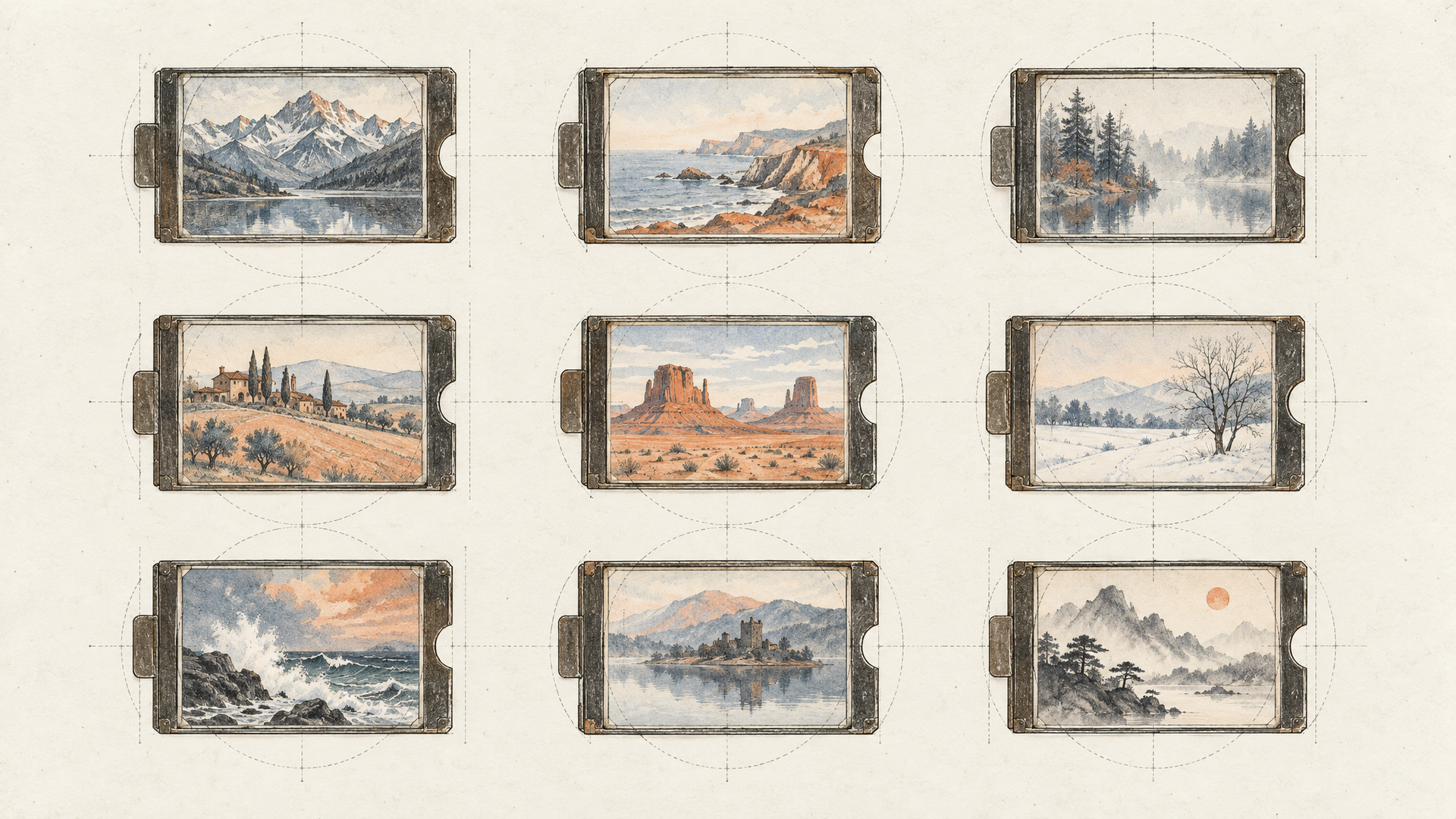
The Uni-1 text-to-image endpoint on each::labs accepts up to nine reference images, and the edit endpoints accept up to eight on top of the image you're editing. Luma says references can guide composition, mood and art style, and it names reference-based generation as one of the model's best categories.
Nine is a lot, and the temptation is to throw in everything vaguely relevant. Don't. References work best when each one has a job, and your prompt says what that job is:
Use image 1 for the composition and camera height. Use images 2 and 3 for the colour palette and film grain. Use image 4 for the character's jacket and hair. Ignore the backgrounds in images 2 to 4. A woman waiting at a rainy tram stop at night, looking down the line.
That's the difference between a moodboard and a pile. A model that understands what it's looking at can separate the jacket from the background it was photographed against, but only if you tell it which part you meant. If you're keeping a character steady across a whole campaign, our guide to keeping the same character across shots covers the habits that carry over from video to stills.
Direct the Edit, Don't Redraw the Picture
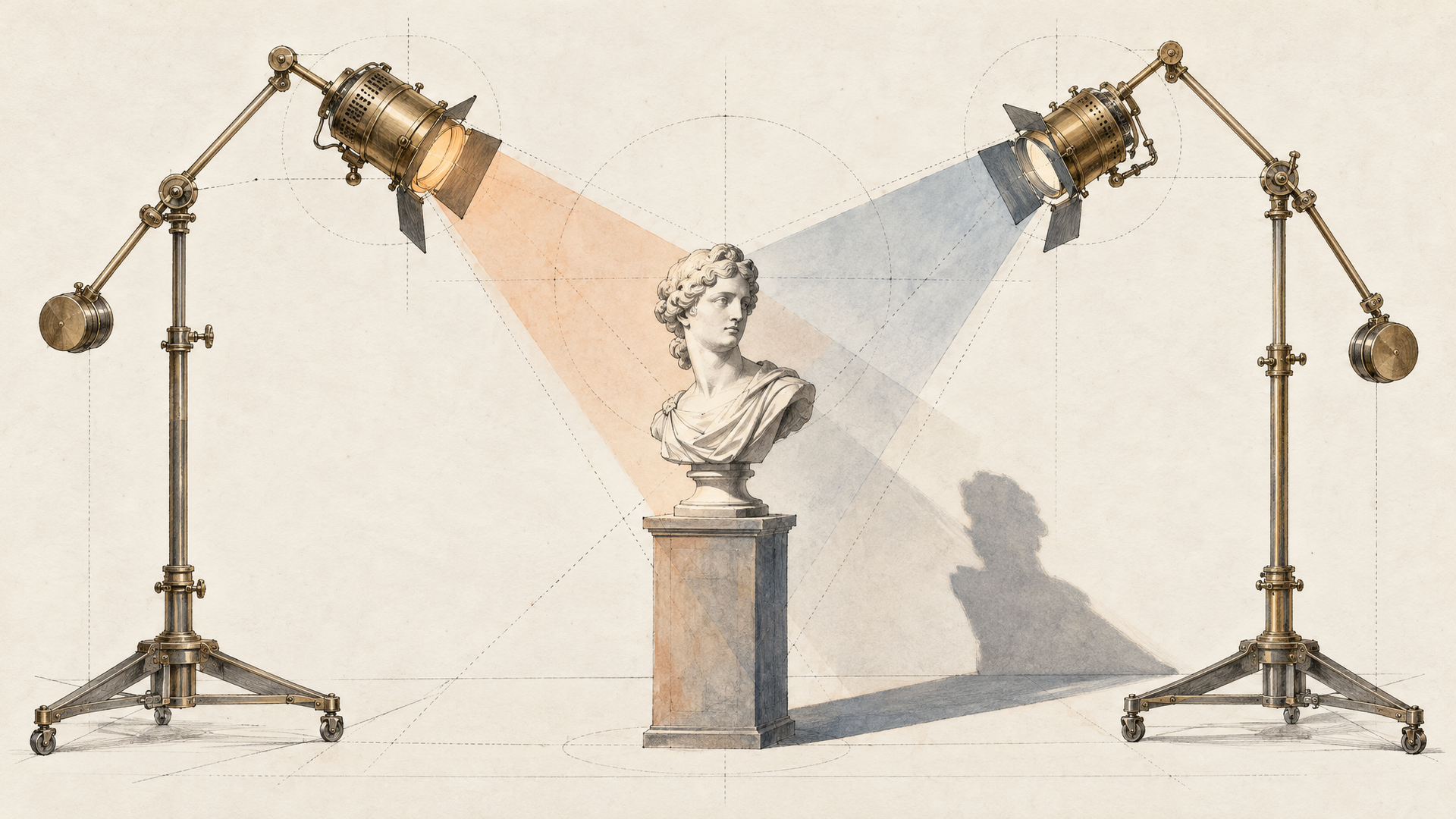
Editing is where reasoning pays the rent. Luma says Uni-1 makes "highly directable edits" from an input image and instructions, and it lists the controls it's built to follow: camera angle, height and distance; light intensity, angle and shadow strength; and colour temperature, saturation and contrast.
Read that list again, because it's a photographer's vocabulary, not a filter menu. You can ask the Uni-1 Edit endpoint to lower the camera to table height, swing the key light to the left and harden the shadows, and leave the product and the set alone:
Keep the bottle, the label and the marble surface exactly as they are. Lower the camera to just above table height so the bottle feels taller. Move the main light to the left at a low angle with stronger, crisper shadows. Slightly warmer colour temperature.
Luma also says you can doodle on an input image or build a rough collage to direct an edit. That's the fastest brief there is. Circle the sky, scribble "storm," and send it. A model that understands images reads the markup the way an art director would.
One habit matters more than any other: say what must not change. Every editor, Uni-1 included, works better when the preserved elements are named rather than implied. For a side-by-side look at how the partner editors handle that, see our roundup of the best AI image editing models in 2026.
Manga, Webtoons and Styles With Rules
Most image models treat manga as a filter: big eyes, speed lines, done. Luma lists manga and webtoon generation among Uni-1's best-in-class areas, alongside cinematic images, style transfer, style reference and novel view synthesis, and it describes the model as culture-aware across aesthetics, memes and manga.
The each::labs endpoints expose this directly. Every Uni-1 endpoint has a style setting with two values, auto and manga. Leave it on auto for photography and illustration. Switch it to manga when the job is panels, character sheets or a webtoon strip, and write the prompt the way the medium works:
A four-panel vertical webtoon strip. Panel 1: a high school student oversleeps, alarm clock flying. Panel 2: she sprints past the bakery, toast in mouth. Panel 3: close-up of the closing school gate. Panel 4: she slides through just in time, the teacher's unimpressed face in the corner. Clean line art, screentone shading, expressive faces.
Luma also says the model can keep consistency across time while a scene evolves, which it frames as useful for keyframes and storyboards. That's exactly what a strip needs: the same girl in panel 1 and panel 4.
Let It Look Things Up
Here's a setting most people will skip and shouldn't. The Uni-1 text-to-image endpoints on each::labs include enable_web_search, which lets the model consult the web for references. It's off by default.
Turn it on when the brief depends on something the model might not know well: a specific landmark, a recent product shape, a regional dish, a costume from a particular era. A reasoning model with fresh visual context will guess less. Leave it off when you're working from your own references and want the output to depend only on what you provided. That's usually the right call for brand work, where your product shots are the source of truth.
Uni-1 or Uni-1 Max: Pick by the Job
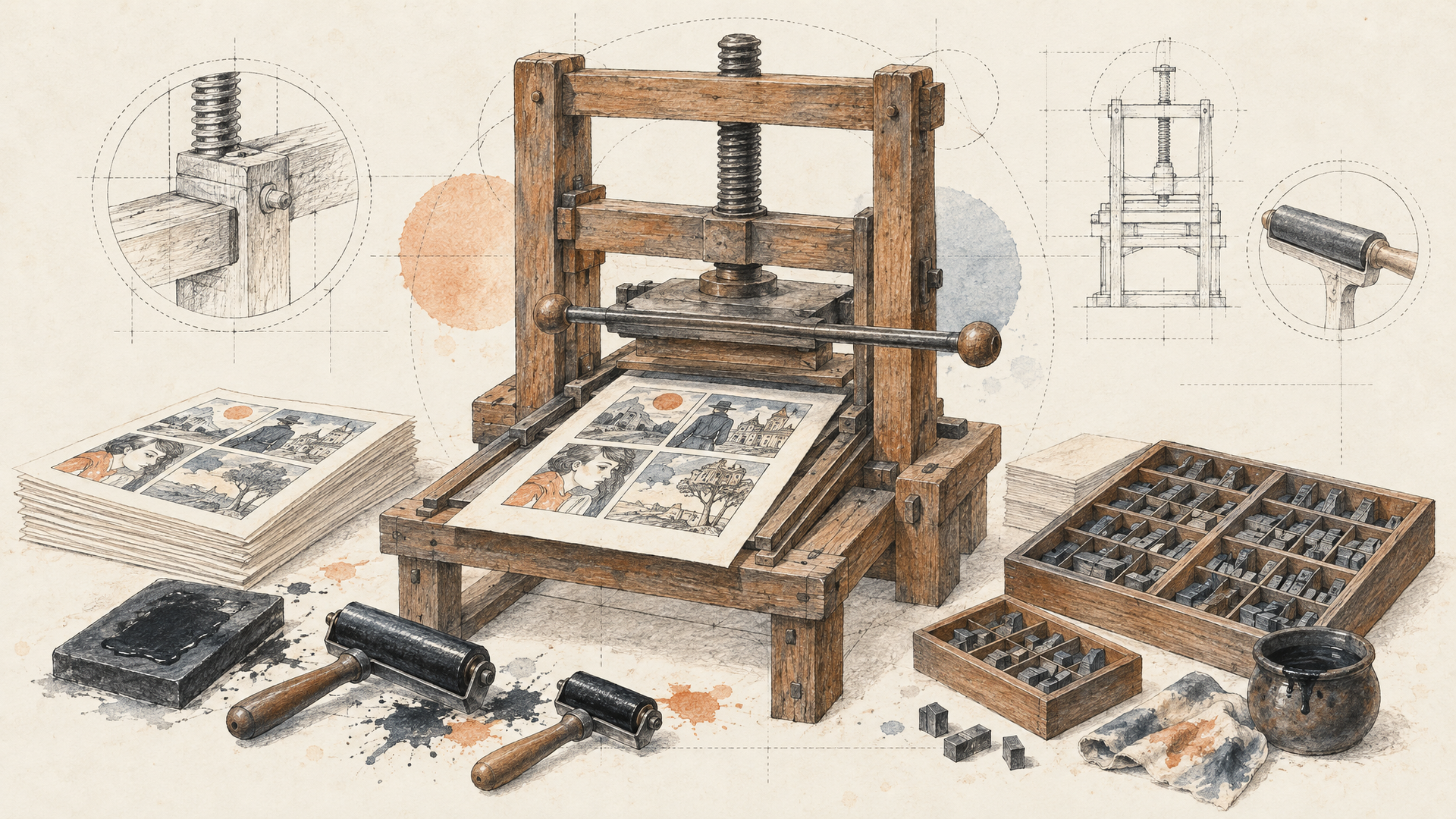
The two tiers share the same controls on each::labs: the same nine aspect ratios from 3:1 to 1:3, the same style switch, prompts up to 6,000 characters, and PNG or JPEG output. The difference is the ceiling. Luma positions Max as the higher-quality tier.
Use Uni-1 while you explore. It's the everyday model for drafts, layout tests and reference experiments, where you want to try six framings before you commit. Move to Uni-1 Max for the keeper: the hero image, the print file, the frame that has to survive a close look. For edits, the same split applies between Uni-1 Edit and Uni-1 Max Edit.
A sensible chain: draft on Uni-1, lock the composition, then rerun the same prompt and references on Max. Because the inputs are identical, switching is a model id change and nothing else.
Where Uni-1 Fits in a Real Pipeline
The model earns its place wherever the brief is complicated and the inputs matter. Campaign teams with a shelf of approved references get a model that actually uses them. Product photographers get relighting and camera changes without a reshoot. Comic and webtoon creators get a manga mode that knows the medium. Storyboard artists get frames that stay consistent as the scene moves on.
And because Luma also builds video, Uni-1 stills make natural first frames. Generate the frame on Uni-1 Max, then animate it with Luma Ray 3.2 or any of the image-to-video models in the catalog. Chain the steps in an each::labs flow and a written brief becomes a moving shot in one run.
Run Uni-1 on each::labs
All four Uni-1 endpoints sit on the Luma Uni family page, behind the same API key and request shape as every other text-to-image model on each::labs. Comparing Uni-1 against another partner model on the same brief is a one-line change, which is the only fair way to compare image models: your prompt, your references, your judgement.
Start with the prompt that usually breaks other models. A scene with three people in specific places, light from a specific direction, and two references doing two different jobs. If Uni-1 gets the layout right on the first try, you'll know why Luma built it to think first.
Frequently Asked Questions
What is Luma Uni-1?
It's Luma's unified image model, one that handles understanding and generation in a single network rather than passing your prompt from a language model to a separate image generator. Luma describes it as a multimodal reasoning model that can generate pixels, and it's available on each::labs as Uni-1 and Uni-1 Max.
How many reference images does Luma Uni-1 accept?
Up to nine on the text-to-image endpoints, and up to eight alongside the source image on the edit endpoints. Luma says references can steer composition, mood and art style, and they work best when your prompt tells the model what each one is for.
What's the difference between Uni-1 and Uni-1 Max?
Same controls, different ceiling. Both take the same prompts, references, aspect ratios and style settings on each::labs, while Max is Luma's higher-quality tier. Draft on Uni-1 and render finals on Max.
Can Luma Uni-1 make manga?
Yes, and it's one of the areas Luma singles out. Set the style to manga on any Uni-1 endpoint on each::labs and describe panels, framing and expressions the way the medium works.