Luma | Uni-1 | Text to Image
Luma Uni-1 Text-to-Image generates high-fidelity images from text prompts, with control over aspect ratio, visual style, and optional reference guidance for creative work on each::labs.
- Runtime (p50)
- 1m
- Estimated price
- $0.042 per execution
Overview
Luma | Uni-1 | Text to Image Overview
Luma | Uni-1 | Text to Image is a next‑generation generative model from Luma designed to turn natural language prompts into high‑fidelity images with fine control over composition, aspect ratio, and visual style. Built as part of the Luma Uni‑1 family, it focuses on photorealism, coherent scene layout, and strong adherence to textual instructions. On each::labs, this model helps creators and developers produce production‑ready visuals without needing advanced design skills. A key differentiator of Luma | Uni-1 | Text to Image is its strong prompt alignment and detailed rendering, which makes it suitable for concept art, marketing visuals, product shots, and illustrative content directly from text. Integrated into each::labs, it can be combined with other models in a pipeline for rapid creative experimentation.
Capabilities
Capabilities
- Generates high‑fidelity images directly from natural language prompts with strong adherence to described subjects and scenes.
- Supports multiple aspect ratios, enabling outputs tailored for social media, web banners, product pages, and presentation layouts.
- Captures a wide range of visual styles, from photorealistic renderings to stylized illustration, concept art, and graphic design‑like images.
- Handles complex multi‑object scenes with coherent composition when prompts clearly describe relationships between elements.
- Provides fine control over mood and lighting (for example cinematic, studio, golden hour, neon, or dramatic shadowed scenes).
- Works as a reliable text‑to‑image component inside larger each::labs workflows, feeding into editing, upscaling, or layout automation.
- Accessible through the Luma | Uni-1 | Text to Image API on each::labs, allowing developers to integrate custom image generation into apps and services.
Use cases
Use Cases for Luma | Uni-1 | Text to Image
Marketing and growth teams: Generate campaign visuals, landing page hero images, or social assets using the model’s aspect‑ratio control and style flexibility. Example prompt: “Cinematic hero image of a diverse team collaborating in a modern office, warm lighting, 16:9 aspect ratio”.
Product designers and e‑commerce teams: Produce concept shots and mock product images leveraging its high‑fidelity rendering. Example prompt: “Photorealistic mockup of a smart home thermostat on a white wall, minimalistic UI, studio lighting”.
Content creators and illustrators: Quickly explore visual directions for stories, videos, or posts using detailed style control. Example prompt: “Comic‑style illustration of a cyberpunk city street at night, neon lights, high contrast”.
Developers and automation workflows: Use the Luma | Uni-1 | Text to Image API within each::labs to dynamically generate images from user input, such as personalized banners or avatars. Example prompt: “Simple flat avatar of a software engineer at a desk, pastel colors”.
Tips & tricks
Tips and Tricks
To get the most from Luma | Uni-1 | Text to Image, start with clear, specific prompts that describe subject, setting, lighting, and style. Include key adjectives (for example “cinematic,” “macro,” “studio lighting,” “flat illustration”) so the model can better align to your intent. Use negative phrasing to reduce unwanted elements, such as “no text overlay, no watermark, no distortion.” When aspect ratio matters, set it explicitly rather than cropping later to preserve composition. Iterating with small prompt changes helps refine details while keeping the same overall idea.
Example prompts include: “Ultra‑detailed product photo of a matte black wireless headset on a soft gray background, studio lighting, high contrast”, “Whimsical children’s book illustration of a fox reading under a glowing tree at night, watercolor style”, and “Isometric illustration of a modern data center, clean lines, cool blue color palette”. On each::labs, you can combine these practices with saved presets to standardize results across teams.
Technical spec
Technical Specifications
- Provider: Luma
- Model family: Luma Uni‑1, text-to-image specialization
- Input: Text prompt, optional negative prompt, optional reference or guidance image (when exposed via each::labs workflows)
- Output: Single high‑resolution image per generation (standard web image formats such as PNG or JPEG, as provided by each::labs)
- Aspect ratios: Supports multiple aspect ratios (e.g., square, portrait, landscape) with user‑selectable settings on each::labs
- Resolution: Configurable up to typical web and design‑ready resolutions; exact limits depend on each::labs deployment and quota settings
- Processing time: Usually completes in seconds, varying with resolution and load
- Access: Available through the Luma | Uni-1 | Text to Image API on each::labs, suitable for automated and programmatic use
Things to be aware of
Things to Be Aware Of
Luma | Uni-1 | Text to Image can struggle with highly precise text inside the image (such as logos or small typography), so post‑editing may be required. Results may vary when prompts are very short or ambiguous, leading to generic compositions. Photorealistic faces or sensitive subject matter may be moderated or adjusted depending on each::labs policy and safety filters. Complex requests that include many objects, detailed backgrounds, and exact layout instructions may require iterative prompting. When calling the Luma text-to-image functionality through the Luma | Uni-1 | Text to Image API, ensure timeouts and retries are handled gracefully in your integration.
Key considerations
Key Considerations
Luma | Uni-1 | Text to Image is optimized for prompt‑driven image generation, so well‑structured, descriptive prompts strongly influence quality. Users should ensure they have sufficient API quota and understand each::labs rate limits when integrating this model into production pipelines. It performs best when the desired subject, environment, and style are clearly specified rather than implied. For highly specialized brand illustration or strict corporate visual guidelines, you may want to test multiple prompts and seed values before deploying at scale. Developers using the Luma | Uni-1 | Text to Image API should also consider caching strategies and sensible defaults for aspect ratio and resolution to control latency and cost.
Limitations
Limitations
Luma | Uni-1 | Text to Image does not guarantee pixel‑perfect control over every visual attribute, and exact replication of branded assets, specific people, or proprietary designs may not be possible. Fine text, intricate logos, and very small UI elements can appear distorted or unreadable. Output resolution and file formats are bounded by how each::labs exposes the model, so ultra‑large print‑scale images may require upscaling in a separate step. As with most generative systems, it may occasionally produce artifacts or misinterpret unusual or highly technical prompts, so human review remains important before production use.
Related models
4 models
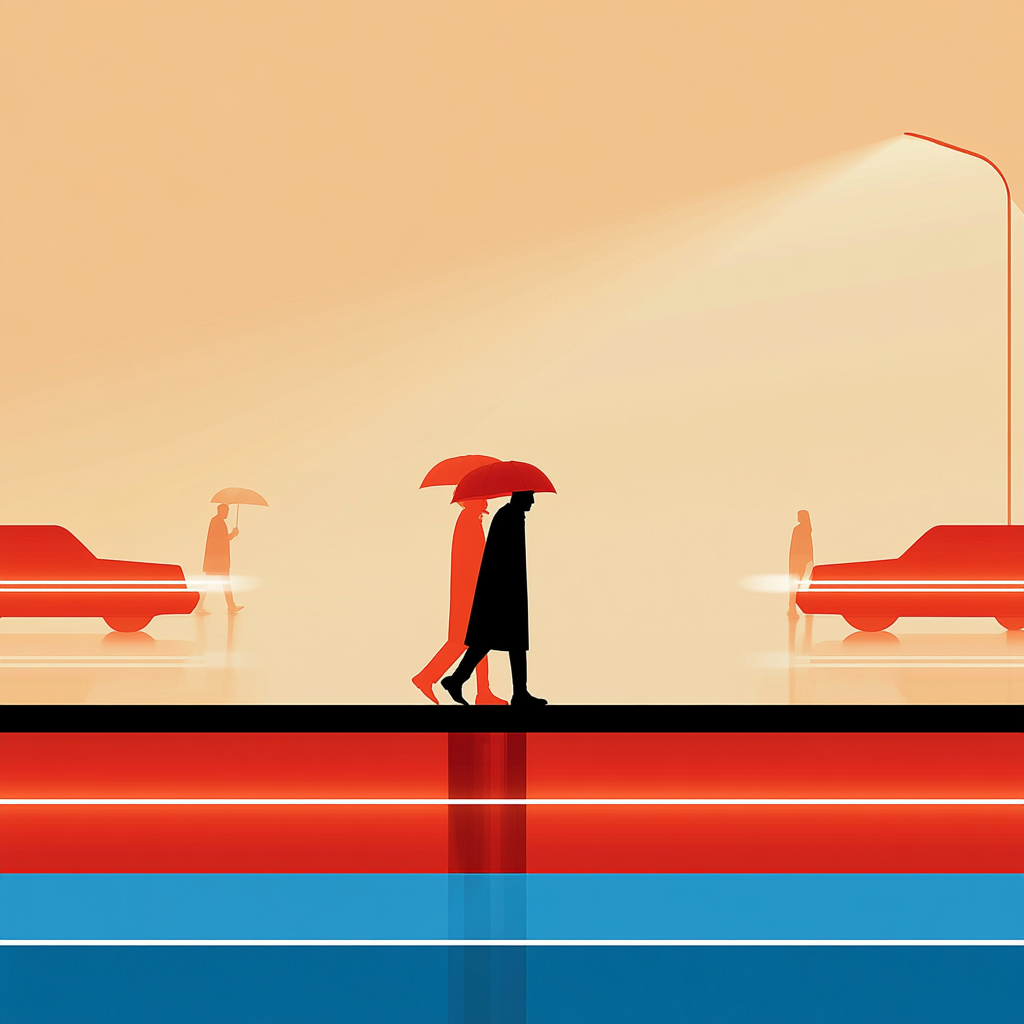
About Luma | Uni-1 | Text to Image
What is Luma Uni-1 Text-to-Image?
Luma Uni-1 Text-to-Image is a model from Luma that turns text prompts into high-fidelity still images. It supports aspect ratio and visual style controls, and can use optional reference images to better align the output with your creative direction.