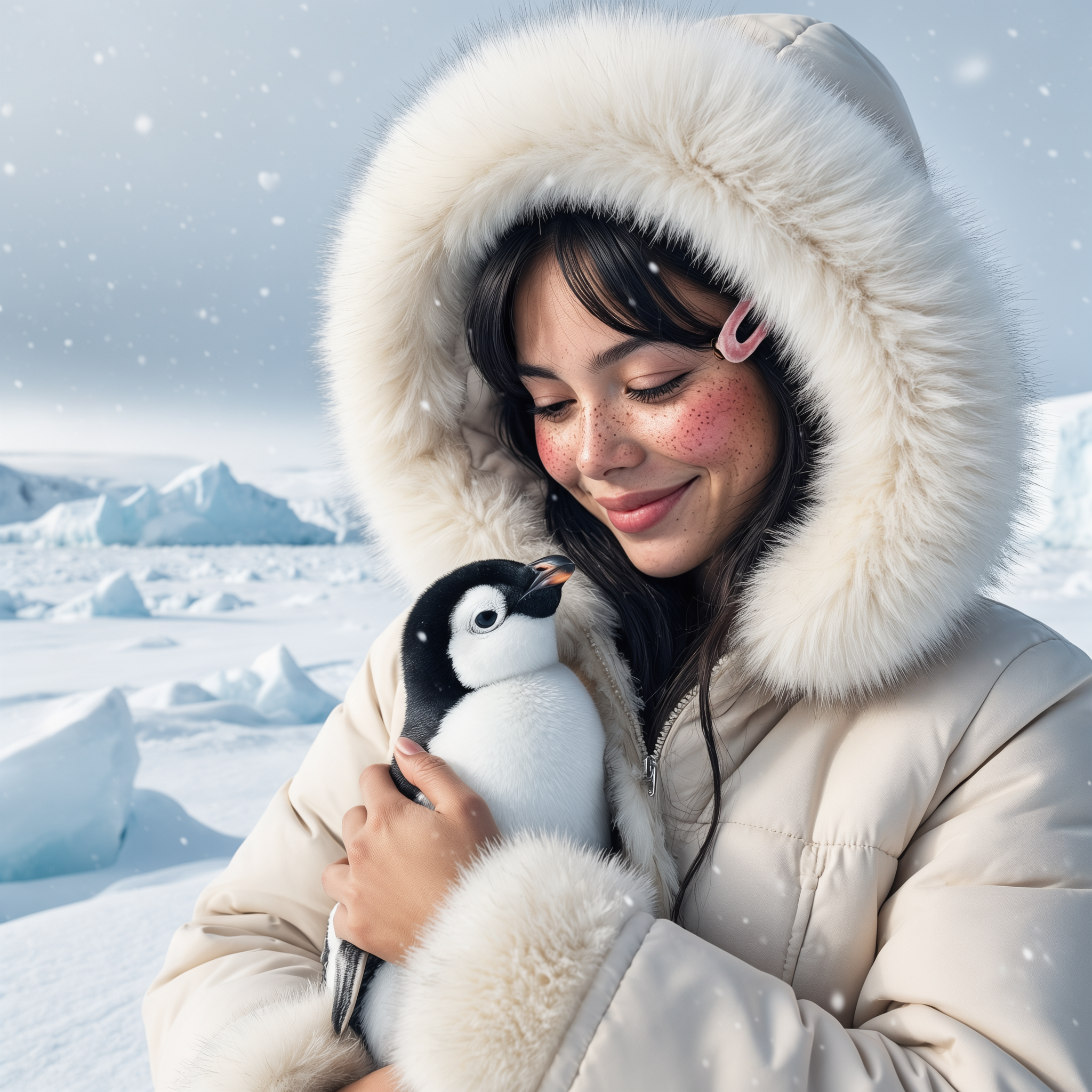
Luma | Uni-1 | Edit
Luma Uni-1 Edit transforms existing images using text instructions while preserving the original composition, with optional reference images to guide the final result.
- Runtime (p50)
- 1m
- Estimated price
- $0.045 per image
Overview
Luma | Uni-1 | Edit Overview
Luma | Uni-1 | Edit is an image-to-image editing model designed to transform an existing image from text instructions while preserving the original composition. On each::labs, it fits users who need controlled visual changes without rebuilding the scene from scratch. The model’s main differentiator is that it emphasizes instruction-based editing with optional reference images, making it useful when you want to keep the subject, layout, or framing intact while changing style, details, or scene elements.
As part of the Luma family, Luma | Uni-1 | Edit is positioned for practical production workflows where consistency matters. It is a strong fit for creators, marketers, and designers who need fast iterative edits, versioning, or localized image changes. In Luma | Uni-1 | Edit API workflows, the value comes from combining a source image with a precise prompt so the model can modify only what needs to change.
Capabilities
Capabilities
- Edits an existing image using natural-language instructions.
- Preserves the original composition while changing selected details.
- Supports reference-driven guidance for more controlled visual direction.
- Can adjust style, color palette, materials, and scene attributes.
- Useful for localized changes without regenerating the entire image.
- Fits iterative creative workflows with multiple edit passes.
- Works well for content variants that need visual consistency.
Use cases
Use Cases for Luma | Uni-1 | Edit
Marketing teams: Create campaign variants from a single approved hero image while preserving framing. Example prompt: “Keep the subject and layout unchanged, switch the product packaging to deep blue, and make the lighting more premium.”
Designers: Refine mood boards and concept comps without redrawing the scene. Example prompt: “Retain the composition, replace the background with a neutral studio wall, and make the material finish look brushed metal.”
Creators: Quickly adapt social visuals to different themes or seasons. Example prompt: “Preserve the character pose, change the outfit to a winter streetwear look, and add a cooler color grade.”
Developers using the Luma | Uni-1 | Edit API: Build controlled edit flows for user-generated content tools. Example prompt: “Keep the same image structure, remove the sign in the background, and match the surrounding textures naturally.”
Tips & tricks
Tips and Tricks
Use prompts that describe the exact edit, the preserved elements, and the target style. When possible, mention what should stay unchanged, such as subject pose, camera angle, or background layout. If the model supports reference images in your workflow, use them to anchor style, materials, or color direction.
Good prompts tend to be concrete and operational. For example: “Keep the same composition, change the jacket to matte black leather, preserve the face and lighting.” Or: “Retain the original room layout, replace the wall art with minimalist abstract prints, and keep natural daylight.” Another useful pattern is: “Preserve the subject and framing, add cinematic contrast, and make the scene feel warmer.”
For Luma | Uni-1 | Edit, prompt clarity usually matters more than prompt length. Start with the required change first, then add constraints that protect the parts of the image you want to keep. This workflow reduces accidental drift and makes the output more predictable in the Luma | Uni-1 | Edit API.
Technical spec
Technical Specifications
- Model type: image-to-image editing.
- Primary inputs: source image, text instruction, and optional reference image guidance.
- Primary output: edited image.
- Composition handling: designed to preserve the original scene structure while applying requested changes.
- Resolution support: not confirmed in the available research for this specific model.
- Aspect ratios: not confirmed in the available research for this specific model.
- Processing time: not confirmed in the available research for this specific model and may vary by workload.
- Architecture details: not publicly specified in the sources reviewed.
Things to be aware of
Things to Be Aware Of
Luma | Uni-1 | Edit can struggle when the instruction asks for too many major changes at once, especially if those changes conflict with the source image structure. Very vague prompts can also produce drifting results because the model has less guidance about what to preserve.
Users often make the mistake of describing a full regeneration instead of a targeted edit. For Luma image-to-image workflows, that can reduce consistency and increase unwanted changes. Complex occlusions, fine text, and highly detailed object substitutions may need extra iteration or a cleaner source image.
Key considerations
Key Considerations
Luma | Uni-1 | Edit works best when the source image already has the composition you want to keep. It is most useful for targeted edits such as style shifts, object replacement, background adjustments, or controlled retouching. Because it is built for guided transformation, it is a better choice than a blank-generation workflow when fidelity to the original image matters.
For best results, provide a clear instruction and avoid overloading the prompt with conflicting goals. Luma image-to-image workflows usually perform better when the edit request is specific, localized, and visually grounded. The Luma | Uni-1 | Edit API is therefore most suitable for iterative creative work where you want a balance of control and speed rather than fully unconstrained generation.
Limitations
Limitations
Luma | Uni-1 | Edit is optimized for editing, not full scene reconstruction. It may not reliably preserve every fine detail when the requested change is large or visually ambiguous. Available research did not confirm fixed resolution limits, aspect ratios, or processing times for this specific model.
Text rendering, exact object duplication, and highly precise structural edits may be inconsistent. The model is strongest when the edit request is clear, localized, and compatible with the original image.
Related models
4 models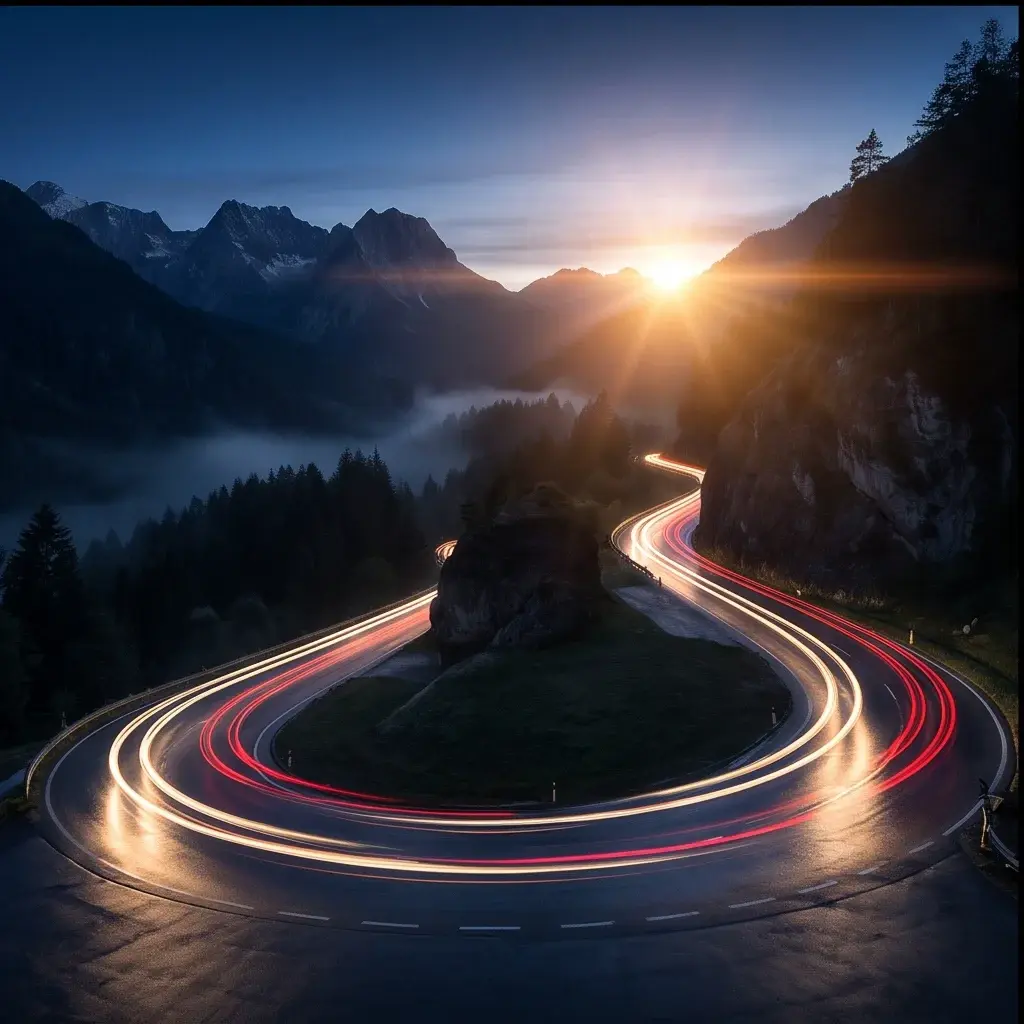

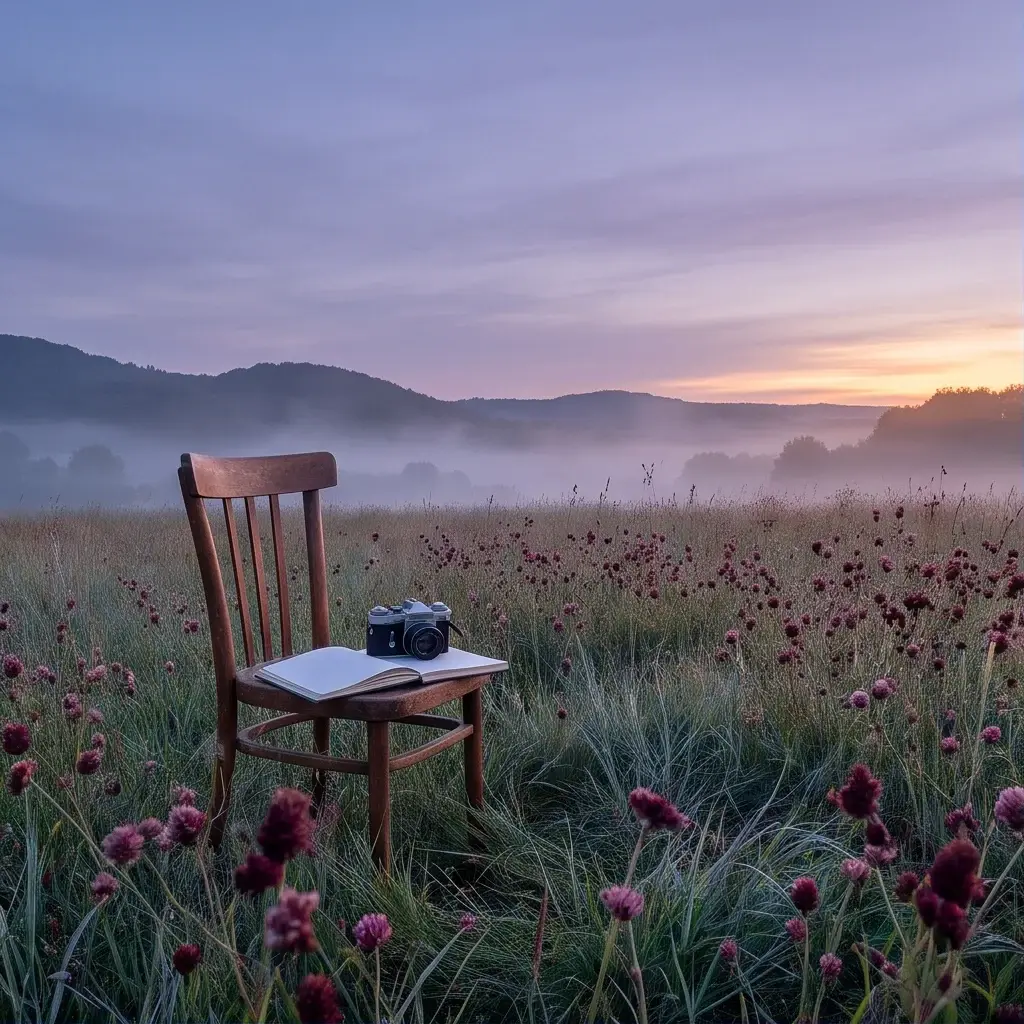

About Luma | Uni-1 | Edit
What is Luma Uni-1 Edit?
Luma Uni-1 Edit is an image-to-image model from Luma that edits a source image based on a text instruction. It can apply style, scene, and visual changes while keeping the original composition recognizable.