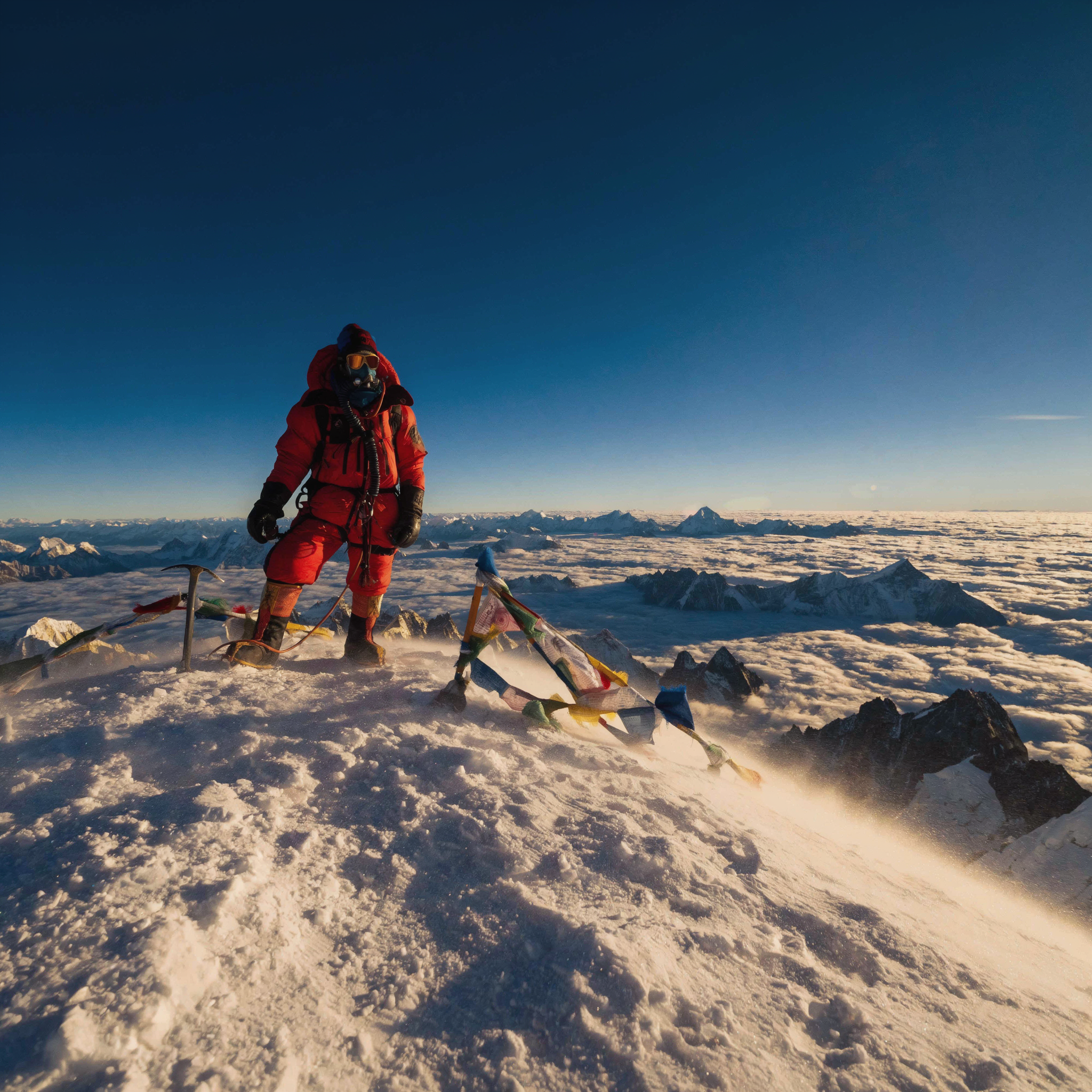
Luma | Uni-1 | Max | Text to Image
Luma Uni-1 Max Text-to-Image generates premium, high-fidelity still images from text prompts, with richer detail and stronger prompt adherence than the base tier.
- Runtime (p50)
- 1m
- Estimated price
- $0.102 per execution
Overview
Luma | Uni-1 | Max | Text to Image Overview
Luma | Uni-1 | Max | Text to Image is a high-end text-to-image generation model from Luma’s Uni-1 family, designed to create premium, photorealistic still images directly from natural language prompts. It builds on the same core technology that powers Luma’s Uni-1 video and image systems, but focuses on single-frame quality, detail, and prompt fidelity. Compared to base tiers in the Uni-1 lineup, Luma | Uni-1 | Max | Text to Image is tuned for richer textures, more accurate lighting, and stronger adherence to complex, multi-part prompts. This makes it well suited for creators and teams who need production-ready keyframes, concept art, or reference stills that align closely with their creative direction. Integrated through the each::labs platform, it offers developers streamlined access via the Luma | Uni-1 | Max | Text to Image API.
Capabilities
Capabilities
- Generates photorealistic human characters with diverse ages, genders, and ethnicities when clearly described in the prompt.
- Produces cinematic, camera-aware compositions, responding well to cues like mid-waist framing, full-body shots, or specific camera aesthetics.
- Handles complex, multi-attribute prompts that combine pose, clothing, props, environment, and mood into a single coherent frame.
- Creates high-fidelity textures and materials, useful for realistic fabrics, skin, metal, and other detailed surfaces.
- Supports fine-grained lighting control, such as ceiling-only light, dramatic shadows, or soft studio illumination, via descriptive phrasing.
- Generates consistent character sheets (multiple angles or outfits) when guided with clear role and appearance descriptions across prompts.
- Integrates as part of a storyboarding and keyframe workflow for Uni-1 video projects, providing high-quality first-frame images.
- Accessible via the Luma | Uni-1 | Max | Text to Image API on each::labs, enabling programmatic generation for apps and pipelines.
Use cases
Use Cases for Luma | Uni-1 | Max | Text to Image
Film and video pre-production. Creators can generate casting stills and character sheets using the model’s strong character rendering and camera control. Example: “Five diverse actors sitting in an audition room, mid-waist framing, each holding a script, photorealistic, soft ceiling light.”
Marketing and campaign visuals. Marketers can create production-ready hero images that match detailed briefs, leveraging the model’s texture and lighting fidelity. Example: “Lifestyle shot of a young couple in a modern living room, warm sunset light, brand-neutral decor, 16:9 landscape.”
Concept art and worldbuilding. Designers can quickly explore environments and props leveraging the model’s ability to handle complex scenes. Example: “Dusty sci-fi bazaar inside a giant spaceship, bustling crowd, dramatic side lighting, cinematic wide shot.”
Developer integrations. Product teams can embed the Luma | Uni-1 | Max | Text to Image API into creative tools, using its prompt adherence for features like instant thumbnails, AI-assisted casting boards, or storyboard generators.
Tips & tricks
Tips and Tricks
To get the best results from Luma | Uni-1 | Max | Text to Image, write prompts as if you were briefing a cinematographer or photographer. Uni-1 models respond well to explicit camera and lighting instructions, such as “shot on ARRI,” “low depth of field,” “ceiling lighting,” or “mid-waist framing.” Start with a clear subject, then layer style, setting, and mood. For character or product work, describe age, ethnicity, clothing, and emotional tone to improve identity and consistency.
Example prompts:
“A photorealistic mid-waist portrait of an elderly Japanese woman in a casting room, shot on a cinema camera, low depth of field, soft ceiling light.”
“High-detail concept art of a cyberpunk city street at night, neon reflections on wet asphalt, cinematic wide shot, volumetric fog.”
“Product hero shot of a matte black smartwatch on a concrete pedestal, dramatic studio lighting, ultra-sharp, 3/4 angle.”
Technical spec
Technical Specifications
- Provider / Family: Luma, Uni-1 generation family (same core stack used for Luma’s video and image models).
- Task: Text-to-image generation of high-fidelity still frames from natural language prompts.
- Resolution & aspect ratios: Uni-1 models commonly operate in HD-class resolutions with support for multiple cinematic and social-friendly aspect ratios (such as landscape, portrait, and square), though exact pixel sizes may vary by integration.
- Inputs: Text prompt (required); optional guidance parameters such as style descriptors, camera terms, and lighting cues supported via prompt engineering.
- Outputs: Single high-quality image per generation in standard web-friendly formats (such as PNG or JPEG), depending on the each::labs integration.
- Processing time: Uni-1 generations typically return within a few seconds per image under normal load, with latency influenced by resolution and traffic.
- Architecture: Based on Luma’s Uni-1 multimodal generative framework, combining diffusion-style image synthesis with learned priors from large-scale visual-data training.
Things to be aware of
Things to Be Aware Of
Like other advanced generative models, Luma | Uni-1 | Max | Text to Image can misinterpret under-specified prompts, especially when key information such as camera angle, lighting, or subject details is omitted. Highly abstract or contradictory descriptions may produce unstable results or muddled compositions. Real-world branding, logos, and highly specific public figures are typically constrained or may not render accurately due to training and safety policies. Very small objects, dense text, or fine patterns within a single frame can be challenging. For consistent characters across many images, you may need careful, repetitive prompting rather than expecting perfect identity matching from a single description.
Key considerations
Key Considerations
Luma | Uni-1 | Max | Text to Image is best used when you need photorealistic or richly detailed stills rather than rapid, low-cost drafts. Because it is a higher-tier configuration within the Uni-1 family, you can expect stronger prompt adherence, but also higher compute usage per call compared to lighter models. It works particularly well when prompts specify camera angles, composition, and lighting, echoing how creators already work with Luma’s video tools. For lightweight ideation or stylized sketches, a base-tier text-to-image model may be more cost-effective, while Luma | Uni-1 | Max | Text to Image is better suited for final frames, style references, and hero shots through the Luma | Uni-1 | Max | Text to Image API on each::labs.
Limitations
Limitations
Luma | Uni-1 | Max | Text to Image is optimized for single high-quality frames and does not itself generate multi-frame animations or video; for that, other Uni-1 video endpoints are used. Exact maximum resolution and output formats depend on the each::labs implementation and may be capped to balance performance and cost. The model can struggle with precise typography, dense UI layouts, or highly technical diagrams, where vector tools are better suited. Users should also expect content and safety filters, meaning not all requested imagery will be generated, even when technically feasible.
Related models
4 models
About Luma | Uni-1 | Max | Text to Image
What is Luma Uni-1 Max Text-to-Image?
Luma Uni-1 Max Text-to-Image is the highest-quality tier of Luma’s Uni-1 text-to-image model. It turns a text prompt into a single high-fidelity image with richer detail, stronger prompt adherence, and a more polished finish than the base version.