Kling 4.0 Flash: Draft Fast, Finish on Kling 4.0
Kling 4.0 Flash brings the 4.0 generation to a lighter 720p tier with text-to-video, image-to-video, references and video edit. Use it for the twenty attempts, then spend the full model on the keeper.
By Eftal Yurtseven · Nov 6, 2026 · 8 min read
The expensive part of AI video was never the final render. It's the twenty attempts before it: the clip where the camera drifted, the one where the hand melted, the one that was fine but too slow for the cut. Every one of those attempts runs on the same heavy model as the keeper, and that's the habit worth breaking.
Kling 4.0 Flash is now live on each::labs, and it exists for exactly those twenty attempts. It's the lighter tier of Kling's 4.0 family: the same generation of model, capped at 720p and 20 seconds, with text-to-video, image-to-video, reference-to-video and video edit endpoints. Think of it as a sketchbook that speaks the same language as the finished painting.
What Kling 4.0 Flash Actually Is
Kling opened Kling 4.0 Flash to a limited group of early-access users on September 28, before the full Kling 4.0 launched in October. In other words, Flash is the build of 4.0 that people touched first. Kling's own Kling 4.0 guide describes the full model as supporting 3 to 30 seconds of native video, up to 10 keyframe images in one generation and up to 15 combined reference assets. Flash keeps the core of that and trims the top end.
On each::labs, the Kling 4.0 family now has two tiers side by side. Full Kling 4.0 text-to-video runs 3 to 30 seconds at 720p or 1080p. Kling 4.0 Flash runs 3 to 20 seconds at 720p only. Both share the same aspect ratios for text-to-video (21:9, 16:9, 9:16 and 1:1) and the same generous prompt budget: up to 26,000 characters of English-only text, or up to 11,000 for other languages.
That's the whole trade. Fewer pixels and a shorter ceiling, in exchange for a tier you can afford to throw away. And "afford" here means time and patience, which is what actually runs out first in a production week.

The Four Kling 4.0 Flash Endpoints
Flash isn't a single text box. It arrives as four models on each::labs, and each one maps to a real job.
Text-to-Video
Kling 4.0 Flash Text-to-Video takes a prompt, a duration from 3 to 20 seconds (10 by default), an aspect ratio and the fixed 720p resolution. No image, no source clip, nothing else. This is where you test whether a concept survives contact with motion at all.
Image-to-Video
Kling 4.0 Flash Image-to-Video animates one first-frame image (JPG or PNG, at least 300 by 300 pixels, with an aspect ratio between 2:5 and 5:2). The prompt is optional and describes motion and camera. There's no end frame and no separate aspect ratio input: the image sets the frame, and the clip grows out of it.
Reference-to-Video
Kling 4.0 Flash Reference-to-Video is the most interesting of the four. It accepts up to 10 images, up to 5 videos and up to 7 existing Kling Elements, with a combined cap of 15 references. Images can act as the first frame or as a plain reference, and the aspect ratio can be adaptive. Each reference gets a short unique ID, which is how you point at it from the prompt.
Video Edit
Kling 4.0 Flash Video Edit takes exactly one base video (MP4 or MOV, 3 to 20 seconds, 24 to 60 fps) and a prompt, with optional image, video and Element references on top. Restyle a take, swap a prop, change the weather. It's generative editing, so "keep everything else the same" is a goal you state, not a promise the model signs.
Draft on Flash, Finish on Kling 4.0
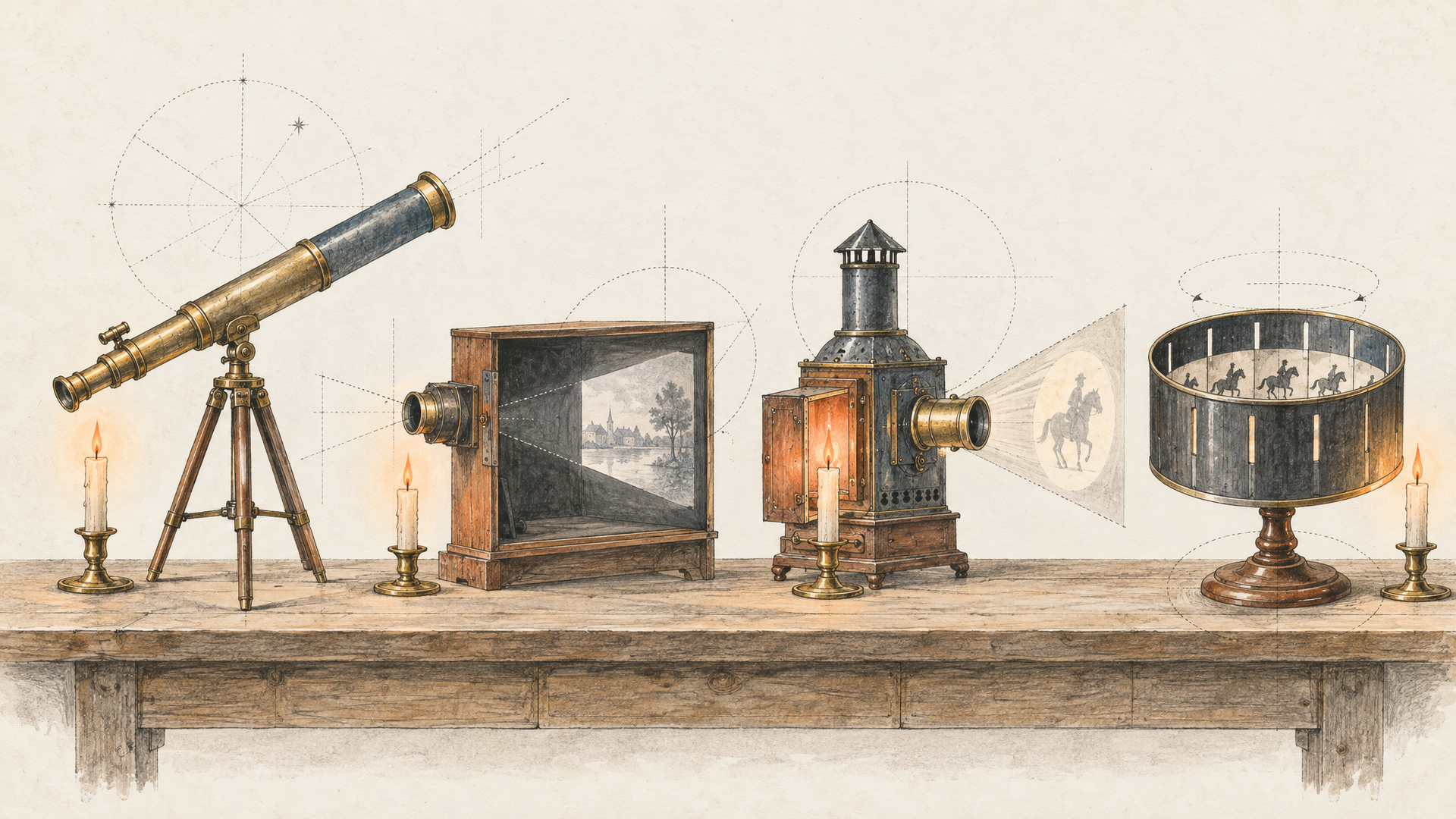
Here's the position this post is built on: most teams should never start a shot on the full model. Start on Flash. Lock the idea, the blocking and the camera move at 720p, then spend the heavy render once, on a prompt you already trust.
This works because the two tiers speak the same prompt language. A prompt that gets the choreography right on Flash is a strong starting point on Kling 4.0. You're not translating between two different models with different habits; you're moving up a tier inside one family. Expect the final to differ in detail, because it's a new generation, not an upscale. What carries over is the decision: the shot you wanted, written down in words that worked.
The workflow is short. Write the prompt. Run three or four Flash variations at the duration you need. Pick the one whose motion reads best, tighten the wording around whatever it got right, and only then send it to the full model at 1080p, or past the 20-second line if the edit needs it. If a shot will never leave a 720p vertical feed, the Flash take may simply be the final.
Where Kling 4.0 Flash Earns Its Place
Social video is the obvious fit. A lot of short-form content ships at 720p in 9:16 anyway, and a 3 to 20 second window covers nearly every hook, reaction and product beat a feed needs. For that work, Flash isn't a compromise tier. It's the right size.
Storyboards and animatics are the second. A director or a client doesn't need 1080p to approve a sequence. They need to see the camera move, the pacing and the staging. Ten rough shots on Flash say more in a review than one polished shot on anything.
The third is ad testing. When a performance team wants six hooks for the same product, the point is volume and variety, not resolution. Flash lets you build those variants from the same reference set, then promote the winner to the full model for the hero placement.
And the fourth is pipelines. If you're generating video inside an app or an automated each::labs flow, a fixed 720p output with a tight set of parameters is easier to reason about. Fewer knobs means fewer surprises in production.
Write Kling 4.0 Flash Prompts Like a Shot List
Flash has no seed, no negative prompt field and no frame-rate control. Everything you want, and everything you don't, goes into the prompt itself. That makes the prompt do more work, so structure it: subject, action, camera, light, then what to avoid.
A barista in a green apron slides a ceramic cup across a marble counter toward the camera. Slow push in from waist height, shallow depth of field, warm morning window light from the left. Steam rises in the last two seconds. Keep the cup design unchanged, no text, no extra people.
Notice the last sentence. Since there's no separate negative prompt, the exclusions live in plain language at the end. Short and specific beats a long list of fears.
For image-to-video, stop describing what's already in the picture. The image has the subject covered. Spend your words on what changes:
The model turns her head toward the window and smiles slightly. Hair moves in a light breeze. Camera holds steady, then drifts a little to the right. Natural pace, no sudden motion.
Our Kling 4.0 prompting guide goes deeper on camera vocabulary, and nearly all of it applies to Flash unchanged.
References Make Flash Drafts Worth Keeping
A draft is only useful if it looks like the thing you'll finish. That's where reference-to-video does the heavy lifting. Give Flash the product shot, the character sheet and a short motion clip, label each one, and the draft already carries the identity of the final.
Use @product as the bottle and @host as the presenter. The presenter picks up @product from a wooden table and turns the label toward the camera. Match the handheld rhythm of @motion. Bright studio light, 9:16, 8 seconds.
Two practical notes from the docs. First, references guide the generation but don't guarantee exact identity or product geometry, so check logos and labels on every take. Second, combined reference video duration has to stay within 3 to 20 seconds, so trim motion references before you upload them. For a full walkthrough of the reference workflow on the bigger model, see our Kling 4.0 reference-to-video guide.

Kling 4.0 Flash vs Kling 4.0: When to Pick Which
Pick Flash when the output is 720p anyway, when you need many variations, when you're blocking shots for approval, or when the clip fits inside 20 seconds. Pick full Kling 4.0 when the shot is a hero asset, when you need 1080p, when you need more than 20 seconds in one take, or when you want the keyframe control Kling describes for the full model.
The mistake is treating this as a quality ranking and always reaching for the top. A hero render of a bad idea is still a bad idea, just sharper. Flash is how you find the good idea first. If you're still deciding between Kling generations, our breakdown of Kling 4.0 vs Kling 3 covers what the jump to 4.0 changed, and the Kling 4.0 video edit guide shows how edits behave on the full model.
Running Kling 4.0 Flash on each::labs
Every Flash endpoint runs through the same each::labs API as the rest of the text-to-video and image-to-video catalog. Requests are asynchronous: you submit, and a successful task returns a video URL. Moving a prompt from Flash to full Kling 4.0 is a model change, not a new integration, which is exactly what makes the draft-then-finish workflow practical.
One habit worth keeping: send only the documented fields. The Flash pages are explicit that there's no seed or negative prompt parameter, and image-to-video takes a single image URL rather than an array. Clean requests fail less.
Frequently Asked Questions
Is Kling 4.0 Flash a different model from Kling 4.0?
It's a tier of the same family. Kling released Flash to early-access users on September 28 ahead of the full 4.0 launch. On each::labs, Flash covers 3 to 20 seconds at 720p, while full Kling 4.0 text-to-video covers 3 to 30 seconds at 720p or 1080p.
What resolution and length does Kling 4.0 Flash support?
720p only, with durations from 3 to 20 seconds and a 10-second default. Text-to-video offers 21:9, 16:9, 9:16 and 1:1, and reference-to-video and video edit add an adaptive aspect ratio.
Can Kling 4.0 Flash use reference images and videos?
Yes, through the reference-to-video and video edit endpoints. You can combine up to 10 images, 5 videos and 7 Kling Elements, with no more than 15 references in total, each with its own ID for the prompt.
How do I avoid unwanted details without a negative prompt?
Write the exclusions into the prompt as a short closing sentence, such as "no text, no extra people." Kling 4.0 Flash reads the whole prompt as one instruction, so plain, specific language at the end does the job a negative field would.