How to Orchestrate Text to Image to Video Workflows in 2026
Why text-to-image-to-video breaks in production The demo always works. One prompt, one model, one clip that looks good enough to screenshot into a standup. Then you wire it into a backend job that runs a few thousand times a week, and the cracks show up fast. Production needs a controlled path: prompt to image draft, image draft to motion, with a defined decision at every handoff. Model pages rarely help here. They document parameters — duration, aspect ratio, resolution, whether audio is gene
Why text-to-image-to-video breaks in production
The demo always works. One prompt, one model, one clip that looks good enough to screenshot into a standup. Then you wire it into a backend job that runs a few thousand times a week, and the cracks show up fast.
Production needs a controlled path: prompt to image draft, image draft to motion, with a defined decision at every handoff. Model pages rarely help here. They document parameters — duration, aspect ratio, resolution, whether audio is generated natively with the frames — and stop. Vidu Q3 Pro is honest enough to publish real constraints, noting a 16-second ceiling per generation, no background music control, and unreliable rendering of complex text. Useful. But a parameter list isn't a workflow.
What actually fails is the glue. Characters drift between the still and the clip. Motion comes out limp because the prompt described a scene, not an action. The image gets passed to the video stage as a loose reference when it should have been locked as a first frame — or locked when it should have been regenerated. And retries fire blindly, spending another generation reproducing the same defect.
So this piece works through the stages of a text-to-image-to-video pipeline, the routing logic that picks a mode per request, the backend patterns that make retries intelligent, and the questions worth answering before you ship.
What a text-to-image-to-video workflow actually does
You already know the failure mode. You write a prompt, the video model returns six seconds of something that's almost your character, and there's nothing to fix — only regenerate and hope. The subject drifted. The wardrobe changed. The product logo is a smear.
Inserting an image stage is how teams stop that guessing. The sequence is simple to describe and harder to run: a text prompt produces one or more image drafts, a human or an automated check selects the frame that's actually right, and only then does the video stage animate that locked visual anchor. The image becomes the contract. Motion happens around it instead of inventing it.
Pure text-to-video collapses two decisions into one generation, which is fine for mood, ambience, or throwaway previews. Pure image-to-video assumes you already have the asset — a product shot, a brand frame, a rendered character. The three-stage version exists for the middle case: you need art direction control and you don't have the asset yet. Character consistency across shots, product visualization, campaign variants that must all share one look. Our breakdown of how text-to-video and image-to-video models differ covers the tradeoff in more depth.
The image stage earns its cost because it narrows uncertainty before the expensive step. Most current video models accept a start frame, some accept start-and-end frames or ordered keyframes, and reviewing a still is far cheaper than reviewing a clip.
Then there's audio. Some models generate synchronized sound with the frames; others need a separate pass after motion exists. That's a fourth stage, and it changes your routing logic.
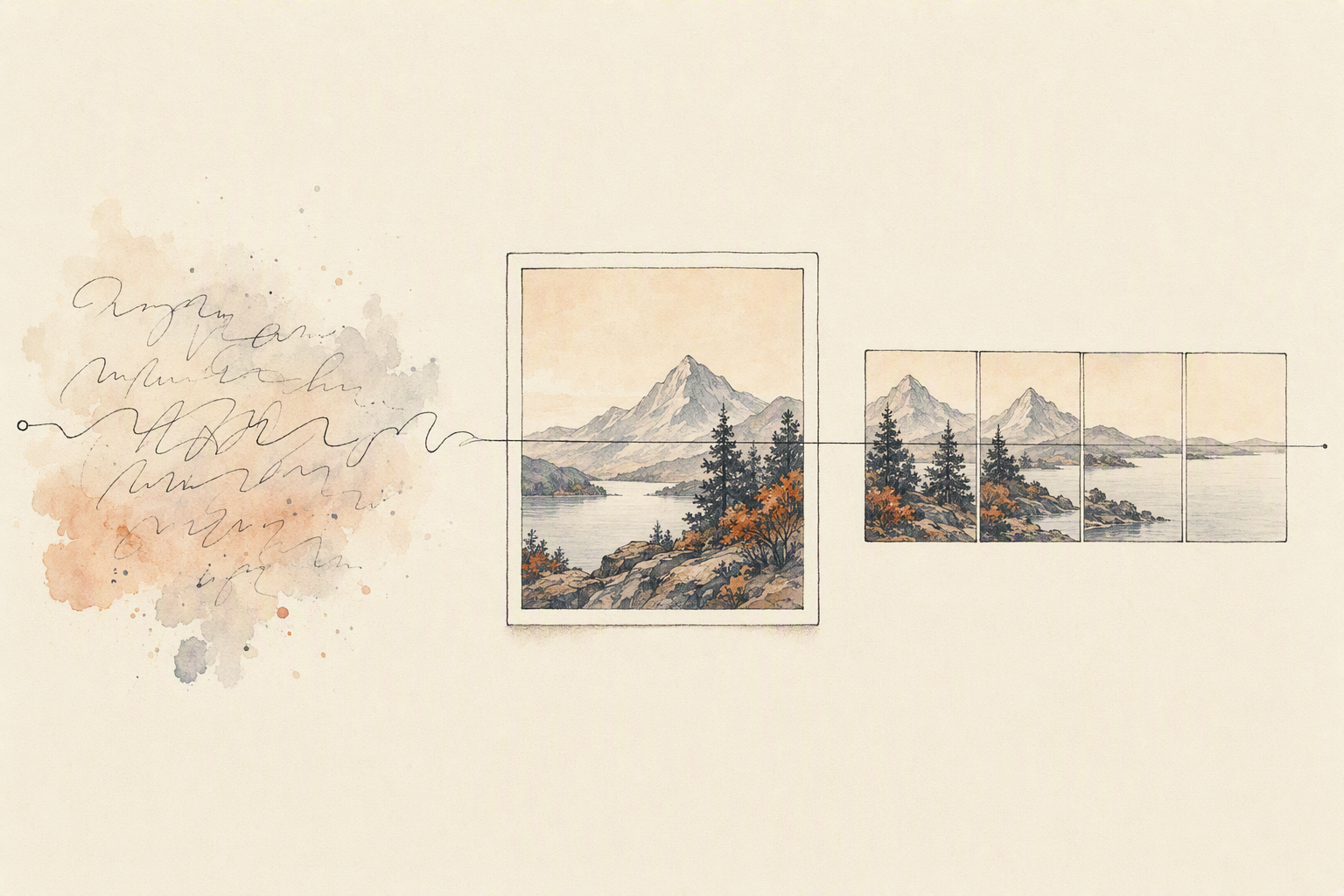
How to orchestrate generation, editing, and handoff
Four stages, one state machine. Treat it that way and the pipeline stops surprising you.
Stage one — generation. Send the text prompt to an image generation API and ask for a batch, not a single frame. Three to five candidates gives you something to choose between. Score them before anything moves downstream: prompt-alignment scoring, a resolution and aspect-ratio check against what the video stage expects, and a face or product-identity check if the shot carries a recurring subject. Persist the winning image ID, the prompt, and the seed. You'll need all three later.
Stage two — editing. Almost no first-pass image is frame-ready. Crop or extend the canvas to the aspect ratio your motion model accepts, push the subject off dead centre if the camera has to move, and clean artifacts in the region the motion will emphasize. When style has drifted rather than merely being misframed, regenerate with the stored seed and a tightened prompt instead of patching pixels. Editing fixes composition. It doesn't fix a wrong subject.
Stage three — handoff. This is the decision that separates a workflow from a demo. Lock the image as a start frame when composition, subject, and style all pass, then run image-to-video. Regenerate the image when identity fails, because motion inherits every flaw. And when you need more length than a single generation allows — current models typically top out somewhere between 16 and 20 seconds per clip — continue from the final frame or supply start-and-end keyframes rather than restarting from text and losing continuity.
Stage four — audio, if you need it. Route native synchronized audio with the motion pass, not after, and keep the requested sound description aligned with clip duration and pacing. Fine-grained music control is usually not exposed, so plan to lay score separately.
Around all four: stage status in a durable store, idempotency keys, bounded retries that vary the seed, and a quality gate that stops the run instead of turning a bad frame into unusable video.
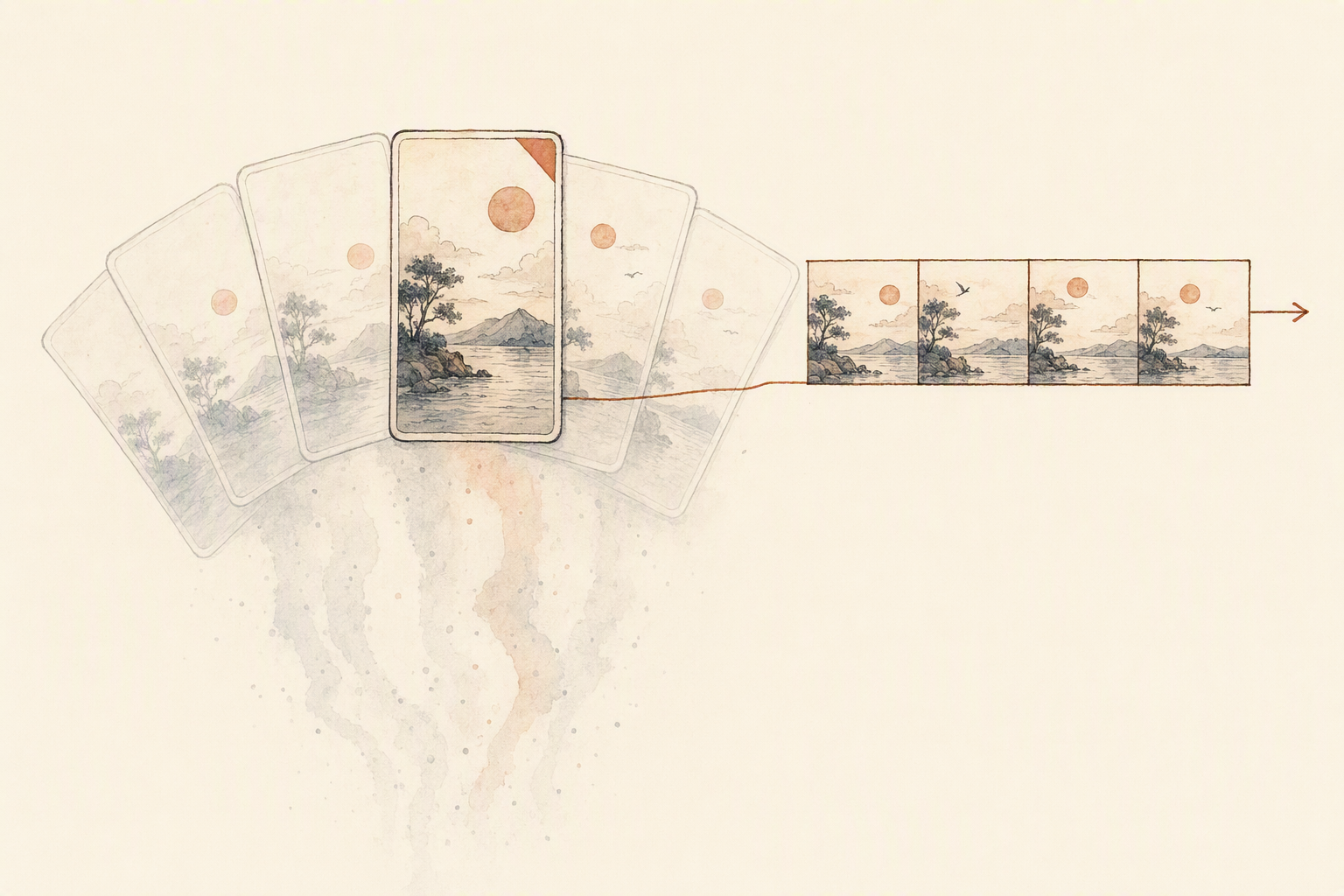
Routing image, video, and audio models without breaking the pipeline
Start with the image, because everything downstream inherits its mistakes. Route simple, high-volume frames to a fast tier and reserve the slower, higher-fidelity model for prompts with dense composition, typography, or a specific look you'll need to reproduce later. The deciding question isn't quality in the abstract — it's whether this frame becomes a locked reference. If a character or product has to survive three more shots, spend the extra latency at the image generation stage and store the seed alongside the asset.
Video fallback is where most pipelines get lazy. A retry with the same prompt against the same model usually returns the same disappointment. Change the strategy instead: if motion drifts or the subject loses identity, stop asking for text-to-video and hand the model a locked frame, or ask it to continue from the last frame of a clip you already accepted. Start-and-end frame modes are the strongest recovery lever most teams ignore, since they constrain both ends of the motion.
Treat audio as its own branch. Native synchronized audio is a decision about the deliverable, not a default flag — a silent background loop doesn't need speech generation, and enabling it adds variables you then have to review. Vidu Q3 Pro's documentation notes a 16-second ceiling per generation and no background music control; that kind of constraint belongs in your routing table, not in a bug report at 2 a.m.
Before any model enters a production path, verify supported input formats, duration and resolution limits, and whether it accepts reference video or keyframes. Write those limits down. Your router should read them, not guess.
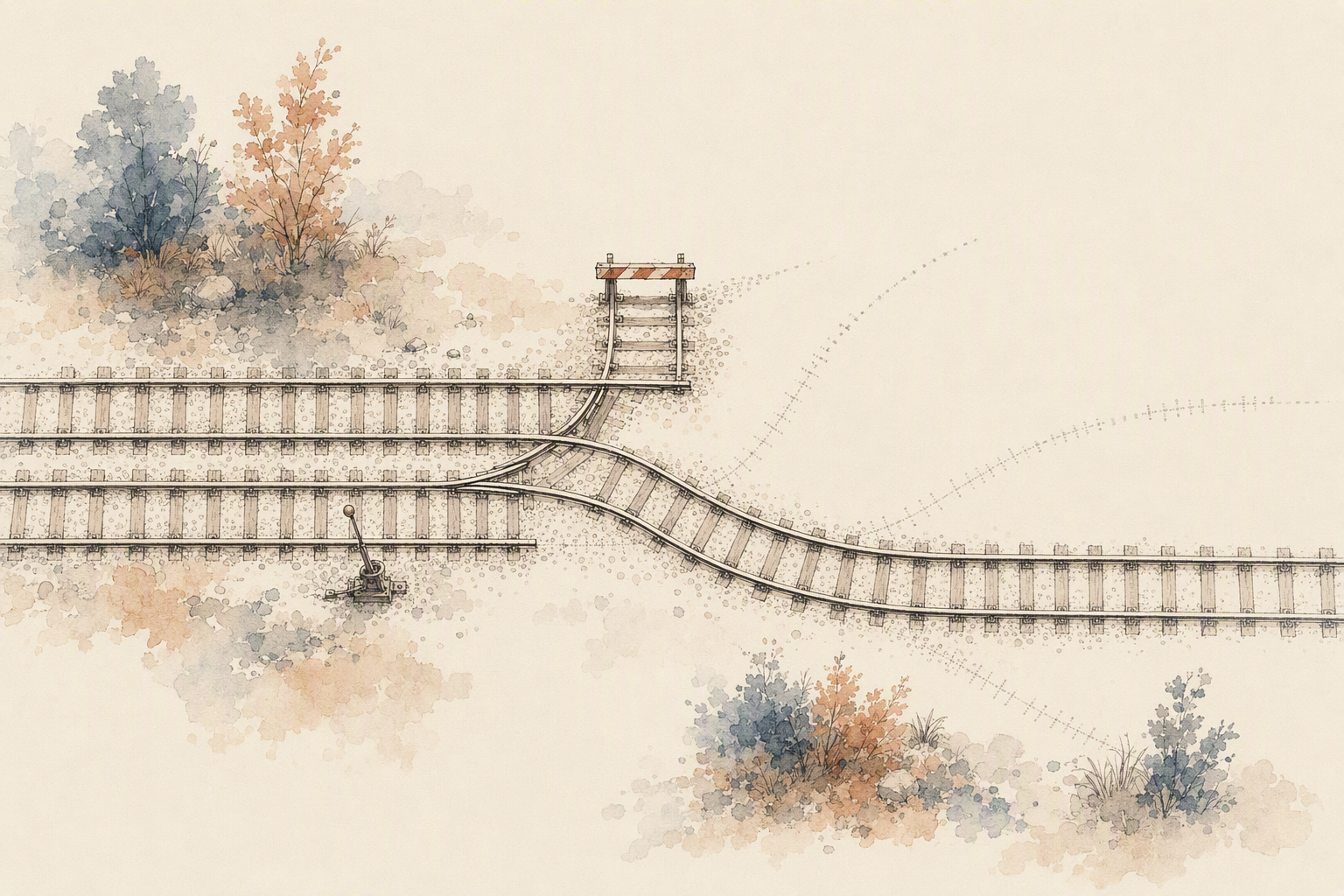
Backend workflow patterns that hold up in production
The patterns worth building are boring on purpose. Start with fan-out: one prompt, four to six candidates from an image generation API, generated in parallel with a fixed seed range so you can reproduce whichever one wins. Motion is the expensive stage. Spending a little more on frames means you're not animating a bad composition.
Then score and pick. Before any candidate reaches the video stage, run cheap deterministic checks — resolution and aspect ratio matching your target output, file type in the range the video model accepts (usually PNG, JPEG, or WebP for start frames), a face or object detector confirming the subject actually exists, an aesthetic or CLIP-similarity score against the prompt. Pick the top scorer. Log the rest. You'll want them when the video stage fails.
Which it will. So build retry-with-reroute instead of retry-with-hope. First failure, re-request with the same frame at lower resolution. Second failure, switch modes — send the chosen frame plus an end frame into a start-end transition rather than open image-to-video. Third failure, change model generation entirely. Looping the identical request against the identical endpoint just burns your queue.
Most video models cap a single generation somewhere between 16 and 20 seconds, so treat length as a chaining problem. Take the final frame of pass one, feed it into a continuation or extend call, and carry the original prompt's camera direction forward so momentum doesn't reset between segments.
The handoff pattern is the one teams skip. Every asset should move with its state attached: source prompt, seed, model version, parent asset ID, review status. Otherwise your review queue and your downstream automation stop agreeing about what happened.
What the official docs and workflow pages reveal about real constraints
Read the model documentation closely and a pattern shows up fast: the pages that get closest to production talk less about prompting and more about chaining. Image-to-video modes. Start-and-end frame transitions. Video extension from a final frame. Reference conditioning that carries a subject across shots. That's orchestration language, even when the page never uses the word.
The numbers are where planning starts. FLUX 3's text-to-video documentation describes clips of 5 to 20 seconds, 720p or 1080p output, optional synchronized audio, and exposed controls for aspect ratio and duration. Vidu Q3 Pro's model card lists three modes chosen by input — text, start image, or start plus end frame — with clips up to 16 seconds, resolutions from 540p to 1080p, and PNG, JPEG, or WebP accepted as frames. Useful detail if your image generation API stage outputs something else; you'll need a conversion step.
The stated limitations matter more. Vidu's documentation admits complex text rendering can be unreliable, very rapid fine-grained hand movement looks unnatural, and audio generation doesn't offer background music control. None of that blocks a pipeline. It just means typography belongs in a compositing pass, hands belong out of frame, and music belongs in its own audio generation API call.
Model pages describe one model. Your workflow has to route between several, validate what came back, and decide what happens on failure.
FAQ: implementation questions teams ask before wiring the workflow
When should you chain text to image to video instead of going straight to video? Go direct when the shot is disposable — previews, motion tests, social cuts. Chain when identity matters. A locked frame from an image generation API gives you something reviewable before you spend a video generation call on it.
How many image candidates before you pick a frame? Enough that selection is a real decision. Three to five per shot is usually the point where you stop arguing with the prompt and start choosing.
Retry the video or regenerate the image? If motion drifts but the subject holds, retry with a new seed. If the subject is wrong, no amount of video retries will fix it. Go back a stage.
Audio, length, and handoff? Several models generate synchronized audio natively alongside frames rather than as a dub pass, and clip ceilings sit in the seconds — Vidu Q3 Pro caps at 16 seconds per generation, per its Replicate model page. Store frame URLs, seeds, and prompts as workflow state so any stage can resume without rerunning the whole chain.
Evaluate platforms on retry granularity and model swapping, not on one model you like today.
Build your workflow on Eachlabs.