FLUX 3 Max Prompts: 12 Copy-Ready Video Prompts
Twelve FLUX 3 Max prompts grouped by job, from product shots to keyframes, each written so you can change one clause and run it again. Plus the settings that matter and what our test runs on each::labs returned.
By Eftal Yurtseven · Nov 17, 2026 · 9 min read
Fast video models change the prompting problem. When a take comes back before you've finished your coffee, the bottleneck is no longer the render. It's you, staring at a blank box, trying to decide what the next prompt should say. That's what this collection of FLUX 3 Max prompts is for: twelve copy-ready video prompts, grouped by the job you're doing, each one written so you can change a single clause and run it again.
FLUX 3 Max is the fast video tier of Black Forest Labs' FLUX 3 family. BFL's docs describe it as built on FLUX 3 and post-trained, and state that it "generates a 10-second video in about 12 seconds, so you can edit your prompt and iterate quickly." It runs on each::labs as Text to Video, Image to Video and Keyframes to Video. We covered the speed story and the Max versus standard comparison in FLUX 3 Max: Video Fast Enough to Iterate On. This post is the practical companion: what to type.
The Building Blocks of FLUX 3 Max Prompts
BFL's own video prompting guide opens with a line worth taping to your monitor: think of your prompt as directing a scene, not describing a collection of objects. Its one-line template is "[camera] shot of [subject] [action] in [environment]." Everything in this collection grows out of that sentence.
Start with the camera: a slow push-in and a handheld follow make two different films from the same subject. Then the subject and what it does, written as an event rather than a pose. A bottle on a table is a photograph. A bottle sweating as ice cracks inside it is a shot.
Environment comes next, and it does double duty. BFL notes that FLUX 3 renders synchronized audio with the video, so scenes that naturally imply sound (footsteps, impacts, rain, engines, crowds) give the audio clearer material to work with. Name the sound sources and you're writing the mix at the same time as the picture.
Last, pace. The guide says to keep each beat achievable, two or three for a 5-second clip. Most failed prompts aren't vague. They're overbooked.
Two more official tips matter for the prompts below. To get spoken dialogue, BFL's video docs say to quote the line in your prompt and the character says it. And to get titles, signs or lower-thirds, describe the words and their placement. If you want neither, say "no on-screen text," a phrase BFL uses in its own examples.
Product Shot Prompts for FLUX 3 Max
Product clips live or die on light and restraint. One hero, one move, one sound. These two are written for FLUX 3 Max Text to Video at 16:9, but they hold up at 1:1 for a feed.
Slow push-in on a matte black wireless speaker standing on a wet slate slab at night. Rain beads on the grille and the speaker pulses faintly with a bass note, sending ripples across a shallow puddle. Single hard rim light from behind, deep shadows. Steady rain, a low bass thump with each pulse. No on-screen text.
The pulse makes the ripple, and the ripple sells the bass. Cause and effect gives the model something physical to animate.
Locked-off macro shot of a glass of iced coffee on a marble counter in soft morning window light. Cold cream pours in from the top of frame and blooms slowly through the dark coffee in curling clouds. Condensation slides down the glass. The quiet crackle of ice, a single drip landing on marble.
"Locked-off" is doing real work. With the camera pinned, all the motion budget goes to the pour, which is where you want the eye.
Camera Move Prompts That Read Like Shot Lists
When the camera move is the point, put it first and describe it as a sequence in the order it happens. A move written as a sentence beats a move written as a list of adjectives.
Low drone shot skimming fast over a turquoise river canyon at sunrise, then rising slowly above the rim to reveal a long chain of mountains glowing orange. One continuous move, no cuts. Rushing water below, wind building as the camera climbs.
Overhead top-down shot of a chef's hands plating a dish on a black ceramic plate. The camera slowly rotates clockwise as she places three slices of seared tuna, a spoon of green herb oil and a pinch of flaky salt. Restaurant kitchen ambience, a pan sizzling off screen, the soft scrape of a spoon.
The second prompt stays inside the beat budget: one rotation, three placements. Need more steps? Raise the duration instead of packing five seconds tighter.
People, Motion and Dialogue
People are where vague adjectives hurt most. "A woman walks happily" gives you a stock clip; a specific action gives you a moment. When someone speaks, quote the line and name who says it.
Vertical handheld follow shot behind a cyclist weaving through a crowded night market, paper lanterns blurring past overhead. She rings her bell twice and a vendor shouts, "Watch it!" Sizzling woks, chatter, the tick of the bike chain.
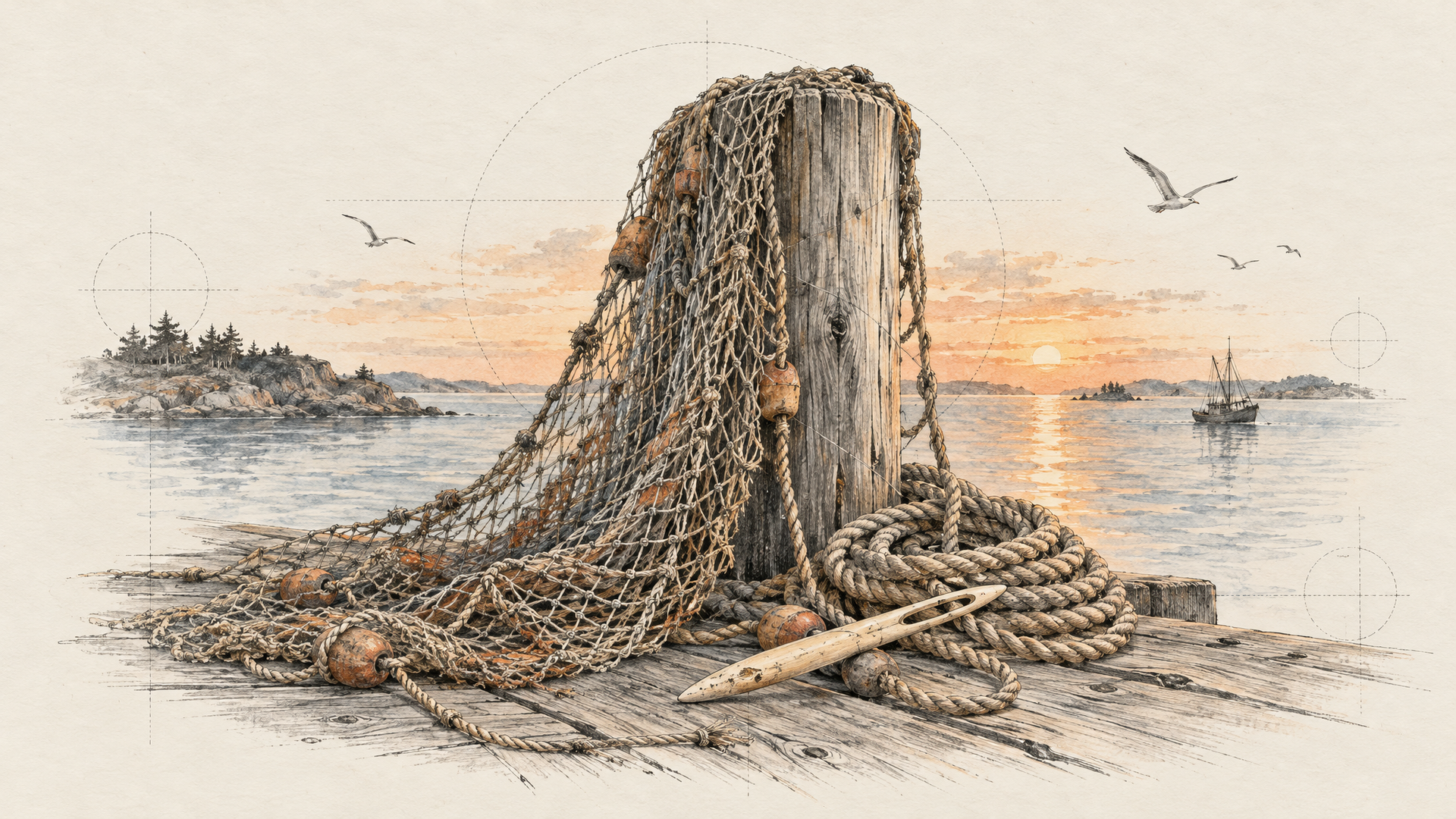
Medium close-up of an elderly fisherman mending a net on a wooden dock at golden hour, rough hands working a needle through the knots. He looks up at the camera and says in a calm, gravelly voice, "The sea doesn't wait for anyone." Gulls in the distance, water slapping the pilings. No on-screen text, no subtitles.
The closing "no subtitles" matters. A quoted line can be read as text to render, and the explicit note keeps it in the audio where it belongs. If the voice sounds like an ad, describe the delivery (calm, tired, amused).
Atmosphere and Nature Prompts
Atmosphere prompts are the easiest to over-write. Fog doesn't need ten adjectives. It needs one thing moving through it and one sound that tells you how big the space is.
Wide static shot of a pine forest at dawn, thick mist drifting slowly between the trunks from left to right. A single shaft of sunlight breaks through and catches the mist. A red fox trots across the clearing and disappears into the trees. Birdsong, a twig snapping under its paws.
Ultrawide shot of an empty desert highway during a thunderstorm at dusk. Lightning flashes on the horizon, lighting up towering clouds for a split second. Dust blows across the asphalt in thin ribbons. Rolling thunder arriving a beat after each flash, a dry wind hissing.
Thunder "arriving a beat after each flash" tells the audio how far away the storm is. Run that one at 21:9, which the each::labs schema supports.
Image to Video Prompts: Write the Motion, Not the Picture
With FLUX 3 Max Image to Video, your image becomes the opening frame and the prompt takes over from there. The model can already see the jacket, the colors and the set. Describing them again wastes words and invites the model to redraw what you've already approved. Spend every word on what happens next. The habit holds for every image to video model.
She turns her head slowly toward the window and smiles as a gust of wind lifts her hair. The camera eases in to a close-up. Curtains rustle, distant traffic below.
The camera orbits halfway around the sneaker as it rotates on the pedestal, laces swaying slightly. Light sweeps across the surface as it turns. The shoe stays sharp and centered throughout. A soft whoosh as the light passes, a low synth pad.
Neither prompt names a color or a material. "Stays sharp and centered throughout" is the only line about appearance, and it's a stability instruction, not a description. If you also pass an end_image_url, the prompt becomes the path between two approved frames, so describe the travel: how fast, which way, what turns.
Keyframe Prompts: Describe the Travel Between Pins
FLUX 3 Max Keyframes to Video takes one to ten images, each pinned to a frame_index in the 24 fps output, so index 120 lands at the five-second mark. The images carry the look. The prompt carries the motion between them. Our guide to pinning FLUX 3 Video keyframes covers planning the frames; here are two prompts for the moving part.
The camera glides forward through the open doorway, then tilts up to the high ceiling as daylight floods in through the tall windows. One smooth continuous move, no cuts. Footsteps echo on stone, birds outside.
That one assumes three pins: the closed doorway at frame 0, the interior at frame 96, the ceiling at frame 192, on an 8-second clip.
The ceramic vase rises slowly from the potter's wheel as her hands draw the clay upward, then the camera pulls back to show the finished vase drying on a shelf in late afternoon light. The wheel hums and slows to a stop. Wet clay squelching, then quiet room tone.
Two pins do it: the lump of clay at frame 0, the finished vase at the last frame. The prompt bridges a time jump the images can't explain.
The FLUX 3 Max Settings That Change the Result
All three Max models on each::labs share the same core controls, straight from their request schemas. Duration is a whole number from 5 to 20 seconds, defaulting to 5. Resolution is 720p (the default) or 1080p. Aspect ratio takes auto, 21:9, 2:1, 16:9, 4:3, 1:1, 3:4 or 9:16; auto means 16:9 for text prompts and follows your first image otherwise. Audio is on by default through generate_audio, and turning it off makes sense when the clip is going under music you'll add later.
Two controls matter most for prompting. reasoning_level is low or high (the default), and the schema says it plainly: higher reasoning means slower generation. Use low while you're testing whether an idea works, and high once the prompt carries a sequence of actions or a line of dialogue. The seed lets you hold a take steady while you change one clause, which is the only honest way to learn what a word actually does.
We ran two of the prompts above on each::labs to check the plumbing. The speaker prompt went in at 5 seconds, 720p, 16:9 with reasoning on low; the night market prompt at 8 seconds, 1080p, 9:16 with reasoning on high. Both files came back at 24 fps with an audio track. The 720p clip measured 1280x704 and ran 5.04 seconds; the 1080p vertical clip measured 1088x1920 and ran 8.04 seconds. End to end, from the create call to a finished file, the low-reasoning draft took about 42 seconds and the high-reasoning 1080p take about 67. That's what our test run confirmed. Everything else about the model in this post comes from BFL's docs and the each::labs schemas.
Iterate Fast: The One-Clause Loop
Speed only pays off if you use it with discipline. Here's the loop that works. Draft at 720p, reasoning low, 5 seconds, seed fixed. Change one clause per run: the camera move, then the light, then the sound. When a take is close, raise reasoning to high and run the same seed again. Only when the shot is settled, go to 1080p and the real duration.
BFL's guide puts it in one line: start short to explore an idea, then lengthen the prompt to lock in the details that matter. Every clause should earn its place by fixing something the previous take got wrong.
Don't reroll the same prompt hoping for luck. A reroll tells you nothing; a one-clause change tells you exactly what that clause does. When you want more ideas to start from, our AI video prompt examples work as a jumping-off point across models, and every text to video model on each::labs runs through the same prediction API, so you can test the same prompt elsewhere in the FLUX 3 family with a one-line change.
Frequently Asked Questions
How long should FLUX 3 Max prompts be?
Shorter than you think at first. BFL recommends starting short to explore, then lengthening to lock in the details that matter, and it warns that over-stuffing can make motion less coherent. A useful ceiling is two or three beats for a 5-second clip. If the prompt needs more, the clip probably needs more seconds.
Do I describe the image in an image to video prompt?
Skip it. The image is the opening frame, so the model already has the subject, colors and set. Your words should go to motion, camera and sound, plus a stability note like "stays sharp throughout" if something must not drift.
How do I get dialogue instead of on-screen text?
Quote the line, name who says it and how, and add "no on-screen text, no subtitles." BFL's docs say a quoted line in the prompt is spoken by the character; the extra note keeps the model from treating it as a caption.
Which FLUX 3 Max settings should I use for drafts?
Draft at 720p, 5 seconds, reasoning low, with a fixed seed. Switch reasoning to high when the prompt has a sequence of actions or speech, and move to 1080p and your final duration only once the shot is settled.