AI Video Prompt Examples: 10 Prompts That Actually Move
Most video prompts describe a picture, not a shot. These ten AI video prompt examples show what moves, how the camera behaves and how the clip ends, with the model to run each on.
Most AI video prompts fail for the same boring reason. They describe a picture, not a shot. "A woman in a red dress on a beach at sunset, cinematic, 4k" tells a video model what the first frame looks like and nothing about what should happen in the next five seconds. So the model guesses. You get drifting cameras, a dress that changes color, waves that loop like a screensaver.
Good AI video prompt examples have something in common: each one answers what moves, how the camera behaves, and how the shot ends. Below are ten we'd actually use, each written for a model on each::labs where it plays to that model's strengths, with a note on why it works. Steal the structure, not the subject.
If you're new to the vocabulary, our camera movement prompt guide is a good companion to this list.
1. The One-Line Product Reveal
Start simple. A product shot needs one subject, one move and one light source, and nothing else fighting for attention.
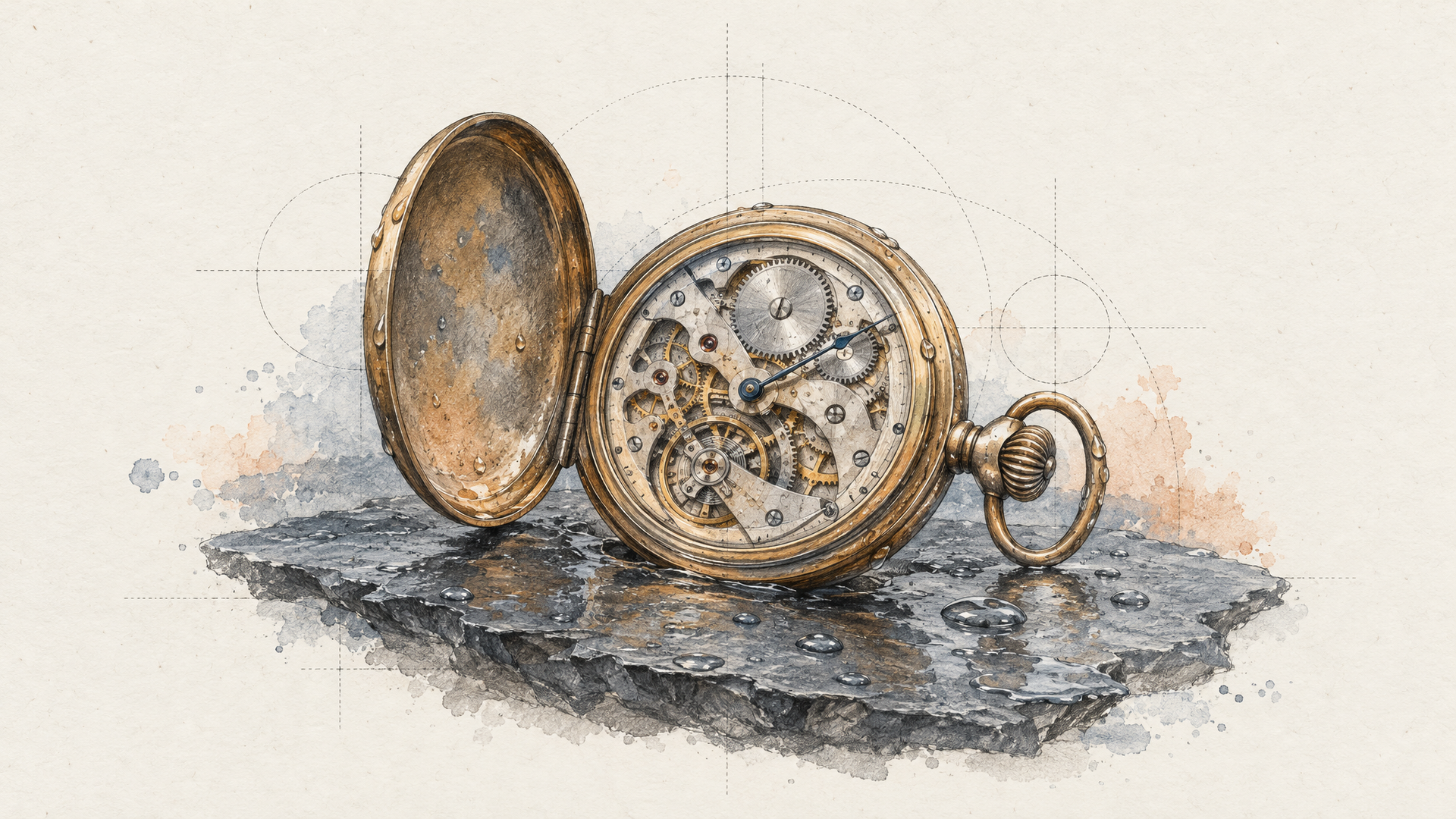
Slow push in on a matte black wristwatch resting on wet slate, a single soft key light from the left, water droplets catching the light, the camera stops when the dial fills the frame.
Run it on Veo 3.1. What makes it work is the ending. "The camera stops when the dial fills the frame" gives the model a destination, and a move with a destination looks directed. A move without one looks like a screensaver.
2. The Image-to-Video Prompt That Only Describes Motion
The most common image-to-video mistake is re-describing the picture you just uploaded. The model can see it. Your prompt should spend every word on what changes.
The woman turns her head toward the window and smiles slightly, her hair moves in a light breeze, the curtain behind her sways, the camera stays locked off.
Pair this with Kling 3 Pro image-to-video and a portrait you like. Notice there's no wardrobe, no setting, no lighting. Those already exist in the frame. "Locked off" keeps the camera from inventing a move that fights the subtle action.
3. The First and Last Frame Transition
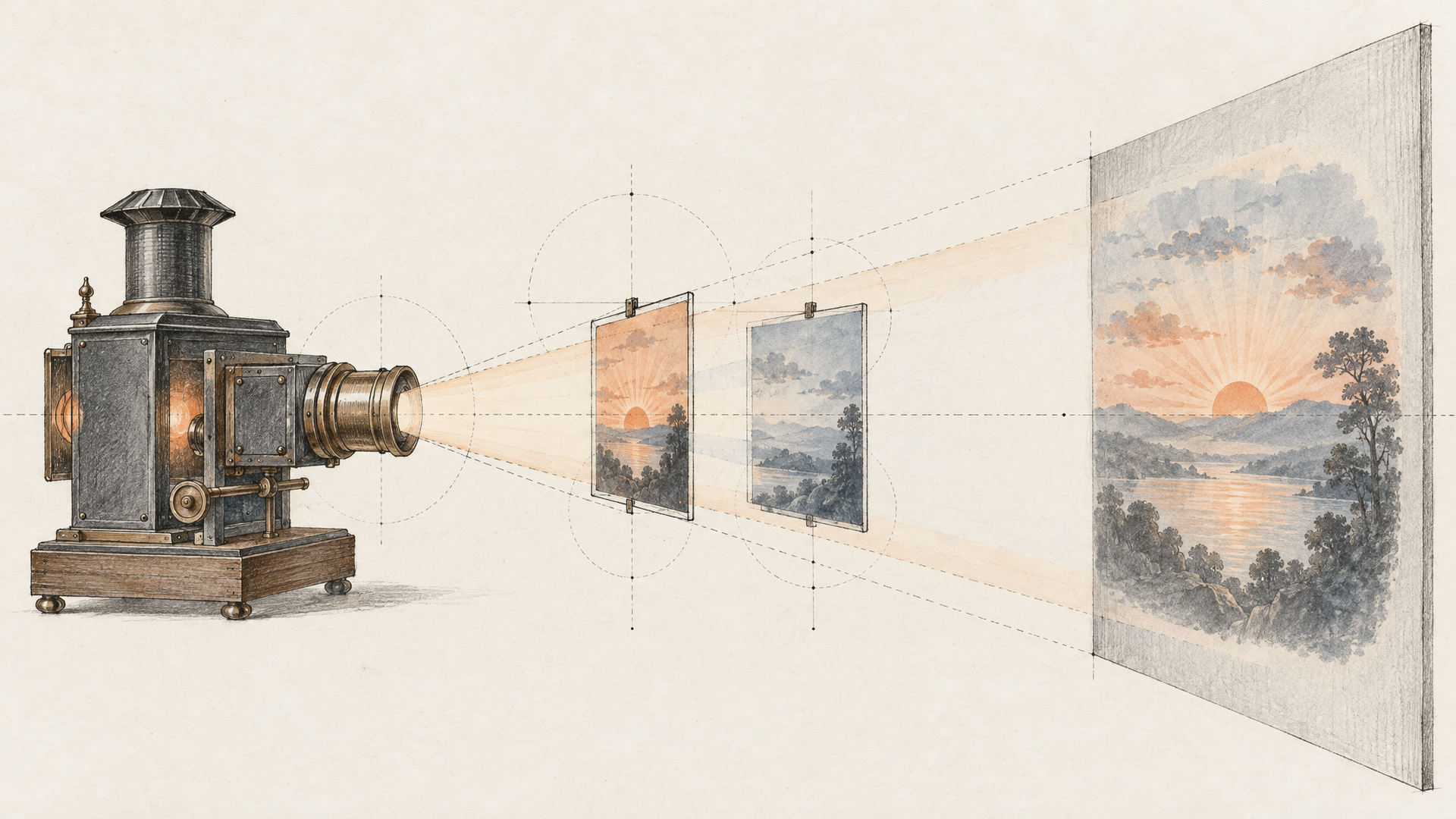
When you know exactly where a shot starts and ends, don't describe either end. Supply both frames and let the prompt describe the journey between them.
One continuous shot. The empty café fills with morning customers as the light shifts from blue dawn to warm daylight, the camera drifts slowly from the door to the counter.
Veo 3.1 First Last Frame takes a start image and an end image. Your two frames carry the look. The prompt carries time and motion: what happens, in what order, and how the camera travels. "One continuous shot" discourages a cut halfway through.
4. The Long Take That Earns Its Length
Longer clips are a trap if nothing happens in them. A 20-second prompt needs a sequence of beats, written in order, or the model pads the middle with drift.
A street musician tunes a cello under a bridge. He begins to play, a small crowd gathers, a child drops a coin in the case, he nods without stopping. The camera starts wide and slowly circles to a close-up of his hands by the final note.
Use Seedance 2.5, which handles clips from 4 to 30 seconds with audio. Four beats for a long clip is about right. Each beat is a small event the viewer can follow, and the camera move spans the whole take, tying it together. We wrote more about this in our Seedance 2.5 spotlight.
5. The Brief-Style Prompt for a Full Scene
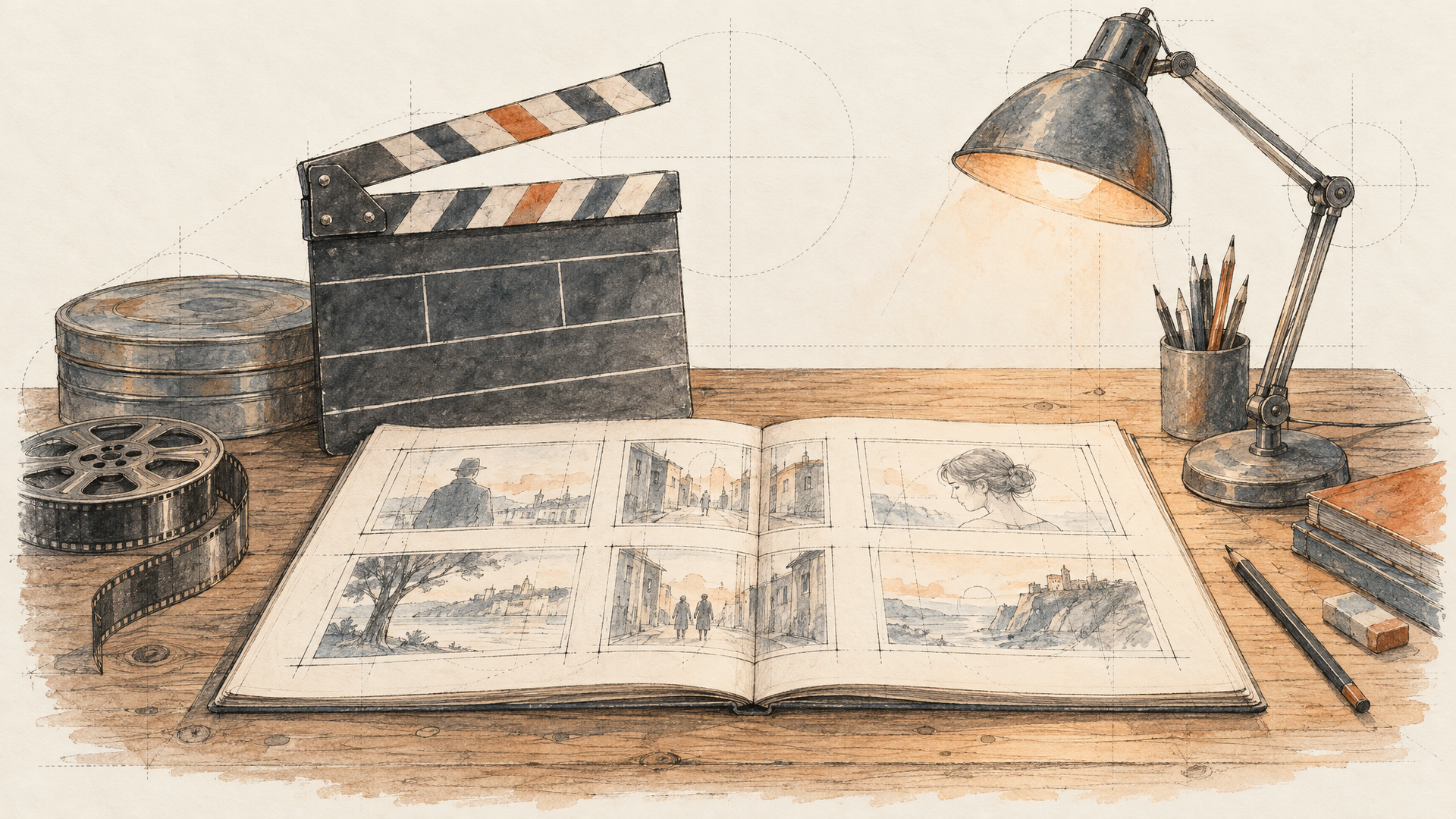
Some models are good at reading a whole brief, not just a sentence. For those, structure beats poetry. Write the prompt the way you'd brief a director.
Scene: a small bakery at 5 a.m. Subject: the baker, sixties, flour on her forearms. Action: she pulls a tray of bread from the oven and breathes in. Camera: handheld, medium shot, slight push in. Sound: oven hum, a radio playing softly, the crackle of the crust. Mood: quiet pride.
Wan 3.0 generates with audio and reads long, structured input well. Labeled fields keep you honest: if you can't fill in "Action", you don't have a shot yet. The sound line matters too. With native audio, an unspecified soundtrack is another thing the model has to guess.
6. The Reference-Driven Character Shot
When a character has to look the same across clips, words lose. References win. The prompt's job becomes telling the model what to do with each reference.
Use image 1 as the character and image 2 as the location. The character walks into the greenhouse, stops to touch a fern, and looks up at the glass roof as rain starts. Medium shot, the camera follows at shoulder height.
Vidu Q4 Preview accepts up to 15 image references, and Seedance 2.5 reference-to-video is another strong option. The habit that matters is naming the role of every reference ("as the character", "as the location"). Unlabeled references leave the model deciding which image is the person and which is the wallpaper.
7. The Dialogue Shot
Talking characters are where native audio earns its place, and where vague prompts fall apart fastest. Put the exact line in quotes and describe the delivery.
Close-up of a tired detective in a parked car at night, rain on the windshield, neon reflections on his face. He looks at the passenger seat and says quietly, "We're not going home tonight." A long pause, then he starts the engine.
Try it on Wan 3.0 or Seedance 2.5. Three things make it work: the line is in quotes, the delivery is described ("quietly"), and there's an action after the line so the clip doesn't freeze on a closing mouth. If you already have footage and only need the words to change, a dedicated lipsync step like Sync 3 is the better tool.
8. The Camera Language Prompt
Video models understand film vocabulary. "The camera moves closer" and "dolly in" produce different results, and the second one is usually the one you wanted.
Low angle, the camera cranes up from a puddle reflecting a neon sign to reveal a crowded night market, then slowly dolly in toward a noodle stall as steam rises.
This one works across most of the text-to-video catalog. Chain moves in the order they happen, two at most per clip. Three camera moves in five seconds reads as chaos, not ambition.
9. The Style Transfer Prompt
When you want a look that isn't photographic, name the medium and its physical texture, then keep the action simple. A complicated action in a heavy style is twice the work for the model.
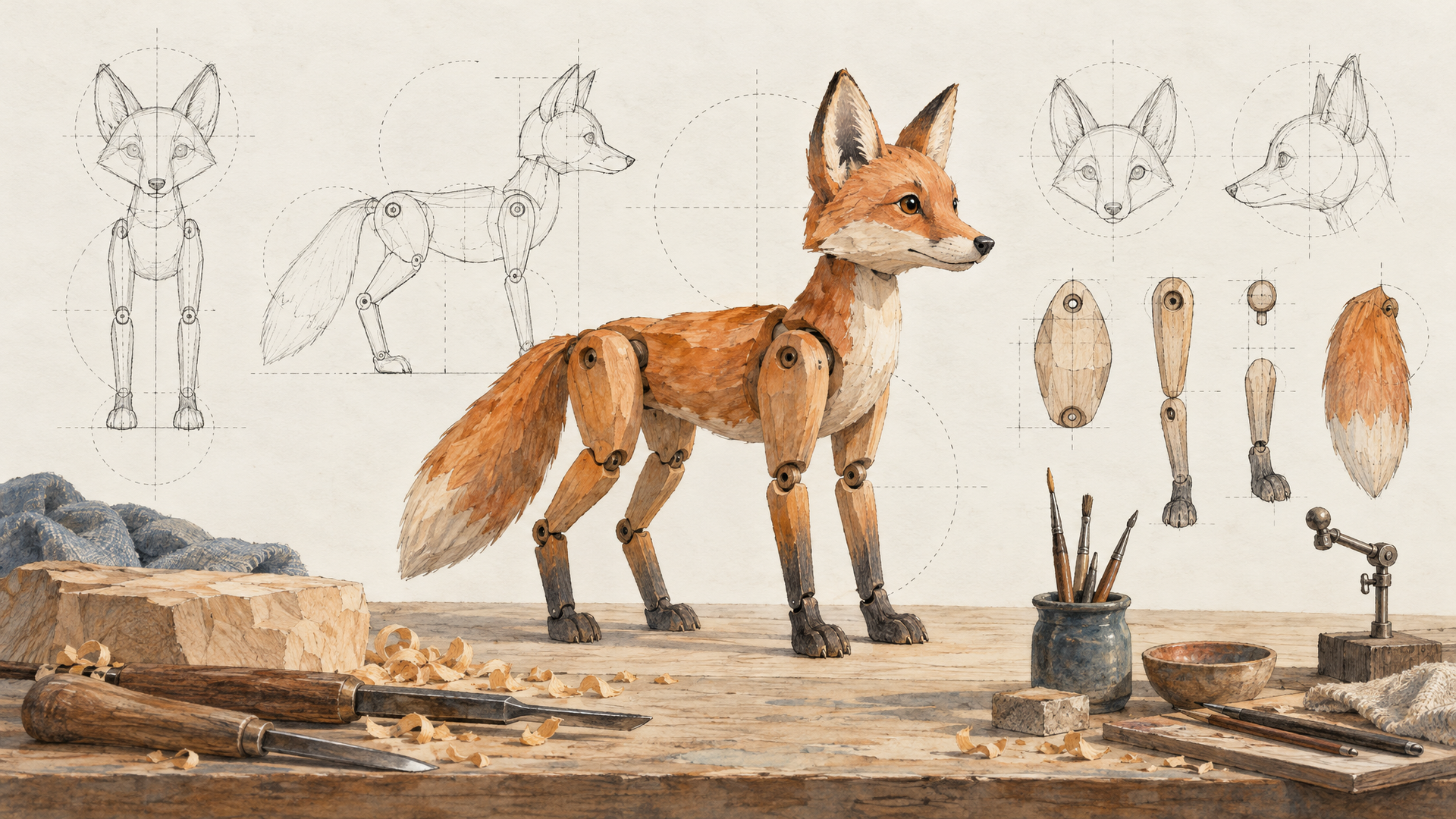
Stop-motion claymation. A small clay fox digs in a vegetable patch and pulls out a carrot bigger than itself, falls backward, then laughs. Visible fingerprints in the clay, slightly jerky frame rate, warm studio light.
Run it on LTX 2.5 Pro or any model you trust with stylized looks. "Visible fingerprints" and "slightly jerky frame rate" do more than the word "claymation" alone. They describe what makes the medium recognizable, so the model renders the texture, not just the label.
10. The Negative Instruction That Saves a Shot
Sometimes the best line in a prompt is a "don't". Models love to add things: text, extra people, a camera move nobody asked for. Head off the one you keep seeing.
A single paper boat drifts down a rain gutter, close to the water, following the boat. No people, no text on screen, no cuts, the camera never rises above the curb.
This works with almost any model, including Veo 3.1. Keep negatives specific and few. "No text on screen" is useful. A list of fifteen things to avoid mostly tells the model what to think about.
How to Turn These Examples Into Your Own Prompts
Every example above follows the same skeleton, and it's worth making it explicit so you can write your own. Subject, then action, then camera, then an ending. Add sound when the model generates audio. Add references when consistency matters. Add one negative when a model keeps making the same mistake.
Then iterate one variable at a time. Change the camera move and keep everything else. Change the light and keep everything else. If you change four things and the clip improves, you've learned nothing about why. Because every model on each::labs uses the same request shape, you can also run the same prompt across two or three models in one session and keep the best take. Our guide to the best AI video generation models helps you pick which ones to compare, and each::labs AI Flows lets you chain generation, lipsync and upscaling into one repeatable pipeline.
Frequently Asked Questions
What makes a good AI video prompt example?
It describes a shot, not a picture. The strongest prompts say what moves, how the camera behaves and how the clip ends. Style and setting matter, but they're the easy part. Motion and timing are where most prompts go quiet.
How long should an AI video prompt be?
Match it to the clip. A five-second product shot needs one sentence. A 20-second scene needs a few beats written in order. Length should come from events, not adjectives.
Do the same prompts work across different video models?
The structure carries over well: subject, action, camera, ending. The fine details don't always. Some models read structured briefs better, some respond more to film vocabulary. Run the same prompt on two models on each::labs and you'll learn each one's habits fast.
Should I describe the image in an image-to-video prompt?
Mostly no. The model already sees the image. Spend the prompt on what changes: the action, the camera and the atmosphere over time.