Gas Station Dance AI: Star in the Viral Clip With 3 Photos
The gas station dance is the trend everyone can join without filming a thing. Here's where it came from, how to cast your three photos on each::labs, and copy-ready prompts to make your own dance with Kling 4.0 and Seedance 2.5.
By Eftal Yurtseven · Nov 16, 2026 · 9 min read
You've seen it by now. Someone dances like nobody is watching under the canopy of a gas station, a second person films a selfie, a third climbs out of the car, and the whole thing ends before you've decided whether it's funny or genius. Then it shows up again with your cousin's face on it. That's the gas station dance AI trend, and the reason it keeps spreading is simple: the original was a moment you couldn't plan, and the remake is one anybody can.
The good news is you don't need to film anything, drive out to a rest stop or convince two friends to dance in public. Gas Station Dance is each::labs' own model built for exactly this format. You hand it three photos, it hands you back the three-shot clip with your people in it. Below: where the trend came from, how to make yours, and how to go further with prompts.
Why the Gas Station Dance Took Off
Start with the original, because the trend only works if you know what it's remixing. According to Italian broadcaster Sky TG24, the clip that seems to have started it was posted in summer 2024: a group of friends on a long road trip pull into a rest stop, get out of the car and, once the music kicks in, dance like they've lost all sense of shame. The track is "Stay With Me" by Akcent, a 2009 song that found a second life through the video. Sky TG24 reports that the trend was reborn in 2026 mainly thanks to generative AI tools, with remakes swapping famous faces into the scene and spreading across TikTok and Instagram.
A lot of people search for it as the "litvin gas station dance", after Russian blogger Mikhail Litvin, whose name gets attached to the original clip in many reposts. We couldn't find reputable coverage that confirms who first uploaded it, so we're not going to pretend. What matters for making your own is the structure, and the structure is the same everywhere.
Why did it take off? Three beats read instantly on a phone. Three roles beg to be shared with exactly two friends. And nobody in the clip is trying to look good. A trend that asks you to look a little silly with your friends will always travel further than one that asks you to look perfect.
What the Gas Station Dance AI Model Actually Does
The each::labs model is not a general video generator with a dance preset. It's a template model that recreates the trend's three shots and recasts each one from a photo you supply. The request schema spells out the roles. The first photo replaces the dancer in the opening shot. The second replaces the person filming selfie-style in the middle shot. The third replaces the person stepping out of the car in the closing shot. Each photo's face, hair and outfit are kept.
That's the whole input list, plus one setting: resolution, with a choice of 480p, 720p or 1080p. There's no prompt field, and that's the point: the trend already decided the choreography, the camera and the timing. Your creative choice is the cast, which makes this a casting job, not a prompting job.
Cast the Three Roles, Don't Just Upload Faces
The schema is unusually specific about what a good photo looks like: a clear, front-facing, well-lit, full-body photo of one person. Read each part of that as advice, because each one solves a real failure.
Full-body matters most. The dancer's whole body is the joke, and a model working from a cropped headshot has to invent everything below the collar. Give it the outfit, the shoes and the posture, and it has something real to keep. Front-facing and well lit help the face survive the move. One person per photo stops the model guessing who the dancer was meant to be.
Then think about wardrobe, since outfits carry over. The dancer reads best in something with movement or color: a loose shirt, a bright tracksuit, anything that looks good flailing. The selfie filmer can be the most deadpan of the three; their role is the reaction. The person stepping out of the car gets the final beat, so give that slot your most dramatic friend or your most surprising casting choice. Your grandmother in the closing shot will always beat a third selfie of yourself.
Only have one photo? All three fields are required, but nothing in the schema says they have to be different people. Passing the same image URL into all three slots puts you in every role, which is its own kind of funny. Files go in as JPEG, PNG or WebP, under 30 MB each.
How to Make the Gas Station Dance AI Video, Step by Step
On the web, open the Gas Station Dance model page on each::labs. Upload your dancer photo into Image 1, your selfie filmer into Image 2 and your car-door closer into Image 3. Pick a resolution, run it, and the finished clip comes back when the prediction completes.
If you're building it into an app, a bot or a batch job for a whole friend group, it's one call to the each::labs prediction API with the model slug and your three image URLs:
curl -X POST https://api.eachlabs.ai/v1/prediction/ \
  -H "X-API-Key: $EACHLABS_API_KEY" \
  -H "Content-Type: application/json" \
  -d '{
    "model": "gas-station-dance",
    "version": "0.0.1",
    "input": {
      "image1": "https://example.com/dancer.jpg",
      "image2": "https://example.com/selfie.jpg",
      "image3": "https://example.com/car-exit.jpg",
      "resolution": "720p"
    }
  }'
The response gives you a prediction ID rather than the video. Poll /v1/prediction/{id} for the result, or pass a webhook_url in the request and let each::labs tell you when it's ready. For a crowd of clips, the webhook route saves you babysitting a loop.
Pick the Resolution That Fits the Moment
480p is the default and the faster option. Use it for the first pass, when you're still deciding which friend plays the dancer and whether the tracksuit was a mistake.
720p is the balanced middle and the one we'd post to a story. 1080p is the highest quality the model offers, and it's worth it when the clip is going somewhere it'll be watched more than once, like a brand account riding the trend or a pinned post. Lock the cast at 480p, then render the keeper at 1080p.
Go Further: Write Your Own Dance With Kling 4.0
The template gives you the trend exactly. Sooner or later you'll want the trend's energy without its script: a different location, a solo performance, a dance at a laundromat instead. That's when you switch from a template to a prompt-driven image-to-video model.
Kling 4.0 Image-to-Video is our pick for this. It takes 1 to 10 keyframe images, each tagged as a first, middle or last frame, plus a prompt and a duration anywhere from 3 to 30 seconds (10 is the default), at 720p or 1080p. Use the same full-body photo as your first frame and let the prompt carry the choreography. The same family also includes Kling 4.0 Flash Image-to-Video, worth a try when you're testing a lot of ideas.
Write the motion, not the picture. The photo already shows who it is; spend your words on what the body does and where the camera goes. Three prompts to copy:
A person stands beside a fuel pump at night under bright white canopy lights. Music starts and they break into a loose, exaggerated dance: shoulders bouncing, arms swinging wide, a spin that almost loses balance. The camera is handheld at chest height, slightly shaky, like a friend filming on a phone. The empty forecourt stretches behind them. Keep the face, hair and outfit from the first frame.
A person climbs out of the passenger side of a parked car at a roadside gas station just before dawn, pauses, then starts dancing with total commitment, stepping side to side and pointing at the camera. Slow push-in from a low angle. Cold blue sky, warm canopy light on their face. Natural, unpolished movement, no choreographed precision.
A person holds a phone at arm's length filming a selfie at a gas station at night, deadpan, while behind them a blurry figure dances wildly. They slowly turn their head toward the dancer, then back to the camera, expression unchanged. Vertical framing, phone-camera look, harsh overhead light.
Notice what those prompts lean on: the late hour, the harsh light, the amateur camera, the commitment. Those four things are what make a clip read as the gas station dance even when the choreography is new. For the shot-by-shot habits that make image-to-video prompts land, our guide on writing the motion, not the picture goes deeper, and Kling for dance video covers movement specifically.
Seedance 2.5 for Mascots and Illustrated Characters
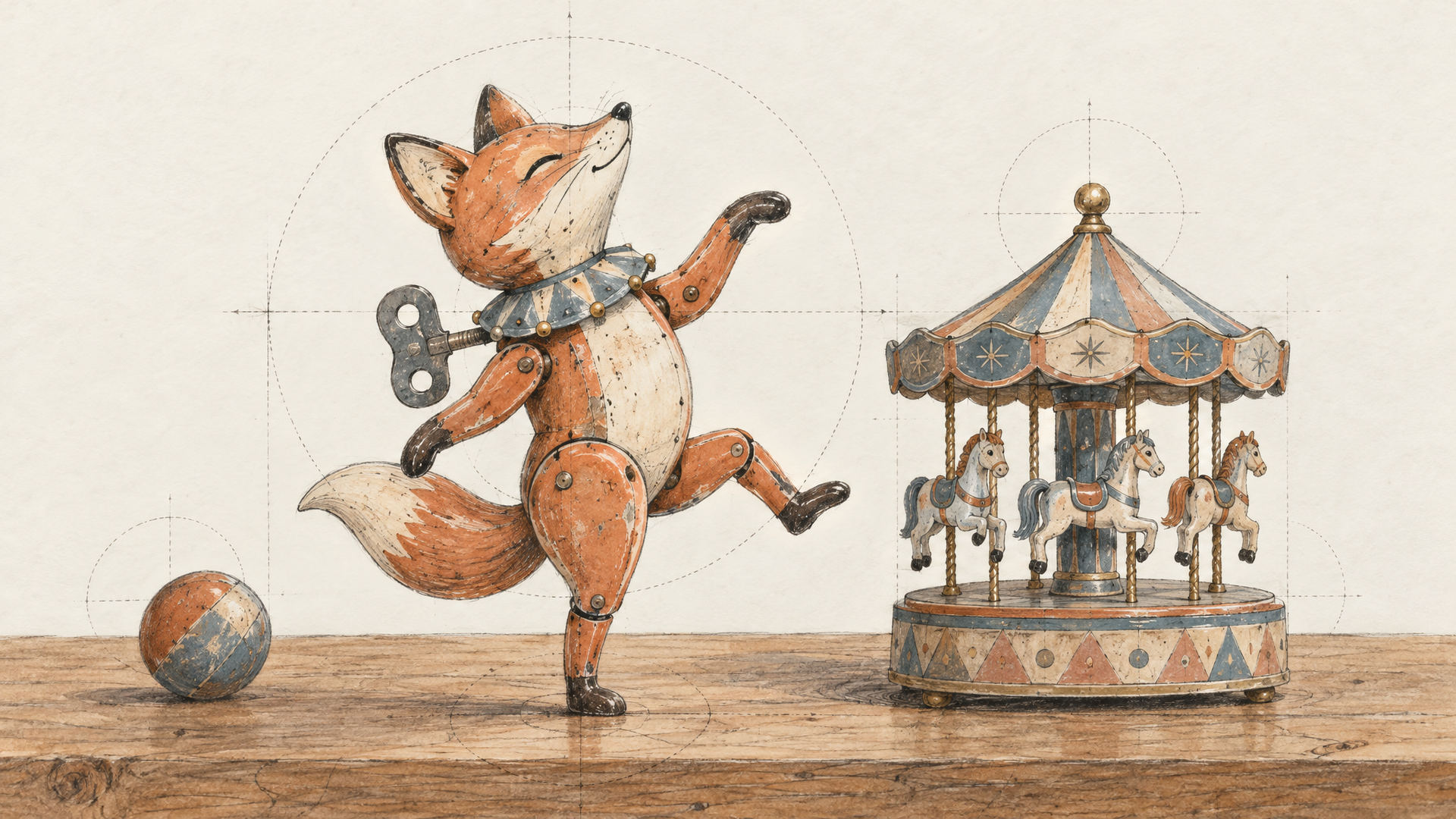
Brands want in on this trend too, and most of them don't want an employee's face on it. They want the mascot. Seedance 2.5 Image to Video from ByteDance fits that job well, with one rule you need to know upfront: its schema states that it doesn't accept images containing real human faces. So it isn't the tool for putting your friends in the clip. It is a strong tool for an illustrated character, a 3D mascot, a plush toy or a clay figure doing the dance.
It takes a first-frame image and a prompt, with an optional end image if you want the clip to land on a specific pose. Duration runs 4 to 30 seconds or auto, which lets the model pick from your prompt. Audio is generated by default (voice, sound effects, ambience and background music matched to the visuals), so describe the sound you want rather than leaving it to chance. There's also a draft mode that returns a quick 480p preview you can later finish at 1080p with Seedance 2.5 Draft Completion.
A cartoon fox mascot in a bright orange hoodie stands next to a fuel pump at a roadside gas station at night. Upbeat dance music starts and the fox dances with clumsy, joyful enthusiasm, tail swinging, paws in the air. Handheld phone camera feel, harsh canopy lights, empty road behind. Audio: upbeat electronic dance track, distant traffic hum, sneakers squeaking on concrete.
A small clay figurine of a cheerful robot steps out of a toy car at a miniature gas station, looks around, then bursts into an energetic dance with stiff, jerky robot moves. Stop-motion look, tabletop scale, warm practical lights. Audio: tinny dance beat, small mechanical clicks, a tiny "beep" when it starts dancing.
Choosing between the two for broader work? Our Seedance 2.5 vs Kling 4.0 comparison shows where each wins.
Make It Repeatable for a Whole Crowd
One clip is a laugh. Fifty clips for a team or a creator's community is a pipeline, and that's where a flow pays off. On each::labs flows you can chain steps so the same structure runs for every set of photos: collect three images, run Gas Station Dance at 480p for a preview, then rerun the approved casts at 1080p.
The bigger lesson from this trend is that the best viral formats are fixed structures with swappable people. The structure here was settled the moment a few friends on a road trip pulled into a rest stop and started dancing. Your job is the casting. Get the three photos right, and the clip mostly makes itself.
Frequently Asked Questions
How do you make the gas station dance AI video?
Pick three people first, then find a clear, front-facing, full-body photo of each. Upload them to the Gas Station Dance model on each::labs in order: the dancer as Image 1, the selfie filmer as Image 2 and the person stepping out of the car as Image 3. Choose 480p, 720p or 1080p and run it. The same works through the API with the model slug gas-station-dance.
Is there a gas station dance trend prompt?
Not for the template, because the Gas Station Dance model has no prompt field: the shots and moves are fixed, and the photos are the only creative input. If you want to write your own version, use a prompt-driven image-to-video model such as Kling 4.0 and borrow the trend's signature details: night, harsh canopy light, a handheld phone camera and a fully committed, slightly clumsy dance. The prompts above are ready to copy.
What is the litvin gas station dance?
It's the name many people search for the original clip, after Russian blogger Mikhail Litvin, who is widely credited with it in reposts. Sky TG24 dates the clip that seems to have started the trend to summer 2024: friends on a road trip dancing at a rest stop to Akcent's "Stay With Me". Reputable sources we found don't confirm the first uploader or exact date, so treat those details as unsettled.
Can I make the gas station dance video with only one photo?
Yes, with a twist. The model requires three images, but the schema doesn't say they must show different people, so you can pass the same photo into all three slots and play every role yourself. Pick a full-body shot in an outfit you like, since it carries into every shot.