Deepgram Nova-3: 9 Things to Know Before You Transcribe
Speech-to-text fails on the words that matter. Nine things to know about Deepgram Nova-3, from keyterm prompting and code-switching to redaction and summaries, before you send your first file.
A transcript that's 95 percent right sounds fine until you look at which 5 percent went wrong. It's never the filler. It's the product name, the drug dosage, the customer's surname, the one number the whole call was about. Speech-to-text doesn't fail on average words. It fails on the words that matter.
That's the problem Deepgram Nova-3 was built to attack, and it's why the model keeps showing up in searches from teams wiring transcription into real products. Deepgram announced Nova-3 in February 2025 and has kept shipping into it ever since: new languages, a medical line, a multilingual medical model as recently as October 2026. If you're about to send your first file through it, here are nine things worth knowing first, from what the benchmarks actually claim to which switches you should flip on day one.
1. Deepgram Nova-3 Is Still the Flagship for Recorded Audio
Start with where it sits in the lineup, because it's easy to get confused. Deepgram has released newer things since Nova-3, but none of them replaces it for files. Its Flux speech recognition model, launched in October 2025, is built for live voice agents: it streams, and it detects when a speaker starts and stops a turn. Deepgram's own model guide points voice agents at Flux and points meetings, captioning, multi-speaker recordings, noisy audio and batch work at Nova-3.
So if your job is "here's an MP3, give me a transcript," Nova-3 is the model. There's no Nova-4 as of this writing. That matters for planning. You aren't picking a model that's about to be retired. You're picking the one Deepgram is still actively extending.
2. The Accuracy Claims Are Big, So Read Them Precisely
Deepgram's Nova-3 announcement reports a median word error rate of 6.84 percent on streaming audio, against 14.92 percent for the next-best competitor it tested, which it calls a 54.2 percent improvement. On batch audio it reports 5.26 percent against 10 percent, a 47.4 percent improvement. The test set was 2,703 files, roughly 82 hours, spread across nine domains.
Two things to keep in mind. These are Deepgram's own numbers, and the competitors aren't named in the text. Treat them as a strong signal, not a verdict. The second point is more useful: word error rate is an average, and averages hide exactly the failure this post opened with. A model can post a great WER and still mangle your brand name every single time. The fix for that isn't a better average. It's the next item.

3. Keyterm Prompting Is the Feature You'll Feel First
This is Nova-3's quiet superpower. Instead of retraining a model on your vocabulary, you pass a list of terms with the request and the model leans toward them. Product names, acronyms, people, places, jargon. Deepgram's launch post described it as working with up to 100 key terms and no retraining. Its current docs frame the limit differently: a budget of 500 tokens across all keyterms in a request, with a recommendation to focus on 20 to 50 terms.
That recommendation is the part to take seriously. A keyterm list is not a dictionary dump. Put in the words your transcripts keep getting wrong and the words that carry the meaning of the call. On each::labs, the Nova-3 Pro endpoint takes them as a comma-separated keyterm field:
{
  "media_url": "https://your-bucket.example/support-call-0412.mp3",
  "model": "nova-3",
  "keyterm": "each::labs,Kling,Seedance,webhook,API key",
  "diarize": true,
  "smart_format": true
}
Run the same file with and without the list. The difference shows up in exactly the words you care about, which is the only place it needs to.
4. Code-Switching Works Inside One Sentence
Real conversations don't respect language settings. A support agent in Madrid switches to English for a product name. A founder in Mumbai moves between Hindi and English mid-thought. Most transcription setups make you pick one language per file and then quietly butcher the other.
Nova-3 handles this with a single setting: language multi. Deepgram says it covers real-time code-switching across ten languages: English, Spanish, French, German, Hindi, Russian, Portuguese, Japanese, Italian and Dutch. It's a language code, not a separate model, so you keep everything else about your request the same. If your audio mixes any of those ten, set multi and stop splitting files by hand.
If your audio is in one language, you can also just leave the language on auto on each::labs and let the model detect it. Save multi for the recordings where people actually switch.
5. The Language List Has Grown a Lot Since Launch
Nova-3 isn't the same model it was in early 2025. Deepgram's changelog shows a steady stream of additions through 2026: twelve languages in January, Hebrew, Persian and Urdu in February, Mandarin in both Simplified and Traditional in March, then Armenian, Nepali, Punjabi, Afrikaans, Georgian, Assamese, Mongolian and Pashto across August. Its models overview now lists more than 60 named languages, plus regional variants.
The practical takeaway: if you ruled Nova-3 out a year ago because your market's language wasn't supported, check again. On each::labs the language_code field lists the supported codes, Turkish and Urdu included, and accepts auto if you'd rather not hardcode one.
6. Speaker Labels and Smart Formatting Do Half Your Cleanup
Nobody reads a raw transcript. They read a cleaned one, and cleanup is where pipelines quietly eat engineering hours. Two switches handle most of it.
Diarization tags every word with a speaker, so an interview comes back as a conversation instead of one long block. Smart formatting adds punctuation and paragraphs and, in English, turns spoken dates, times, phone numbers, emails and URLs into the written form a human expects ("eight thirty seven p m" becomes "8:37 PM"). Deepgram notes that formatting support is broadest in English; other languages get punctuation and paragraphs, and some get numerals.
Both are on by default on the each::labs Nova-3 page. Leave them on unless you have a specific reason not to. If each speaker sits on their own audio channel, as in many call recordings, turn on multichannel instead and let each channel be transcribed on its own.
7. Redaction Belongs in the Request, Not in a Later Script
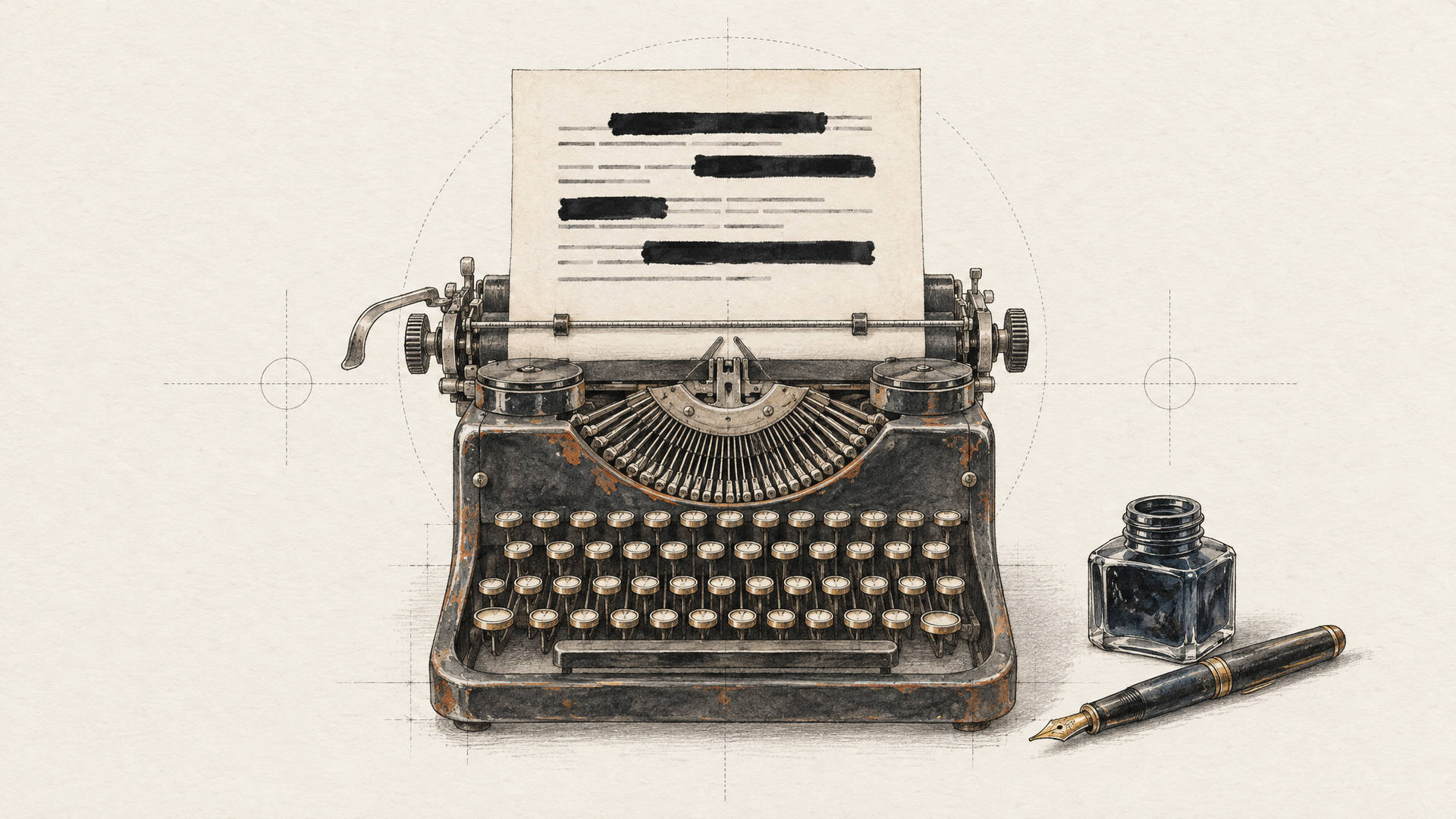
If your audio contains customer data, the safest transcript is one that never contained the sensitive parts in the first place. Nova-3 can redact during transcription. Deepgram's docs group the entity types into sets you can call by name: pci for payment card details like card number, expiry date and CVV, pii for personal details such as names, locations and ID numbers, phi for health information like conditions and drugs, and numbers for numeric sequences. Deepgram says it recognises over 50 specific entity types.
Know the boundary before you rely on it: Deepgram documents entity redaction as English only, while number redaction works across all languages for recorded audio. On each::labs the Pro endpoint exposes this as the redact field. Doing it inside the request means the raw text never lands in your logs, which is a much easier conversation with your security team than "we scrub it afterwards."
8. Nova-3 Pro Turns a Transcript Into an Answer
A transcript is raw material. What most teams actually want is the answer sitting inside it: what was this call about, was the customer annoyed, did they ask to cancel? Deepgram's audio intelligence features do that work in the same request. Summarization returns a short summary. Topic detection labels what was discussed. Sentiment scores each segment and the whole file. Intent recognition flags what the speaker was trying to do.
The each::labs Nova-3 Pro endpoint bundles all of this, plus entity detection, paragraphs, utterances, keyword search and find-and-replace. It also lets you define your own topics and intents with custom_topic and custom_intent, in "extended" mode (yours plus whatever the model finds) or "strict" mode (only yours). A support team can pass "cancel order, request refund, schedule appointment" and get those labels back on every call.
One thing to plan for: Deepgram documents summarization, topics, sentiment and intents as English only. Run them on English audio, and transcribe everything else with the standard endpoint.
9. There's a Medical Line, and It Just Went Multilingual
General models struggle most with specialist vocabulary, and medicine is the hardest case. Deepgram ships Nova-3 Medical for it. It launched in March 2025 with a reported batch median WER of 3.44 percent, got streaming in June 2025, and in October 2026 became Nova-3 Medical Multilingual, covering the same ten languages as standard code-switching. Deepgram reports a drop in batch WER from 6.62 to 4.96 percent against standard Nova-3 Multilingual on its medical test set.
The each::labs endpoints run the general Nova-3 model (with Nova-2 still selectable for older pipelines). If your work is clinical documentation, it's useful to know the medical line exists and is moving fast. For everything else, general Nova-3 with a good keyterm list covers a lot of specialist ground.
How to Run Deepgram Nova-3 on each::labs
Pick the endpoint by what you need back. The standard Nova-3 speech-to-text page is for clean transcripts with timestamps, speaker labels and formatting. The Pro endpoint adds keyterms, redaction and the audio intelligence layer. Both take a media_url pointing to your file, and Deepgram's model supports mp3, wav, m4a, flac, ogg, webm and mp4 among many others.
The bigger win is what happens after the transcript. On each::labs the same API key reaches the rest of the model catalog, so transcription can be the first step of a longer chain. Transcribe a founder interview, translate the text, voice it with a text-to-speech model, and sync it back to the video with a lipsync model. That's a full localization pipeline, and you can build it as a single each::labs flow instead of four separate integrations. If you want a second opinion on a hard file, Whisper with diarization sits in the same catalog, one model id away.
Start small. Take ten real files your current setup gets wrong, run them through Nova-3 with a keyterm list, and read the words that matter. That test tells you more than any leaderboard.
Frequently Asked Questions
Is Deepgram Nova-3 better than Nova-2?
Deepgram positions Nova-3 as its most accurate Nova model and the recommended default, and keyterm prompting only works on Nova-3, not Nova-2. Nova-2 stays selectable on each::labs for pipelines that were tuned around it, but new projects should start on Nova-3.
How many languages does Deepgram Nova-3 support?
More than 60 named languages in Deepgram's current overview, plus regional variants, after a long run of additions through 2026. Ten of them (English, Spanish, French, German, Hindi, Russian, Portuguese, Japanese, Italian and Dutch) also work together in one file through the multi setting.
Can Deepgram Nova-3 tell speakers apart?
Yes. With diarization on, every word comes back tagged with a speaker, and on each::labs it's enabled by default. For recordings where each person has their own channel, multichannel mode is the cleaner option.
Should I use Deepgram Nova-3 or Flux for a voice agent?
Different jobs. Flux is Deepgram's streaming model for live agents, with built-in turn detection. Nova-3 is the pick for recorded audio, meetings, captions and anything you process in batch, and it's the one running on each::labs today.