AI Dubbing and Lipsync API for Video Localization
Localize existing footage with transcription, translation, voice and lip sync, and pick the right API surface for each step.
Step 1: Decide whether you need subtitles, dubbing, or mouth alignment
Start by watching thirty seconds of your source video with the sound off. That's the whole decision, right there.
Subtitle translation leaves the original performance intact. The voice, the pacing, the breath: all of it survives, and you only ship a text layer. For utility content, that's usually enough: screen recordings, product walkthroughs, conference talks shot wide, anything where the speaker is narrating over something else the viewer is actually looking at. Nobody is studying the mouth.
Dubbing changes the audio track, and the moment you do that, the face becomes a liability. A translated voice over unmoved lips reads as fake within a second or two. That's why close-up presenter clips, customer education videos, localized launch assets, and talking-head marketing need mouth alignment rather than a swapped soundtrack alone.
So ask the production question first: does the frame show a face large enough, and long enough, that a viewer would notice the mismatch? If yes, plan for lip sync. The Sync Lipsync model page recommends Sync-3 for exactly this case: close-ups, dubbing, and brand work where mouth accuracy gets scrutinized frame by frame.
Expected outcome: one written rule per content type, so the pipeline routes automatically instead of you re-deciding per asset. Everything after this (translation, voice, avatar and talking-head APIs) hangs off that routing rule.
Step 2: Map the localization workflow before you pick an API
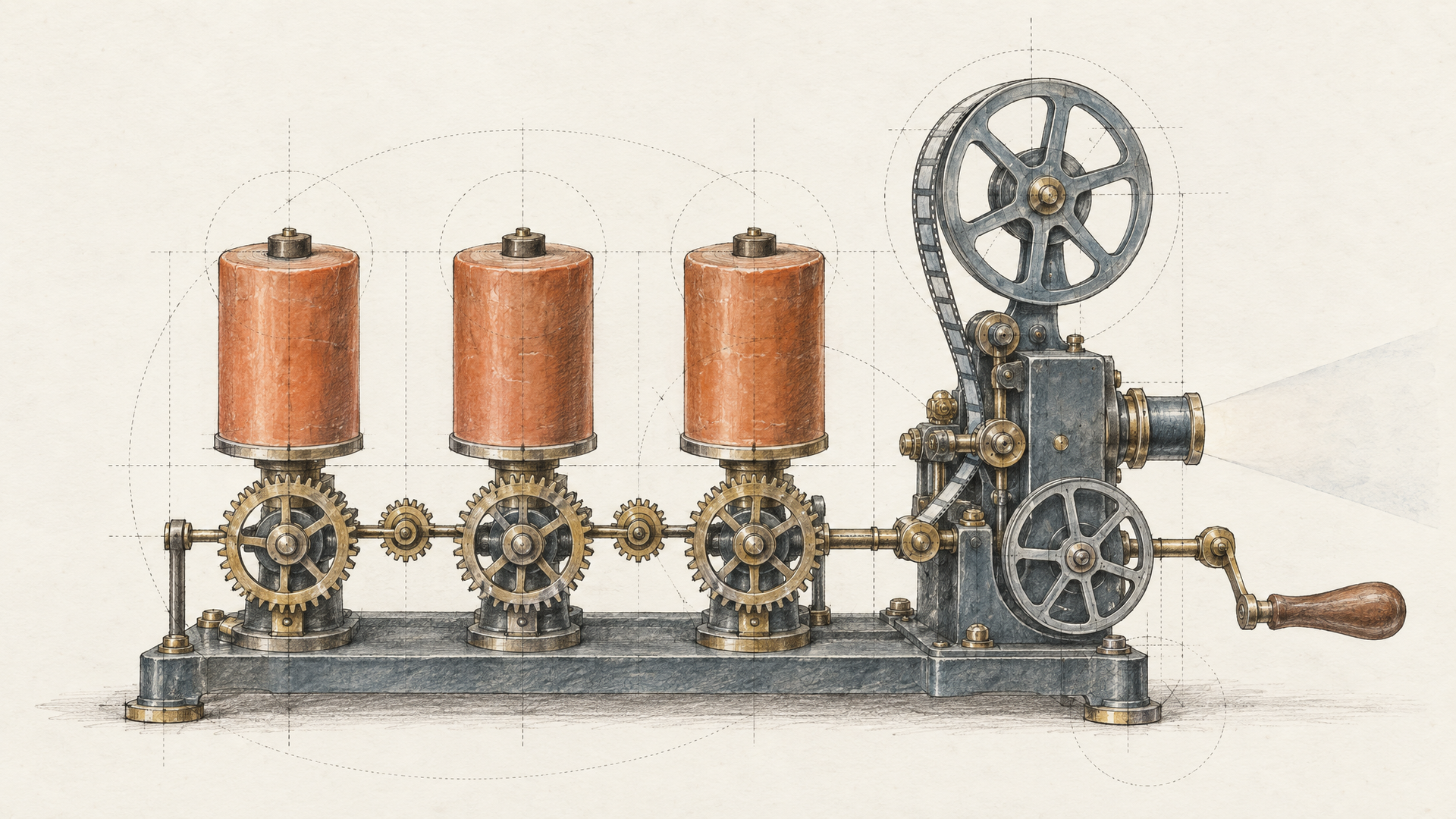
Sketch the pipeline stage by stage before you touch a single endpoint. Localization isn't one call. It's script translation, voice generation in the target language, mouth alignment against the new audio, asset handling for the source and rendered files, validation of what came back, and retry logic for the runs that fail. Write those six stages down. The expected outcome is a diagram where every box can fail independently, because in production, they will.
That diagram is what tells you which API you actually need. A demo reel shows you stage three looking good on a well-lit close-up. It tells you nothing about what happens when the translated script runs twelve percent longer than the original timing, or when speaker two turns their head mid-sentence.
Catalog your inputs next. Source audio with room noise and overlapping voices behaves differently than a clean lavalier track. A single talking head is a different problem than a three-person panel with cutaways. Tight framing exposes teeth and tongue detail that wide shots hide. Clip length matters too: very short clips give the model almost nothing to work with.
Then judge candidates on fit. Avatar and talking-head APIs earn their place when they slot into backend workflows you already control: your queue, your storage, your error handling. If adopting one means rebuilding your product around a single endpoint, that's a signal, not a detail. Production readiness shows up in how a system degrades on weak source material, not in the showcase clip.

Step 3: Compare avatar generation and talking-head lip sync by the job they do
Decide first whether you're manufacturing a speaker or preserving one. That single question splits the entire category, and it's the one most feature checklists skip.
Avatar generation builds a presenter from nothing: a synthetic face, a generated voice, a script. It's the cleaner path when no real person's performance needs protecting: internal training modules, product explainers that get rewritten monthly, support content in twelve languages where nobody expects a specific human on screen. You control framing, lighting, and pacing because you generated all of it. A reshoot is just a re-render.
Talking-head lip sync starts from footage you already shot. Your founder, your solutions engineer, your customer telling their own story. Here the face carries the trust, and swapping it for a synthetic stand-in throws away the thing that made the video work. You're translating the audio and realigning the mouth, not replacing the speaker. Sync-3 is the default for this job; its documentation describes frame-accurate mouth animation and recommends it where accuracy gets inspected shot by shot, with Sync Lipsync 2 Pro described as preserving teeth, distinct facial features, and expression.
So write the requirement before you shortlist avatar and talking-head APIs. Ask whether the identity on screen is load-bearing. If it is, localize the original. If it isn't, generate the presenter and keep your pipeline simpler.
You should leave this step with one path chosen and the other ruled out in writing.
Step 4: Evaluate lip sync APIs on frame accuracy, facial detail, and workflow fit
Pick your hardest clip (a close-up presenter, front-facing, good lighting, someone your customers recognize) and run it through every candidate model before you standardize on one. Not a demo reel. Your footage.
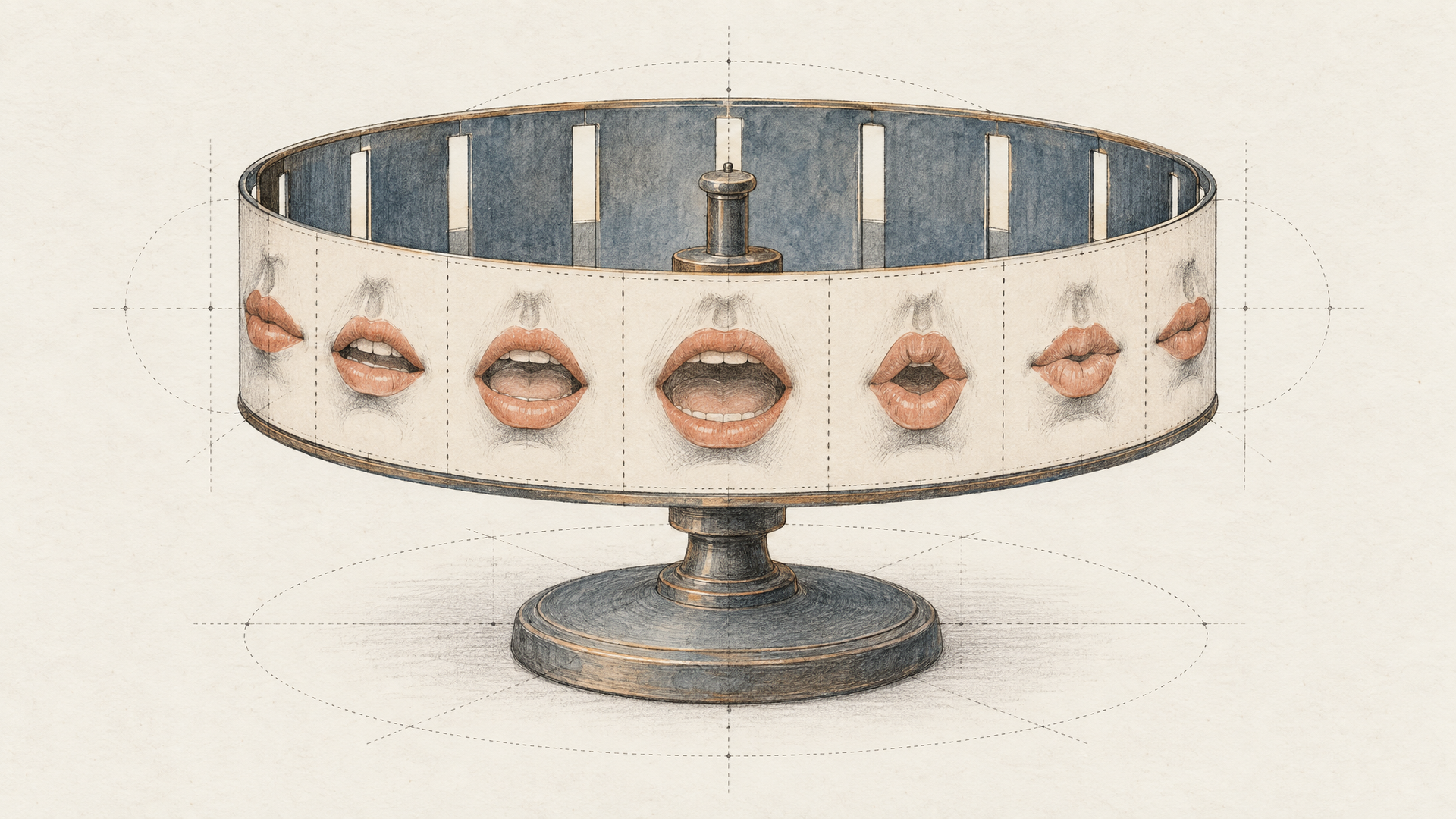
Three things decide the outcome. Frame accuracy is whether mouth shapes land on the right frames when someone scrubs the timeline. Facial detail is whether teeth, lip texture, and the small asymmetries that make a face that face survive re-animation. Workflow fit is whether the endpoint returns something your backend can retry, queue, and version without a human watching.
The Sync family comes in three variants, and the differences are worth reading before you choose. Sync-3 is the current default, built for frame-accurate mouth animation and recommended when accuracy gets scrutinized frame by frame: close-ups, dubbing, brand-facing work. Sync Lipsync 2 Pro is described as preserving natural teeth, unique facial features, and lifelike expressions, which matters more on faces with strong character than on a talking head shot at medium distance. A legacy 1.9-beta model stays available for pipelines already pinned to it.
Be fair about where other tools win. Some avatar and talking-head APIs ship translation and dubbing as one bundled call across very wide language coverage, with batch endpoints designed for hundreds of assets at a time. If you're localizing a back catalog into dozens of languages on a schedule, that packaging is genuinely less work than assembling the steps yourself.
The tradeoff runs the other way too. Eachlabs gives you model choice and backend workflows you control, which means you decide per asset whether a clip needs frame-accurate sync, richer facial detail, or no lip sync at all. That's more decisions. It's also fewer surprises.
Expected outcome: a documented model default per content type, with a named fallback.

Step 5: Build for production failure modes, not demo conditions
Test your pipeline against your worst footage, not your best. Demo reels use a single speaker, good lighting, clean audio, and a medium shot held for thirty seconds. Production libraries don't look like that.
Four cases break lip sync most often. Clips under a few seconds give the model almost nothing to align against. Multi-speaker scenes need speaker separation before anything else, or you'll get mouth movement on the wrong face. Tight close-ups put teeth, lip corners, and micro-expressions under scrutiny. And low facial resolution, motion blur, or a turned head will degrade output no matter how strong the model is.
Source quality sets your ceiling. Clipped audio, background noise, or handheld camera shake propagate straight through. Fix the input or accept the result.
So build for partial failure. Validate each stage (translated script, generated voice, aligned video) before passing it downstream. Make retries idempotent so a failed alignment doesn't re-run a completed translation step. Keep a fallback path: if mouth alignment fails validation twice, ship the dubbed audio track with subtitles rather than blocking the release.
Be honest about when this is worth it. A screencast with a voiceover doesn't need frame-accurate mouths. Reserve lip sync for footage where a viewer watches the speaker's face and notices when it's wrong.
Step 6: Use the right API surface for the asset you are localizing
Match the endpoint to the footage before you write a line of glue code. Existing footage with a visible speaker needs a lip sync call: you send the source video plus the translated audio track and get back re-animated mouth movement. A scripted asset generated from a script and a synthetic presenter is a different job, and avatar and talking-head APIs handle that better because there's no original face to preserve. Confusing the two is where pipelines break.
Pick the variant by how hard the mouth gets scrutinized. The Sync Lipsync page lists three options (Sync-3, Sync Lipsync 2 Pro, and a legacy 1.9-beta) and names Sync-3 the default for close-ups, dubbing, and brand work where frames get inspected individually.
Then split the pipeline into reusable backend steps: translate the script, generate audio, align mouths, store the asset. Each market reuses the same chain with a different language input. Read the docs before committing; if they only describe one-off creation and not programmable workflows, your output won't stay predictable at product scale.
Step 7: FAQ and final checks before you ship localized video
Run one last pass before you call the pipeline done.
Decide whether mouth accuracy actually matters. If the speaker fills the frame (a founder update, a product walkthrough, a customer education clip where the face carries the credibility), lip sync earns its processing time. If the footage is b-roll heavy, screen-recorded, or the speaker is small in frame, subtitles plus a clean dubbed track get you there faster and fail less often. The expected outcome is a written rule in your codebase, not a per-video judgment call.
Choose between generating a presenter and keeping the one you have. Avatar and talking-head APIs make sense when there's no source footage at all, or when you need a persona that scales across hundreds of localized variants. When a real person already appears on camera and viewers know them, re-syncing that face preserves trust in a way a synthetic stand-in won't.
Read the documentation with three questions. What exactly does each endpoint cover: translation, voice, alignment, or all three? How are batches submitted and polled? And when a job fails, does the response tell you why, or just that it failed? Silent failures are the ones that reach production.
The selection rule is narrow: match the API to the video type, the trust level of the content, and how much orchestration you're willing to own. The Sync-3 model is the current default for frame-scrutinized dubbing and close-ups, with Sync Lipsync 2 Pro preserving teeth and facial detail.
Test both against your own worst source clip (bad lighting, two speakers, tight framing) before you commit.
For video localization workflows that need lip sync, explore Eachlabs.